

"Automated SEO software" covers two very different products, and the confusion costs people money. The numbers behind the category, with sources, are in our SEO statistics roundup.
The first kind automates monitoring. It crawls on a schedule, tracks rankings, flags problems and emails you a report. Most of this category. Genuinely useful, and it leaves all the work with you. Our guide to how to set up automated SEO monitoring covers the schedule, the alerts and the thresholds worth setting. If the monitoring category is new to you, our guide to the best SEO tools for beginners explains what each type of report is for.
The second kind automates execution. It researches, writes, publishes and builds links without you in the loop after setup. Far fewer tools, and it is what most people mean when they search this term. Applied to content alone, the same idea is sold as autoblogging AI, which we cover in its own guide.
This list marks which is which, because buying a monitoring tool when you needed an execution tool is the most common mistake in the category. Smaller sites weighing the same choice should start from our list of SEO tools for small business.
Quick answer
- Best end-to-end execution:Distribb
- Best all-in-one suite: Semrush
- Best data quality: Ahrefs
- Best value suite: SE Ranking
- Best on-page automation: Alli AI
- Best enterprise: seoClarity
- Best rank tracking: AccuRanker
How we tested
Every tool below was loaded and confirmed live in August 2026. We use Distribb, Semrush, Ahrefs and Screaming Frog in production. The rest are assessed on documented features and public positioning, which we would rather state than imply a test we did not run. What each of them costs is listed in our roundup of paid SEO tools.
What "automated" actually means here
| Tool | Automates monitoring | Automates execution | AI visibility |
|---|---|---|---|
| Distribb | Yes | Yes, full pipeline | Yes, 5 engines |
| Semrush | Yes | Partial, advisory | Partial |
| Ahrefs | Yes | No | No |
| SE Ranking | Yes | Partial | Yes |
| seoClarity | Yes | Partial | Yes |
| Alli AI | Yes | Yes, on-page only | Yes |
| Surfer | No | Partial, content only | Yes |
| Frase | No | Partial, content only | Yes |
| MarketMuse | Yes, content gaps | No | No |
| Screaming Frog | Yes, scheduled crawl | No | No |
| Sitebulb | Yes | No | No |
| AccuRanker | Yes, rankings only | No | Partial |
1. Distribb, the only one that closes the loop
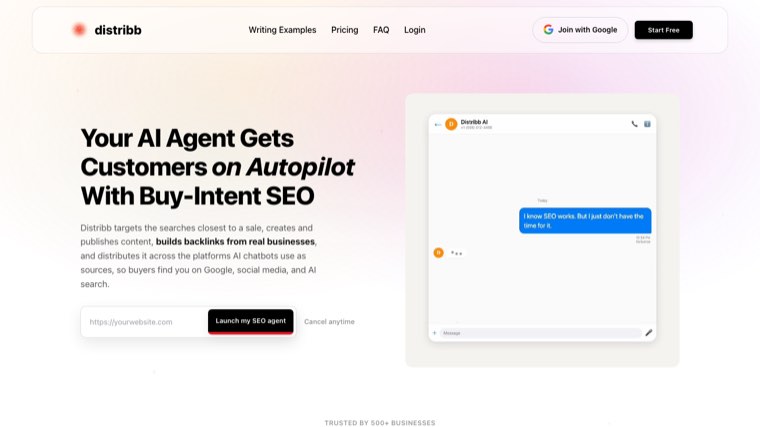
Most tools here tell you what to do. Distribb does it.
It finds buyer-intent keywords, writes the article in your brand voice, publishes to your CMS on a schedule, handles internal linking, earns contextual backlinks through an exchange of real businesses, and tracks whether five AI engines cite you. You review drafts or let it publish automatically.
Automates: research, writing, publishing, internal links, backlinks, AI visibility tracking. Best for: founders and lean teams where the constraint is that nothing gets published. Honest limit: no backlink index and no enterprise-scale crawler. Pair with Ahrefs if you need to audit arbitrary domains.
2. Semrush, the broadest suite
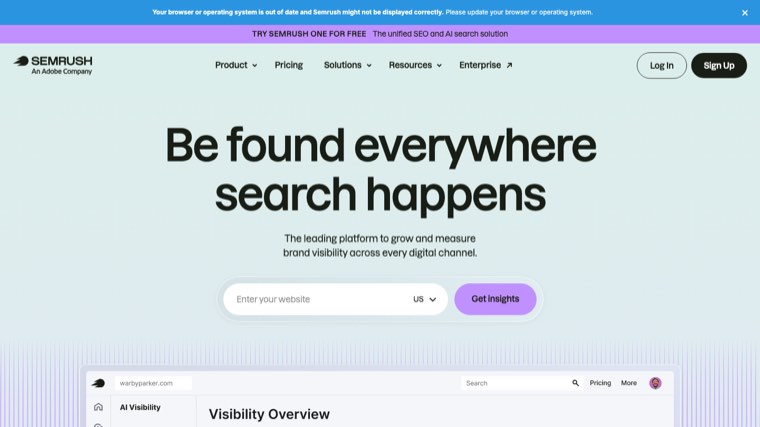
Scheduled site audits, position tracking, content templates and competitor alerts across one of the largest datasets available.
Automates: monitoring comprehensively. Execution is advisory, meaning its AI recommends and you implement. Honest limit: the price reflects the breadth, and most teams use a fraction of it.
3. Ahrefs, the data layer
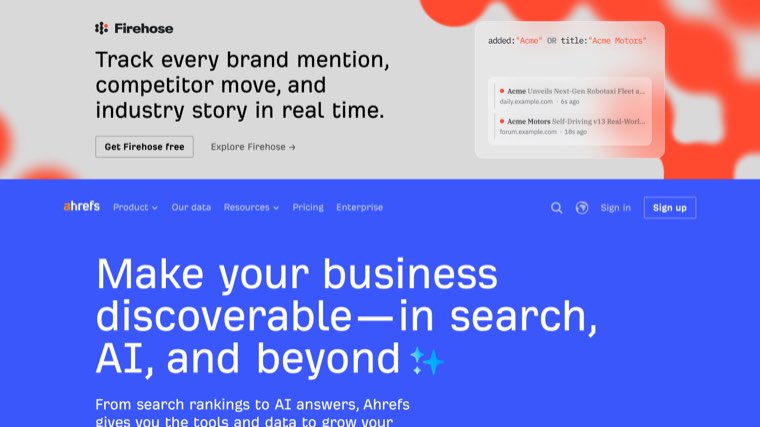
The best backlink index available, plus scheduled audits and rank tracking with alerts.
Automates: monitoring and alerting. Nothing else, by design. Honest limit: it is an analytics product. It will not do a single thing on your site. Where an analytics product ends and a research suite begins is the subject of our Semrush vs Google Analytics comparison.
4. SE Ranking, the value all-rounder
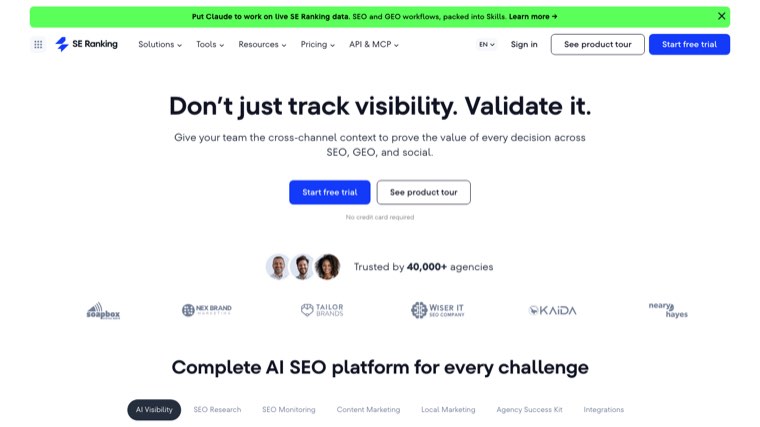
Most of what Semrush does at a lower price, with white label reporting and AI search visibility tracking. The rest of that price bracket is covered in cheap alternatives to Semrush.
Best for: small agencies that need client reporting without enterprise cost. Honest limit: each module is good rather than category-leading. Reporting tools proper are compared in our SEO reporting tools roundup. Agencies weighing the same trade-off across a client roster should read how agencies should choose AI SEO software.
5. seoClarity, enterprise automation
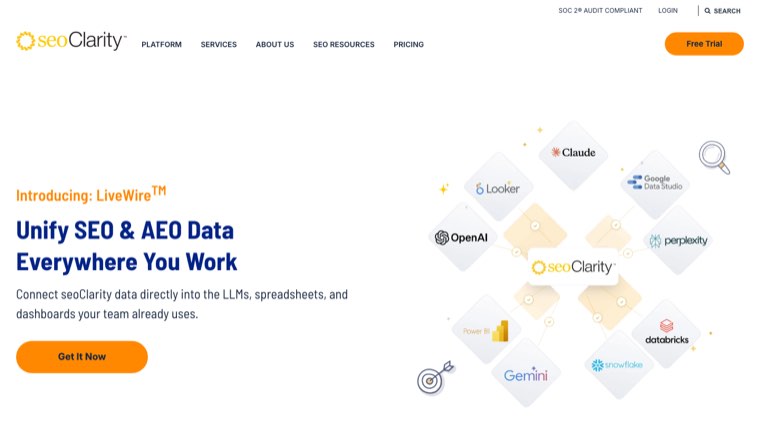
Built for large sites and in-house teams, with automated recommendations, content briefs and an AI assistant across very large datasets.
Best for: enterprise in-house SEO teams. Honest limit: enterprise pricing and onboarding.
6. Alli AI, on-page changes without a developer
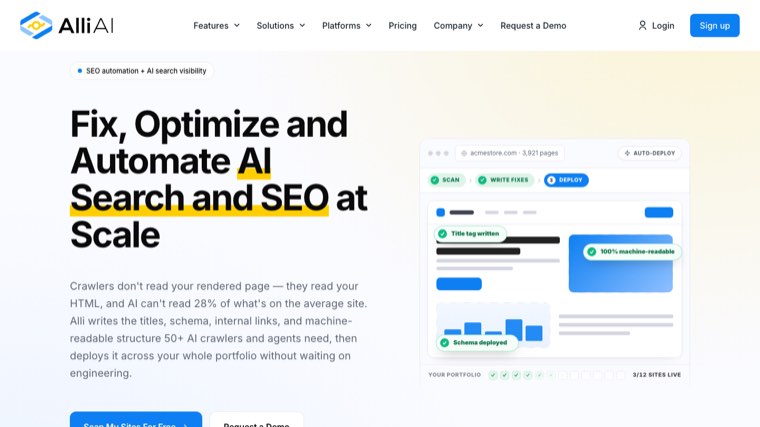
Alli AI pushes on-page changes live through a script or CMS integration, so title tags, meta descriptions and schema get deployed without a release cycle.
Automates: on-page execution genuinely, which is rare here. Best for: teams blocked by developer availability. Honest limit: on-page only. It does not produce content.
7. Surfer, content scoring on autopilot
Automated content scoring against ranking pages, now repositioned around AI visibility rather than density alone.
Best for: teams with writers who need a target. Honest limit: stops at the draft. Surfer and Ahrefs solve different problems, which we set out in Surfer SEO vs Ahrefs.
8. Frase, research to draft automated
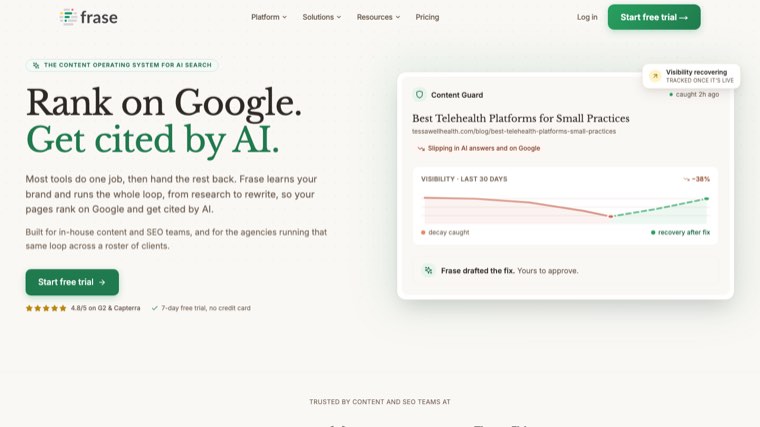
Pulls the SERP, builds the brief, drafts against it and optimises, in one pass.
Best for: small teams that want brief and draft in one place. Honest limit: publishing and links are still yours.
9. MarketMuse, automated content gap analysis
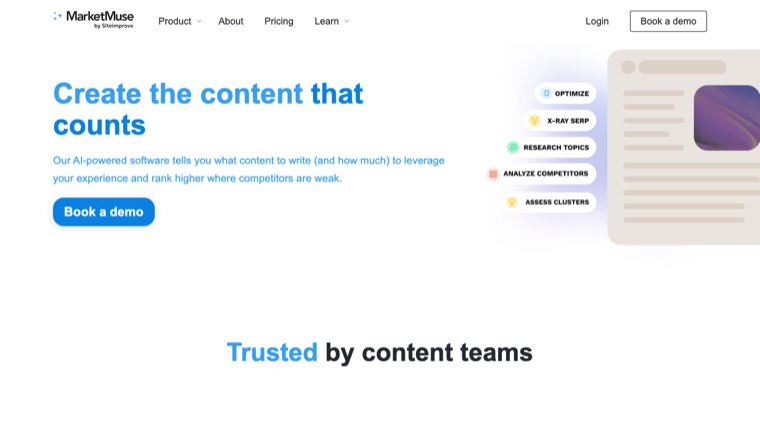
Models your site against a topic and surfaces what is missing, replacing hours of manual gap analysis.
Best for: planning a cluster before writing it. Honest limit: planning only, and priced for teams.
10. Screaming Frog, scheduled crawling
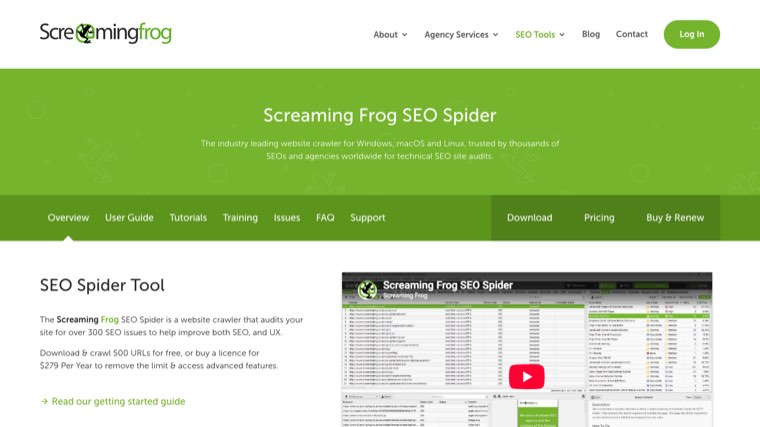
Scheduled crawls with automated exports and comparison against previous runs.
Best for: technical monitoring at depth. Honest limit: desktop software, expert interface, no recommendations.
11. Sitebulb, crawl automation with prioritisation
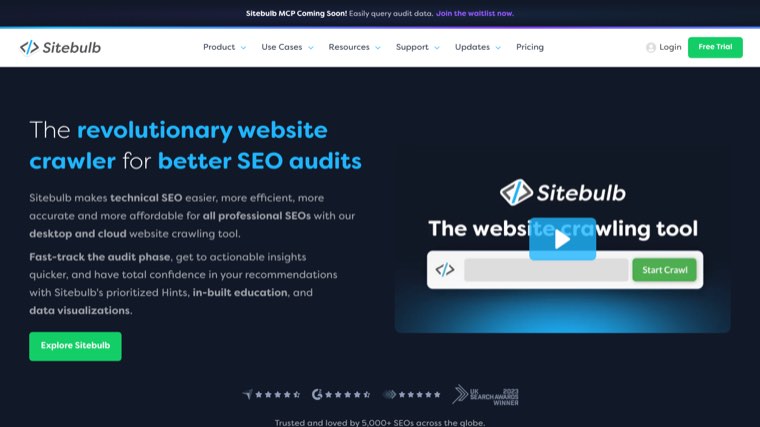
Similar crawl depth to Screaming Frog, with findings ranked and explained.
Best for: consultants producing client audits on a schedule. Honest limit: slower on very large sites.
12. AccuRanker, rank tracking done properly
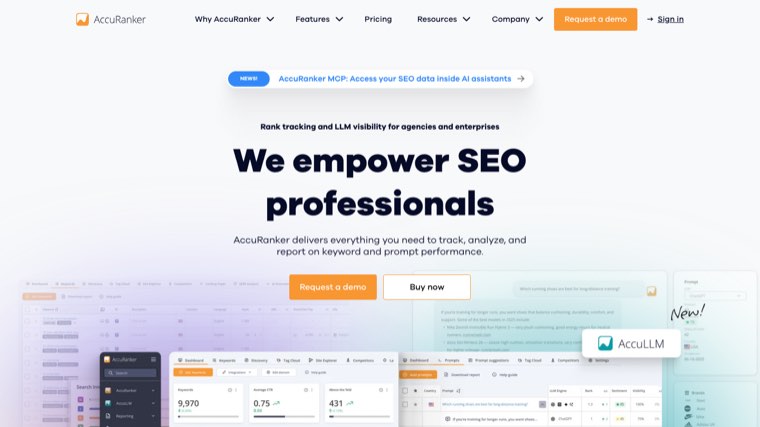
Fast, accurate, on-demand rank refreshes with automated reporting, doing one thing better than the suites.
Best for: teams where ranking accuracy is contested with clients. Honest limit: rank tracking only.
What you cannot automate
Vendors imply otherwise, so it is worth stating.
Judgment about intent. A tool can tell you a keyword has volume. Whether the SERP wants a listicle, a product page or a tutorial is a decision, and getting it wrong wastes the whole article.
Being worth linking to. Automation can find prospects and send follow-ups. It cannot make an editor want to link to a thin page. Tools that handle the finding and the following up are compared in our roundup of AI tools to automate backlink building. The prospecting and follow-up side of that is a tooling question of its own, compared in our roundup of link building automation tools.
Brand voice, at first. Every tool that writes needs a few cycles of correction before the output sounds like you. Budget for that rather than being surprised by it.
Deciding what not to publish. Publishing more is easy. Publishing less and better is the harder call, and no tool makes it.
How to choose
- You need pages published, not reports: Distribb
- You have writers and need direction: Surfer or Frase
- You need the best data: Ahrefs
- You need everything and have budget: Semrush
- Same, on a budget: SE Ranking
- On-page changes blocked by developers: Alli AI
- Enterprise scale: seoClarity
- Rankings are disputed with a client: AccuRanker
FAQ
What is the best automated SEO software? For monitoring, Semrush or Ahrefs. For actually executing, Distribb. They are different products and the word "automated" hides the difference.
Can SEO be fully automated? Research, writing, publishing, internal linking and monitoring can be. The strategic calls cannot, and any vendor claiming otherwise is overselling.
Is automated SEO safe? Automating your own workflow carries no risk. Automating link acquisition without human review is where penalties live. The distinction is whether a person decides that a given placement makes sense.
How much does it cost? Entry suites start around $100 a month. Enterprise platforms run into four figures. Execution tools price on output volume rather than seats.
Will automated content rank? Some does, some does not, and the differentiator is whether it says something the existing results do not. Automated content that restates page one will not rank, however well optimised.
Do I still need an SEO person? For strategy, yes. Automation removes the repetitive work, not the thinking. Keeping that thinking organised across a team is what SEO project management tools are for.
Will it work with my CMS? Most of these integrate with WordPress and support thins out quickly after that. Webflow, Shopify and headless setups are where integrations break, so confirm your specific platform before subscribing rather than trusting a logo grid.
How quickly will I see ranking improvements? Three to six months for new content on an established domain, and longer on a new one. Anything promising results in weeks is describing a long tail query nobody was competing for.
The honest summary
Most teams buying automated SEO software already know what to do. They are not short of audits or keyword lists. They are short of published pages.
If that is you, a better monitoring tool will not help. Distribb researches, writes, publishes and builds links on a schedule, and tracks whether AI engines cite the result. Seven-day free trial, cancel anytime.