
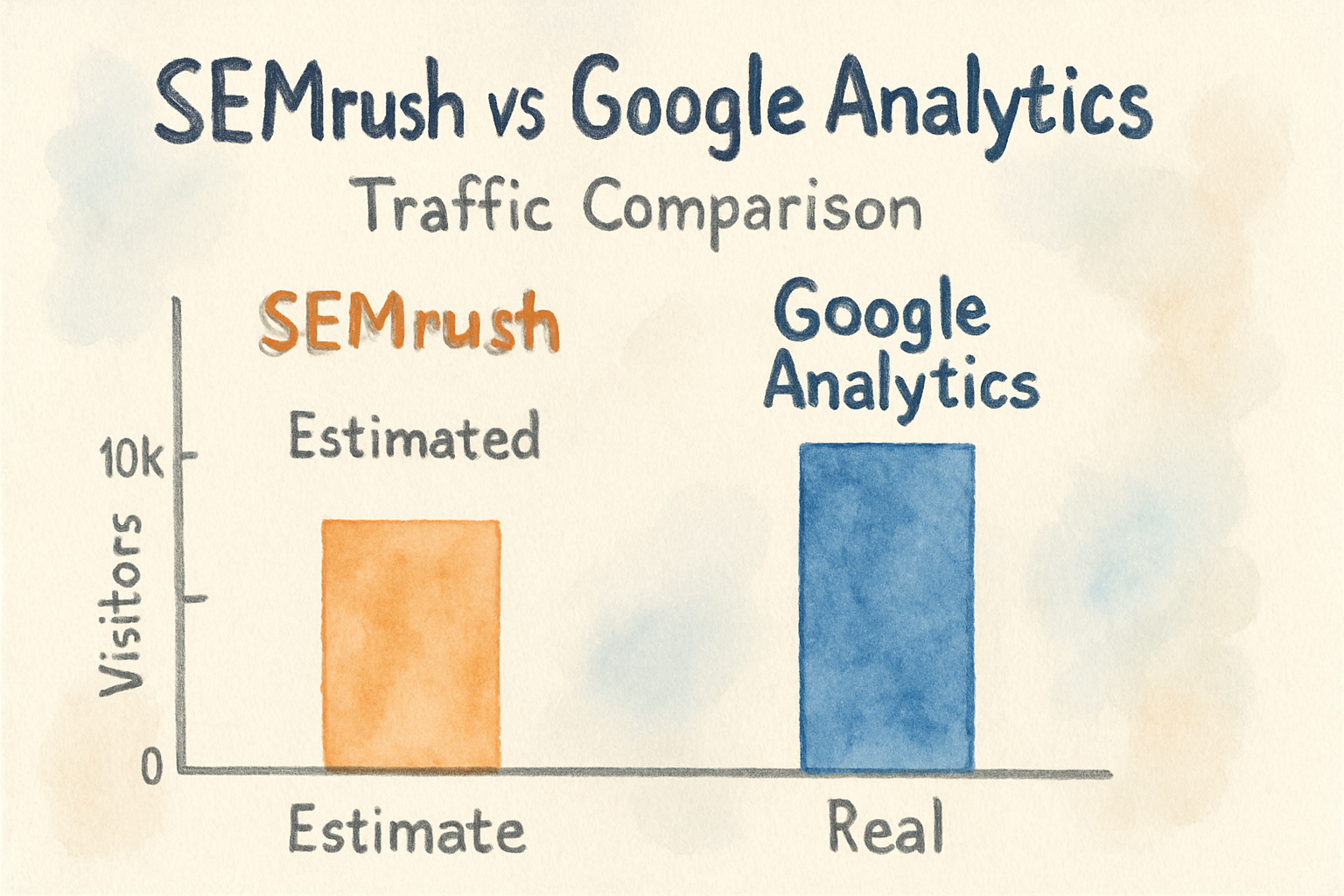
These two products get compared constantly, and the comparison is slightly wrong from the start. They are not alternatives. Google Analytics measures people who already reached your site, and Semrush estimates the search market outside it.
Choosing between them is like choosing between a thermometer and a weather forecast. This guide covers what each one actually measures, why their traffic numbers never agree, and which questions each is the right tool for.
The one line version
Use Google Analytics to understand what happened on your site. Use Semrush to understand what is happening in search results you do not yet own.
If you have to pick one and you have no budget, take Google Analytics, because it is free and it is your own data. Semrush becomes worth paying for once you need to know what competitors rank for.
Google Analytics

Google Analytics records real sessions from real visitors on your own property. Every number is measured rather than modelled, subject to consent banners and ad blockers, and it is free at the volumes almost any small or mid sized business will ever hit.
What it cannot tell you is anything about pages you do not own. It has no idea what a competitor ranks for, what a keyword's search volume is, or who links to whom. It is a closed system that reports on your own house.
The other limitation worth knowing is that GA4 tells you a visitor arrived from organic search but is deliberately thin on which query they used. For that you need Google Search Console, which is free and pairs with it.
Semrush

Semrush estimates the search landscape. Keyword volumes, competitor rankings, backlink profiles and paid ad history are all built from crawling and modelling rather than from your own logs.
That is the right tool for the questions Analytics cannot touch. Which keywords does a competitor rank for that we do not. Who links to them. What is this term worth going after.
The catch is that every traffic figure Semrush shows for a domain is an estimate. For your own site those estimates are frequently off by a wide margin in either direction, and treating them as fact is the single most common misuse of the tool.
Start here: Semrush.
Why the traffic numbers never match
People notice that Semrush says 4,000 visits and Analytics says 1,200, then ask which is right. Analytics is right about your site, because it counts actual sessions.
Semrush arrives at its figure by taking the keywords it knows you rank for, multiplying by estimated volume and an assumed click through rate. It cannot see direct traffic, email, social, or any keyword outside its index. The gap is expected and does not indicate a broken setup.
The rule that avoids most confusion: never use a third party estimate for your own performance, and never expect first party analytics to tell you anything about a competitor.
Which tool answers which question
| Question | Tool |
|---|---|
| How many people visited last month | Google Analytics |
| Which pages convert | Google Analytics |
| Where my traffic comes from | Google Analytics |
| What a competitor ranks for | Semrush |
| Whether a keyword is worth targeting | Semrush |
| Who links to a competitor | Semrush |
| Which of my queries get impressions | Search Console, free |
| Whether my site has technical errors | Semrush audit or a crawler |
Pricing reality
Google Analytics is free, and the paid tier exists for enterprises with data volumes that most businesses will never approach. There is no meaningful cost decision here.
Semrush is a significant monthly commitment, and the entry plan limits how many projects, keywords and reports you get. For a single site owner checking a handful of competitors occasionally, that cost is hard to justify against cheaper keyword tools that do the same core job.
Should you run both?
Most teams doing SEO seriously run Analytics, Search Console and one market research tool. Analytics and Search Console cost nothing, so the only real decision is whether the third one earns its price.
A useful test: write down the last three decisions you made about your site. If none of them required knowing what a competitor ranks for, you do not need Semrush yet.
We looked at how far the estimates can drift in our piece on how accurate Semrush actually is, which is worth reading before you rely on its numbers in a report. If you are trying to separate where visits come from in the first place, the organic versus paid traffic explainer covers that ground.
Connecting Semrush to Google Analytics
Semrush can pull your Analytics data into its dashboards so measured and estimated numbers sit side by side. In Semrush, open your project, find the Analytics integration in settings, authorise the Google account and select the property.
It is worth doing for reporting convenience. It does not make the estimates more accurate, and the connected view still labels which numbers come from where, so keep track of which is which when you present them.
Frequently asked questions
Can Semrush replace Google Analytics? No. Semrush cannot see your actual visitors, conversions or revenue, because it has no access to your site.
Can Google Analytics replace Semrush? Not for competitor or keyword research, which Analytics does not attempt.
Why is Semrush traffic higher than my Analytics? Estimates versus measurement, plus consent banners and ad blockers suppressing part of your real Analytics count. Both effects push in the same direction.
Do I need Search Console too? Yes, and it is free. It is the only source of the queries you actually appear for.
The bottom line
Stop treating these as competitors. Google Analytics and Search Console are your instrumentation, cost nothing, and should be set up before you buy anything. Semrush is market research, and its value depends entirely on whether your decisions need competitor data.
If your real problem is not measurement but that you know what to write and nothing gets published, that is a third category of tool. Distribb handles research, writing and publishing on your own site, and pairs with the free Analytics and Search Console setup described above rather than replacing it. Our overview of automated SEO software covers that category more broadly.