
Every SEO agency now sells an AI SEO service, and for a good number of them the only thing that changed was the page title. The useful question is not whether a provider uses AI, because they all do, but whether they are optimising for a different destination than they were three years ago. Our explainer on what AI SEO services actually do covers the mechanics behind the label.
That destination is AI Overviews, ChatGPT and Perplexity, where being cited is the outcome rather than holding position three. This list says which providers genuinely work on that and which have relabelled their existing service. The first entry is not an agency, and the reason is in the entry. Where you sit in a category before any of that starts is a separate question, covered in our guide to SEO positioning.
How we compared these
All thirteen were loaded on their live sites in August 2026 and screenshotted, so every provider here resolved and is a real, trading business. Anything that 404ed or turned out to be a parked lander was cut before writing. Broader numbers on the category, with sources attached, sit in our SEO statistics roundup.
We have not been a client of all twelve agencies, and any page claiming otherwise is not telling you the truth. What each entry reports is the model the agency publishes, who it is built for, and the trade-off that model carries. Pricing is left out deliberately, because almost every provider here quotes per engagement and any figure would be invented.
The question to settle before you shop
If you are an agency or consultant buying on behalf of clients, decide first whether you are buying a service or licensing software and keeping fulfilment in-house. They are different businesses.
An agency bills per client, so your cost rises in a straight line as you win more clients. Software bills flat, so serving ten clients costs close to what serving one costs. That is the whole reason the first entry is here, and it is also the reason it will be wrong for plenty of readers. The software side of that choice is compared in our roundup of automated SEO software. A brand new site starts from a different place again, which our guide to SEO strategies for new websites covers.
1. Distribb, software rather than a service

Distribb is software, not an agency. No one here takes on your client, joins their calls, or writes their strategy, and that needs saying plainly before the comparison, because everything else on this list is an agency and the two are not like for like.
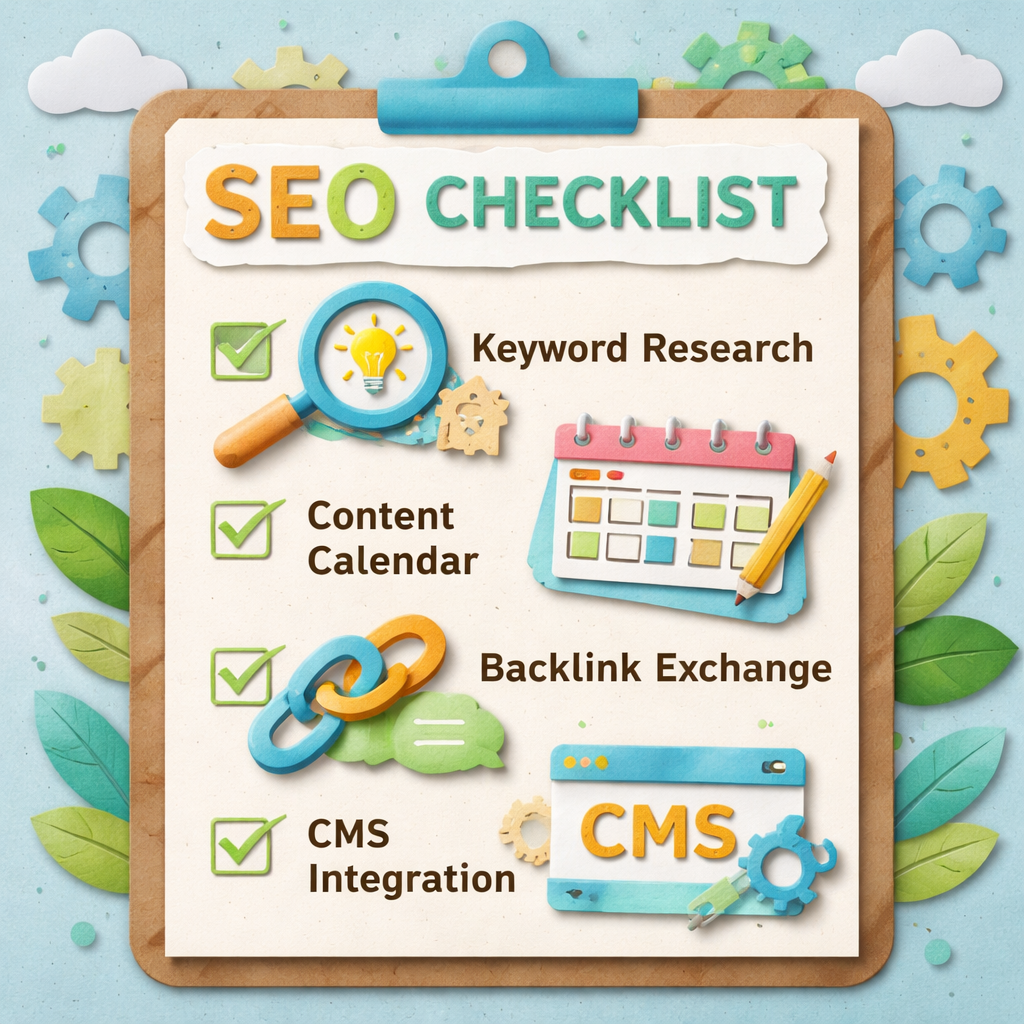
What it does is run the repeatable part: keyword research, article writing, publishing straight into the client's CMS, internal linking maintained as the library grows, and a backlink exchange that earns links from other sites in the network instead of paying per placement. All of it can be white labelled so your client sees your brand and never ours.
Why it leads a list of services: no per-client fee that climbs with volume, no turnaround queue behind other people's orders, and you keep the client relationship and the margin.
Honest limitation: there is no strategist and no account manager. It will not do manual technical fixes, local citation cleanup, digital PR, or migration work, and it will not sit on a monthly call explaining results to your client. If the client is buying a person as much as an outcome, one of the twelve agencies below is the correct purchase and this is not.
Full-service agencies with real AI search practices
2. Thrive Agency, broad service, clear AI positioning

A large full-service shop that has built out a distinct AI SEO offering rather than renaming the existing one, covering answer engine and generative engine work alongside conventional SEO.
Best for: businesses that want one agency handling search, paid and content together.
Where it is weak: breadth means your account sits among many. Ask who specifically is doing the AI search work.
3. OuterBox, ecommerce first with AEO and GEO

Long-established in ecommerce SEO, and its AI offering is framed explicitly around answer engine and generative engine optimisation rather than as a general modernisation.
Best for: online retailers, where product content and AI answers interact in specific ways.
Where it is weak: the ecommerce specialism is a poor fit if you sell services.
4. Victorious, process-led and transparent

Runs a documented, repeatable SEO process and is unusually open about what each engagement includes, which makes it easy to tell what you are buying before you sign.
Best for: buyers who have been burned by vague scopes.
Where it is weak: the standardised process is the product, so there is less room for an unusual situation.
5. WebFX, scale and reporting

One of the largest agencies in the category, with heavy investment in proprietary reporting and a very wide service menu.
Best for: mid-market companies that need thorough reporting for internal stakeholders.
Where it is weak: scale brings process, and process brings less senior attention per account.
6. Intero Digital, in-house team across channels

A sizeable team covering SEO alongside paid, video and development, positioned around keeping the work in one place rather than subcontracting it.
Best for: companies wanting a single accountable partner across several channels.
Where it is weak: the all-in-one pitch is only an advantage if you actually need several channels.
7. HigherVisibility, mid-market generalist

A well-established mid-market agency with a long track record and clear service definitions across SEO and adjacent channels.
Best for: established businesses that want a safe, experienced pair of hands.
Where it is weak: less specialised than the boutiques below in any single discipline.
The specialists worth knowing
8. Seer Interactive, data and analysis led

Built around data analysis, with a strong public reputation for genuinely original research rather than repackaged industry commentary. The analytical approach transfers well to AI search, which is largely a measurement problem right now.
Best for: organisations with real data volume and the appetite to act on analysis.
Where it is weak: priced for larger budgets, and the analytical depth is wasted on a small site.
9. Omniscient Digital, content-led growth for B2B software

Focuses narrowly on organic growth for B2B and SaaS companies through content, which is the discipline that most reliably produces the kind of pages AI assistants cite.
Best for: B2B software companies treating content as a growth channel rather than a checkbox.
Where it is weak: a deliberately narrow focus. Outside B2B software it is the wrong fit.
10. Directive, performance marketing for SaaS

Approaches SEO as one input to pipeline rather than as a ranking exercise, tying work to revenue metrics that a CFO recognises.
Best for: SaaS companies where marketing is judged on pipeline, not traffic.
Where it is weak: the performance framing suits funded companies with a sales team, less so a small business.
11. SEOProfy, data-driven and international

Runs campaigns across multiple markets with an emphasis on testing and published case data, and writes openly about method rather than hiding it.
Best for: businesses operating in more than one country or language.
Where it is weak: international breadth can mean less depth in any single local market.
12. Sure Oak, strategy and links

Combines SEO strategy with a strong link acquisition practice, which matters because authority remains a real input to whether AI systems cite a domain.
Best for: sites where the gap is authority rather than content volume.
Where it is weak: link-led engagements take longer to show results and cost more up front.
13. Search Bloom, smaller team, senior attention

A smaller agency positioned on senior people doing the actual work rather than handing accounts to juniors after the pitch.
Best for: businesses that want a named person who knows their account.
Where it is weak: limited capacity, and a small team is a risk if a key person leaves.
How to test an AI SEO claim in one question
Ask the agency to show you a client that is currently cited in ChatGPT or an AI Overview for a commercial query, and to explain what they did to cause it. A provider genuinely working on this will have an answer and a screenshot. Why some passages get retrieved and others do not is explained in our guide to semantic search and SEO.
A provider that has relabelled its existing service will talk about AI-assisted content production instead, which is a different thing entirely and mostly a cost saving for them rather than a result for you. For the categories next door, see our comparisons of SEO article writing services and SEO reseller programs.
If you are an agency, run the maths first
Take what you would pay a provider above for one client, multiply by the number of clients you want next year, and set that against a flat software fee. For most agencies past three or four clients, the per-client model is what caps the margin. Our free SEO ROI calculator does the same arithmetic if you would rather not build the spreadsheet. Our enterprise SEO ROI calculator does that arithmetic if you want it on paper.
Distribb's white label plan puts research, writing, publishing, internal linking and the backlink exchange under your own brand at a flat rate, with a 7-day free trial. It replaces the fulfilment, not the strategist, so if a person on the monthly call is part of what you sell, buy from the twelve above instead. Our guide to backlink services covers the off-page half in more detail.
FAQ
What makes AI SEO services different from traditional ones? Mostly speed and cost on the production side. Research, drafting and reporting get faster, while the strategy and the client relationship work exactly as before. The tools behind that split are easy to confuse, which is why we wrote Surfer SEO vs Ahrefs.
Do they help with AI Overviews and chat citations? Some do and most do not measure it at all. Ask directly whether they track citations in ChatGPT, Perplexity and Google's AI answers, and what they would do differently to earn them.
Do I need a technical background? Not for a service, since that is what you are paying for. For software you do need someone who can connect a CMS and read Search Console. If you would rather learn the basics first, how to do SEO optimization yourself walks through it.
How often should the keyword list be refreshed? Quarterly suits most businesses. Monthly only if your category moves fast or you are publishing daily. The matching question for publishing cadence is answered in how often you should blog for SEO. Tool volume figures are estimates rather than measurements, as our look at how accurate Semrush is sets out.
What return should I expect? Judge it on a twelve month view. Six months of spend with little to show is normal for SEO and is not by itself evidence that it is failing. Costs and returns differ sharply by vertical, and our breakdown of SEO for real estate agents shows one worked example. What that oversight involves month to month is covered in what SEO management actually is.
How do I test an AI SEO claim in one question? Ask what the AI actually does and who checks its output. A vendor who cannot answer that in a sentence is using AI as a marketing word.