
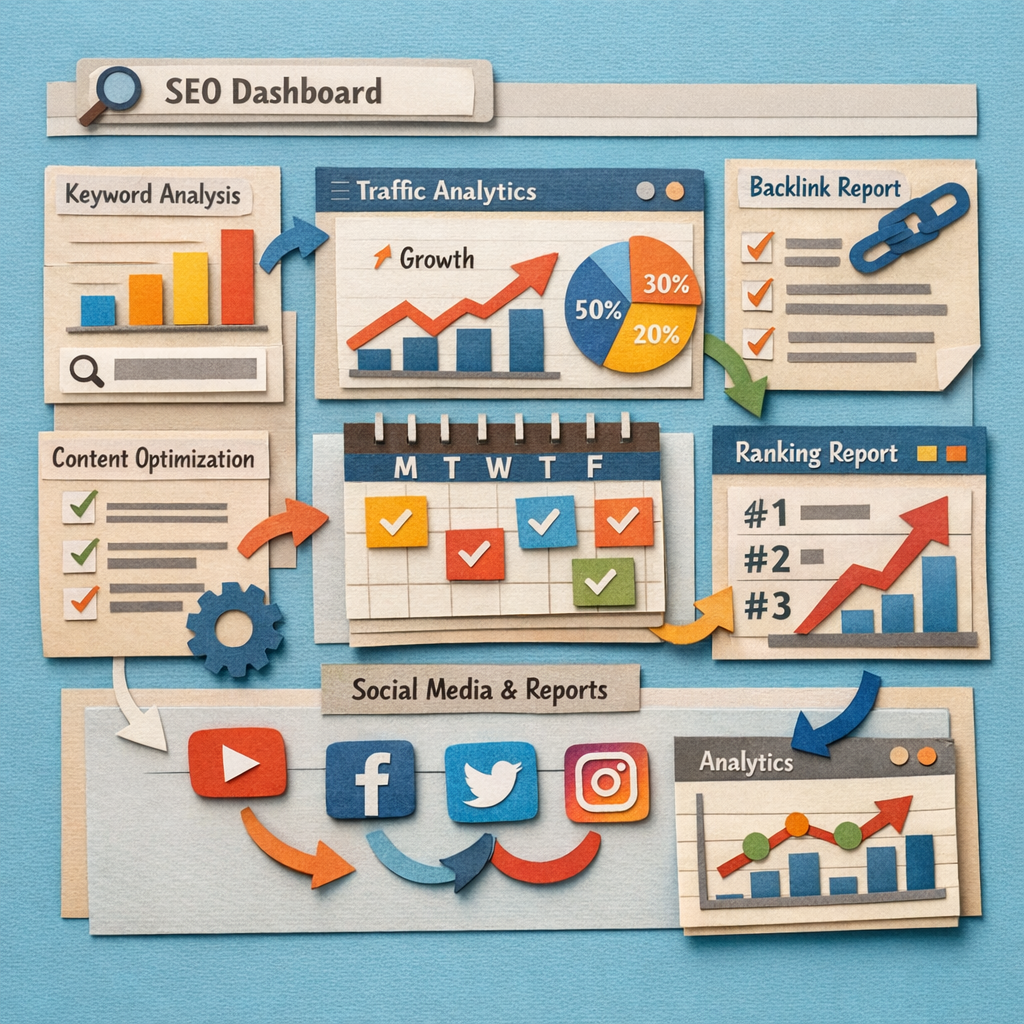
An agency needs five layers of tooling: research, rank tracking, technical audit, production, and client reporting. Most tool roundups mix all five together, which makes them impossible to budget from. A sixth layer is emerging around entities, which we cover in our guide to entity SEO tools.
This one is organised by layer, and prices everything at ten clients, because that is where per-client billing starts to hurt and where most agencies discover their stack costs more than they thought.
How we checked this list
Every tool below was loaded on its live site in August 2026 and captured there. Prices are quoted where the vendor publishes them in a form we could read; several gate pricing behind a demo, and for those we name the plan instead of inventing a figure. This page covers the whole stack. If your question is specifically about which tools can carry your branding, our comparison of white label SEO tools sorts on that instead.
The five layers
| Layer | What it does | Typical cost at 10 clients |
|---|---|---|
| Research | Keywords, competitors, gaps | $100 to $250/mo, flat |
| Rank tracking | Positions over time | $50 to $250/mo, scales with keywords |
| Technical audit | Crawls, errors, site health | $20 to $200/mo |
| Production | Content and links, the actual work | The largest line, or a salary |
| Reporting | Client-facing dashboards | $200/mo and up, scales per client |
Four of those five are flat or nearly flat. Production is the one that scales with client count, and it is the one most stacks have no answer for. Where AI genuinely changes each layer is covered in our list of AI-driven SEO tools. The narrower question of which AI product to run per layer is in choosing AI SEO software for agencies, and the automation options across all five layers are in the best SEO automation tools.
1. Distribb, the production layer

Thirteen tools below research, measure, crawl and report. None of them writes an article or earns a link, which is the work clients are actually paying for.
Distribb is software, not an agency, and that distinction matters here. It runs keyword research, writes the articles, publishes them into each client's CMS, adds internal links, and runs a backlink exchange across a network of real businesses, all under your brand. There is no account manager and nobody joins your client calls.
The case for running it in-house: production is the layer that normally scales with headcount or with a per-client fee to a white label agency. Moving it to a flat subscription is what changes agency margin at ten clients and above, and you keep the client relationship rather than sitting between them and someone else's fulfilment team. Our breakdown of private label SEO services compares the two cost structures directly.
The case against: no strategist, no client calls, no manual technical work, no local citation cleanup and no Google Business Profile management. If a client is buying a person as much as an outcome, a white label agency is the right recommendation and this is not it.
Honest limit: it does not track rankings, crawl sites or generate client reports. You will still buy from four of the five layers below. Seven-day free trial on Distribb's white label plan.
2. Ahrefs, the research layer

The largest live backlink index available, with keyword research, content gap analysis and competitor work on top. Flat pricing regardless of how many clients you use it for.
For most agencies this is the single most-used login in the building.
Honest limit: expensive, and credit limits on the lower plans bite quickly with ten clients. No client-facing reporting worth showing.
3. Semrush, the alternative research layer

Broader than Ahrefs across paid search, PPC and social, with position tracking and site audit included and an Agency Growth Kit add-on for branded reporting.
The breadth is the argument. One subscription covers more of the stack, at the cost of depth in each part.
Honest limit: the true agency cost is well above the headline once the add-ons are included. Backlink data is behind Ahrefs.
4. SE Ranking, the value all-rounder

Rank tracking, site audit, backlink research, competitor analysis and AI search visibility in one subscription, with white label reporting on the agency tiers.
For agencies where the Ahrefs plus AgencyAnalytics combination is hard to justify, this covers most of both.
Honest limit: backlink depth is not at Ahrefs or Semrush level. Pricing was not readable on their page for us, so confirm the agency tier.
5. Google Search Console, the free layer nobody uses properly

Free, and the only source showing what a client's site is genuinely being shown for rather than an estimate. The striking distance report finds work on every client site you connect.
Connect it for every client on day one. It is free and it is better data than anything you pay for.
Honest limit: one property at a time, data capped and delayed, and nothing client-facing. It sees only that site.
6. Screaming Frog, the technical audit standard

A desktop crawler that remains the default for technical audits, at a licence cost that is trivial next to the platforms.
For onboarding a new client, a full crawl on day one finds problems no dashboard surfaces.
Honest limit: desktop software, so it runs on one machine and does not schedule or report on its own. Large sites need memory.
7. Sitebulb, audits that explain themselves

A crawler built around explaining findings, with prioritised issues and reports you can hand to a client or a developer without translating them first.
That explanation layer is what makes it worth paying for alongside Screaming Frog rather than instead of it.
Honest limit: slower on very large sites, and it overlaps enough with Screaming Frog that most agencies pick one.
8. AgencyAnalytics, the reporting default

Multi-client dashboards with a large integration library, built-in rank tracking and site audits, fully brandable with a client login on your own domain.
The self-serve entry tier is priced per client, which is fine at three clients and the main budgeting question at thirty.
Honest limit: per-client pricing scales exactly with growth. It reports on work rather than doing any.
9. Whatagraph, reporting for larger agencies

From $812 a month billed annually. Cross-channel reporting with a governed data layer and linked templates, aimed at agencies where reporting time is measured in days per month.
At that price the calculation is straightforward: it has to save more than a part-time salary.
Honest limit: the entry price rules out small agencies. Confirm your specific integrations before committing.
10. DashThis, the simple option

$44 a month at the entry tier, then $139, $279 and $429. Preset templates, white label branding and automated sends, deliberately simpler than the flexible builders.
Less configuration means reports actually get sent, which is worth more than customisation nobody uses.
Honest limit: limited customisation, and pricing is per dashboard so client count drives cost.
11. Swydo, priced per data source

Priced by report volume with additional reports at $4.50, $3.00 and $2.00 depending on tier, and per-data-source rather than per-client billing.
For agencies running SEO, paid and social for many small clients, that model is often materially cheaper than per-client pricing.
Honest limit: a narrower integration list than the big platforms, and weekly sends across many clients add up.
12. Databox, dashboards plus analysis

Real-time dashboards with goal tracking and an AI analyst layer over the data, covering marketing metrics beyond SEO.
Useful when clients want a live view rather than a monthly PDF.
Honest limit: more analytics platform than agency reporting tool. White labelling is less complete than the agency-first products.
13. AccuRanker, when ranking data is the deliverable

$224 a month at the entry tier, $764 higher up. Rankings refresh on demand rather than on a daily cycle, which matters when a client emails about a drop that morning.
Expensive for one job, and the right buy if ranking reporting is what you sell.
Honest limit: it does nothing outside rank tracking. Hard to justify unless clients are watching positions closely.
14. BrightLocal, for agencies with local clients

$31 a month billed annually at the entry tier, then $40 and $49. Local rank tracking, citation building, review monitoring and Google Business Profile audits with white label reporting.
If your clients are restaurants, clinics, trades or multi-location retail, this covers work no general platform does properly.
Honest limit: local only. You need a second tool for national keyword work.
Building the stack without overpaying
Only two layers scale with client count. Reporting and production. Research, tracking and audit are largely flat, so growth pain comes from the other two. Agencies producing pages at real volume should also read our roundup of programmatic SEO tools.
Do not buy two research tools. Ahrefs and Semrush overlap enough that paying for both is a habit rather than a decision. Pick one and use it properly. The same overlap check applies across our wider AI-powered SEO tools list.
Free tools cover more than agencies admit. Search Console for every client, plus a crawler licence, is a credible technical and reporting base at near zero cost, which our list of affordable SEO tools goes into.
Reporting is the easiest place to overspend. A $44 tool and a $812 tool both send a client a monthly PDF. The difference matters at forty clients and not at eight.
Production is where the margin is decided. Every other layer is a few hundred pounds a month. Content and links are the line that scales with headcount, and it is the layer most stacks quietly leave to whoever has time. Tools that automate that layer are compared in our roundup of automated SEO software.
FAQ
What SEO tools does a small agency actually need? One research tool, a crawler, Search Console for every client, and one reporting tool. That is a credible stack under $300 a month at ten clients.
Ahrefs or Semrush for an agency? Ahrefs if backlinks and content gaps are your focus, Semrush if you also run paid and want position tracking and audits included. Both, only if you can name what the second one does that the first does not.
How much should an agency spend on tools per client? Between $20 and $60 a month per client across the whole stack is typical. Above $100 you are usually paying twice for something. What each tool costs individually is listed in our roundup of paid SEO tools.
Do I need white label reporting? If clients log in or receive documents, yes. It costs little and an unbranded report undermines the retainer it is justifying.
What is the most overlooked tool? Search Console, connected properly for every client with the striking distance report checked monthly. It is free and most agencies glance at it quarterly.
Should agencies build content in-house or outsource it? Outsource below about five clients, bring it in-house above that. The crossover is where per-client fulfilment fees exceed a flat subscription plus review time.
Which tools can I resell as my own? Very few permit true resale. Most allow branded reporting only, and their terms say so. Check before promising a client a portal.
Where to start
Audit what you already pay for. Most agencies are running two research tools, two rank trackers and a reporting platform whose per-client fee has quietly overtaken everything else.
Then look at the production layer, because it is usually the one with no tool against it at all. Distribb's white label plan covers keyword research, article production, publishing and contextual backlinks for every client on a flat subscription rather than a per-client retainer, and our SEO reporting tools comparison covers the layer above it. Seven-day free trial. Getting that output in front of people is the next layer again, covered in our list of content distribution tools.