18 Best Content Distribution Tools for 2026 (Tested and Verified)

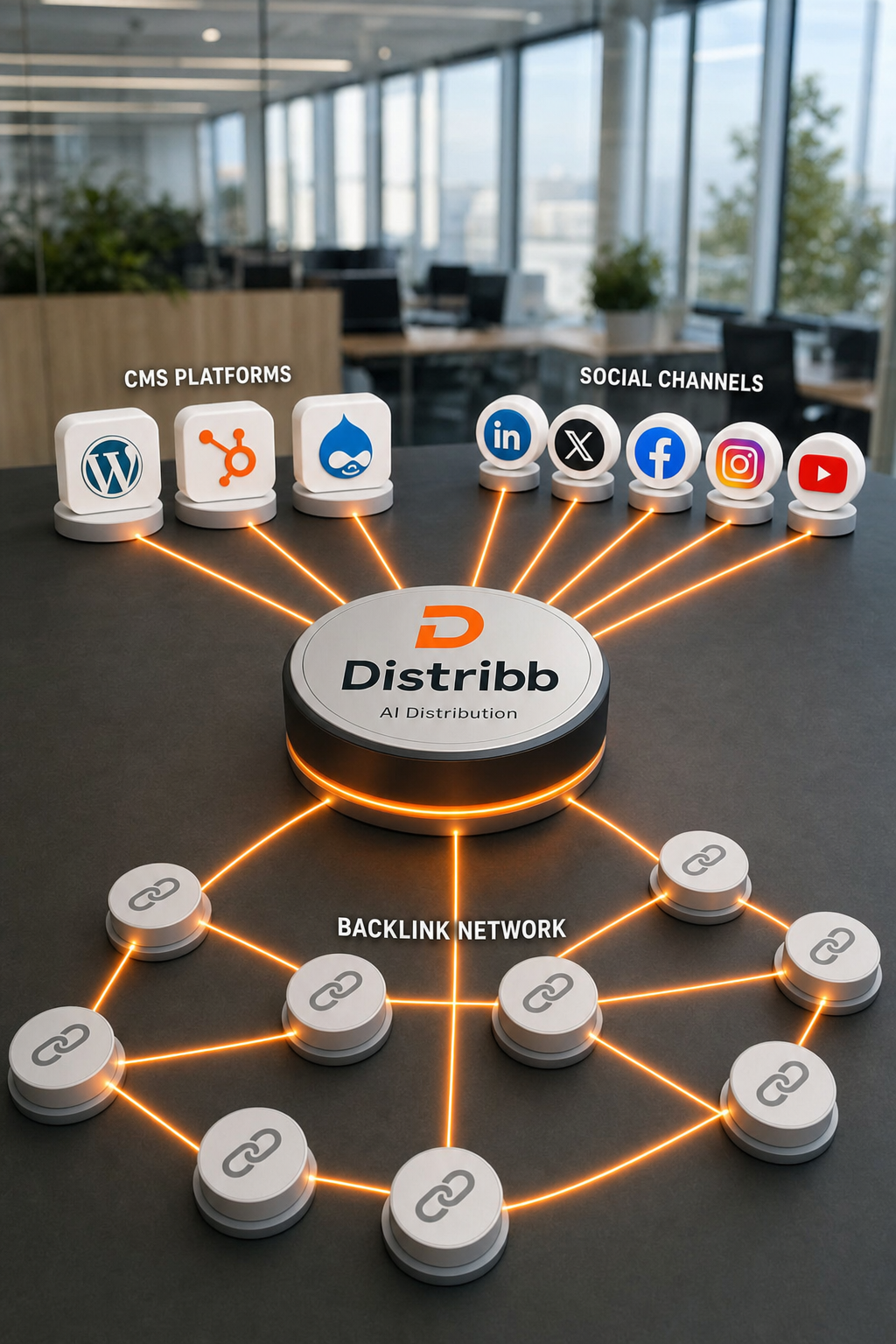
Distribution is the half of content marketing that decides whether the writing was worth doing. A post nobody sees earns nothing, and in 2026 that includes the AI answer engines, which cite pages they can find repeated across sources rather than pages that sit alone on a domain. The production half of that problem is covered separately in our guide to the best SEO tools for content creation.
No single tool covers every channel well. Most teams run three to five, which is why this list is grouped by what each tool actually distributes to rather than ranked as one league table.
How we tested
Every product below was loaded on its live homepage in August 2026 and screenshotted at 1440 by 900. Anything that 404d, timed out or resolved to a parked lander was cut before it reached this page, which is not a hypothetical filter: the previous version of this article recommended a product that does not exist.
Pricing was read from each vendor's own pricing page on the same day. We have not run a controlled side by side benchmark, and no vendor paid to be here. How those prices compare across the wider category is covered in our breakdown of paid SEO tools.
The four kinds of distribution tool
| Category | What it moves | Buy it when |
|---|---|---|
| Publishing | Articles onto your own site | Your CMS is the bottleneck |
| Social scheduling | Posts to social platforms | You post to three or more networks |
| Content to a list you own | You have subscribers | |
| Syndication and automation | Anything, to anywhere, on a trigger | You want distribution to run without you |
1. Distribb (our pick for search-led distribution)
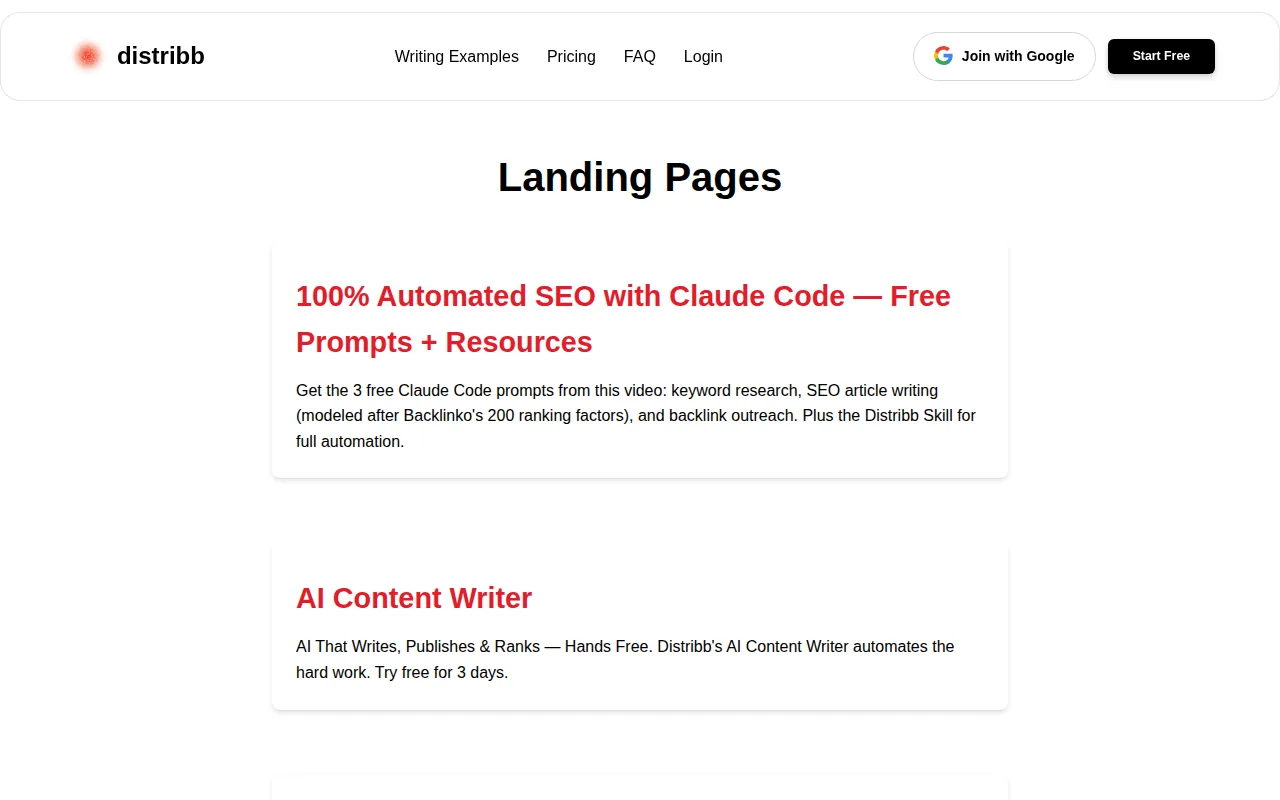
Distribution usually means pushing a finished post outward. That is the last mile, and by the time you reach it the page either has authority behind it or it does not.
Distribb treats it as three layers instead. On publish, each article is repurposed automatically to X, LinkedIn and Reddit. Alongside that, the backlink exchange earns links from real businesses in your field, which is distribution into other people's content rather than your own channels. On the Accelerator plan it also publishes for you onto the third-party platforms AI engines cite most when recommending tools, plus done-for-you video.
Whether any of it worked is measured against citations in ChatGPT, Perplexity, Gemini, AI Overviews and AI Mode rather than share counts. That matters here because most tools on this list assume the article already exists, and a scheduler cannot fix a blog that publishes nothing.
Pros:
- Three distribution layers, not one: your channels, other people's content, and third-party platforms
- Social repurposing on publish, so the article and its posts ship together rather than in two jobs
- Off-site placement done for you on Accelerator, including video
- Measured by AI citations across five engines instead of impressions and share counts
- Starts before the publish button, writing and publishing the page a scheduler would otherwise be waiting on
Cons: The done-for-you off-site distribution is Accelerator only. On the standard plan you get the social repurposing and the exchange, and the third layer is yours to run. It is also not a general purpose scheduler: it distributes what it produces, there is no unified social inbox, and it will not manage replies or community.
For who: Teams whose real constraint is that not enough gets published. Wrong choice if you already have writers and only need the posting layer.
Pricing: $97 a month with a 3-day free trial. Accelerator, which adds the done-for-you distribution and the video, is $495 a month. Two prices and no free plan.
2. Buffer
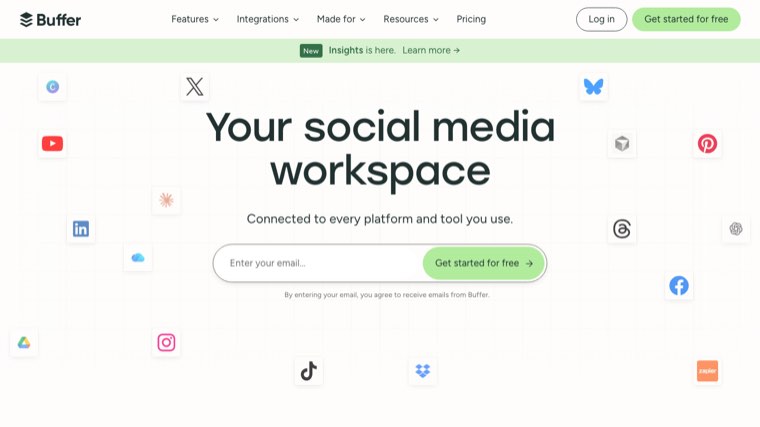
The cleanest social scheduler at the low end, and the one to start with if you have never run a queue. It covers LinkedIn, Instagram, X, Facebook, TikTok, Pinterest and Threads, with a free plan that is genuinely usable for one person.
Buffer's queue model, where you set posting times once and drop content into slots, still beats calendar dragging for consistency. Analytics are lighter than Sprout or Metricool, which is the trade for the price. Start here: Buffer.
Pros:
- Priced per channel, so a solo operator on two networks pays for two networks
- A free plan that actually works: three channels and ten scheduled posts on each
- The queue model keeps a posting rhythm going without anyone dragging cards around a calendar
- Fastest setup on this list, which matters more than feature depth for a first scheduler
Cons: Analytics stop at the basics, so it will not tell you much about why a post worked. The per channel pricing that makes it cheap for one person inverts once you run a dozen profiles, and there is no approval workflow for teams.
For who: Solo operators and small teams posting to a handful of networks.
Pricing: Free forever for up to 3 channels. Essentials $5 a month per channel, or $60 a year. Team $10 a month per channel, or $120 a year.
3. Hootsuite
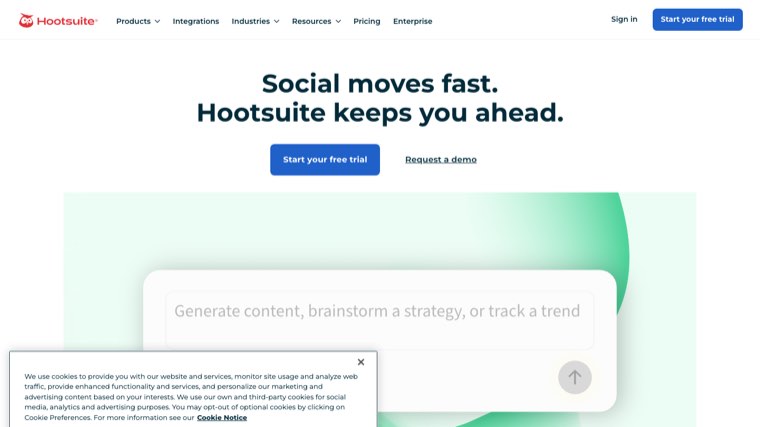
The widest platform coverage of anything on this list, and the only one most enterprise procurement teams already have on an approved vendor list. Scheduling, monitoring streams and approval workflows sit in one place.
It is expensive relative to what a small team needs, and the interface carries fifteen years of accumulated features. Buy it for the breadth and the governance rather than the elegance: Hootsuite.
Pros:
- Broadest network coverage of any tool here, including the ones smaller schedulers skip
- Approval workflows built in, which is what makes it survivable in a regulated company
- Monitoring streams alongside publishing, so listening and posting share a screen
- Already on the approved vendor list at most large organisations, which is a real procurement advantage
Cons: The entry plan is $99 a month, which is more than five times what Buffer or Publer cost a solo operator for the same posting job. Years of feature accumulation also show in the interface, and small teams routinely use a fraction of what they pay for.
For who: Larger organisations that need governance, approvals and breadth more than they need a low price.
Pricing: Standard $99 a month, Professional $199 a month, Advanced up to $399 a month.
4. StoryChief
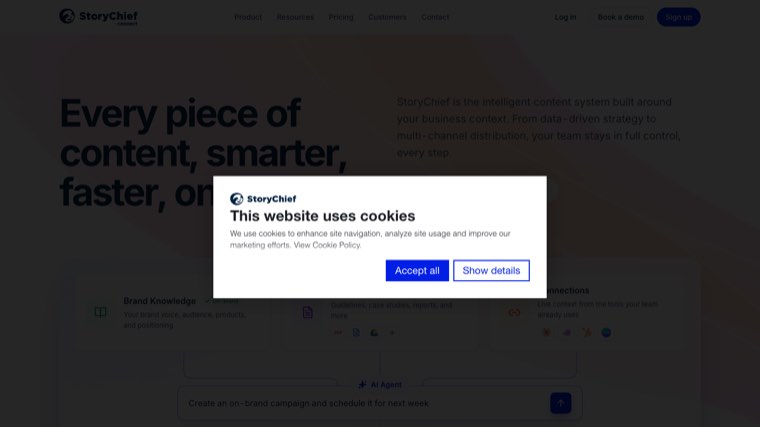
Write once, then push to your blog, your social accounts and your newsletter from a single editor. StoryChief is the clearest expression of multichannel publishing as a category, and the CMS integrations are the real product.
It suits content teams with an approval chain more than solo operators. The editor is opinionated, which is good if you want consistency across writers and irritating if you want control over every detail.
Pros:
- One editor, several destinations: blog, social and newsletter come out of the same draft
- CMS integrations are the core product, not an afterthought bolted on for a feature list
- Approval chains designed for teams where somebody signs work off
- A free tier for testing the multichannel idea before committing a team to it
Cons: Pricing is per seat above the entry plan, so the cost tracks headcount rather than output. The opinionated editor is also the point of friction most often raised by writers who want to control their own formatting.
For who: Content teams of three or more publishing to a blog and social from one workflow.
Pricing: Free plan, then roughly $22 a month billed yearly for a single user, about $34 a month per seat above that, and about $81 a month per seat at the top tier. Agency plans start near $58 a month per customer. Prices are set in euros and shown converted.
5. Metricool
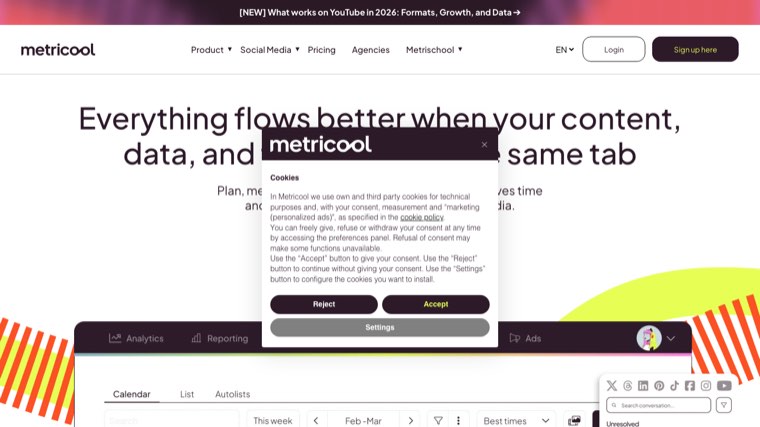
The best value in social scheduling right now, and the analytics are stronger than the price suggests. It also tracks competitor accounts and covers Google Business Profile posts, which most schedulers ignore entirely.
The free plan allows one brand connection. For agencies, per brand pricing stays reasonable well past the point where Sprout Social does not. Agencies weighing per brand pricing across a roster will find our roundup of the best SEO tools for agencies more directly useful.
Pros:
- Analytics well above its price band, which is the reason it keeps winning value comparisons
- Google Business Profile posting included, a channel almost every rival ignores
- Competitor account tracking without an enterprise tier
- Per brand pricing that scales sanely: 15 brands for about $53 a month is agency territory at solo prices
Cons: The free plan connects one brand only, so agencies hit the paid tier immediately. X is also carved out as a paid add-on at $10 a month per connected account, which is an awkward surprise on a tool otherwise priced for value.
For who: Agencies and multi-brand operators who want analytics without Sprout Social's per seat bill.
Pricing: Free for 1 brand. Starter from $20 a month billed yearly or $25 monthly, covering up to 5 brands. Advanced from $53 a month billed yearly or $67 monthly, covering up to 15 brands, rising to $159 for 50. Custom above that.
6. Sprout Social
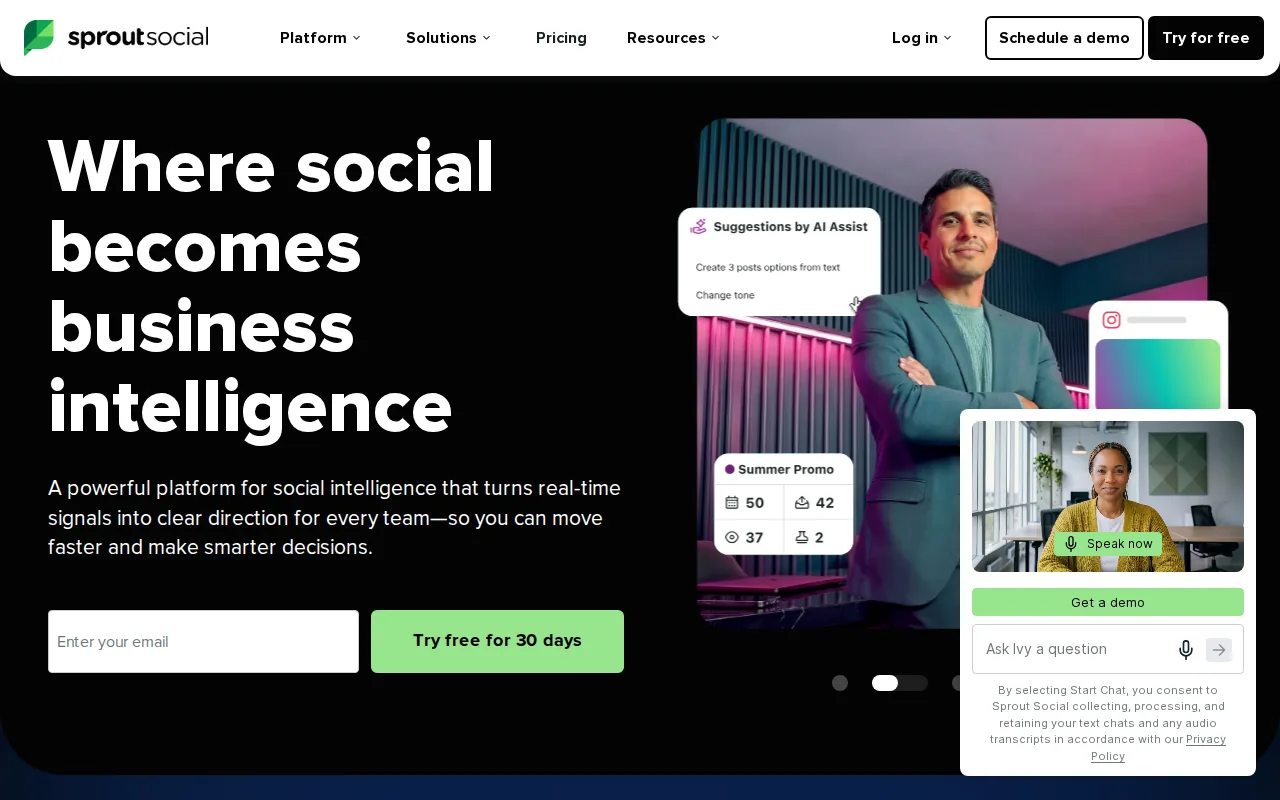
The reporting is the reason to buy it. Sprout produces client ready reports that need no cleanup, plus a shared inbox that genuinely works across a team rather than in theory.
It is priced per user and it is not cheap. Below about five seats, most teams get more from Metricool or Buffer for a fraction of the money.
Pros:
- Client ready reporting that goes out without anyone rebuilding it in Slides first
- A shared inbox that works at team scale, including assignment and response tracking
- Cross-functional workflows on the upper tiers, built for companies where social is not one person's job
- Profile and post level reporting from the entry plan upward
Cons: Every plan is priced per seat, so the bill scales with headcount rather than with output or channel count. At $99 per seat monthly on the entry plan, a five person team pays more each month than most tools here charge in a year.
For who: Agencies and in-house teams of five or more where reporting quality is what the client is paying for.
Pricing: Essentials $99 per seat a month billed monthly, or $79 billed annually. Standard $199, Professional $299 and Advanced $399 per seat a month.
7. SocialBee
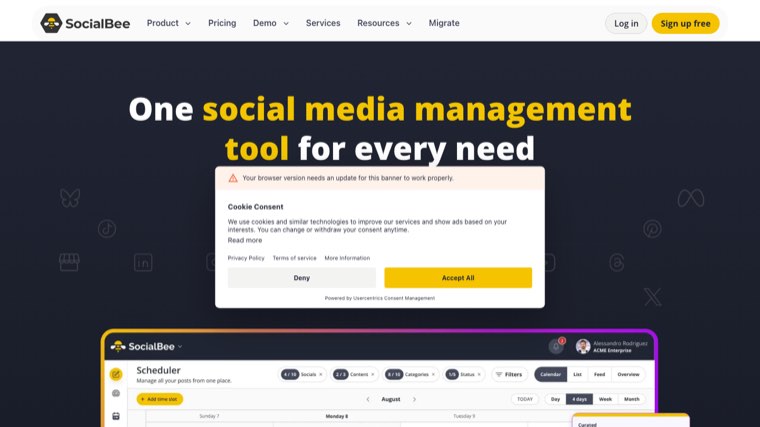
Category based recycling is SocialBee's differentiator. You file posts into buckets and it evergreen loops them on a schedule you set, which quietly multiplies the mileage of a library of durable content you already wrote.
The interface is dated in places. The recycling engine is worth putting up with it for, particularly if your archive is deep and your publishing rate is not.
Pros:
- Evergreen recycling by category, the only tool here that treats an old post as reusable inventory
- Buckets and schedules that let a small library fill a full posting calendar
- A 14 day free trial with no restrictions, which is long enough to judge the recycling properly
- Agency plans with post approval and internal notes for client work
Cons: Recycling only pays off if you have an archive worth recycling, so a new blog gets very little from the one feature you are buying. Add-ons also stack quickly: extra users, extra workspaces and sets of five profiles are each billed on top.
For who: Operators with a deep back catalogue and a modest publishing rate.
Pricing: Bootstrap $29, Accelerate $49 and Pro $99 a month billed monthly, or $290, $490 and $990 a year. Agency plans from $179 a month. Extra users and workspaces are $10 a month each, and a set of five profiles is $15. A promotional discount was running when we checked, so the list prices above are what to plan against.
8. SocialPilot

Built for agencies managing many client accounts, with bulk scheduling and white label reports at a price well below Sprout. Client approval flows are included rather than gated behind an enterprise conversation.
Analytics depth is middling. It is a volume tool and it is honest about being one, which is the right trade when you are posting for twenty brands rather than analysing one.
Pros:
- White label reports from the Premium tier, not held back for an enterprise contract
- Client approval flows included, which is the workflow agencies actually get stuck on
- Bulk scheduling built for filling many calendars at once
- Agency pricing that undercuts Sprout heavily for the same number of managed accounts
Cons: The analytics are shallow enough that you will still export to something else for a serious performance review. Extra accounts at $4 a month and extra users at $5 also mean the headline price understates what a real agency roster costs.
For who: Agencies posting at volume across many client accounts.
Pricing: Essentials $20, Standard $40, Premium $100 and Ultimate $200 a month billed monthly, with 15 percent off annual billing. Extra accounts $4 a month, extra users $5.
9. Publer

Publer does the small things other schedulers charge extra for: auto watermarking, link shortening, signature blocks and first comment scheduling. The free tier is unusually generous for what it includes.
It is a solid single operator choice with a pricing model that charges per social account, which is cheap at three profiles and gets expensive once you run many.
Pros:
- Utilities included rather than sold: watermarking, link shortening and first comment scheduling come with the plan
- A free forever tier that covers more than most free plans in this category
- The cheapest paid entry here at $5 a month per social account
- Signature blocks and post templates that cut the repetitive part of scheduling
Cons: Per account pricing is the catch. At three profiles it is the cheapest thing on the page, and at twenty it quietly overtakes tools with a flat fee, so the model rewards small operators and punishes growing ones.
For who: Single operators running a few profiles who want the utility features without an upgrade.
Pricing: Free forever. Professional $5 a month and Business $10 a month, charged per social account, with two months free on annual billing.
10. Later

Visual first, built around Instagram, and still the most comfortable place to plan a grid before it goes out. The link in bio product is bundled rather than sold separately, which removes one subscription from the stack.
It is weaker outside the visual networks. If LinkedIn and X are your main channels, this is the wrong shape of tool no matter how good the calendar looks.
Pros:
- The best visual planner here, which matters when the grid itself is part of the work
- Link in bio bundled, not sold as a separate product
- Best Time to Post derived per profile rather than from a generic industry table
- Social sets rather than raw channel counts, which suits managing one brand across every network
Cons: The strength is Instagram, Facebook and TikTok, and the further you get from images the less it earns its price. The Starter plan also has no room to grow: extra social sets, extra users and extra AI credits are all unavailable on it.
For who: Visual brands and creators whose main channels are Instagram and TikTok.
Pricing: Starter $18.75, Growth $37.50 and Scale $82.50 a month, all billed yearly at the 25 percent annual discount the page currently shows. Monthly billing figures only render after a toggle we could not read from the page source. 14 day free trial.
11. Pallyy
Flat priced, clean, and one of the very few schedulers with a workable free plan that includes a proper calendar view rather than a crippled preview. The bio link pages and media library are good.
Support is small team support, which cuts both ways. There are fewer integrations than the larger names, and that is the price of the simplicity.
Pros:
- Flat pricing: $25 a month covers unlimited posts, with no per channel arithmetic to do
- A free plan with a real calendar, not a preview designed to push you to upgrade
- Bio link pages and a media library included rather than charged for
- Clean enough to hand to somebody who has never used a scheduler
Cons: Fewer integrations than the larger platforms, so it is the wrong choice if your workflow depends on connecting to other tools. Support comes from a small team, which means slower answers when something breaks at an awkward hour.
For who: Small teams and freelancers who want predictable flat billing.
Pricing: Free for 15 posts a month. Starter $15 a month for 20 posts, Pro $25 a month for unlimited. Extra social sets $10 a month.
12. Postiz
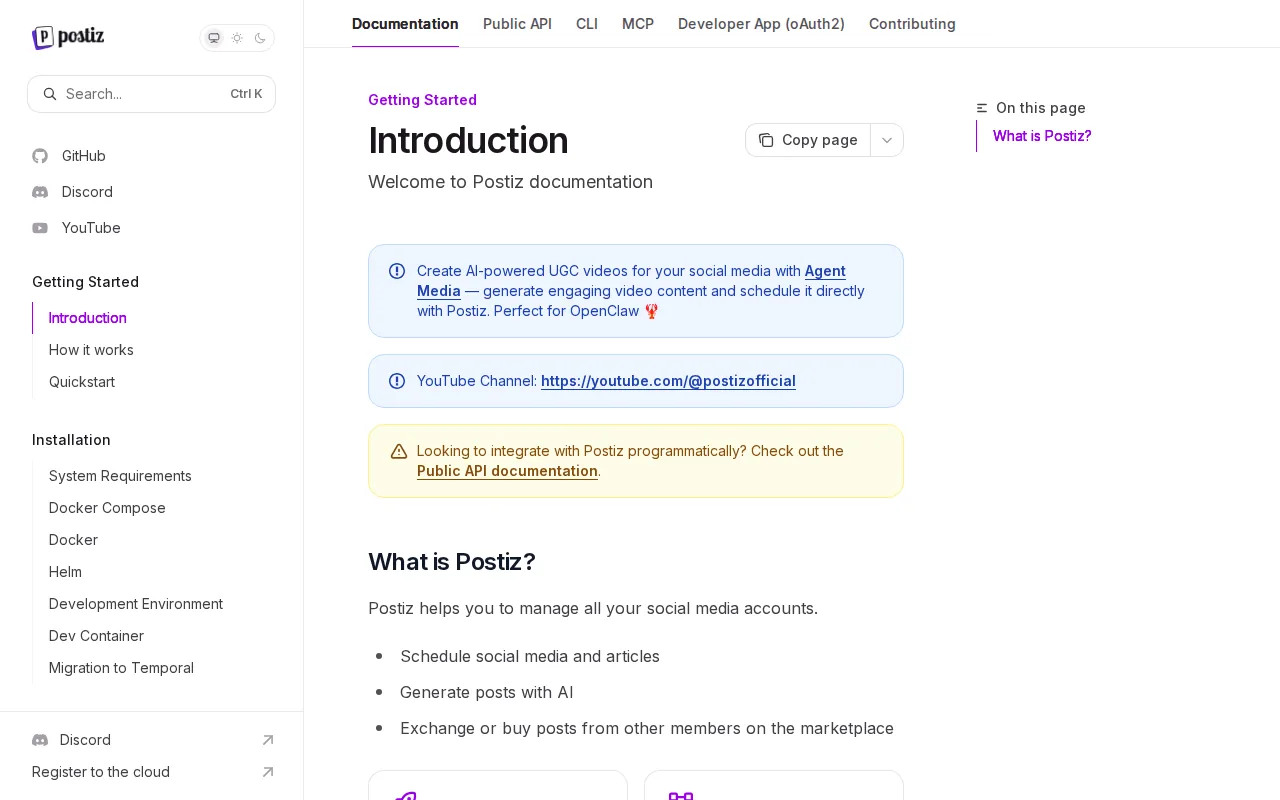
Open source, self hostable, and the option to pick if you want your posting queue running on infrastructure you control. It covers the major networks and adds AI assisted post generation on top.
Self hosting means you own the maintenance, the upgrades and the outages. The cloud version is priced competitively if you would rather not.
Pros:
- Genuinely open source, so the queue can live on your own infrastructure with no vendor in the path
- No lock-in: the data and the schedule are yours whichever way you run it
- RSS auto-post and posting sets included on every tier rather than reserved for upper plans
- Cloud pricing that stays flat as channels increase, unlike the per account models here
Cons: Self hosting is a real commitment. Upgrades, uptime and platform API breakages become your problem, and social APIs break often enough that this is not a set and forget decision.
For who: Technical teams with a reason to keep the posting queue in house.
Pricing: Standard $29, Team $39, Pro $49 and Ultimate $99 a month on the cloud version, cheaper billed yearly. Self hosting is free beyond your own infrastructure costs.
13. CoSchedule
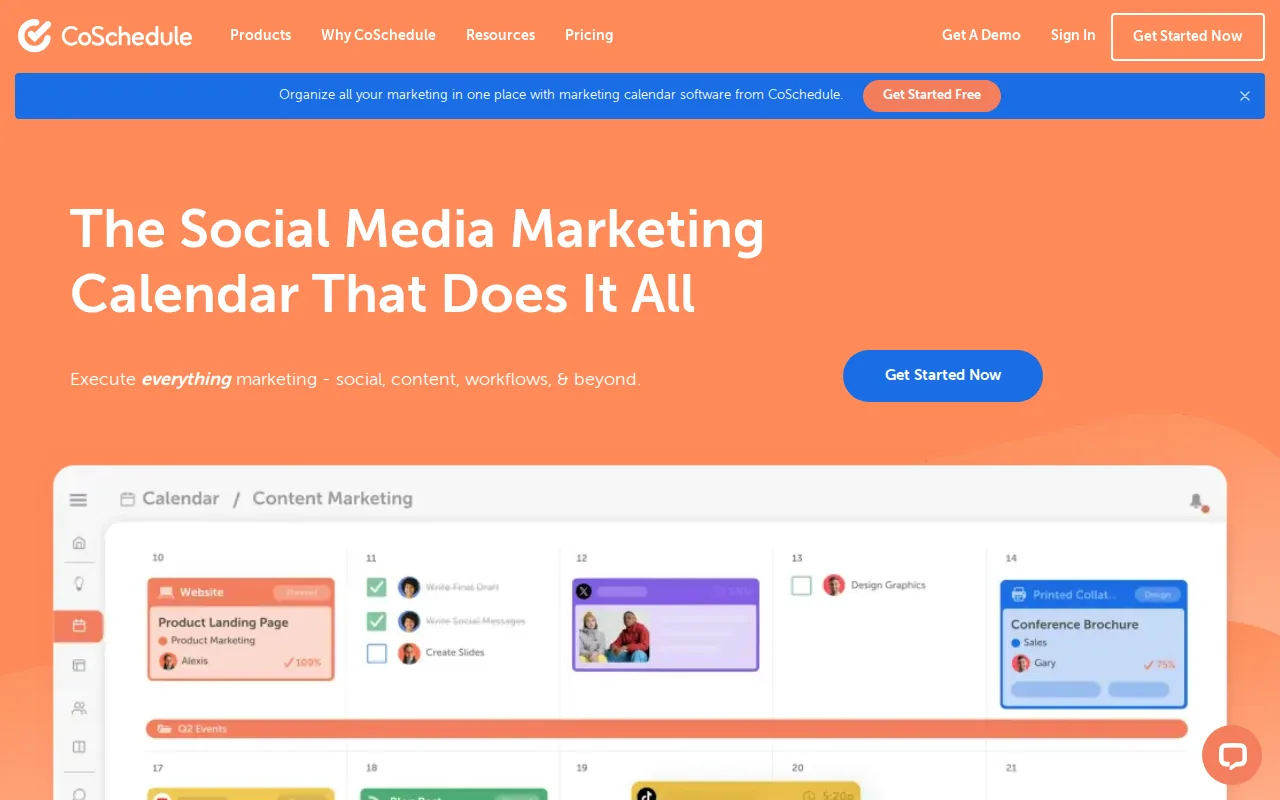
Marketing calendar first, scheduler second. If the problem you are solving is that six people cannot see what is going out this week, CoSchedule was built for exactly that and little else.
The headline analyser is still the best free thing on the internet for tightening a title. The full suite is priced for teams rather than individuals.
Pros:
- One calendar the whole team can see, which is the actual problem it solves
- A free forever tier for a single user, unusual in the calendar category
- The headline analyser, free and still the quickest way to tighten a title
- Approval and assignment built around a marketing team rather than a social one
Cons: Pricing is per user, so visibility for six people costs six seats, which is the opposite of what a shared calendar buyer expects. The two upper products also have no public price and route to a sales call.
For who: Marketing teams where nobody can see the full schedule in one place.
Pricing: Free forever for 1 user. Social Calendar $19 per user a month billed annually or $29 monthly. Agency Calendar $59 per user a month annually or $69 monthly. Content Calendar and Marketing Suite are quoted on a call. Additional profiles $5 a month.
14. dlvr.it
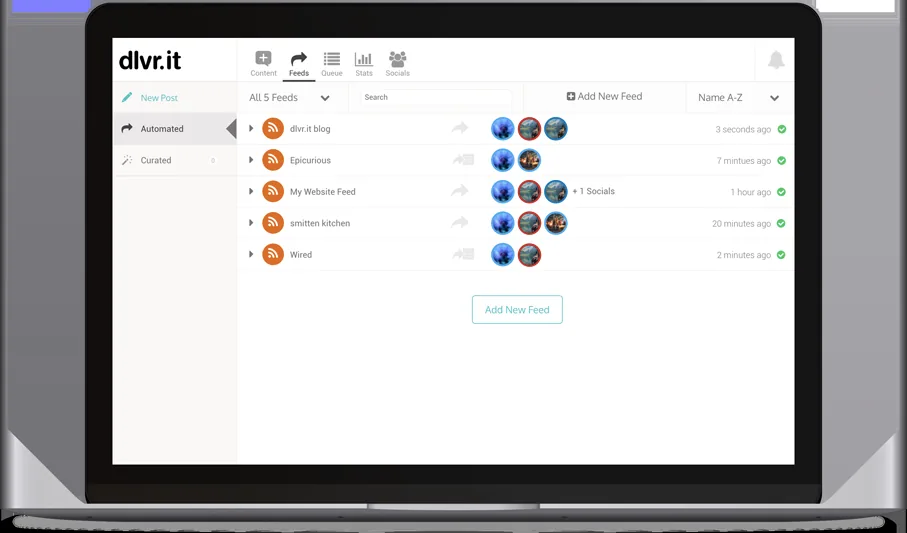
Point it at an RSS feed and it distributes every new post automatically to your social accounts. Unfashionable, and extremely effective for a blog that publishes on a regular schedule.
There is no content shaping here beyond templates. It is a pipe, and a cheap one, which is exactly what some stacks are missing.
Pros:
- RSS in, social out, with no ongoing human involvement once it is pointed at a feed
- The cheapest way to cover the publish moment if your blog already has a feed
- Set up once and it keeps working while nobody thinks about it
- Templates per network, so the same item does not go out identically everywhere
Cons: Automated feed posting produces exactly the undifferentiated output the FAQ below warns against, so it works best as one layer rather than your whole social presence. Its pricing page is also the one page in this roundup we could not read, which is not a good sign when you are trying to budget.
For who: Blogs publishing regularly that want the publish moment covered for close to nothing.
Pricing: Could not be read. We loaded dlvrit.com/pricing on 7 August 2026 in both a plain fetch and a rendered browser, and the plan table did not appear either time, so we are not quoting a figure. Check it directly before committing.
15. Mailchimp

Email is still the only distribution channel you own outright, and Mailchimp remains the default starting point for a reason. The automation is enough for most content newsletters without any configuration work.
Costs climb sharply with list size and the interface has grown heavy over the years. Fine to start on, and common to leave once the list gets big.
Pros:
- A channel you own, unaffected by whichever platform changed its algorithm this quarter
- Automation that needs no setup work for a straightforward content newsletter
- The widest integration surface of any email tool here
- A free tier for testing the channel before it costs anything
Cons: The free plan is now capped at 250 contacts, which is small enough that most content newsletters outgrow it within months. Pricing then scales by contact count rather than by sends, so the bill grows with an audience that has not necessarily started paying you back yet.
For who: Anyone starting an email list who wants the default option and no decisions.
Pricing: Free with a 250 contact limit. Essentials from $13 a month, Standard from $20, Premium from $350, all scaling with contact count. A 50 percent off for 12 months promotion was running when we checked, so plan against the standard rates.
16. Kit
Built for creators publishing regularly rather than for ecommerce campaigns, which makes it the better fit for a content led business. Sequences and tagging are simpler to reason about than Mailchimp's equivalents.
Design flexibility is deliberately limited. Kit's position is that plain emails from a person perform better than designed ones, and it builds the product accordingly.
Pros:
- Built for publishing cadence, not for ecommerce campaign mechanics
- Tagging and sequences that stay legible as the list and the automations grow
- A free tier four times the size of Mailchimp's, at 1,000 subscribers against 250
- Creator focused extras like the referral system and paid subscriptions
Cons: The free plan is capped at 1,000 subscribers and limited to one basic automation, so anything beyond a simple welcome email means paying. The deliberately plain templates are also a genuine constraint if your brand depends on designed email.
For who: Creators and content led businesses whose newsletter reads as a person writing.
Pricing: Newsletter free at 1,000 subscribers. Creator $33 a month or $390 a year, Pro $66 a month or $790 a year, both quoted at 1,000 subscribers and rising with list size. 14 day free trial.
17. Zapier
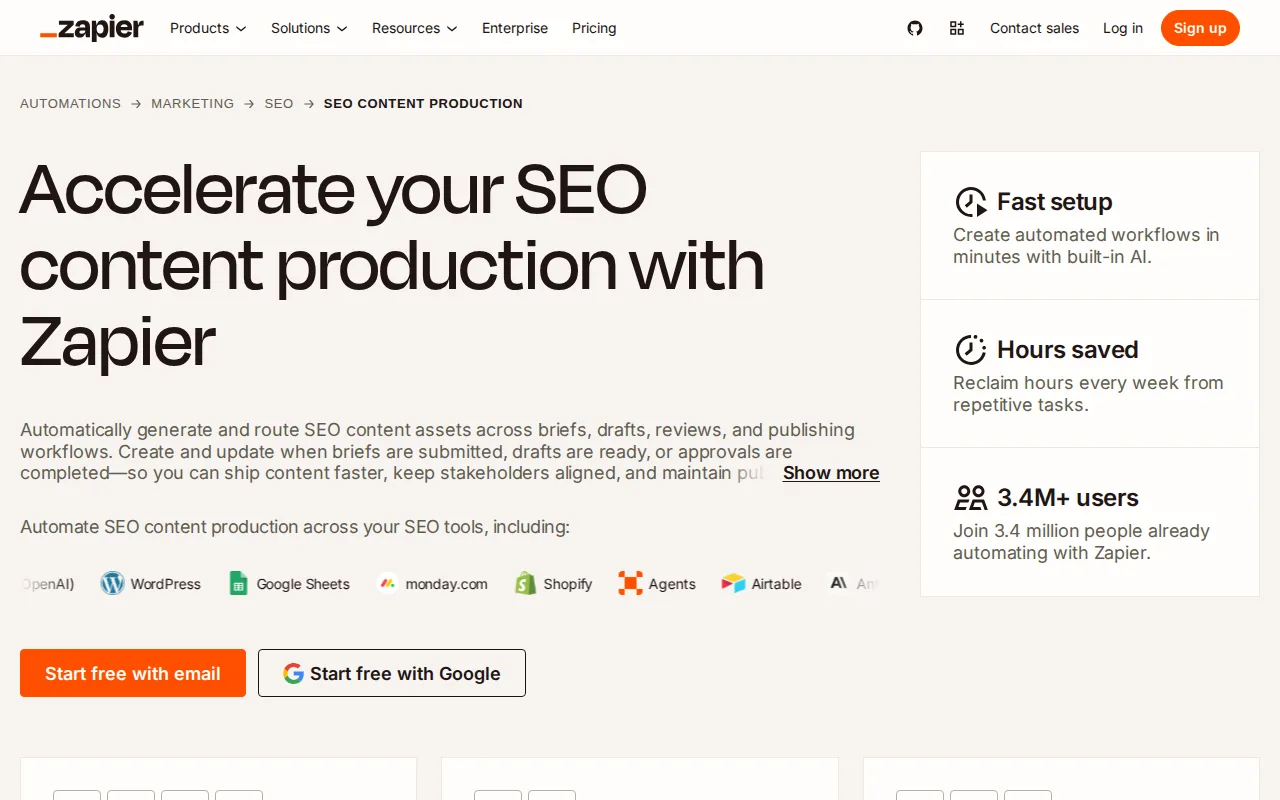
The connective tissue between everything else on this page. Published a post and want it in Slack, a Google Sheet, Buffer's queue and a newsletter draft without touching anything? That is a Zap.
Task based pricing means costs scale with how much you automate, so model your volume before committing to a tier rather than after.
Pros:
- The largest integration catalogue of any automation tool, which decides most of these purchases
- Multi-step workflows that chain the tools above into one publish action
- A free tier that is enough to prove the idea before paying
- Almost no learning curve compared with the alternative below it
Cons: Pricing is per task, so the cost rises exactly as the automation becomes useful, and a chatty workflow can cost more than the tools it connects. It is also markedly more expensive per operation than Make for the same work.
For who: Teams who want automation working this afternoon and will pay for the shortcut.
Pricing: Free forever with two-step Zaps. Professional from $19.99 a month, Team from $69 a month, both scaling with task volume.
18. Make
The more powerful and more technical alternative to Zapier, with visual branching, iterators and error handling that Zapier charges considerably more for. Operations are cheaper per unit at every tier.
The learning curve is real. If nobody on the team enjoys building flowcharts, this will be bought once and never opened again.
Pros:
- Far cheaper per operation: $9 a month covers 10,000 credits, which is a different order of cost to Zapier
- Branching, iterators and error handling included rather than reserved for upper tiers
- A visual builder that makes a complicated workflow readable once you know the notation
- A free tier with 1,000 credits a month for testing a build properly
Cons: It expects you to think like an integration engineer, and teams without that appetite abandon it. The free tier also enforces a 15 minute minimum between runs, so anything that needs to react quickly means paying from day one.
For who: Technical marketers who want automation depth and will accept the learning curve to get it.
Pricing: Free with 1,000 credits a month. Core $9, Pro $16 and Teams $29 a month at 10,000 credits, scaling with credit volume.
What we cut and why
The previous version of this article recommended a product called AIContentBoost as its top pick. No such product exists. It also listed Clearscope twice and invented product names like "Semrush AI" and "Ahrefs AI" that no vendor ships.
Every entry above was loaded and captured before it was written about. That is the whole reason this rewrite happened, and it is worth saying plainly rather than quietly fixing.
How to actually stack these
Pick one from each row of the table. A working 2026 stack for a content led business is a publishing layer, one social scheduler, one email tool and one automation tool, which lands around four subscriptions.
Adding a second scheduler almost never helps. Adding a second channel almost always does, so spend the next hour on a channel you are not in rather than on a better tool for a channel you already run.
If you want the writing, the publishing and the social repurposing to come from one place rather than four, that is what our SEO content and distribution platform is built to do. Comparable tools are compared in our roundup of automated SEO software.
Related reading
Once distribution is running, the next question is measurement, which is covered in our guide to SEO reporting tools. If you are planning what to distribute rather than how, start with content hub examples. For turning one article into many assets, see content automation tools.
FAQ
Do I need a separate distribution tool if my CMS has social sharing? Usually yes. Built in sharing posts once, at publish time, to whoever is watching at that minute. A scheduler lets the same article go out five times across three weeks at the hours your audience is actually online.
Does distribution affect AI search visibility? Indirectly, and it is now the strongest indirect lever available. Answer engines favour claims they can corroborate across more than one source, so content that appears in more places is quoted more often.
What is the cheapest workable stack? Buffer's free plan, Kit's free plan and one automation tool gets a solo operator distributing across social and email at close to zero. Add a publishing layer when writing volume becomes the constraint.
How many channels should one post go to? Three to five, reshaped for each. The same text pasted everywhere performs worse than half as many properly adapted posts, which is the failure mode most automation encourages.