
"White label" means three different things in this category and vendors rarely say which one they sell. Sometimes it means a PDF report with your logo on it. Sometimes it means a client portal on your own subdomain. Occasionally it means you can resell the entire platform as your own product.
Those are very different purchases at very different prices, so this list of white label SEO software sorts on how far the branding actually goes rather than on feature count. Where the whole service rather than the software is resold, our guide to SEO reseller programs covers the model.
How we checked this list
Every tool below was loaded on its live site in August 2026. Prices come from the vendor's own pricing page where that page rendered a figure for us. Several vendors put pricing behind JavaScript or a demo request, and for those we name the plan and leave the number out rather than repeating a figure from another roundup. Anything that no longer resolves was removed before writing. Every tool here is judged on agency resale rather than on end-client fit, and the wider shortlist for companies selling to other businesses sits in our B2B SEO tools comparison.
The three levels of white label
| Level | What you get | Who it suits |
|---|---|---|
| Branded reports | Your logo on PDFs and scheduled emails | Any agency with clients who want a monthly document |
| Branded portal | A client login on your own domain, your colours | Agencies selling a retained service with a dashboard |
| Full resale | The platform sold as your own product | Agencies productising SEO rather than selling hours |
Quick answer
- White label the delivery, not just the reporting:Distribb
- Best all-round agency SEO platform: SE Ranking
- Best client reporting: AgencyAnalytics
- Only one that lets you resell the whole suite: WebCEO
- Best for local SEO clients: BrightLocal
- Cheapest branded audit tool: SEOptimer
- Most accurate rank tracking: AccuRanker
Comparison
| Tool | White label level | Published price |
|---|---|---|
| Distribb | Content and links delivered under your brand | 7-day trial |
| SE Ranking | Reports and portal | On request |
| AgencyAnalytics | Reports and portal | On request |
| WebCEO | Full resale | On request |
| BrightLocal | Reports | $31/mo annual |
| AccuRanker | Reports | $224/mo |
| Nightwatch | Reports and portal | €79/mo |
| SEOptimer | Branded audits and embeds | $29/mo |
| DashThis | Reports | $44/mo |
| Swydo | Reports | Per report |
| Whatagraph | Reports and portal | From $812/mo annual |
| SearchAtlas | Reports and portal | On request |
| Vendasta | Full resale marketplace | On request |
| Semrush | Reports via Agency Growth Kit | Add-on to subscription |
1. Distribb, white label the work rather than the report
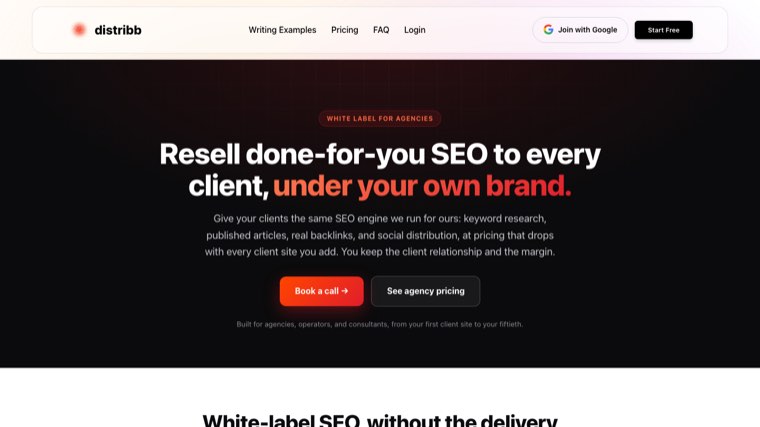
Everything else on this list white labels the measurement. You still have to do or buy the actual SEO work, then report on it with your logo attached. Distribb is first here because it white labels the delivery: keyword research, articles written and published to the client's CMS, and contextual backlinks from a network of real businesses, all under your brand.
Say this part plainly. Distribb is software, not an agency. Nobody gets on a call with your client, and there is no account manager behind it. You keep fulfilment in-house and the software does the production. What to actually publish with that production capacity is set out in our agency content strategy playbook.
The case for running it this way: no per-client fee that climbs every time you add volume, no turnaround queue behind another agency's other customers, and you keep both the client relationship and the margin. An agency reselling a white label SEO service typically pays a per-client retainer and marks it up. Running the software instead moves the cost from per-client to per-seat, which is where the margin comes from at ten clients and above. Our breakdown of private label SEO services compares the two cost structures directly. Agencies that would rather buy link capacity than build it should read our roundup of white label link building services.
The case against: there is no strategist. Nobody joins the monthly client call, nobody does manual technical fixes, and nothing here cleans up local citations or manages a Google Business Profile. If your client is buying a person as much as an outcome, a white label agency is the honest recommendation and this is not it.
Honest limit: Distribb does not do rank tracking, site audits or client reporting. You will still buy one of the tools below to sit alongside it. Seven-day free trial on Distribb's white label plan. The dedicated options for that first job are compared in our roundup of white label rank trackers.
2. SE Ranking, the best all-round agency platform
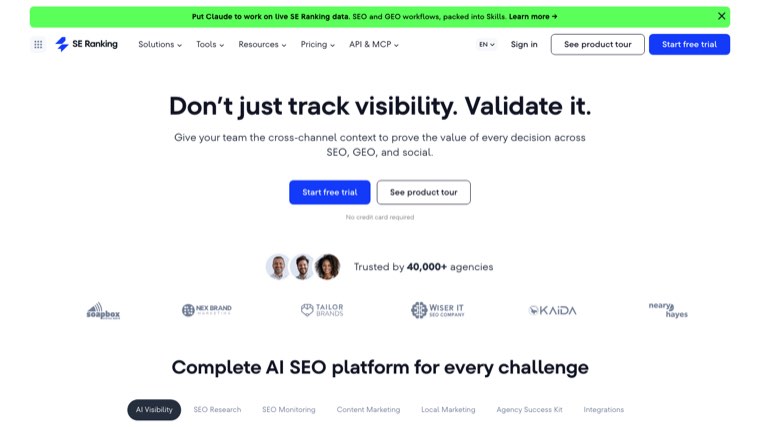
Rank tracking, site audit, backlink research, competitor analysis and AI search visibility in one subscription, with white label reporting and a client portal on the agency plans.
The reason it is the usual answer for mid-sized agencies is coverage. You can run most of a client's SEO from one login rather than stitching four subscriptions together.
Honest limit: the data depth on backlinks does not match Ahrefs or Semrush. Pricing is not published in a way we could read directly, so confirm the agency tier before budgeting.
3. AgencyAnalytics, reporting built for client-facing work
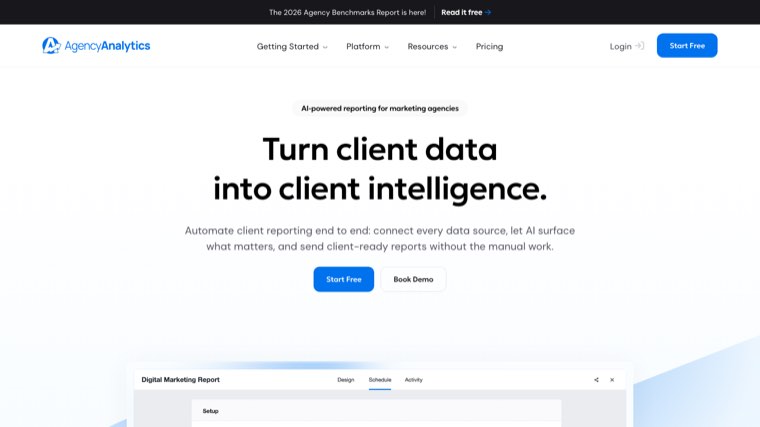
Multi-channel dashboards pulling from a large library of integrations, fully brandable, with a client login on your own domain.
If your clients buy paid media, social and SEO from you, this is the tool that puts all of it in one report without manual assembly.
Honest limit: pricing scales per client, which gets expensive as you grow. It reports on work rather than doing any of it.
4. WebCEO, the only full-resale option here
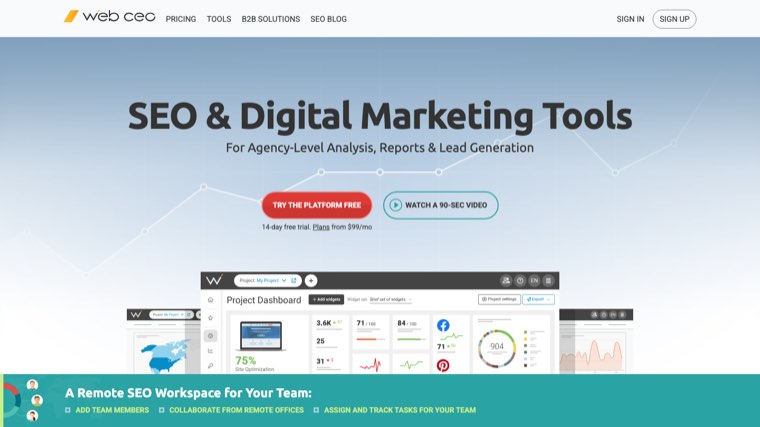
WebCEO is the one platform on this list built to be sold as your own software, on your domain, with your branding throughout and your own pricing on top.
For an agency wanting to productise rather than sell hours, that changes the business model rather than the report template.
Honest limit: the interface shows its age next to newer platforms, and full resale means you inherit the support burden for a product you did not build.
5. BrightLocal, for agencies with local clients
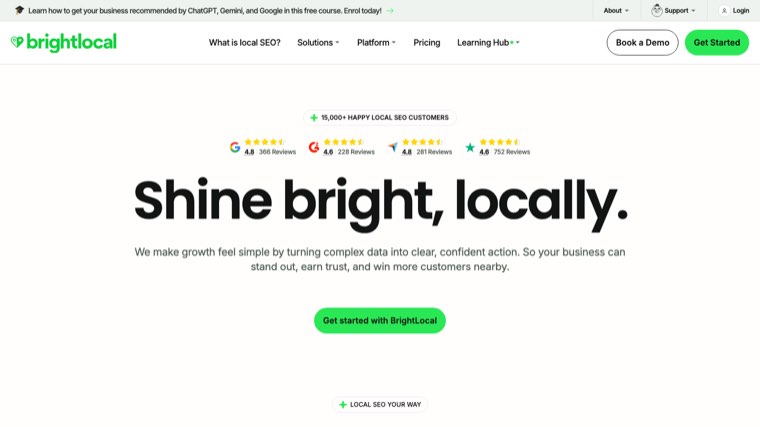
$31 a month billed annually at the entry tier, $40 and $49 above that. Local rank tracking, citation building, review monitoring and Google Business Profile audits, with white label reporting.
For any agency whose clients are restaurants, clinics, trades or multi-location retail, this covers work no general SEO platform does properly.
Honest limit: it is local-only by design. You will need a second tool for national keyword work.
6. AccuRanker, rank tracking that updates on demand
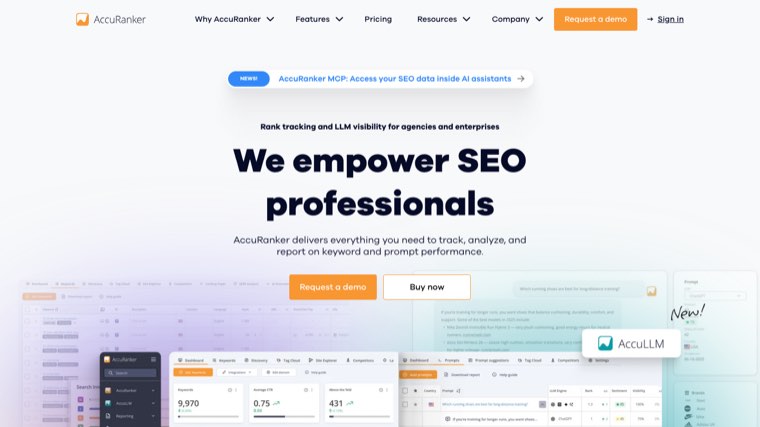
$224 a month at the entry tier, $764 higher up. The differentiator is refresh speed: rankings update on demand rather than on a daily cycle, which matters when a client asks why something moved this morning.
White label reports and scheduled sends are included.
Honest limit: expensive for what is fundamentally one job, and it does nothing outside rank tracking. Justifiable only if ranking data is what you sell.
7. Nightwatch, rank tracking with flexible segmentation
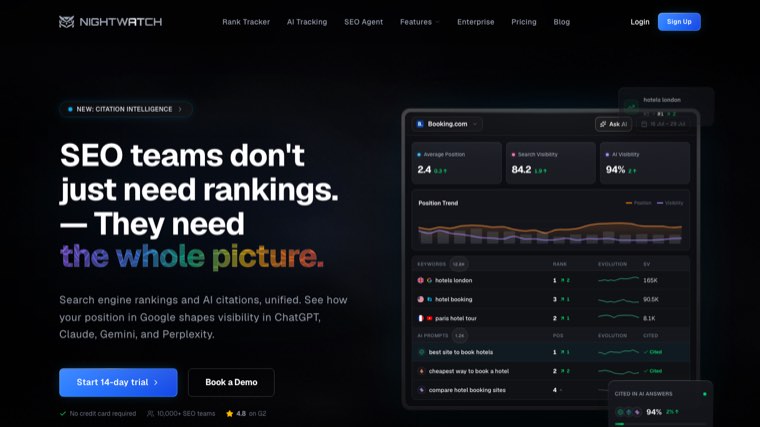
€79, €159 and €399 a month across the tiers. Tracks across locations and devices with strong filtering, and offers white label reports plus a branded portal.
The segmentation is the reason to prefer it over cheaper trackers. Slicing rankings by intent, location or page type makes client reporting far more useful.
Honest limit: priced in euros, which adds a currency wrinkle for US agencies. Site audit and content features are thin.
8. SEOptimer, the cheapest branded audit tool
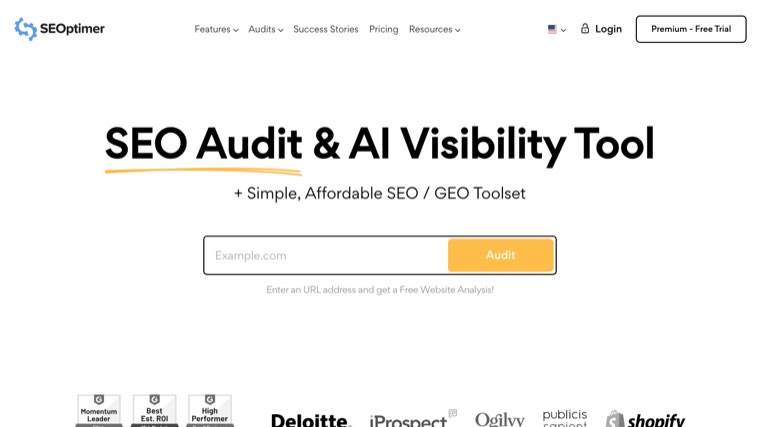
$29, $39 and $59 a month. White label audit reports and, more usefully, an embeddable audit form you put on your own site so prospects generate a branded report themselves.
That embed is a lead generation tool disguised as an audit tool, and at $29 it is the cheapest new-business asset on this list.
Honest limit: the audits are surface level next to a proper crawler. Use it to open conversations, not to scope technical work. For scoping proper, the deeper branded crawlers sit in our white label SEO audit tool roundup.
9. DashThis, straightforward branded dashboards
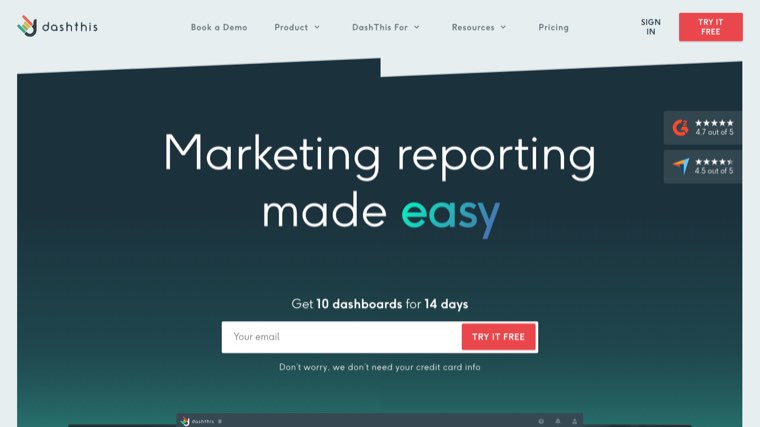
$44 a month for the entry tier, then $139, $279 and $429. Preset dashboard templates, white label branding and automated sends.
It is deliberately simpler than AgencyAnalytics, which is the point. Less configuration, faster to a report a client will actually read.
Honest limit: limited customisation compared with the flexible builders, and pricing is per dashboard so client count drives cost.
10. Swydo, reporting priced per report
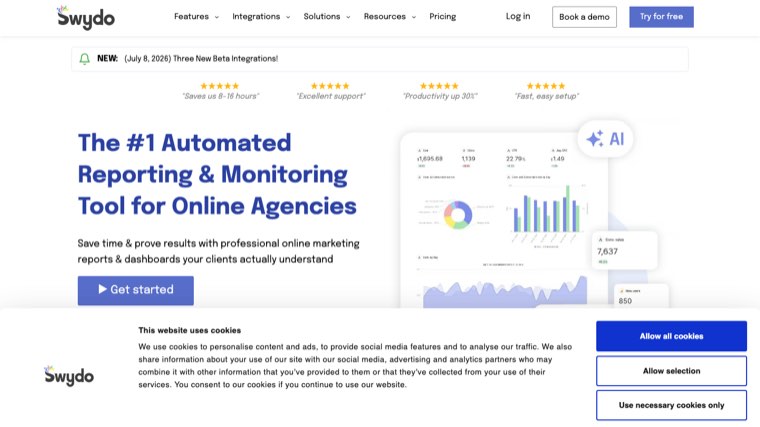
Priced by report volume, with additional reports at $4.50, $3.00 and $2.00 each depending on tier. That model suits agencies with many small clients better than a per-client subscription.
KPI monitoring with alerts is built in, so you hear about a drop before the client does.
Honest limit: narrower integration list than the larger platforms, and the per-report model becomes expensive if every client wants weekly sends.
11. Whatagraph, reporting for larger teams
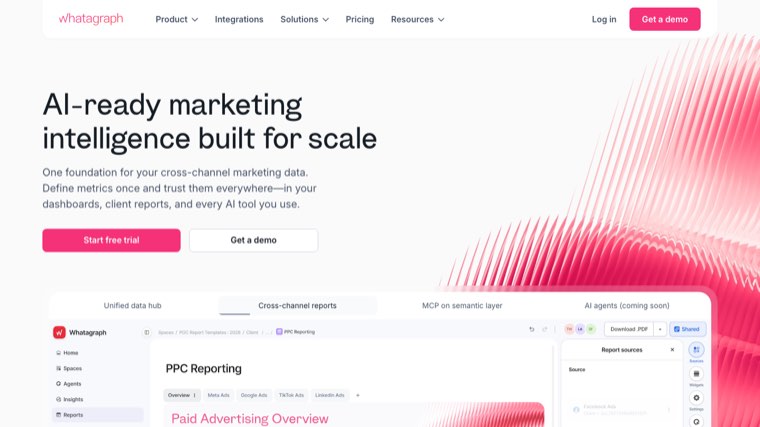
From $812 a month billed annually. Automated cross-channel reporting with a strong visual builder and a branded client portal.
At that price it targets agencies with substantial client counts where the time saved on manual reporting is measured in days per month.
Honest limit: the entry price rules out small agencies entirely. Confirm the exact integrations you need before committing at that level.
12. SearchAtlas, an SEO platform with agency branding
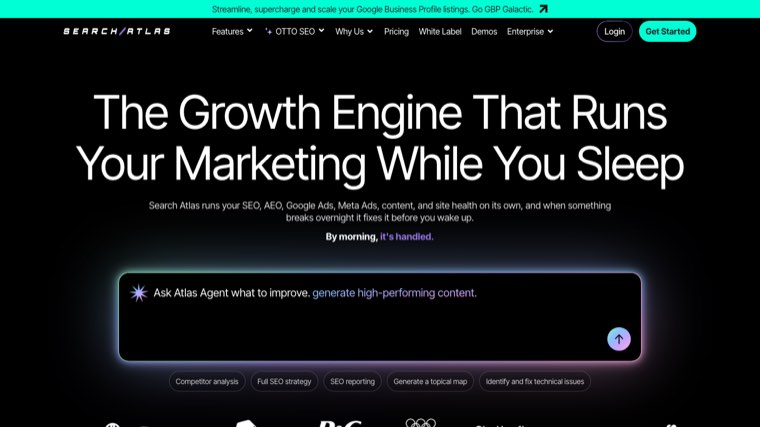
Site audits, rank tracking, content optimisation and link tools in one platform, with white label reporting and a brandable dashboard on the agency plans.
Its content optimisation module means it overlaps with tools you might otherwise buy separately.
Honest limit: a broad platform where individual modules are each beaten by a specialist. Pricing was not readable on their page for us.
13. Vendasta, a marketplace rather than a tool
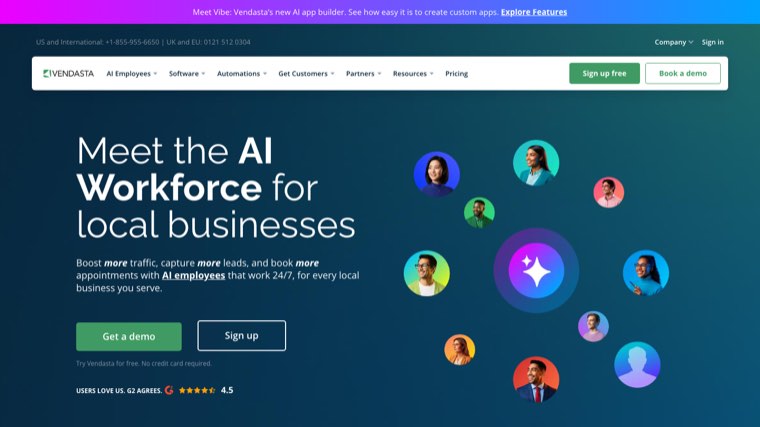
Vendasta lets you resell an entire catalogue of marketing products, SEO among them, under your own brand, with billing and client management included.
For agencies that want to sell more than SEO without building the fulfilment for any of it, this is the platform that model runs on.
Honest limit: you are reselling other vendors' work, so quality varies by product and margin is set by the marketplace. Distinct from buying a tool you operate yourself.
14. Semrush, white label as a paid add-on
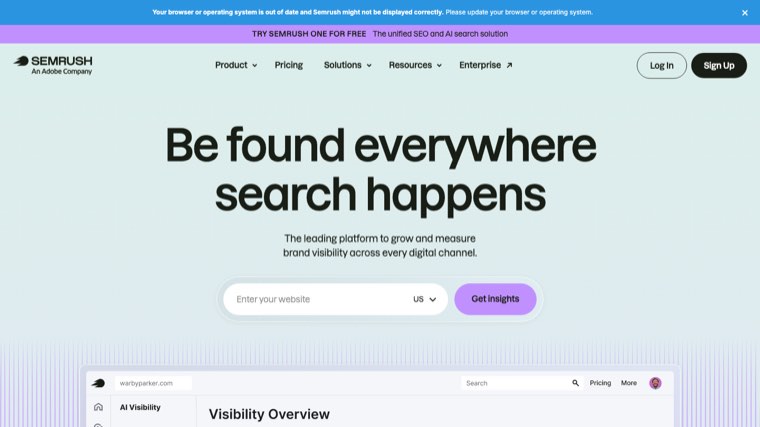
The core platform is the deepest dataset most agencies will touch. White labelling arrives through the Agency Growth Kit, a paid add-on on top of your existing subscription, which unlocks branded reports, a client portal and CRM features.
If you already pay for Semrush, adding branding is cheaper than migrating everything.
Honest limit: the add-on model means the true agency cost is well above the headline subscription. Overkill if reporting is all you need.
Choosing between these
Decide which level you are buying. A branded PDF is a $30 problem. A branded portal is a $100 problem. Reselling the platform is a business model decision. Do not pay for level three when level one closes the deal.
Reporting tools do not do SEO. Nine of the fourteen here measure and present work that happens elsewhere. Budget for the work separately, or the stack looks complete while nothing is being produced. The first piece of that work is usually a white label SEO audit you can hand straight to the client.
Per-client pricing punishes growth. AgencyAnalytics, DashThis and Swydo all scale with client count. Model your cost at thirty clients, not at three.
Check what the client actually sees. Some tools brand the PDF and still show the vendor's name in the email footer or the login page. Send yourself a full report before you show one to a client.
Fulfilment is the harder gap. Most agencies have adequate reporting and a shortage of production capacity, which is the case our comparison of white label SEO dashboards makes from the reporting side. Closing that gap starts with our guide to content automation for SEO agencies.
FAQ
What does white label SEO software actually mean? At minimum, reports carrying your branding instead of the vendor's. At most, the entire platform resold as your own product. Ask which of the three levels a vendor means before comparing prices.
Which white label SEO tool is best for a small agency? SEOptimer for branded audits and lead capture, BrightLocal if the clients are local, SE Ranking when you need one platform to cover most of the work. All three are affordable at low client counts.
Can I resell an SEO tool as my own product? WebCEO is built for that, and Vendasta lets you resell a catalogue of products under your brand. Most other vendors permit branded reporting but not resale, and their terms say so.
Do I need white label tools or a white label agency? Tools if you have people who can do the work and need capacity or presentation. An agency if you have neither the people nor the intention to hire them. The costs run in opposite directions as you add clients.
How much should an agency budget for its SEO stack? A small agency can run credibly on $100 to $200 a month across two or three tools. Costs rise fastest through per-client reporting fees rather than through the platforms themselves.
Will clients know I am using a third-party tool? With genuine white labelling, no. With partial branding, yes, usually via an email footer or a login page. Test the whole flow end to end before assuming.
What is missing from every tool on this list? Production. These platforms track, audit and report. None of them writes the articles or earns the links, which is the part clients are actually paying for.
Where to start
If you need reporting, pick on client count and integrations. SE Ranking or AgencyAnalytics will cover most agencies, and SEOptimer's embeddable audit will earn its $29 back in leads. If you have neither the people nor the process, the white label SEO agencies we shortlisted are the better starting point.
If the constraint is capacity rather than presentation, the tool that helps is one that produces work under your brand. Distribb's white label plan runs keyword research, article production, publishing and contextual backlinks for your clients without a per-client retainer. It is software rather than an agency, so you keep the relationship and the margin. Seven-day free trial.