
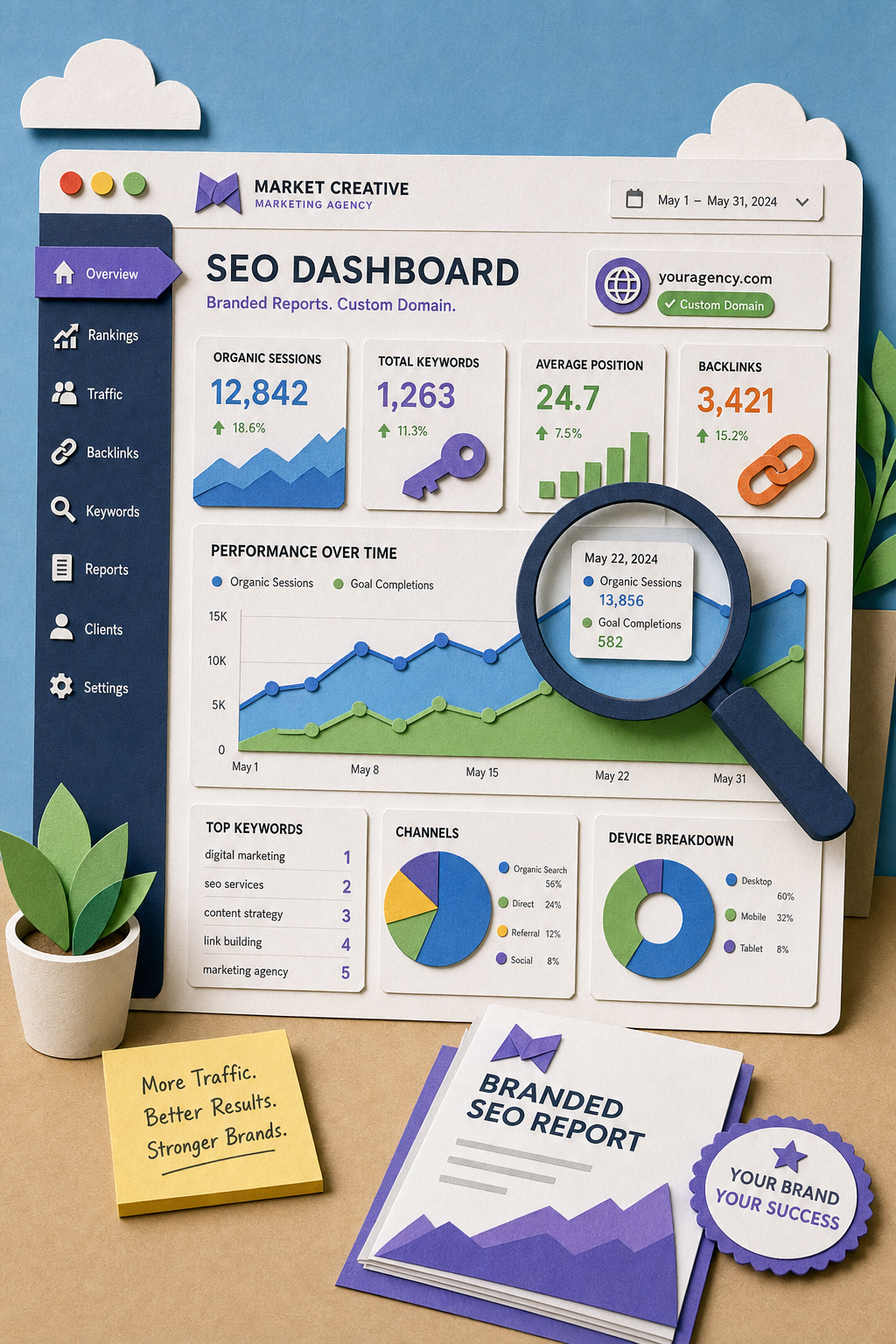
A white label SEO dashboard, or white label SEO reporting tool, shows your client their performance with your logo on it. That is the whole promise of an SEO agency dashboard, and the difference between tools is how completely they keep that promise and what data they can pull in.
This page is about reporting: how you present the work. If you are looking for someone to do the work under your brand, that is a different question, covered in our guide to private label SEO providers. If you would rather buy the delivery than the reporting, we ranked the white label SEO agencies worth shortlisting. Our comparison of white label SEO agencies covers that side, and SEO reseller programs covers the packaged version of it.
For links specifically rather than reporting, see white label link building services. For packaged programmes rather than individual agencies, see our list of SEO reseller programs. And if you are weighing whether to run the delivery with software instead of people, that model is covered in AI SEO agencies.
Quick answer
- Best when reporting and delivery come from one system:Distribb
- Best multi-channel client reporting: AgencyAnalytics
- Best flat-rate for many clients: Agency Dashboard
- Best visual reports: Whatagraph
- Cheapest genuine white label: Reporting Ninja
- Best for local SEO clients: BrightLocal
- Best rank tracking included: Nightwatch
What "white label" actually has to mean
Vendors use the term loosely, so check four things before you commit.
Custom domain. The dashboard lives at reports.youragency.com, not vendor.com/youragency.
No vendor branding anywhere. Not in the footer, not in PDF metadata, not in exported image filenames. Check all three.
Your colours and logo throughout. Including on login screens and emailed reports, which is where most tools leak.
Client logins you control. Clients should never see a vendor's login page.
Tools that only manage the first two are branded reporting, not white label. It is a meaningful difference when a client asks who built the report. The same distinction runs through the wider set of white label SEO tools for agencies.
Comparison
| Tool | Custom domain | Data sources | Does the work too | Best for |
|---|---|---|---|---|
| Distribb | Yes | GSC, own content and links | Yes | Reporting plus fulfilment |
| AgencyAnalytics | Yes | 80+ integrations | No | Multi-channel agencies |
| Agency Dashboard | Yes | SEO, PPC, local, social | No | Flat-rate at scale |
| Whatagraph | Yes | Broad | No | Visual client reports |
| DashThis | Yes | Broad | No | Simple recurring reports |
| Reporting Ninja | Yes | Core set | No | Tight budgets |
| SE Ranking | Yes | Own suite | Partial | Suite plus reporting |
| BrightLocal | Yes | Local focus | Partial | Local SEO clients |
| Nightwatch | Yes | Rank tracking, AI visibility | No | Rank-led reporting |
| Swydo | Yes | Broad | No | Simple, reliable reporting |
| WebCEO | Yes | Own suite | No | All-in-one on a budget |
1. Distribb, when the report and the work come from one place
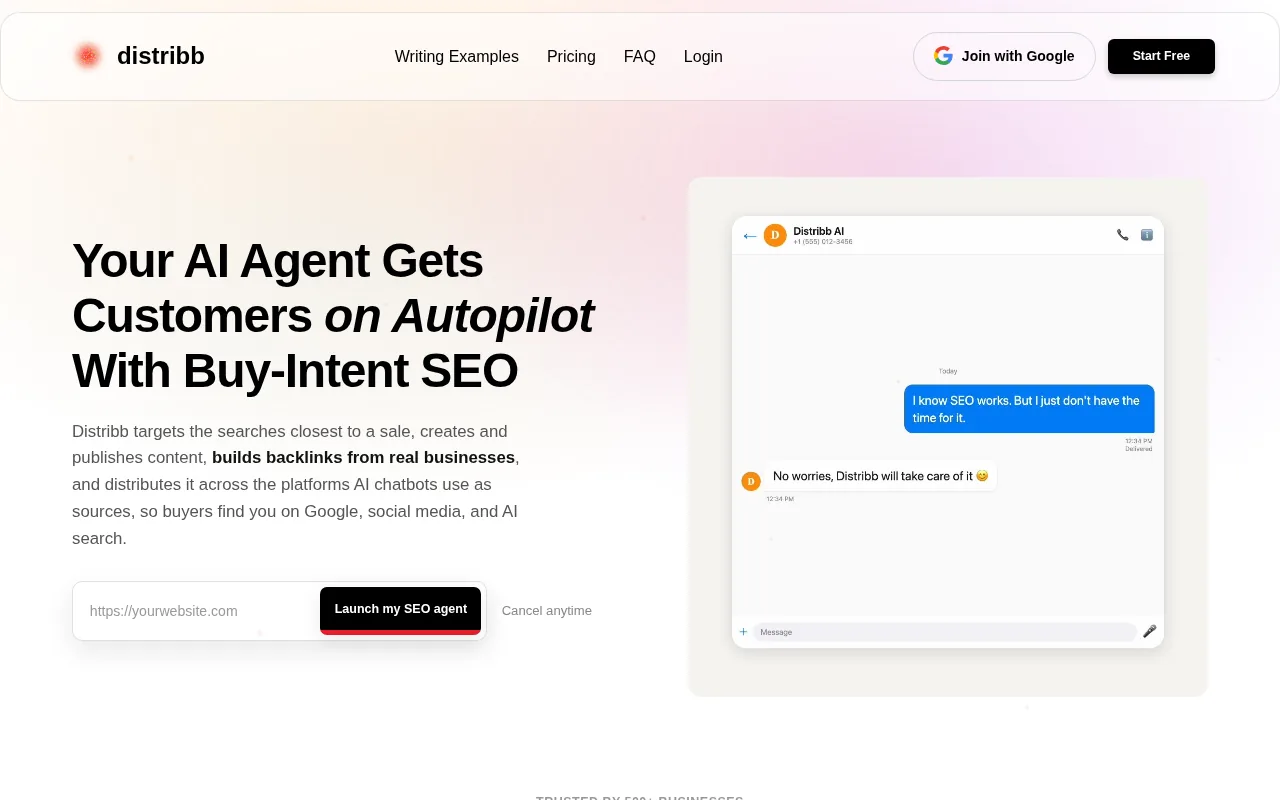
Every other tool on this list is a reporting layer over work done somewhere else. You connect it to Search Console, to Semrush, to whoever writes the content, and you still reconcile two systems when a client asks why a number moved.
Distribb reports on work it performed. Articles it wrote and published, backlinks it earned through the exchange, internal links it built, and Search Console performance for those pages.
Each client is a separate project with its own settings, around thirty fields covering tone, writing profile, content pillars, competitors, publishing schedule and timezone, so accounts stay apart. The backlink ledger shows every earned link at link level with source domain, DR, the business behind it and the date, which is the part clients actually ask about.
Pros:
- The report and the work are the same system: no reconciliation between what a supplier did and what the dashboard says
- Link-level backlink evidence: source domain, DR, the business behind the link and the date, rather than a credit balance
- Per-client projects: separate settings, separate reporting, no cross-contamination between accounts
- Your branding on the output: the white label setup carries your name through the reporting the client sees
- Priced per project, not per data source: adding a client is one predictable line on the bill
Cons: It reports on SEO and nothing else. There is no PPC, no paid social and no email data, so if one dashboard across every channel is the requirement, this is not the tool for that job. Keep AgencyAnalytics for the multi-channel view and let Distribb feed the SEO side of it.
For who: Agencies tired of explaining a number their dashboard did not produce.
Pricing: $97 per month per client project with a 7-day free trial, reporting included rather than sold as a tier. Accelerator is $495 per month. There is no free plan.
2. AgencyAnalytics, the multi-channel standard
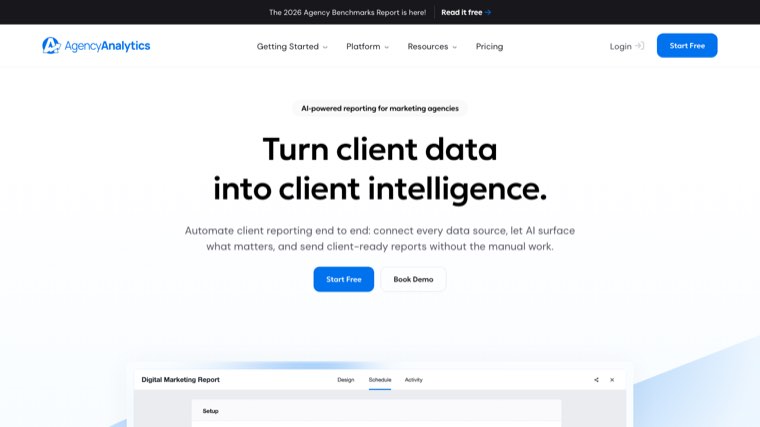
AgencyAnalytics is the default answer for a reason. It pulls Google Analytics, Search Console, Ads, Meta, Semrush and dozens of other sources into one branded dashboard, and it schedules the reports without being asked.
Pros:
- Breadth of integrations: 85 or so sources, which covers most of what a client buys across channels
- Real white label: custom domain, your branding on login and emailed reports, not just a logo in a corner
- Unlimited staff and client seats: team size does not change the bill
- Automation that holds: scheduled reports, goals, alerts and anomaly detection run without weekly babysitting
Cons: Pricing is per client, so a long tail of small accounts is where the bill hurts. It also reports on work done elsewhere, which means it can show you a flat month but never do anything about it.
For who: Agencies reporting across several channels per client, where the reporting itself is a deliverable.
Pricing: $20 per client per month billed annually, one plan with every feature unlocked, and an enterprise conversation above 25 clients. Checked on agencyanalytics.com on 6 August 2026.
3. Agency Dashboard, flat rate across clients
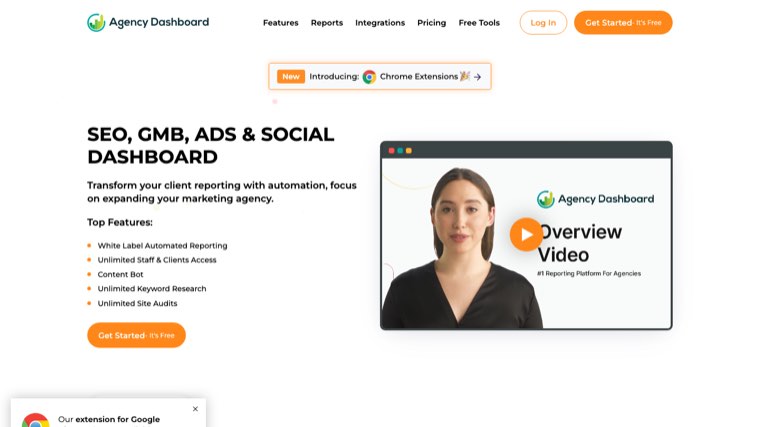
Agency Dashboard answers the pricing problem directly. Plans are priced by tier rather than by client, so the cost of adding a small account is nothing.
Pros:
- Flat rate, not per client: the economics improve as the client list grows, which is the reverse of most tools here
- White label at every tier: branding is not held back for the expensive plan
- Broad enough data: SEO, PPC, local and social in one view without paying multi-channel prices
- Cheap entry: a starter tier low enough to test on a live client without a budget conversation
Cons: Fewer integrations than the category leaders, so check your specific data sources are supported before moving anything. The interface is also plainer, which matters if the report is part of how you sell.
For who: Agencies with many clients where per-client pricing has become the main cost of reporting.
Pricing: Starter $5, Freelancer $35, Agency $125, Agency Plus $195 and Enterprise $700 per month, with up to 20 percent off annually. Checked on agencydashboard.io on 6 August 2026.
4. Whatagraph, the best-looking reports
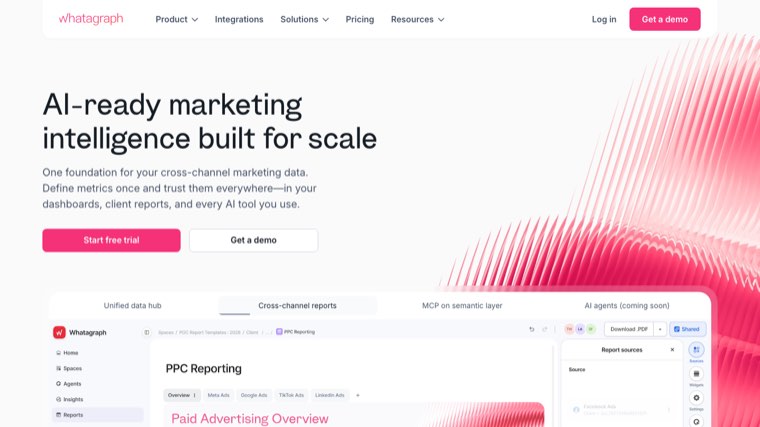
Whatagraph competes on how the report looks and how the data is governed underneath it. For agencies where the monthly report is part of the pitch, that is a real product difference.
Pros:
- Design quality: the output looks considered without a designer touching it
- Cross-channel blending: data from several sources combined into one view rather than stacked side by side
- Governed data model: source credits and data groups keep definitions consistent across clients
- Success manager on the plan: onboarding help is included rather than a paid extra
Cons: It is the most expensive option here by a wide margin, and the entry price assumes annual billing. Below roughly ten clients the per-report cost is hard to defend.
For who: Agencies whose reports are seen by client executives and need to look it.
Pricing: Max starts at $812 per month billed annually, and Prime is quoted individually. Checked on whatagraph.com on 6 August 2026.
5. DashThis, straightforward and reliable
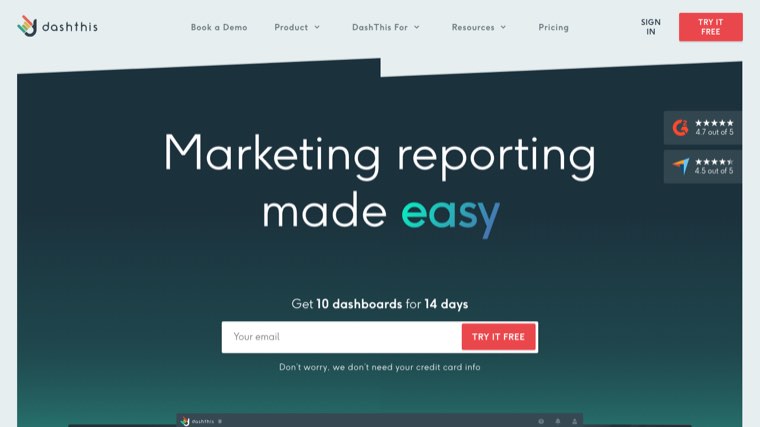
DashThis is deliberately unambitious. Preset templates, recurring delivery, very little configuration, and reports that go out on time.
Pros:
- Fast to set up: preset templates mean a first client dashboard in an afternoon
- Predictable delivery: recurring reports send themselves once configured
- Priced by dashboard count: you pay for what you actually publish rather than per seat
- Low maintenance: little to break, which is worth more than it sounds in month nine
Cons: Customisation is limited compared with the flexible builders, so an unusual client request often does not fit. Pricing also steps up quickly once you pass a handful of dashboards.
For who: Agencies that want reports out the door without a configuration project.
Pricing: Individual $44, Professional $139, Business $279 and Standard $429 per month, with an AI Insights add-on at $19 per month. Checked on dashthis.com on 6 August 2026.
6. Reporting Ninja, the budget entry
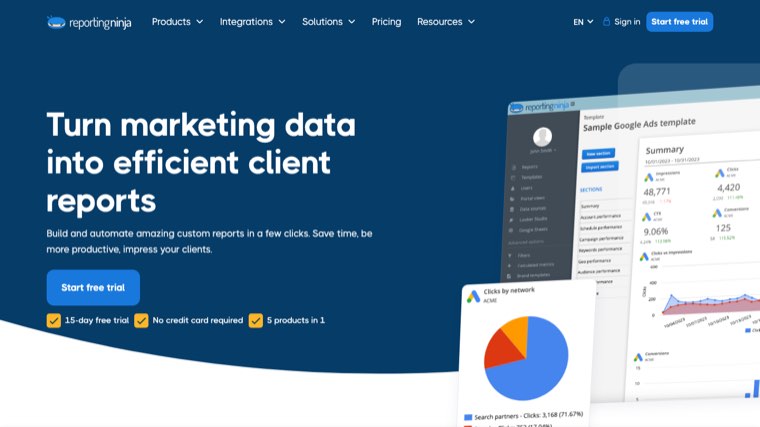
Reporting Ninja is the cheapest genuine white label reporting on this list. It covers the essentials and does not pretend to more.
Pros:
- Lowest real entry price: white label branding on the entry tier rather than an upsell
- Core integrations covered: Search Console, Analytics, Ads and the social basics
- Simple mental model: tiers scale on report count, so the bill is easy to predict
- Annual discount: paying yearly takes a meaningful amount off each tier
Cons: Essentials only, and you will outgrow it. The integration list is the shortest here, so the first client with an unusual data source forces the conversation.
For who: Freelancers and small agencies who need branded reports before they need a platform.
Pricing: $25, $50, $88 and $150 per month, dropping to $22, $45, $79 and $135 on annual billing. Checked on reportingninja.com on 6 August 2026.
7. SE Ranking, reporting inside a suite
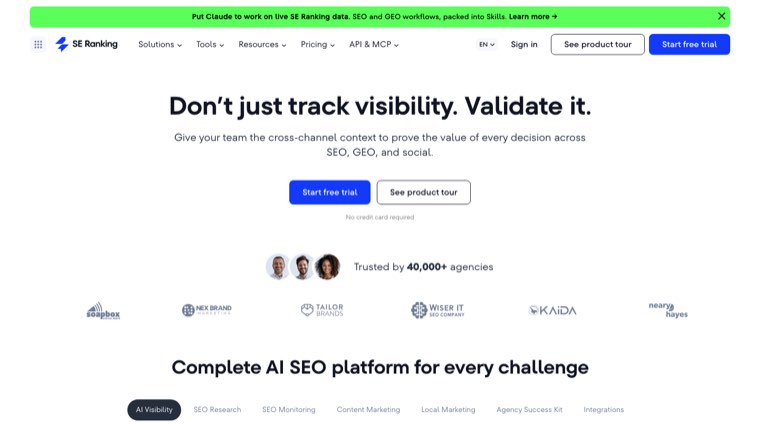
SE Ranking bundles white label reporting with the tools that produce the data: rank tracking, site audit, keyword research and AI visibility.
Pros:
- Tools and reporting together: the data source and the report come from one subscription
- AI visibility available: tracking across AI Overviews and assistants sits in the same suite
- Project-based pricing: tiers scale on projects and keywords rather than client seats
- Mature rank data: the tracking half of the product is the part it has always been good at
Cons: Reporting leans on SE Ranking's own data, so pulling a full picture from outside sources is weaker than a dedicated reporting platform. White label client tools are also an add-on rather than part of the base plan.
For who: Agencies that want to replace a toolset and a reporting layer with one subscription.
Pricing: Core $129 and Growth $279 per month, or $103.20 and $223.20 billed annually, with the Agency Pack for white label client tools at $69 per month on annual billing. Checked on seranking.com on 6 August 2026.
8. BrightLocal, built for local
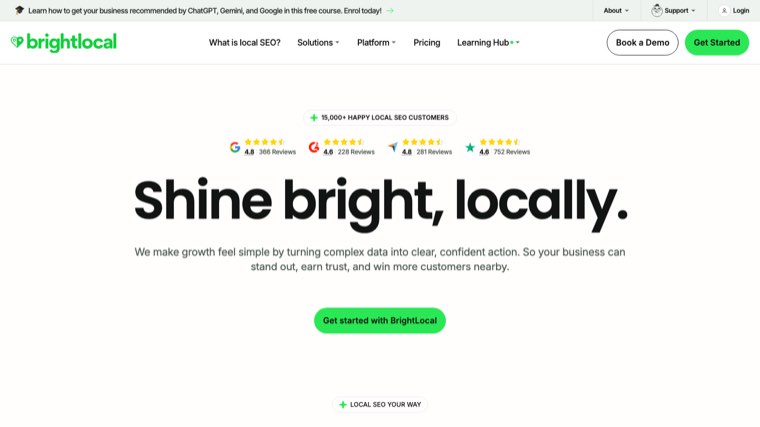
BrightLocal is built around local search, and the reporting reflects that. Citations, reviews, Google Business Profile and local rank tracking are the subject rather than an add-on.
Pros:
- Local data others do not have: citation tracking, review monitoring and profile insights in one place
- Cheap per location: priced low enough to report on a single-location client profitably
- Citation building included as a service: you can act on what the report shows without another supplier
- Managed option available: a done-for-you tier for agencies that would rather not operate it
Cons: The local focus is a ceiling as well as a strength, and it is the wrong tool for a national ecommerce client. Citations are also billed separately from the plan, so the headline price is not the whole cost.
For who: Agencies whose clients are local businesses with physical locations.
Pricing: Track $31, Manage $40 and Grow $49 per month billed annually, citations from $2 each on top, and a managed service at $1,299 per month. Checked on brightlocal.com on 6 August 2026.
9. Nightwatch, rank tracking led
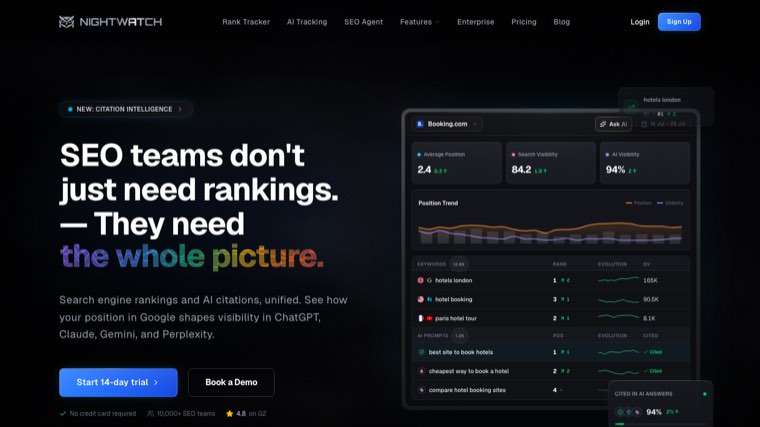
Nightwatch starts from rank tracking and builds the reporting around it. If your client conversation is about positions, that is the right order to build in.
Pros:
- Granular tracking: positions by location and device at a level most reporting tools do not attempt
- AI visibility included: prompts tracked across ChatGPT, Claude, Gemini, Perplexity, AI Mode and AI Overviews
- White label reporting on the plan: branded client reports are included rather than sold separately
- Unlimited seats: the whole agency can have logins without a per-seat bill
Cons: It is narrower than a full reporting platform, so a client wanting one view across channels will not get it here. Pricing is also set in euros, which means a dollar-billing agency carries the exchange rate.
For who: Agencies whose reporting story is rankings and AI visibility rather than traffic mix.
Pricing: Starter €79, Professional €159 and Agency €399 per month, with a 14-day trial and no card required. Checked on nightwatch.io on 6 August 2026.
10. Swydo, simple and dependable
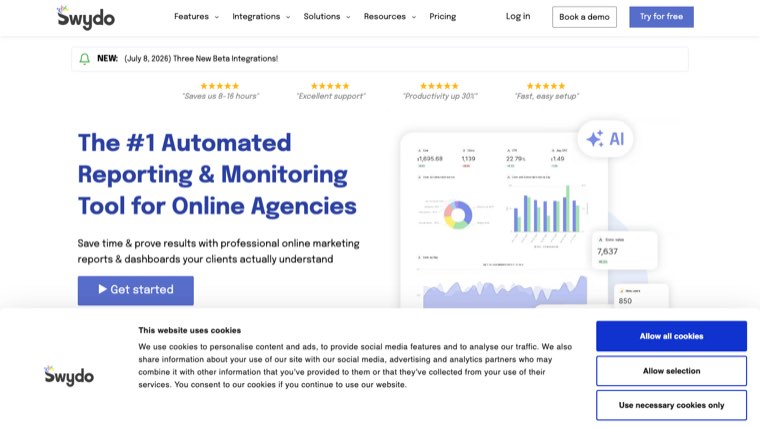
Swydo prices on data sources rather than clients or seats, which is an unusual and often cheaper shape for an agency with many small accounts.
Pros:
- No client or seat limits: the bill is driven by data sources, not headcount or client count
- All features on every plan: nothing important is held behind a higher tier
- Ten sources included: enough to run several small clients on the base price
- Dependable automation: scheduled reporting and monitoring that runs without attention
Cons: Fewer integrations than the leaders, and heavy multi-source clients get expensive as the per-source fees stack up. The builder is functional rather than impressive.
For who: Agencies that value reliability and a flat feature set over a long integration list.
Pricing: $69 per month, or $62 billed annually, with the first 10 data sources included and further sources at $4.50, $3.00 or $2.00 each by volume. Checked on swydo.com on 6 August 2026.
11. WebCEO, the budget all-in-one
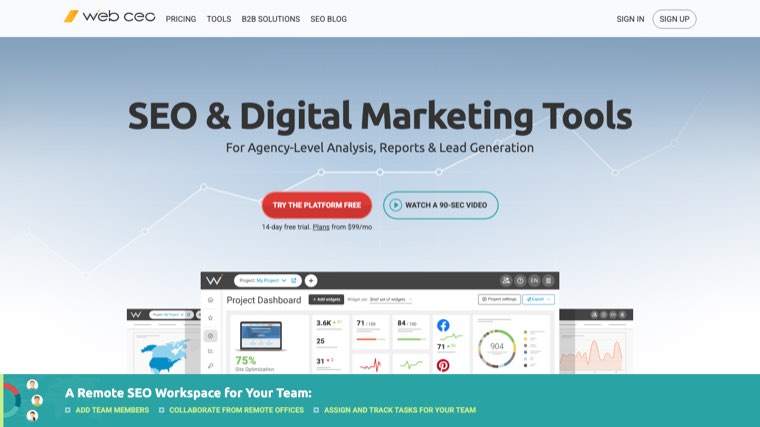
WebCEO packs a full SEO toolset, white label dashboards and client logins into a lower price than the major suites, with a usage-based agency plan underneath it.
Pros:
- Unlimited projects on the agency plan: client count stops being the constraint
- White label on your own domain: the tools themselves can run under your brand for a fixed add-on
- Broad toolset for the money: rank tracking, audits, backlinks and lead generation in one subscription
- Client logins included: clients get their own access without a separate portal product
Cons: The agency plan is usage-priced on top of the subscription, so scanning fees make the monthly total harder to predict than a flat tier. The interface also shows its age next to newer tools.
For who: Agencies wanting tools and branded reporting cheaply, and willing to manage a variable bill.
Pricing: Startup $119 and Corporate $299 per month, with Agency Unlimited at $99 per month plus scanning fees, and white label tools on your own domain a further $40 per month. Checked on webceo.com on 6 August 2026.
The mistake that costs clients
A dashboard makes activity visible. It does not make activity valuable. What makes it valuable is finding the problems first, which is the job of a proper white label SEO audit. That is the job of a white label SEO audit rather than a reporting layer.
The most common failure in agency reporting is a beautifully branded dashboard showing impressions up, rankings up, and revenue flat. The client does not churn because the report was ugly. They churn because nothing in it connected to money. The ranking numbers come from whatever tracker sits behind the dashboard, and we compared white label rank trackers separately.
Two fixes, neither of which is a tool choice. Report on the handful of keywords that actually convert rather than every keyword you track. And put a plain sentence at the top of every report saying what you did, what happened, and what you are doing next. Clients read that sentence and skim the rest.
How to choose
- You want reporting and the work from one supplier: Distribb
- Multi-channel clients: AgencyAnalytics or Whatagraph
- Many clients, per-client pricing hurts: Agency Dashboard
- Local clients: BrightLocal
- Rankings are the story: Nightwatch
- Smallest budget: Reporting Ninja
FAQ
What is a white label SEO dashboard? A reporting interface showing your client's SEO performance under your agency's branding, with no sign of the underlying vendor.
What should I look for? Custom domain, no vendor branding in footers or PDF metadata, your colours on login and emailed reports, and client logins you control. Apply those four checks to any white label SEO audit tool you put in front of a client too.
Are they expensive? Entry white label reporting starts around $20 to $50 a month. Multi-channel platforms run $100 to $500 depending on client count. That is one line in a bigger stack, so we priced the full set of white label SEO tools for agencies.
Can I automate SEO tasks from the dashboard? Most are read-only reporting layers. Distribb and, partially, SE Ranking and BrightLocal act as well as report. Agencies that want the acting part handled end to end usually end up looking at an AI SEO agency setup instead. For the fulfilment side of local work rather than the reporting layer, see our comparison of white label local SEO services.
Which is best for a small agency? Reporting Ninja or Agency Dashboard on price. Distribb if you also need the work done. If rankings are the number your clients care about, pair it with a white label rank tracker.
What is the biggest mistake choosing one? Buying on looks. Check whether it pulls the data sources your clients actually care about before you commit. Audit data is the source agencies most often forget to check, and the tools that brand it are in our white label SEO audit tool comparison.
Can I migrate between dashboards later? Usually yes, but historical data rarely transfers. Export what matters before you switch.
What the dashboard cannot fix
A branded dashboard reporting flat numbers is worse than no dashboard, because now the flatness is scheduled monthly.
Distribb's white label SEO gives agencies both halves: articles published in each client's voice, contextual backlinks from real businesses, and a branded dashboard reporting on work that actually happened. Seven-day free trial.