Most pages ranking for this term hand you a signup form before they hand you a template. So here is the template first, as a table you can copy into a spreadsheet in about thirty seconds, followed by the free prebuilt versions worth using if you would rather not build it yourself.
The template, in full
Ten columns. That is the whole thing. Anything beyond this and you are building a project management system rather than a content calendar, which is the most common reason these get abandoned in month two.
| Column | What goes in it | Why it earns its place |
|---|---|---|
| Publish date | The date it goes live | The only column that makes it a calendar |
| Status | Idea, Briefed, Drafting, Review, Scheduled, Live | Tells you what is stuck without opening anything |
| Title | Working title, rewritten before publish | Working titles are meant to change |
| Target keyword | One primary term per piece | One per piece prevents two of your own pages competing |
| Format | Blog, video, newsletter, social, landing page | Stops the calendar quietly becoming all blog posts |
| Channel | Where it gets published and promoted | Publishing is not distribution |
| Owner | One name | Shared ownership means nobody chases it |
| Brief link | URL to the brief or outline | The single biggest time saver in the whole sheet |
| Published URL | Filled in at publish | Turns the calendar into a searchable archive |
| Performance | Traffic or conversions after 30 days | The column that makes next quarter's calendar better |
Two of those get skipped most often and both are worth defending. Brief link is what stops the writer starting from a blank page and guessing. Performance is what stops you planning next quarter on instinct.
What to leave out. Word count targets, priority scores, estimated hours and approval checkboxes all look responsible and all get stale within weeks. Add them only when a real problem demands them.
A filled example
This is what the template looks like in use, for a small ecommerce brand planning a fortnight.
| Publish date | Status | Title | Target keyword | Format | Channel | Owner | Performance |
|---|---|---|---|---|---|---|---|
| 3 Sep | Live | How to Store Wool Jumpers Over Summer | storing wool jumpers | Blog | Blog, newsletter | Priya | 410 visits |
| 5 Sep | Scheduled | Behind the scenes: dye lot 42 | none | Video | Instagram, TikTok | Sam | pending |
| 9 Sep | Review | Merino vs Lambswool: Which to Buy | merino vs lambswool | Blog | Blog, Pinterest | Priya | pending |
| 12 Sep | Drafting | September restock newsletter | none | Newsletter | Sam | pending | |
| 16 Sep | Briefed | Are Wool Jumpers Machine Washable | can you machine wash wool | Blog | Blog | Priya | pending |
| 19 Sep | Idea | Customer story: 10 year old jumper | none | Social | Sam | pending |
Note that not every row has a target keyword. Social posts and newsletters do not need one, and forcing a keyword onto them is how calendars turn into keyword spreadsheets that nobody outside SEO wants to open. If most of your rows do carry one, the keyword led version of this is worth setting up properly, which our guide to building an SEO content calendar covers.
Which variant you actually need
The base template covers most cases. Four situations justify a different shape.
Editorial calendar. Add a Commissioned By column and a second date for the draft deadline, since you are managing writers rather than yourself.
Social media calendar. Replace Target keyword with Hook and add Asset link. Posting frequency is much higher, so the calendar needs to hold the actual copy rather than point at a brief. Our social media calendar template for Google Sheets covers this variant properly.
Email calendar. Add Segment and Send time. What changes results in email is who receives it, so the audience column matters more than the topic column.
Campaign calendar. Add a Campaign column and group rows by it. Useful when a launch spans a month and eight assets across five channels.
The 10 free templates worth using
If you would rather start from something prebuilt, these are the ones that hold up. Each was opened and checked rather than copied from another list.
Notion
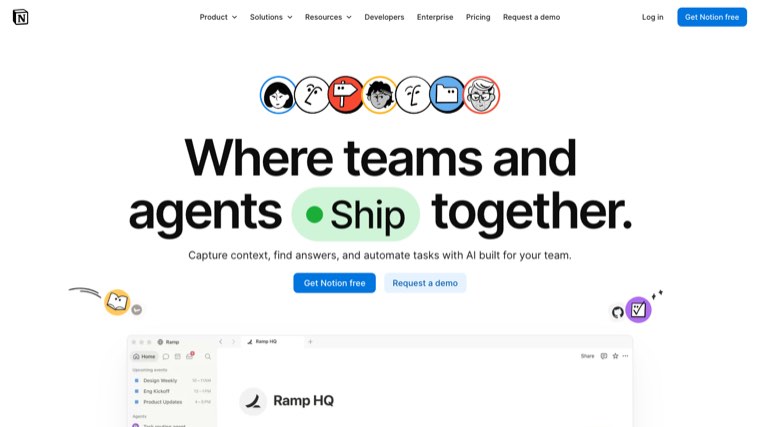
Notion's content calendar templates are databases rather than sheets, so the same content can be viewed as a calendar, a board or a table without duplicating anything. Free personal plan covers a solo user or a very small team.
Best for: teams already in Notion who want views rather than tabs. Watch for: it slows noticeably once a database passes a few thousand rows.
Airtable
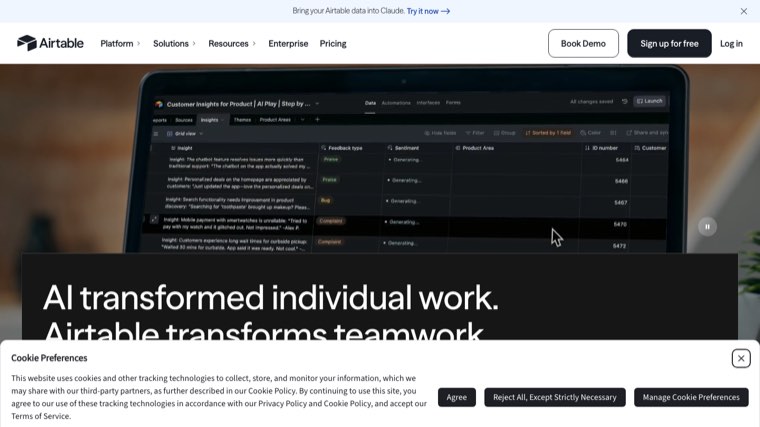
Airtable sits between a spreadsheet and a database, and its content calendar template is the most capable free option for anyone who wants automations and linked records without writing code.
Best for: calendars that link to a separate assets or clients table. Watch for: the free tier's record limit arrives quickly on an active calendar.
Asana
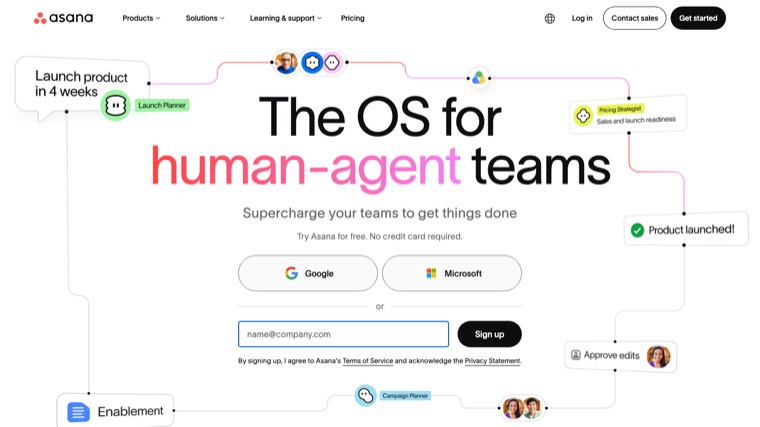
Asana's editorial calendar template is task management first, which suits teams where content is one workstream among several. Deadlines, assignees and dependencies are handled properly.
Best for: teams that already run projects in Asana. Watch for: the timeline view is on a paid tier.
Smartsheet
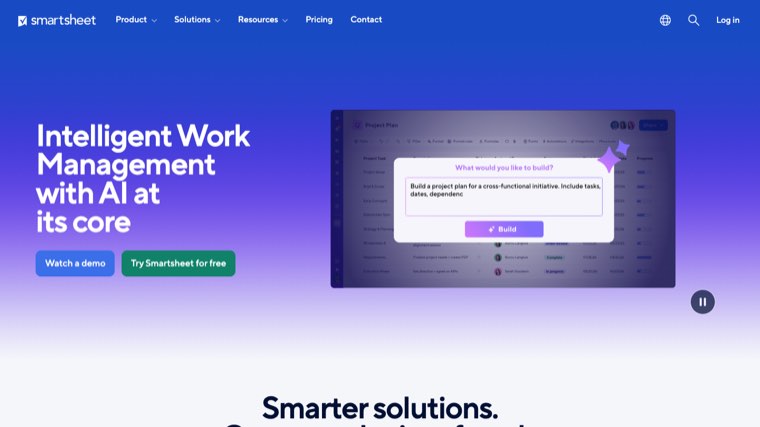
Smartsheet publishes a large set of free downloadable calendar templates in Excel, Google Sheets, Word and PDF, including editorial, social and blogging variants. If you want a file rather than an account, this is the most complete source.
Best for: downloading a spreadsheet and getting on with it. Watch for: the templates are static files, so the good stuff is in the Smartsheet product itself.
Google Sheets
Building it yourself in Sheets takes about ten minutes with the table above and remains the most flexible option. It is free, everyone can already use it, and it exports anywhere.
Best for: small teams, and anyone whose last three calendar tools were abandoned. Watch for: nothing reminds you, so it needs a recurring slot in someone's week.
HubSpot
HubSpot offers a social media content calendar template covering each major network, delivered as a spreadsheet after a form fill.
Best for: social planning across many platforms. Watch for: the email gate, and the sales follow-up that arrives with it.
ClickUp
ClickUp's content calendar templates come with statuses and custom fields already configured, which is a real time saver if you accept its defaults.
Best for: teams wanting structure out of the box. Watch for: the interface is dense, and the setup it saves you is spent learning the tool instead.
Trello
A Trello board with lists for each pipeline stage plus a calendar view is the simplest usable version of this after a plain spreadsheet.
Best for: visual thinkers and small teams. Watch for: reporting is basically absent, so the Performance column has nowhere to live.
CoSchedule
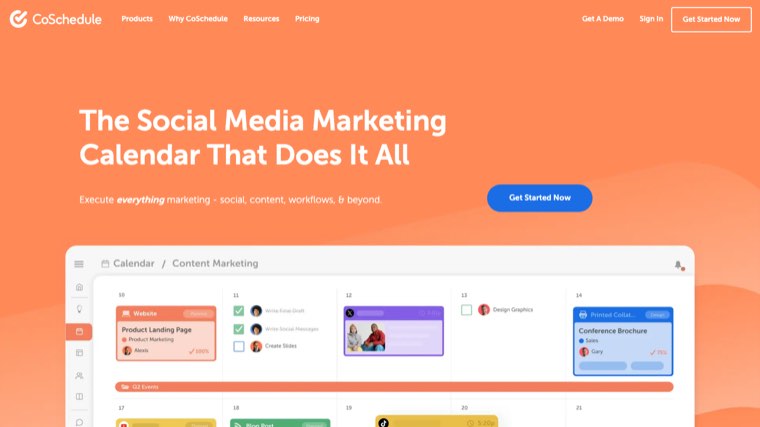
CoSchedule was built for marketing calendars specifically, and its free calendar tier covers a solo marketer scheduling social and blog content in one view.
Best for: seeing social and blog content on one calendar. Watch for: the useful automation sits behind the paid tiers.
Hootsuite
Hootsuite's planner is social-only but its calendar view and bulk scheduling are strong, and it publishes a free downloadable template alongside the product. Where social is the bulk of the plan, the dedicated options are compared in our roundup of social media content calendar software.
Best for: social-heavy calendars. Watch for: it will not hold your blog or email plans.
Comparison
| Template | Format | Free tier | Best for |
|---|---|---|---|
| Notion | Database, multiple views | Yes, personal use | Teams already in Notion |
| Airtable | Database, spreadsheet-like | Yes, record capped | Linked records and automations |
| Asana | Task project | Yes, limited views | Content inside wider projects |
| Smartsheet | Excel, Sheets, Word, PDF | Yes, downloads | Grabbing a file and starting |
| Google Sheets | Spreadsheet | Yes | Building exactly what you need |
| HubSpot | Spreadsheet, email gated | Yes | Social across many networks |
| ClickUp | Task project | Yes, limited | Preconfigured statuses |
| Trello | Board with calendar view | Yes | Simple visual pipelines |
| CoSchedule | Marketing calendar | Yes, solo tier | Social and blog in one view |
| Hootsuite | Social planner | Trial, paid after | Social-only scheduling |
Tools that fill the calendar in for you
A template solves the format problem. It does not solve the harder one, which is deciding what should go in the rows. Most abandoned calendars are abandoned because the owner ran out of ideas worth publishing, not because the spreadsheet was wrong. Deciding what belongs in the rows is easier when you can see finished versions of the thing, which is what our collection of content hub examples is for.
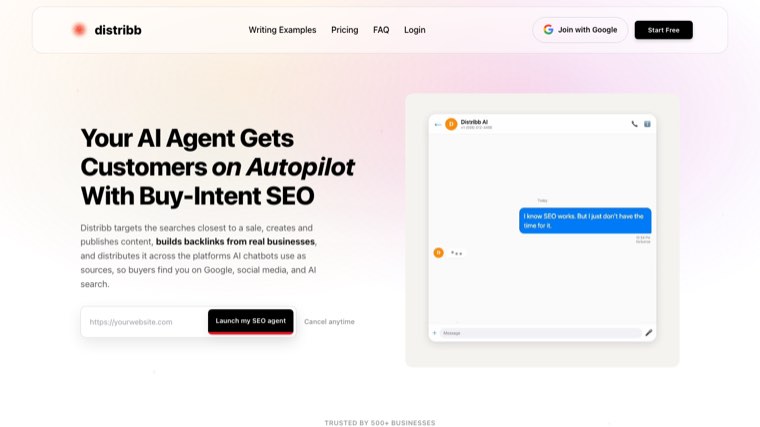
Distribb's AI content calendar builds the schedule from search data rather than from a brainstorm. It takes the keywords you have visibility on, finds the ones where you are missing or losing, and turns them into a dated publishing plan that it can then write and publish against. The reason it belongs on a page about templates is that the Target keyword and Publish date columns are the two people struggle to fill honestly, and those are the two it decides for you.
Being straight about the limits: it is a paid product, not a free download, and it is built around search and content rather than social scheduling. If your calendar is mostly Instagram, one of the social tools above is the better fit. If you want to compare the paid options properly, we have a rundown of the best content calendar software, and if the brief column is where your process breaks down, our SEO content brief template is the one we use internally.
How to actually keep it running
The template is the easy part. Three habits decide whether it survives the quarter.
- Plan a month at a time, not a quarter. Quarterly calendars are mostly fiction by week five, and rewriting fiction is demoralising.
- Book a recurring 30 minutes to update statuses and fill in performance. Unbooked, this never happens.
- Leave 20 percent of slots empty. Something timely will come up, and a full calendar means it either gets dropped or something planned does.
The best sign a calendar is working is boring: rows move left to right, and the Performance column slowly fills with numbers that change what you plan next. Filling those rows on schedule is the part that usually slips, and Distribb's AI content writer handles the drafting half of it.
Frequently asked questions
What should a content calendar include?
Publish date, status, title, target keyword, format, channel, owner, brief link, published URL and performance. Ten columns is enough for almost every team, and the two most commonly skipped, brief link and performance, are the two that do the most work.
What is the difference between a content calendar and an editorial calendar?
In practice very little, and the terms are used interchangeably. Where people do distinguish them, an editorial calendar covers written publishing with commissioning and deadlines, while a content calendar spans every format including video, email and social.
Is Excel or Google Sheets better for a content calendar?
Google Sheets for almost every team, because several people can edit it at once and the link never goes out of date. Excel makes sense if your organisation runs on it or the calendar has to live offline.
How far ahead should I plan content?
One month in detail and one quarter in outline. Detailed plans further out than about six weeks tend to be rewritten before they are used. The quarter itself should come from a written plan, and our SEO strategy template includes a 12-month roadmap you can pull it from.
Are free content calendar templates good enough?
Yes, for most teams indefinitely. Paid tools earn their price when you need approvals across several people, automated scheduling, or performance data pulled in without manual entry.
How do I fill a content calendar with ideas?
Work from search demand and customer questions rather than brainstorms. Your support inbox, your site search queries and the questions sales gets asked repeatedly are usually a better source than a whiteboard session. Planning a pillar and the posts around it works better than planning post by post, and our roundup of pillar page examples shows what that looks like finished.
Should social posts and blog posts share one calendar?
Yes, if the same person plans both. One view stops the same idea being published twice and shows where a blog post never got promoted. Split them only when different teams own each.
Start with the table
Copy the ten columns at the top of this page into a spreadsheet, fill in the next four weeks, and leave a fifth of the slots empty. That is a working content calendar, and it beats a more sophisticated one you stop updating in March.