

Most lists of ecommerce SEO tools are lists of things that find problems. A catalogue with 800 products does not have a diagnosis shortage. It has a queue of work nobody is doing. This shortlist is sorted by what each tool actually removes from that queue, and it separates the three free ones from the three you pay for, because for a lot of stores the free stack plus one execution tool is the whole answer.
How to judge an ecommerce SEO tool
Ecommerce breaks the tools that were built for content sites, so use these four tests rather than a feature count.
- Does it handle catalogue scale? A tool that audits page by page is fine for 40 pages and useless for 4,000. You need bulk output or bulk export.
- Does it understand product intent? Category pages chase broad shopping terms and product pages answer specific questions. A tool that treats both as generic URLs will point you at the wrong keywords.
- Does it produce, or only report? Reporting tools tell you what to write. Execution tools write and publish it. Most stores are short on the second thing.
- Does it cover AI answers? Product discovery increasingly happens inside assistants that cite sources rather than list links. Rank tracking on Google alone now measures part of the picture.
1. Distribb.io, the execution layer
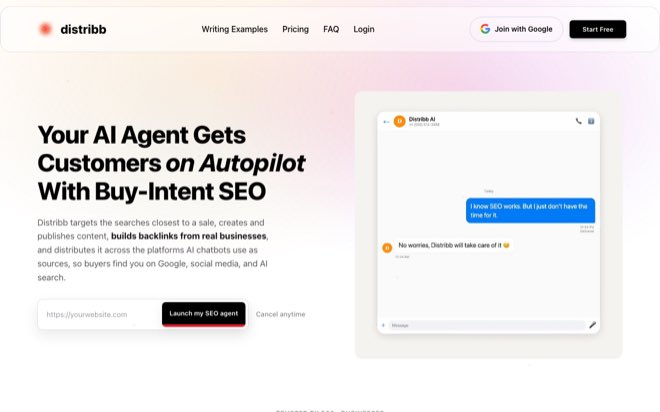
Distribb.io is the only tool here that closes the loop. You connect the store once and it runs keyword research, writes the content, publishes it, builds backlinks through an exchange network of real businesses, and distributes to the sources AI assistants cite. Nothing on the list waits for someone to pick it up.
Best for: Stores and agencies whose bottleneck is production rather than analysis.
- Research: targets buying-intent searches around your categories, not head terms you will never rank for.
- Content and publishing: writes and ships straight into Shopify, WooCommerce, Webflow, Wix, Ghost, Notion, or Framer through the CMS connection.
- Backlinks: an exchange network of real businesses rather than bought placements.
- AI search: distribution to the platforms assistants read, so the store can be cited in answers.
Pricing is $97 a month for Pro and $495 for Accelerator, which adds more articles and done-for-you distribution. Compare the current Distribb plan details before setup. Start by connecting your CMS. Approvals exist if you want them and are off by default, so the pipeline keeps running in a week when nobody logs in.
For the store specific version of this, see what Distribb runs for ecommerce brands.
The honest limitation: it is a platform, not a bespoke creative agency. It will not invent your brand campaign. It will keep the search side of the catalogue moving every week without being asked, which is the part most stores lose.
2. Semrush, breadth for a staffed team
Semrush now positions itself around brand visibility across search and AI answers rather than rank tracking alone, and bundles its data into a unified product it calls Semrush One. For a store with people to use it, the breadth is real.
Best for: Medium and large stores with a marketing team already in place.
- Coverage: keyword research, competitive analysis, site audit, and content tooling in one subscription.
- AI answers: visibility tracking now extends past classic search results.
- Watch for: the breadth is the cost. A two person store will use a fraction of it.
The ecommerce specific job to give it is faceted navigation. Filters for size, colour, price, and material generate URL combinations faster than anyone can review them, and a site audit that surfaces the pattern is worth more than another keyword list.
3. Ahrefs, links and competitor research
Ahrefs remains the strongest place to study who links to the brands beating you. It has also broadened into AI visibility and real time brand mention tracking, and it offers a free tier alongside the paid plans.
Best for: Stores where the gap against competitors is authority rather than content volume.
- Backlink data: find the sites linking to competing stores, then judge which are worth pursuing.
- Competitive keywords: see which product and category terms rivals actually rank for.
- Watch for: traffic and keyword figures are estimates from a third party crawl. Two tools will disagree about the same site, and neither is your analytics.
Use it for direction on competitors and Search Console for decisions about your own store. Finding link prospects is only half the job, and the outreach half is where most stores stall. Our guide to link building for ecommerce covers what to do with the list once you have it.
4. Screaming Frog SEO Spider, the catalogue crawler
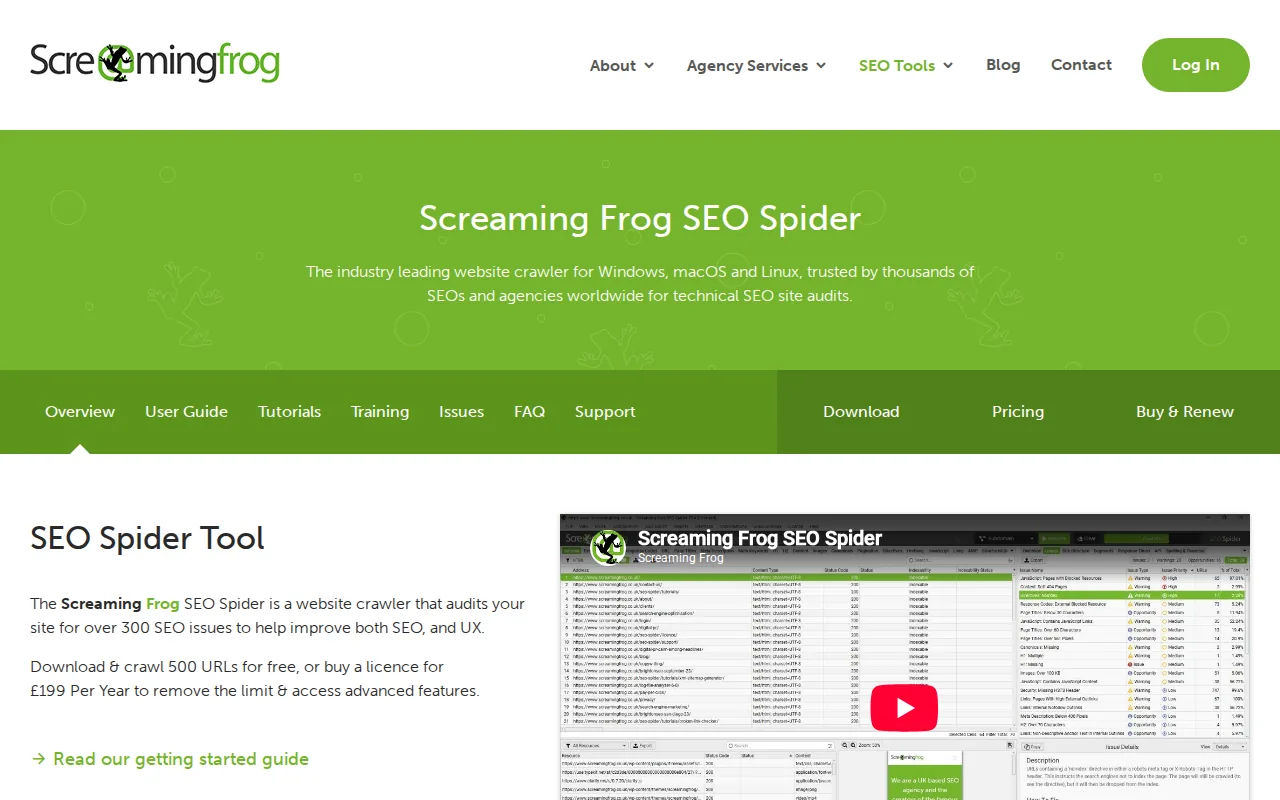
Screaming Frog is a desktop crawler that audits a site against more than 300 SEO issues. It crawls up to 500 URLs free, and a licence removes the limit for GBP 199 per year at the time of writing, which makes it the cheapest serious technical tool a store can own.
Best for: Any catalogue big enough that nobody knows how many URLs it really has.
- Finds duplicate templates: product variants with near identical titles and descriptions show up immediately in a bulk export.
- Finds parameter bloat: the crawl reveals how many filter URLs your navigation actually generates.
- Finds broken paths: discontinued products left as 404s inside category pages and internal links.
- Watch for: it is a desktop app, so a large crawl needs a machine with memory to spare.
Run it once before you buy anything else. The export usually explains a traffic problem that three months of keyword research would not.
5. Google Search Console, your only first party data
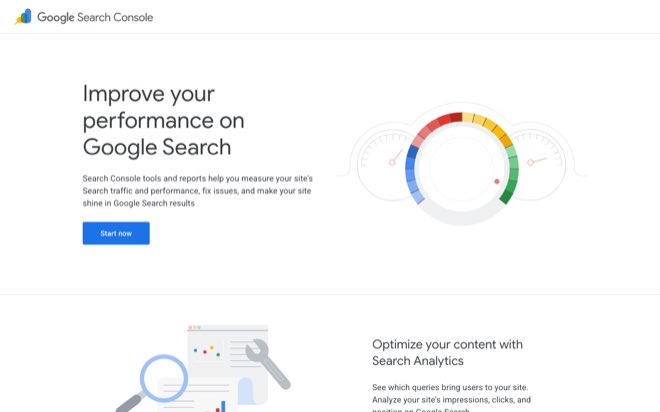
Search Console is free and it is the only source on this list that reports what Google actually did with your store rather than estimating it. Queries, impressions, clicks, and average position come straight from the source, plus index coverage, sitemap submission, and URL inspection. Its query data is also the best starting point for ecommerce keyword research, because it shows the searches your store already appears for.
Best for: Every store, without exception.
- Index coverage: the fastest way to find out that half your product pages were never indexed.
- Query data: the exact searches bringing impressions, including the long tail no keyword tool will show you.
- URL inspection: confirms how Google crawls and renders a specific product page.
- Watch for: the interface caps rows and the date window, so pull the full export rather than reading the top of the table.
A pattern worth checking: product pages sitting at position 8 to 12 with thousands of impressions and almost no clicks. Those pages are close and losing to a better result, and they are usually the cheapest wins in the whole catalogue. Our ecommerce SEO audit walkthrough covers how to work that list.
6. Profound, AI search and shopping visibility
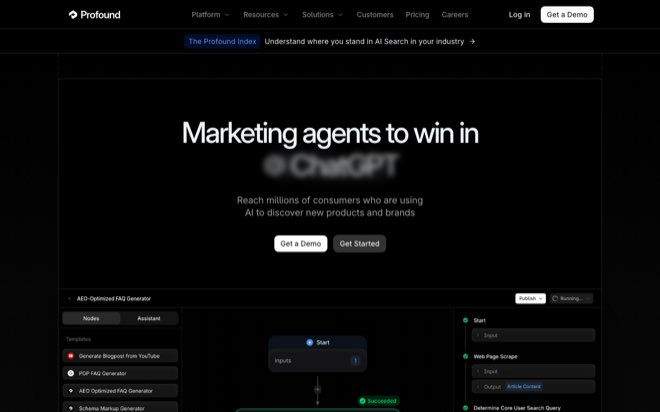
Profound measures how brands appear inside AI assistants rather than in search results, covering ChatGPT and Claude among others, and tracks product level visibility in AI shopping surfaces.
Best for: Larger catalogues that already know AI referrals matter to them.
- Answer engine measurement: which sources assistants cite when they answer a buying question in your category.
- Product level detail: per SKU visibility rather than a single domain score.
- Watch for: it measures. Acting on what it finds is a separate job, and pricing runs enterprise, with a demo as the entry point.
Measurement is worth buying once you have something to measure. If the store publishes nothing that an assistant could cite, a visibility dashboard will report that accurately every month.
AI SEO for ecommerce product pages
Product pages are where AI tooling helps most and does the most damage, because the work is repetitive and the facts are unforgiving. Three rules keep it useful.
Write for the question, not the spec sheet. Shoppers asking an assistant do not ask for a model number. They ask whether a jacket works in real rain, whether a desk fits a 140cm alcove, whether a supplement suits someone already taking something else. A page that answers those gets cited. A page that lists attributes gets skipped.
Never let a model invent an attribute. Dimensions, materials, compatibility, certifications, and shipping details come from your product data or they do not go on the page. This is the single failure mode that turns AI product copy into returns and complaints.
Structure it so machines can read it. Clean Product schema with accurate price and availability, a real description rather than a manufacturer paste (our guide to product description SEO covers how to write one), and genuine question and answer content from your support inbox. Assistants pull from structured data and from text that reads like an answer.
At catalogue scale this is a pipeline rather than a project, which is where an execution tool earns its cost. Distribb pulls from the connected store rather than guessing, and you can choose to review drafts before they publish.
AI SEO for Shopify
Shopify stores have a narrower problem than WooCommerce stores, because the platform handles a lot of the technical work already. What is left is mostly content and structure.
- Collection pages carry the commercial terms. A collection with a title and nothing else is a list of thumbnails. Shoppers and assistants both need text explaining what belongs in the category and how to choose.
- Variants can duplicate themselves. Shopify generates variant URLs that repeat the parent product. Decide which deserve indexing, and canonicalise the rest.
- The blog is underused. Product pages answer transactional queries. Everything earlier in the buying decision needs an article, and that is usually the gap between a store and its better ranked competitor.
- App bloat costs speed. Every app adds scripts. Audit them against what they earn.
Connecting a Shopify store to Distribb takes a couple of minutes, after which the research, writing, publishing, and backlink work runs continuously. Our step by step guide to AI SEO for ecommerce walks through the sequence in more detail.
Best SEO tools for ecommerce compared
| Tool | Cost | What it removes from your queue | Watch for |
|---|---|---|---|
| Distribb.io | $97 Pro, $495 Accelerator | Research, writing, publishing, backlinks, AI distribution | Platform, not a bespoke creative agency |
| Semrush | Paid, tiered | Research and site audits at breadth | More than a small store will use |
| Ahrefs | Free tier plus paid plans | Link prospecting and competitor research | Estimates, not your own data |
| Screaming Frog | Free to 500 URLs, GBP 199 per year | Technical audit across the whole catalogue | Desktop app, memory hungry on big crawls |
| Google Search Console | Free | First party query, index, and coverage data | Export the data, the interface truncates |
| Profound | Enterprise, demo first | AI answer and shopping visibility measurement | Measures only, someone still has to act |
A workable stack for most stores: Search Console and Screaming Frog to find the problems, Distribb to clear the recurring work, and one of Semrush or Ahrefs when competitive research becomes the constraint.
FAQ
What is the best SEO tool for ecommerce?
It depends which half of the job is stuck. If you already know what needs writing and nothing gets written, Distribb is the strongest pick, because it researches, writes, publishes, and builds links on its own from $97 a month. If you need to find the problems first, Search Console and Screaming Frog will show you more about your own catalogue than any paid suite, and they cost nothing or almost nothing.
Is there a good free SEO tool for ecommerce?
Yes, and most stores underuse them. Google Search Console is free and is the only report of what Google actually did with your pages. Screaming Frog crawls 500 URLs free, which covers a small catalogue outright and samples a large one. Ahrefs has a free tier for basic backlink checks. Between them you can diagnose a store without spending anything.
What should an ecommerce SEO tool automate?
The parts that repeat: keyword research across categories, article production, publishing into the store, internal linking, backlink outreach, and monitoring visibility in both search and AI answers. Product facts should come from your own product data rather than being generated, which is a question of how the tool is wired rather than whether automation is safe.
Is AI SEO useful for Shopify stores?
It is, provided it connects to the store rather than writing about it from the outside. The valuable work is collection page copy, the pre purchase articles that product pages cannot answer, and consistent publishing. Distribb connects a Shopify store in a couple of minutes and then runs that work continuously.
Are SEO tool traffic estimates accurate?
They are directionally useful and should never be treated as your numbers. Every tool builds its estimates from its own crawl and click model, which is why two of them will report different traffic for the same store. Use them to compare competitors, and use Search Console and your analytics for any decision about your own pages.
Conclusion
Start free. Crawl the catalogue with Screaming Frog and review the query export from Search Console. Then decide whether you need analysis software or help producing and publishing content. Compare Distribb's Pro and Accelerator plans against the work you need to complete.