
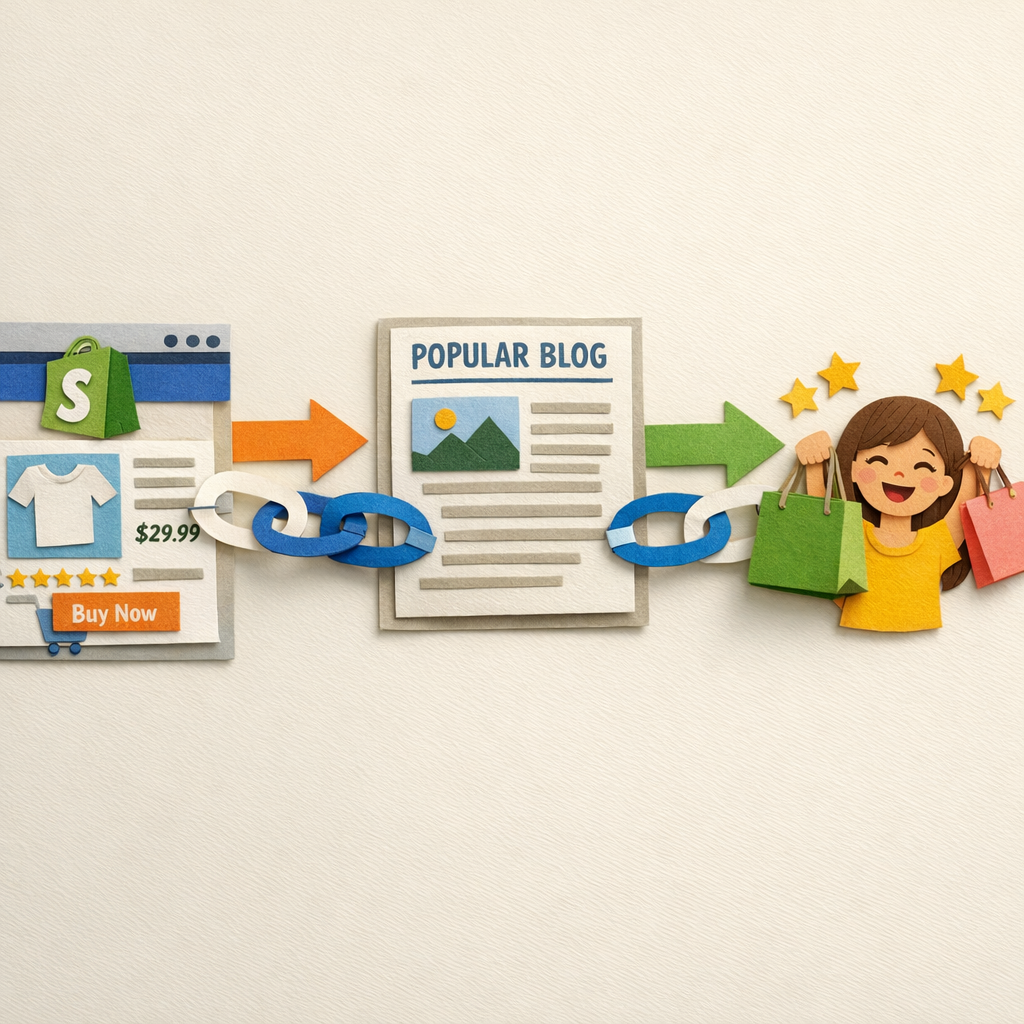
Ecommerce link building has one structural problem that no other niche has: nobody wants to link to a page that sells something. Every guide solves this by telling you to write blog posts, which builds authority to your blog and leaves the category pages that make money exactly where they were. Our explainer on what an editorial link is covers why that distinction matters so much here.
This list is ordered by speed of return, and it separates the tactics that build links to commercial pages from the ones that build links to content. You need both, and confusing them is why most ecommerce link programmes stall. Agencies that run that outreach for you are compared in our roundup of guest posting services.
The two link targets, and why the distinction matters
| Target | What earns links | What it does for you |
|---|---|---|
| Content pages | Guides, data, tools | Builds domain authority, feeds internal links |
| Category and product pages | Reviews, listings, partnerships, PR | Moves the pages that convert |
The internal link is the bridge. Links to a guide only help a category page if the guide links to it with a descriptive anchor. Most ecommerce sites skip that step and then wonder why the authority never arrives where it is needed. Assets built specifically to attract those links are collected in our roundup of link bait examples.
How this list was assembled
The tactics below come from link programmes we have run and from what is currently working on ecommerce SERPs, checked in August 2026. Each tool named was loaded on its live site before inclusion. Time and difficulty ratings are estimates from experience rather than measured averages, so treat them as ordering rather than as promises.
1. Get into the roundups that already rank
Search "best [your product category]" and open every result on page one. Each is maintained by someone whose job is keeping it current, and each one links directly to product or category pages rather than to blogs.
The pitch: point out something out of date on their page, then supply your entry written in their exact format. Offer a sample if it is a physical product. Hit rates here beat every other cold outreach in ecommerce.
2. Send products to reviewers who already rank
Not influencers, reviewers. The sites that come up for "[product] review" and "[category] comparison" with real written content.
Cost is one unit plus shipping. The link is usually to the product page, and the review keeps earning long after a social post has scrolled away. Ask for nothing beyond an honest review, and say so in the email.
3. Join a moderated exchange to build the base

A new store with three referring domains cannot outreach its way to a competitive category page, because nobody links to a site with no authority. A moderated exchange gets the base built so the rest of this list starts working.
Distribb's network matches your store with other real businesses wanting links, checks domain quality before offering a placement, and routes through the pool rather than creating direct reciprocal pairs.
Honest limitation: exchange links are a floor, not a ceiling. A link from a site that also wanted a link is a weaker signal than a review someone wrote because they liked the product, and it will not substitute for tactics 1 and 2. It is the fastest way past zero, which is a different thing from the best link you can get.
Start here: Distribb's backlink exchange.
4. Ask your suppliers and manufacturers
Almost every brand you stock has a "where to buy", "stockists" or "authorised retailers" page. Those are high-relevance links to your category pages and they are yours for an email.
This is the highest conversion rate outreach in ecommerce and most stores have never sent the email. Make the list of every brand you carry and work through it.
5. Build the tool your category needs

A size calculator, a fit finder, a comparison table, a compatibility checker. Something that solves one small problem a buyer in your category has before they buy.
Keep it narrow and free. Then link it prominently to the relevant category page, because the tool earns the links and the internal link moves the authority.
6. Publish the data nobody else has
You have sales data, return rates, seasonal patterns and price histories. Aggregated and anonymised, that is original research nobody can copy.
Journalists and bloggers link to numbers. One well-made annual data piece can earn links for years, and it is the only asset on this list a competitor cannot replicate this afternoon.
7. Answer journalist requests

Reporters covering retail, gifting, seasonal buying and product categories need sources constantly, and the platforms connecting them are free.
Reply within the hour with a specific number or example. A generic quote about the importance of quality is deleted unread.
8. Get listed where buyers already look
Category directories, marketplace profiles, local business listings, industry associations, comparison sites. Unglamorous, permanent, and directly relevant.
Audit what your three biggest competitors are listed in and match it. That is a morning of work and it closes a gap you did not know you had.
9. Reclaim unlinked brand mentions
Someone reviewed your product, mentioned your brand in a roundup, or quoted your founder without linking. Find these with a mention alert and email the author.
Roughly half will add the link because it costs them ten seconds. Run it monthly.
10. Fix the broken links pointing at dead competitors
Stores close and product lines get discontinued, leaving links pointing at 404s all over the web. Find those, offer your equivalent page as the replacement.
Works especially well after a competitor exits. The links exist, they are relevant, and the sites hosting them would rather not serve a dead link.
11. Sponsor something local and specific
A local team, a club, a community event, a school programme. Cheap, permanent, defensible, and it builds the local signals that also help if you have physical locations.
Keep the amounts and the relationship real. A sponsors page listing 400 companies helps nobody.
12. Create the gift guide other people copy
Seasonal gift guides attract links from lifestyle and local publications every year. Build yours early, make it genuinely useful across price bands, and pitch it in October rather than December.
13. Turn products into embeddable assets
Size charts, care instructions, material comparisons, spec tables. Publish them as clean standalone resources with an embed option and attribution.
Other sites in your category will use them rather than build their own, which is exactly the point.
14. Partner with complementary stores
You sell tents, they sell sleeping bags. Joint guides, bundle pages and mutual recommendation pages are genuinely useful to the same customer and produce relevant links.
This is not link swapping if the content is real. The test is whether the page would exist and be useful if the links were removed.
What to avoid
Paid guest posts on sites that exist to sell posts. Identifiable at scale, already discounted, and a poor use of the budget in a margin business. The sites worth pitching, and the ones to avoid, are sorted in our roundup of guest posting blogs.
Coupon and deal sites at volume. They will take your money and give you links from pages built for links, alongside anyone else who pays.
Anchor text stuffed with product keywords. Ecommerce sites get caught here more than any other niche because the money anchor is so tempting. Keep it mostly brand and naked URLs.
Tiered schemes pointing spam at your good links. We wrote about why that usually removes the good link in our guide to tiered link building.
The order to actually do this in
Weeks 1 to 4: suppliers, directories, unlinked mentions and the exchange. These are the fastest and they build the base everything else needs.
If you are running this with a small team rather than an agency, the AI-assisted version of the same sequence is in AI-powered link building tactics. The software behind either route is compared in our roundup of the best link building tools.
Months 2 to 3: roundups and product reviews, aimed at category and product pages specifically.
Months 3 to 6: the tool and the data piece, which are slower but keep returning long after the outreach stops.
If you run on Shopify, our Shopify SEO and content platform handles the content half of this, including the internal links from guides into the category pages that actually convert.
Related reading
For the startup version of the same problem, see link building for startups. For placements inside existing content, read our guide to niche edits.
For the tactics themselves outside an ecommerce context, link building techniques is the general list and white hat link building techniques covers what stays safe at volume. Resource link building covers the tactic that works best for category pages specifically. On tooling, see link building software and backlink exchange platforms.
FAQ
How many backlinks does an ecommerce category page need? Look at the referring domain counts of the pages ranking for your target term and match the range. For most non-competitive categories that is 15 to 40 domains to the page, sitting on a domain with a few hundred overall.
Should links go to product pages or category pages? Category pages, mostly. Products get discontinued and their links die with them, while categories persist and rank for the higher-volume terms. Send review links to products and everything else to categories.
Do links from coupon sites hurt? A few natural ones do nothing. A programmatic profile built mostly from deal and coupon sites is a recognisable pattern and it will not help the pages you care about.
How long until link building moves ecommerce rankings? Four to twelve weeks per link to be crawled and evaluated, and three to six months before a category page moves meaningfully. Anything faster was a change in something other than links.