
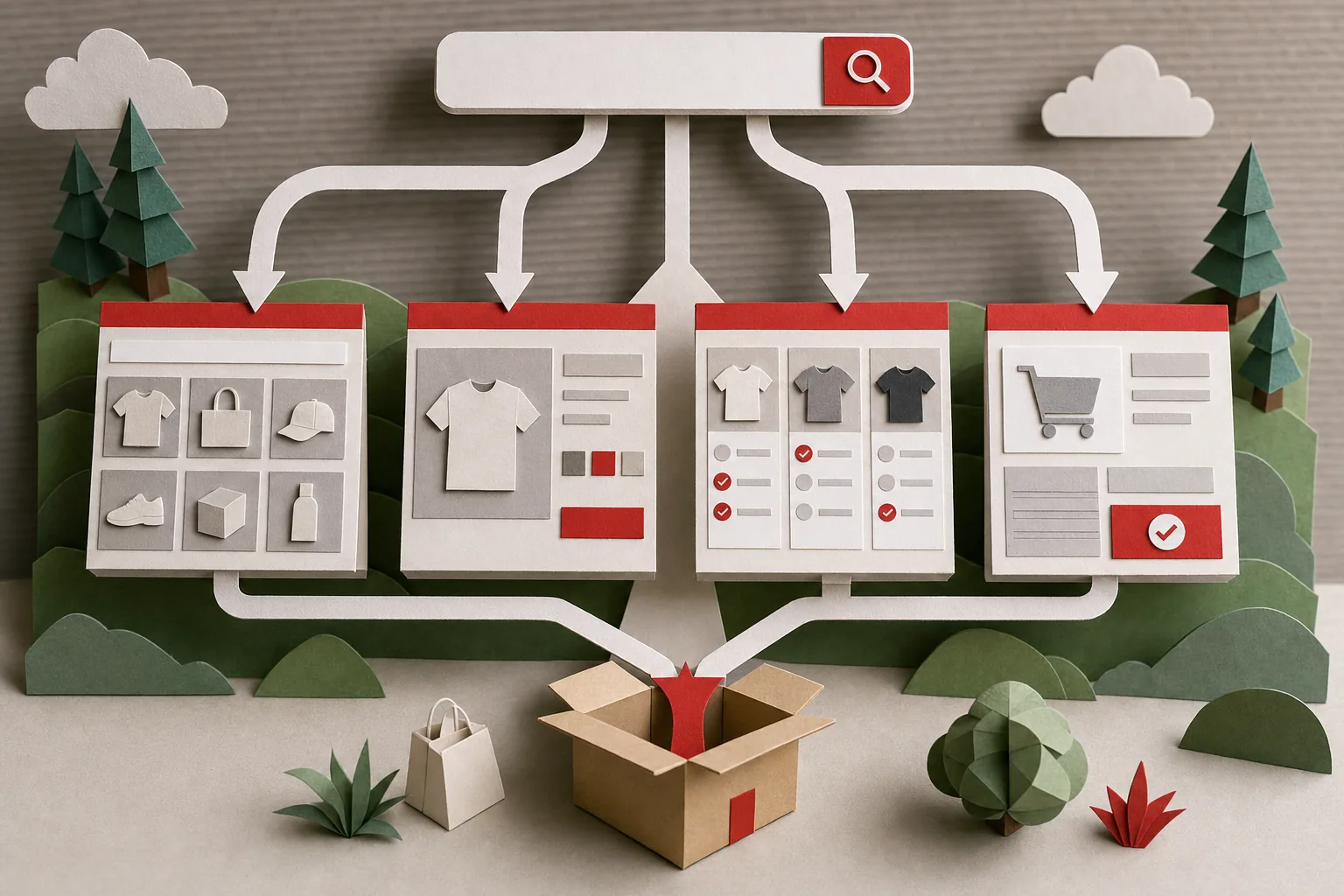
Ecommerce keyword research is finding the searches your buyers make, then deciding which page on your store should rank for each one. The second half is where most stores go wrong. A keyword list sitting in a spreadsheet doesn't sell anything. A list where every term has an owner (this collection page, that product page, this buying guide) turns into rankings and orders.
This guide walks through how to do ecommerce keyword research properly, step by step: the data you already have, how to expand it, how to check intent, how to score and map keywords to pages, how to handle filters, how to turn it into a strategy, and which tools are worth using.
Before writing it we read the five guides that rank for ecommerce keyword research today, from BigCommerce, Yotpo, Plytix, Shopify and Semrush. All five tell you to use Google Search Console. None of the five mentions that Search Console hides a share of your queries for privacy and shows at most 1,000 rows in its table, and none uses the search terms shoppers type into your own store's search bar, which is often the best keyword source a store has. Both are covered below.
We read the five guides that currently rank for ecommerce keyword research: BigCommerce, Yotpo, Plytix, Shopify and Semrush. All 5 name Google Search Console as a keyword source. But 0 of the 5 mention that its Performance report caps out at 1,000 rows, or that low-volume queries get anonymized for privacy. None of the 5 mentions mining a store's own search bar data, even though platforms like Shopify report those queries directly in their analytics. That leaves two keyword sources these guides skip entirely, both covered in the steps below.
What ecommerce keyword research is
For a blog or a service business, keyword research mostly means finding topics to write about. For a store it's different, because you have several kinds of pages that each rank for a different kind of search:
- Collection or category pages for broad product searches like "linen bedding" or "trail running shoes".
- Product pages for specific searches that name a brand, model, size, color or material.
- Blog posts and buying guides for questions asked before the purchase, like "linen vs cotton sheets" or "how to choose trail running shoes".
- Brand and comparison pages for people weighing your store against another.
So the output of ecommerce keyword research is a map: every keyword worth targeting, grouped with its close variants, and assigned to exactly one page. Everything below builds toward that map.
Four kinds of ecommerce keywords and the page each needs
Search intent decides the page type. Google shows the kind of page that satisfied people searching that term before, so a buying guide rarely ranks for a term where Google shows collection pages, however good the guide is.
| Keyword type | Example | What the shopper wants | Page that should rank |
|---|---|---|---|
| Transactional | "buy linen duvet cover queen" | To buy a specific thing now | Product page, or a tight collection |
| Commercial | "best linen sheets", "linen vs percale" | To compare before buying | Collection page or buying guide, depending on what Google shows |
| Informational | "how to wash linen sheets" | An answer | Blog post or care guide linking to products |
| Navigational | "yourbrand return policy" | A specific page on your site | The page itself, with a clear title |
Specificity matters as much as intent. "Sheets" is a vague search with huge volume and almost no chance of ranking for a small store. "Stonewashed linen sheets queen" has far less volume, a clear buyer, and an obvious page to rank. Most revenue for small and mid-sized stores comes from these longer, specific terms.
How to do ecommerce keyword research, step by step
This is the process we'd follow for a store starting from scratch or redoing its keyword plan. Work through one product group at a time rather than the whole catalog at once.
Step 1: Start with what Google already sends you
Open Google Search Console, go to Performance, and look at the last 3 months of queries. Filter pages to one collection or product group at a time, for example URLs containing /collections/ or a specific collection handle. You're looking for:
- Queries at positions 5 to 20 with decent impressions. These are the fastest wins, because Google already connects them to your store.
- Queries landing on the wrong page, like a product page ranking for a broad term that should belong to a collection.
- Queries you never targeted, which point to missing pages or missing sections.
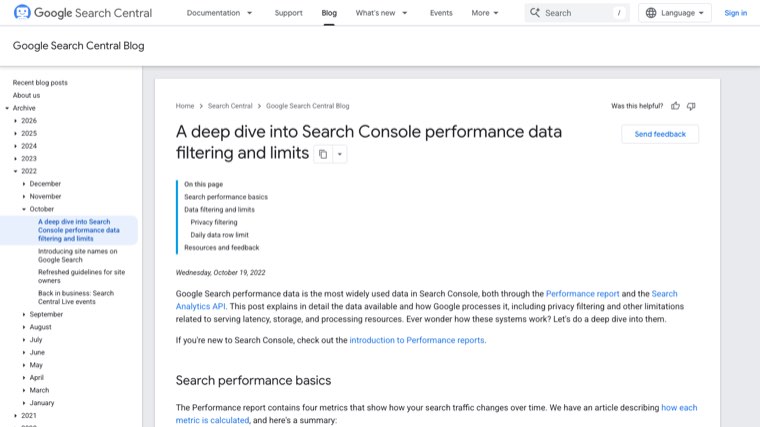
Know the data's limits before you trust it. Google's own Search Central team explains that the Performance report shows at most 1,000 rows in the interface, while the Search Analytics API allows up to 50,000 rows per day per site per search type. Queries searched by very few people are anonymized for privacy, so they're counted in your totals but never listed. For a store with a large catalog, much of the long tail is exactly those rare queries, which is why the query table can add up to far fewer clicks than the chart shows. If you need more than 1,000 rows, use the API, the Looker Studio connector, or Search Console's bulk data export to BigQuery.
Step 2: Mine your own store search
People who use the search bar on your store tell you, in their own words, what they want. That's keyword research data no tool can sell you.
On Shopify, the analytics reports include "Searches by search query", "Searches with no clicks" and "Top online store searches with no results". On other platforms, turn on site search tracking in Google Analytics 4 (the enhanced measurement setting records a view_search_results event with the search term).
- Searches with no results are the most valuable list. Some are products you don't stock. Many are words you don't use: shoppers type "duvet" while your catalog says "comforter cover". Those words belong in your titles, collection names and descriptions.
- Searches with no clicks show terms where you have products but the results didn't look right, often a sign the collection or product naming doesn't match how people search.
- Top searches show which product words carry demand, which tells you which collections to prioritize.
Step 3: Build seed keywords from your catalog
Seeds are the short phrases you'll expand in the next step. Build them from the attributes shoppers use to narrow down, not only product names. A simple way is to combine columns:
- Product type: sheets, duvet cover, pillowcase
- Attribute: linen, stonewashed, organic, cooling
- Size, fit or compatibility: queen, king, deep pocket
- Use case or problem: for hot sleepers, for summer, for kids
Add words from customer reviews and support emails, where people describe products in their own language. A shopper might write "sheets that don't pill" when your product page says "long-staple fibers".
Step 4: Expand the list
Put the seeds into a keyword tool to get variations, search volume and difficulty. Then add the free sources tools often miss:
- Google autocomplete and "People also ask" for the questions around each product.
- Amazon's search bar suggestions, which reflect what people type when they're ready to buy.
- Competitor collection names and filters. Look at how the stores ranking for your main terms group their products. Their filter labels are usually built from search data.
- AI tools such as ChatGPT, to suggest variations by attribute, use case and question. Treat the output as ideas to check, because AI doesn't know search volume.
Step 5: Check the search results for each keyword
Volume and difficulty scores don't tell you what page to build. The search results do. For every keyword you're considering, search it and note:
- Page types in the top 10. Mostly collection pages means you need a collection. Mostly articles means a guide.
- Shopping results and product listings. A strong sign of buying intent, and a sign that your Google Merchant Center feed matters for that term too.
- Who ranks. If marketplaces and giant retailers hold every spot for a broad term, target a more specific version instead.
- Overlap. If two keywords bring up mostly the same results, they belong on the same page.
Step 6: Score and prioritize
Give each keyword group a simple score so the team agrees on what to do first. Rough ratings of high, medium and low are enough.
| Factor | Question to ask |
|---|---|
| Relevance | Do we sell exactly this? |
| Intent | Is the searcher close to buying? |
| Margin | Is the product worth the effort to rank? |
| Stock | Will we still have it in 6 months? |
| Difficulty | Can our site realistically reach page one? |
| Existing ranking | Are we already on page two for it? |
| Seasonality | When does demand peak? |
High relevance, high margin and an existing page-two ranking beats high volume almost every time.
Step 7: Map every keyword group to one page
Build the map as a sheet with one row per keyword group: main keyword, close variants, page type, target URL, status. Two rules keep it clean:
- One owner per keyword group. If two pages target the same search, they compete, and Google often ranks neither well. Merge them or change one page's target.
- Existing pages first. Assign keywords to collections and products you already have before creating new pages. Most stores have more collections than they need, not fewer.
Then update each page to match: the keyword in the title tag and H1, the variants in a short intro and in product copy, and internal links between guides and the collections they support.
Which filter pages deserve their own keywords
Filters like color, size and material create a new URL for every combination. A store with 10 colors, 8 sizes and 5 materials can generate thousands of filtered URLs from a single collection. Only a few of those match real searches.
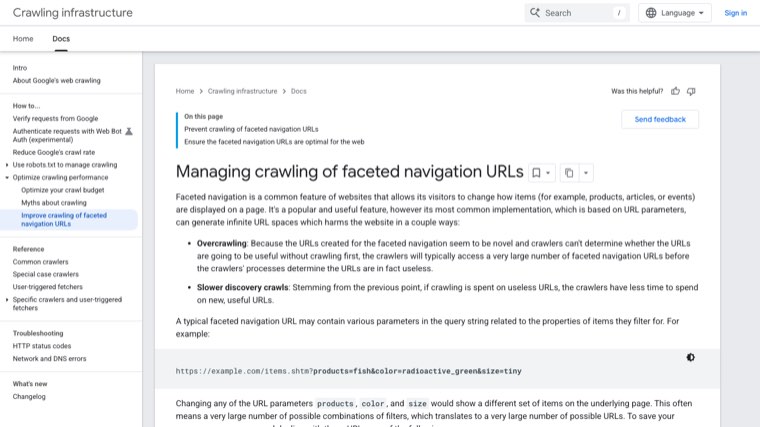
Google's documentation on faceted navigation, updated in December 2025, says to block crawling of filter URLs you don't need indexed, using robots.txt or URL fragments, because crawling them wastes resources and can slow the discovery of new pages. If you do want filtered URLs crawled, it recommends using the standard & parameter separator, keeping filter order consistent, and returning a 404 when a combination has no results.
Use your keyword research to decide which combinations earn a real page. If "black linen sheets" has steady search volume and you stock enough black linen sheets to fill a page, create a proper collection for it with its own title, H1 and intro text, and link to it from the parent collection. Leave the rest as filters that aren't indexed. On Shopify, the default robots.txt already blocks sorted collection URLs and combined tag filters, so the main job is creating the few collections that deserve to rank.
Turn the research into a strategy
An ecommerce keyword research strategy is the order you act on the map. This order works for most stores:
- Fix collection pages first. They target the broad commercial terms with the most revenue behind them, and most stores leave them with a title and a grid of products. Add a keyword-focused title tag, a short intro, and FAQs where the results show them.
- Then product pages for high-margin items. Put the attributes people search (material, size, compatibility) in the product title and description, in plain words.
- Then content clusters. For each priority collection, write the buying guide and the three to five questions buyers ask most, each linking back to the collection. If you're on Shopify, our guide to Shopify blog SEO covers how to set those posts up.
- Plan seasonal pages early. Check Google Trends for each seasonal keyword over the last five years. Publish or refresh those pages two to three months before the peak, since a page published during the peak is usually too late to rank for it.
- Redo the research on a schedule. Revisit the map every quarter, and whenever you add a product line. Search Console will show new queries appearing as your pages start ranking.
Account for AI answers too. Shoppers increasingly ask ChatGPT, Perplexity or Google's AI Mode full questions like "what's the best linen sheet set for hot sleepers under $200". Those long questions rarely show volume in keyword tools, but the pages that get cited are the ones that answer them directly: clear buying guides, comparison tables, and product pages that state the facts people ask about.
Ecommerce keyword research tools
You don't need an expensive tool to start. The free sources cover most of what a small store needs, and paid tools add competitor data and scale.
| Tool | Cost | Best for | Watch out for |
|---|---|---|---|
| Google Search Console | Free | Queries you already rank for, and which page ranks | 1,000-row table limit and anonymized queries |
| Your store's search reports | Free | Shopper language and products people can't find | Only shows people already on your site |
| Google Keyword Planner | Free with a Google Ads account | Volume and seasonality for product terms | Often shows wide volume ranges unless the account runs ads |
| Google Trends | Free | Seasonality and rising product terms | Relative interest, not search volume |
| Google and Amazon autocomplete | Free | Long-tail variations and buyer phrasing | No volume data |
| Keywords Everywhere | Paid credits | Volume shown inside Google and Amazon as you search | Credits run out on large catalogs |
| Ahrefs or Semrush | Paid subscription | Competitor keywords, gap analysis, difficulty scores | Monthly cost, and still needs someone to act on the data |
| Distribb | From $97 a month | Keyword research that turns straight into published pages | A platform, not a bespoke agency |
We compared these and more in our roundup of the best SEO tools for ecommerce. This walkthrough from Keywords Everywhere shows the "search as a shopper" method from step 4 in practice:
Common mistakes
- Chasing volume. A 50,000-search head term you'll never rank for is worth less than twenty 200-search terms you can win this quarter.
- Sending broad terms to product pages. "Linen sheets" wants a choice of products. A single product page rarely ranks for it.
- Writing blog posts for transactional terms. If Google shows collections, a guide won't break in.
- Two pages for one keyword. Common with near-identical collections like "women's running shoes" and "running shoes for women".
- Ignoring your own words. If shoppers say "duvet" and your store says "comforter cover", you lose both the search and the sale.
- Researching once. Catalogs, seasons and search language change. A keyword map from last year already has gaps.
Running keyword research on autopilot
Everything above is the manual way, and for a store with hundreds of products it's a lot of weeks. The research is also only the start: each keyword then needs a page written, linked and published.
Distribb does that on autopilot. Connect your store and it reads your product catalog, runs the keyword research for the searches your buyers make, and writes articles around the products you actually sell, with links to your product and collection pages. It publishes to your blog on a schedule, including straight to Shopify, then builds backlinks from real businesses and tracks whether AI answers like ChatGPT and Perplexity mention your store. You can review drafts if you want, but it doesn't need you to.
Pro is $97 a month. Accelerator is $495 a month and adds a human editor who reviews every piece before it goes live. Agencies white-label Distribb for their ecommerce clients, so a store can also go straight to the source. You can see what Distribb runs for ecommerce brands.
That leaves your time for the parts only you can decide, like which product lines to push and what to stock next.
FAQ
What is ecommerce keyword research?
It's finding the searches shoppers make for products like yours, then assigning each keyword to the page on your store that should rank for it: a collection, a product page or a buying guide. The result is a keyword map, not just a list.
How do you do proper ecommerce keyword research?
Start with Search Console queries you already rank for and your store's own search reports. Build seed keywords from product types and attributes, expand them with a keyword tool and autocomplete, check the search results to see which page type ranks, score each group by relevance, intent, margin and difficulty, and map every group to one page.
What is the best ecommerce keyword research tool?
Start with the free ones: Google Search Console, your store's search reports, Keyword Planner and Google Trends. Add a paid suite like Ahrefs or Semrush when you need competitor data at scale. If you want the research turned into published pages, a platform like Distribb handles both.
How many keywords should an ecommerce page target?
One main keyword plus its close variants, meaning the terms that bring up mostly the same search results. A collection page can rank for dozens of related phrases. If two terms show different results, they need different pages.
Should product pages or collection pages target the main keywords?
Collection pages usually target the broad commercial terms, like "linen sheets". Product pages target specific terms that name a brand, model, size or material. Check the search results for each term to confirm which page type Google prefers.
How often should I redo ecommerce keyword research?
Review the keyword map every quarter, before each seasonal peak, and whenever you add a new product line. Search Console will also show new queries as your pages start ranking, and those are worth adding to the map.
Conclusion
Good ecommerce keyword research ends with a map where every important keyword group has one page that owns it. Start with the data you already have, Search Console and your store search, then expand, check the results, score, and map one product group at a time. Fix your collection pages first, since that's where the buying searches are, and come back to the map every quarter.