

There are three kinds of AI writing tool and buying across the categories is why people end up with four subscriptions and no finished work.
Some write with you, improving sentences as you type. Some write for you, producing a draft you then edit. Some write instead of you, generating and publishing without a human in the loop. They are not competitors, they solve different problems, and the third kind carries a risk the marketing never mentions. If the honest answer is that you would rather a person wrote it, we compare blog writing services separately.
How we checked this list
All fourteen were loaded on their live sites in August 2026 and screenshotted, so every tool here resolved and is real.
Every price below was read from the vendor's own pricing page on 6 August 2026 and is quoted with that date. Two would not show us a figure: OpenAI renders its plans behind a script we could not read, and Google served a localised plans page. In both cases we said so in the entry rather than repeating a number from elsewhere.
Two products that appear on older versions of this list were cut after checking what they now do. Sudowrite has narrowed to fiction writing, and Hypotenuse now positions around ecommerce product content. Both are real and neither belongs on a general SEO writing list any more. For the SEO end of this category specifically, our AI content writer covers what a writing tool has to do once the draft exists.
The three kinds
| Kind | What you get | Editing needed | Tools |
|---|---|---|---|
| Writes with you | Better sentences, your thinking | Minimal | Grammarly, Notion AI |
| Writes for you | A first draft on your brief | Substantial | ChatGPT, Claude, Jasper, Writesonic |
| Writes instead of you | Published pages | You should, but nothing forces you | Distribb, Koala, Byword, Machined |
The honest through-line: every tool in the second and third groups produces text that needs a person to check it. The difference is only whether the product makes that step easy to skip.
Quick answer
- Best for research through to published: Distribb
- Best general-purpose writer: Claude
- Best for long-form reasoning: ChatGPT
- Best brand voice consistency: Jasper
- Best for SEO drafts at volume: Byword
- Best free option: Google Gemini
- Best editing assistant: Grammarly
- Best inside your existing docs: Notion AI
Comparison
| Tool | Kind | Free tier |
|---|---|---|
| Distribb | Instead of you, through publishing | 7-day trial |
| ChatGPT | For you | Yes |
| Claude | For you | Yes |
| Google Gemini | For you | Yes |
| Jasper | For you, brand-controlled | Trial |
| Writesonic | For you, SEO-aware | Yes |
| Copy.ai | For you, short form | Yes |
| Rytr | For you, budget | Yes |
| Byword | Instead of you | Trial |
| Koala | Instead of you | Trial |
| Machined | Instead of you, clusters | Trial |
| ContentBot | For you, chained flows | Trial |
| Grammarly | With you | Yes |
| Notion AI | With you | Trial |
1. Distribb, writing as part of a pipeline

Most people searching for an AI writing tool want something general: emails, briefs, posts, a bit of everything. Distribb is not that, and it is worth knowing now rather than seven days into a trial.
It writes one thing, the search led article, and then does the parts a writing tool hands back to you. Keyword research, drafting, publishing into WordPress, Webflow, Shopify, Ghost, Wix, Notion, GoHighLevel, Framer or a webhook, internal linking across your existing posts, and social repurposing all run as one scheduled loop.
If your writing problem is a blog that has to rank, that shape is the reason to look at it. If your writing problem is everything else, buy a general assistant and skip to entry two. Its backlink exchange covers the off page side that no writing tool touches, and our roundup of AI content writing software covers the wider category.
Pros:
- The output is a page, not a document: nothing sits in a folder waiting for someone to publish it
- Internal linking is automatic: each new piece is wired into the archive that already exists
- Backlinks included: the exchange network comes with the subscription rather than a separate invoice
- Runs on a schedule: a publishing time and timezone you set, rather than a window you have to open
- Search Console driven rewrites: pages stuck at positions 11 to 20 get reworked from their own query data
Cons: There is no editor you sit and write in, no chat window to argue a paragraph into shape, and no brand voice trainer. If you want a tool to write with, this is the wrong category and Claude or Jasper is the right answer. Anything that publishes on a schedule can also publish something wrong, so the review step does not disappear.
For who: The third kind of buyer above, who wants writing done instead of them and measured in published pages.
Pricing: $97 a month with a 7-day free trial, and Accelerator at $495 a month. There are only two prices and there is no free plan.
2. Claude, the best prose
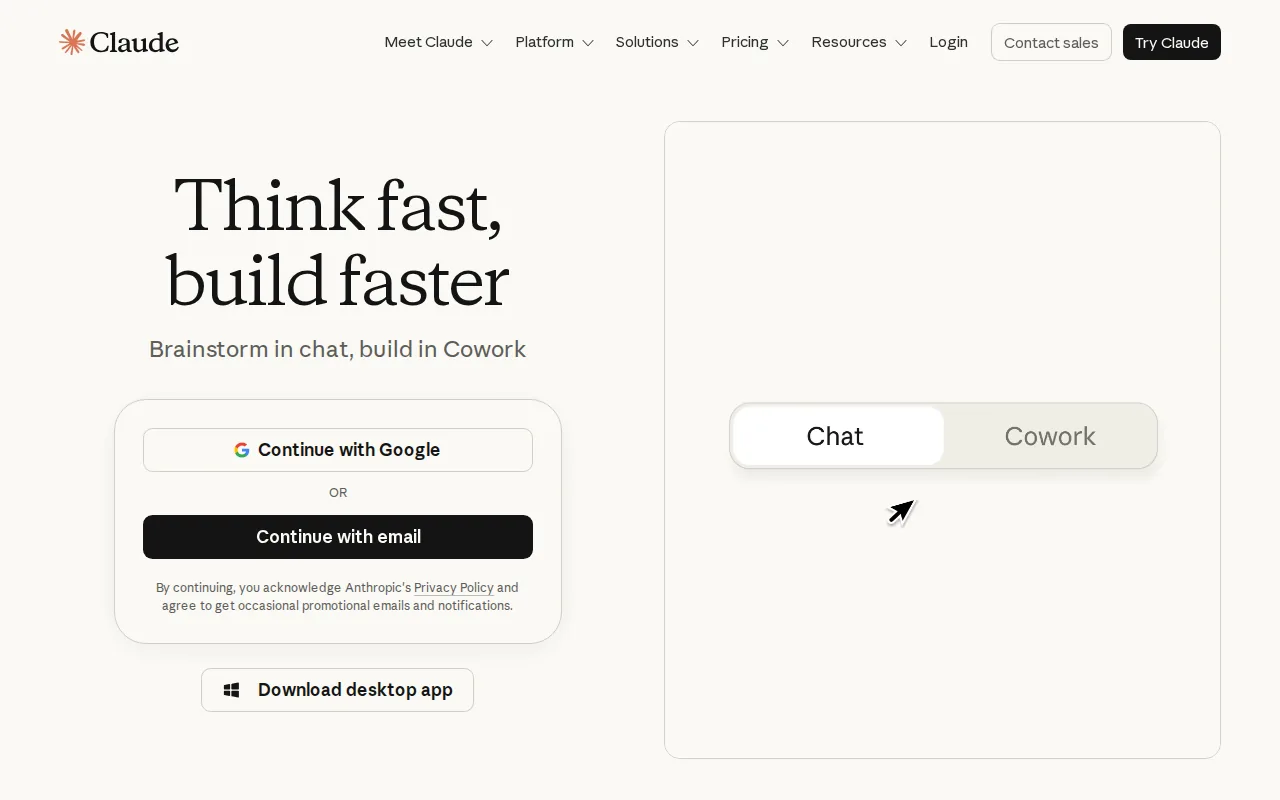
Claude produces the most natural long-form writing of the general models, holds a brief across a long document, and pushes back rather than agreeing with whatever you just said.
For drafting where the writing quality matters and you were going to edit anyway, this is where most people who write for a living have ended up.
Pros:
- Least editing per thousand words: fewer of the tics that mark a draft as generated
- Stays on brief at length: instruction given at the top survives to the bottom
- Takes the whole research pack: paste transcripts and source documents rather than summarising them first
- Disagrees usefully: it will tell you a premise is wrong instead of writing to it
Cons: It is a general assistant with no SEO features, no keyword data and no publishing. You bring the brief and you do everything either side of the draft.
For who: Writers who want the tool to write with them, on pieces a person will read end to end.
Pricing: Free at $0, Pro at $17 a month billed annually or $20 monthly, Max from $100, read from claude.com on 6 August 2026.
3. ChatGPT, the most capable all-rounder

ChatGPT handles research, outlining, drafting, editing and analysis in one place, with browsing and by far the largest ecosystem around it.
The free tier is generous enough that there is no reason to buy anything else on this list before trying it. It is the baseline every other tool here has to beat for your specific job.
Pros:
- Broadest single tool: the one that covers the most jobs adequately
- Custom GPTs: a repeated task can be saved rather than re-prompted
- Free tier is a real product: enough to establish whether AI writing helps you at all
- Fastest at options: twenty variations of a line in the time it takes to write one
Cons: The default register is recognisable to readers and reviewers alike, and getting past it takes real prompting effort plus a real edit. Breadth is also the trade: on any single writing job something on this list is better.
For who: Anyone who has not yet worked out which of the three kinds of tool they need.
Pricing: There is a free tier. OpenAI's pricing page would not render its plan prices for us on 6 August 2026, so no monthly figure is quoted here.
4. Google Gemini, free and increasingly capable

Gemini is strong on research grounded writing and sits inside Google Docs, Gmail and the rest of Workspace, which removes a copy and paste step for a lot of teams.
For anyone already living in Workspace, the writing help arrives where the writing already happens, which matters more day to day than a small quality gap.
Pros:
- Inside the documents you already use: no tool switching, which is what kills most writing workflows
- Research grounded output: answers tied to sources rather than to the model's memory
- Free tier is capable: enough for daily drafting without a subscription decision
- Long context: whole documents and long threads handled in one pass
Cons: Same generic register problem as every general model, and the same complete absence of SEO tooling. Its output also skews cautious, which produces safe copy where you wanted a point of view.
For who: Workspace teams who want writing help without adding a subscription or a new tab.
Pricing: There is a free tier. Google's plans page served us a localised version on 6 August 2026 and we could not read a reliable USD figure, so none is quoted here.
5. Jasper, brand voice at team scale

Jasper's advantage is the workflow around the generation rather than the generation itself: brand voice training, campaign templates and team features that keep several writers producing consistent output.
Where consistency across a team matters more than any single piece being excellent, that is worth paying over a general model for.
Pros:
- Brand voice that survives several writers: the one feature here built for a team rather than a person
- Campaign level output: a launch's worth of copy from one brief
- Approvals and shared assets: a workflow rather than everyone in a private chat window
- Marketing formats built in: ads, emails and product copy without prompt engineering each time
Cons: You are paying per seat for the wrapper, and the underlying writing quality no longer leads the general models. At $59 a seat, a team of five is spending more than most publishing pipelines cost.
For who: Marketing teams of three or more where several people write under one brand.
Pricing: Pro at $59 per seat per month billed yearly, or $69 monthly, read from jasper.ai on 6 August 2026.
6. Writesonic, SEO-aware drafting

Writesonic generates articles with live data and search context built in, plus more control over format and voice than most bundled writers give you.
Its headline positioning has shifted toward tracking brand visibility inside AI answers, so what you buy today is a wider product than the article writer people remember.
Pros:
- Search context in the draft: output shaped by what ranks rather than by the prompt alone
- Live data and citations: sources attached to long-form output
- AI visibility tracking: monitoring across ChatGPT and Gemini answers on the same subscription
- Stated article volumes: plans quote articles per month rather than an opaque credit pool
Cons: The SEO analysis is thinner than a dedicated optimiser, so pairing it with one is not optional. The entry plan has also climbed to $79, which is above several tools here that draft better.
For who: Solo operators who want drafting and AI visibility numbers on one bill.
Pricing: Starter $79, Basic $199 and Growth $399 a month billed annually, extra users $50, read from writesonic.com on 6 August 2026.
7. Copy.ai, short form and go-to-market

Copy.ai is strongest on short copy and has moved toward go-to-market workflows: sequences, campaigns and repeatable marketing output rather than long articles.
Treat it as the tool for the copy that surrounds content. That category has its own comparison in our guide to the best AI copywriting tool.
Pros:
- Best on short form here: subject lines, ad variants and sequences rather than articles
- Workflow automation: chained steps that run against a list rather than one prompt at a time
- Go to market templates: built around sales and campaign motions, not blogging
- Model choice: access to several underlying models on one subscription
Cons: Long-form is genuinely not its strength, and buying it to write articles is the most common way people waste money on it. The jump from the entry plan to the next tier is also very steep.
For who: Go to market and sales teams producing short copy at volume.
Pricing: $29 a month billed monthly, or $24 a month billed $288 yearly, with Growth at $1,000 a month, read from copy.ai on 6 August 2026.
8. Rytr, the cheap one

Rytr covers a wide range of short-form use cases at a very low price with a usable free tier, which makes it the sensible place to find out whether any of this helps you.
Nothing here is best in class. Everything here costs less than a lunch, and for a first subscription that is the more relevant fact.
Pros:
- Cheapest paid plan on this list: $7.50 a month for unlimited generations
- Free tier with no card: a real trial rather than a countdown
- Forty plus use cases: covers the small jobs without prompt writing
- Custom tones: available even on the low tiers
Cons: Output is shorter and shallower than everything above it, and long-form needs rewriting rather than editing. It is a starting point rather than a destination, and most people who stay on it are underusing what AI writing can do.
For who: Anyone testing whether an AI writing tool earns its place before spending properly.
Pricing: Free at $0, Unlimited at $7.50 a month, Premium at $24.16, read from rytr.me on 6 August 2026.
9. Byword, drafts that need less rewriting

Byword focuses narrowly on producing SEO articles that arrive closer to publishable, with bulk generation and direct publishing to WordPress.
If you have tried volume tools and given up on the output quality, this is the one to try next. Our roundup of the AI blog writing tool category covers the rest of that shelf.
Pros:
- Least rewriting of the volume tools: drafts land closer to publishable than the category norm
- Bulk generation: a keyword list in, a batch of articles out
- Publishes to WordPress directly: the draft does not stop at a download
- Plans quote articles: 25, 80 or 300 a month rather than word credits
Cons: It writes and publishes and does nothing else. No strategy, no optimisation scoring, no internal linking, and at $99 for 25 articles the cost per piece only makes sense if you publish near the cap.
For who: Publishers who already know their keywords and want drafts that survive a light edit.
Pricing: Starter $99 for 25 articles, Standard $299 for 80, Scale $999 for 300 a month, with 5 free articles to start, read from byword.ai on 6 August 2026.
10. Koala, long-form with live data

Koala produces long-form articles with real-time data and publishes straight to WordPress, and it is widely used in affiliate and informational content.
The plan ladder is unusually long, which makes it one of the few tools here that stays sensible as your volume changes.
Pros:
- Starts at $9: the lowest entry price of the publish-for-you group
- Live data in the draft: current facts rather than a model's training cutoff
- One click WordPress publishing: plus a Sheets integration and API on higher tiers
- Plan ladder that scales: seven tiers, so you are not jumping 10x to add capacity
Cons: Light on optimisation, and volume without a hard edit produces exactly the content that stopped working in 2025. It is also built around affiliate style articles, which shows in the output shape when you want something else.
For who: Affiliate and informational publishers producing at volume on a budget.
Pricing: Essentials $9, Professional $49, Boost $99, Growth $179 and Elite $350 a month, read from koala.sh on 6 August 2026.
11. Machined, clusters not articles

Machined generates and publishes whole topic clusters with the internal linking already in place, which matches how ranking actually works better than single articles do.
Buying a cluster rather than an article is the genuine differentiator here, and it is the right unit for anyone starting a site from nothing.
Pros:
- Clusters as the unit: related pages and their links produced together
- Internal linking built in: the part almost every other tool leaves to you
- Unlimited CMS connections: even on the entry plan
- Bring your own keys option: $99 a month plus provider costs for high volume
Cons: The unattended output risk multiplied by volume, because a wrong brief becomes twenty wrong pages rather than one. Cluster generation also assumes your topic map is right, and it will not tell you when it is not.
For who: New sites that need topical coverage built rather than individual posts added.
Pricing: Launch $19, Growth $49, Pro $99 and Scale $249 a month, with a bring your own key plan at $99, read from machined.ai on 6 August 2026.
12. ContentBot, chained content flows

ContentBot lets you build multi-step flows that chain generation tasks together, which suits repeatable content processes rather than one-off pieces.
It is the most build-it-yourself option here, and that is either the appeal or the reason to avoid it.
Pros:
- Flows rather than prompts: a repeatable process you configure once
- Pay as you go option: $0.50 per 1,000 words with no monthly commitment
- Cheap entry plan: $9 a month for 50,000 words
- Unlimited seats on every tier: unusual at this price
Cons: You are building a workflow, so budget setup time before anything useful comes out. The product is also thinner than the flow builder suggests, and the drafts themselves need as much editing as the cheaper tools above.
For who: Operators who like assembling a pipeline and want to pay by usage rather than by seat.
Pricing: Starter $9 and Premium $29 a month, or prepaid at $0.50 per 1,000 words, read from contentbot.ai on 6 August 2026.
13. Grammarly, the one that improves your own writing

Grammarly works on writing you already did, catching clarity, tone and correctness problems across everything you type. It is the only tool on this page in the first group, the ones that write with you rather than for you.
Run it last, after any SEO optimisation, because optimising for terms damages readability and this catches the damage.
Pros:
- Improves your voice rather than replacing it: the only tool here that leaves the thinking with you
- Works everywhere you type: docs, email and browser rather than one more tab
- Free tier covers the correctness pass: most of the value costs nothing
- Catches the generated register: tone flags land on exactly the sentences that give a draft away
Cons: It knows nothing about search, and it will never produce a word for you. Following every suggestion also flattens a distinctive voice into a corporate one, which is a real cost on writing meant to sound like a person.
For who: People who write themselves and want the draft improved rather than produced.
Pricing: Free at $0 and Pro at $12 a month with a 7-day free trial, read from grammarly.com on 6 August 2026.
14. Notion AI, writing where your notes already are
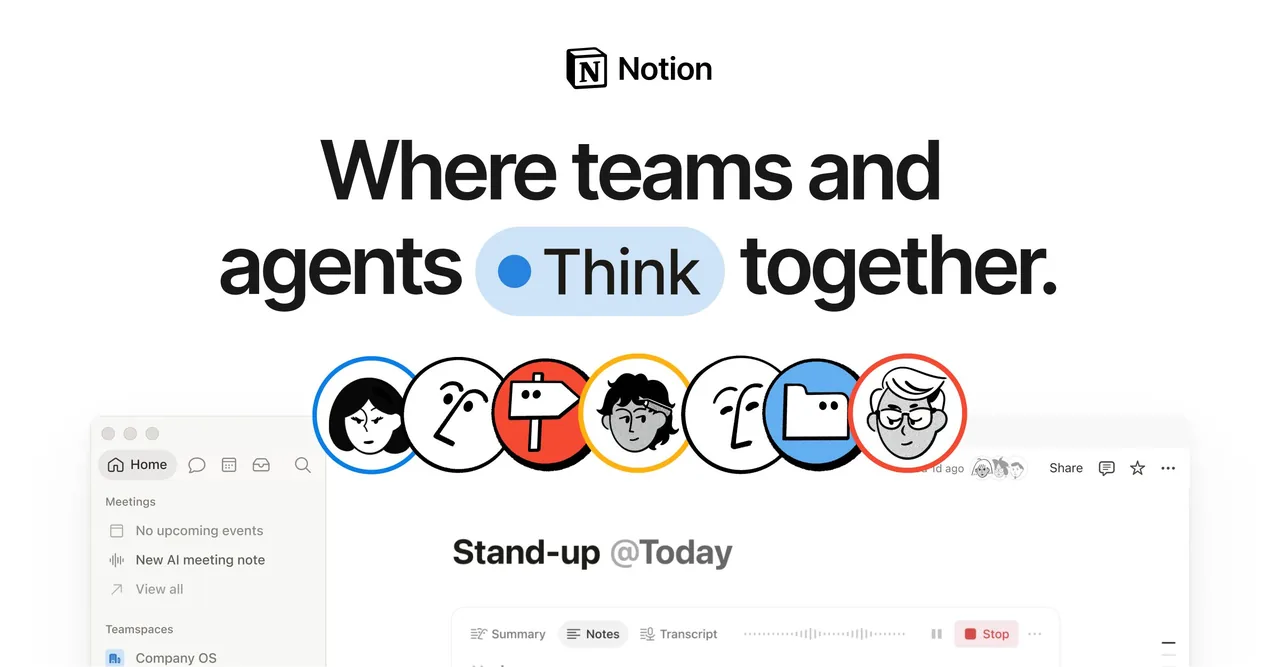
Notion AI drafts, summarises and rewrites inside the workspace where your briefs, research and drafts already live, which removes the tool switching that kills most writing workflows.
It is the second tool in the writes-with-you group, and it earns its place on proximity rather than on writing quality.
Pros:
- Zero context switching: the assistant is in the document, not in another product
- Works on your own material: your notes and research are the input by default
- Good at summarising: meeting notes and research packs into something usable
- Priced into the workspace: included in Business rather than bolted on
Cons: A capable assistant rather than a specialist writer, and it is worth nothing to you if your team does not already live in Notion. Long-form output is clearly behind the dedicated writers above.
For who: Teams already working in Notion who want help with the writing that happens there.
Pricing: Free at $0, Plus $10 and Business $20 per seat per month, with additional Notion credits at $10 per 1,000, read from notion.com on 6 August 2026.
The mistake almost everyone makes
Buying a tool from the "writes for you" group when the problem is in the "writes instead of you" group, or the reverse.
The fourth option is not buying software at all. We compared what that costs in SEO article writing services.
If you have twelve half-finished drafts, a better drafting tool produces a thirteenth. If you have no idea what to write, a publishing pipeline will publish the wrong things faster. Diagnose which one you are before spending anything, and our guide to automated content marketing walks through which stages to automate and which to protect.
The part that has to stay human
Every tool in groups two and three will confidently state things that are not true. Invented statistics, misattributed quotes, products that do not exist. We have found fabricated tool names on our own older pages, produced exactly this way.
Check three things on anything generated before it goes live: every number has a source, every product named actually exists, and every claim about your own business is one you would defend on a sales call. That pass is the difference between AI writing that works and AI writing that costs you credibility.
If drafting is not your bottleneck and publishing is, Distribb runs the whole loop with a 7-day free trial. Our AI content analysis list covers the tools that grade what you have written.
FAQ
What should a small team look for? Pick for the workflow rather than the model. Whatever writes best today will be matched within six months, so the durable difference is whether the tool fits how you already work.
Does the underlying model matter? Less than the input you give it. Claude and GPT class models both produce publishable prose, and the gap between them is smaller than the gap between a good brief and a bad one.
Can these tools do keyword research? A few include it and most do not. Treat writing quality and keyword data as separate purchases unless one tool genuinely does both well.
How do I measure the return? Time saved per article times articles published, against the subscription cost. Then check the published pieces actually rank, because volume without rankings is a cost rather than a return.
How do I avoid publishing thin AI content? Give it something specific to work from and read it before it goes out. Ten minutes an article catches nearly everything that matters.
Is it safe to let one auto publish? Safe for the site and risky for your credibility. If nobody reads the piece before publication, one invented statistic reaches your readers with your name on it.
Five neighbouring pages go deeper by group. AI content writing tools and AI blog writing tools cover the second group in detail, AI content writing software covers choosing and using one, and AI content creation tools widens it past text. If the writing is meant to rank rather than just exist, AI SEO writing is the process to follow.