
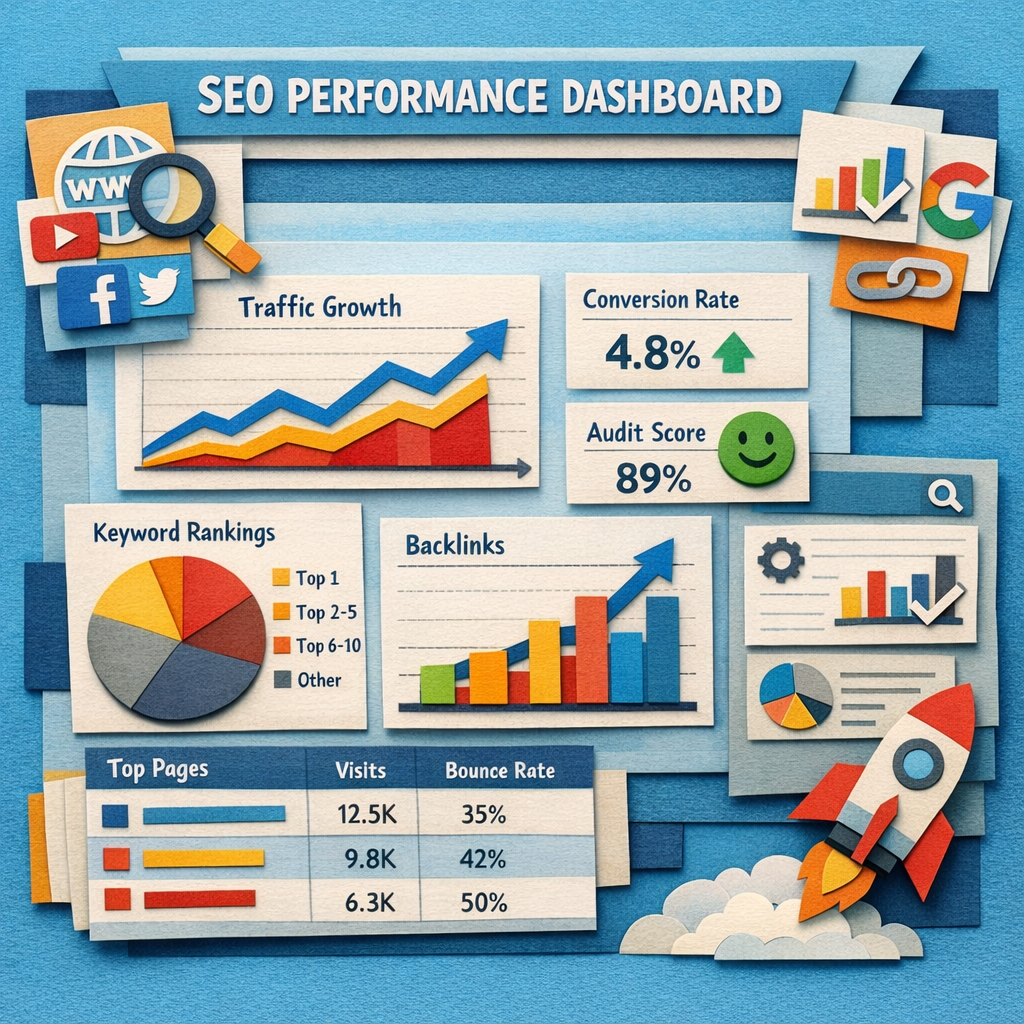
An SEO dashboard has one job: put the numbers that matter in one place, automatically, so nobody spends the first Monday of the month copying figures into a slide deck.
They divide into three groups. Free tools you assemble yourself, agency platforms that bill per client, and reporting built into an SEO platform you already pay for. The right choice depends almost entirely on how many clients or sites you report on. The narrower job of reporting positions alone is covered in our guide to the SEO keyword ranking report.
How we checked this list
Every tool below was loaded on its live site in August 2026 and captured there, with prices read from the vendor's own pricing page that day. Several vendors quote rather than publish, and for those we name the tier instead of inventing a number. This page is about dashboards. If your question is the wider agency stack, our comparison of SEO reporting tools covers it from that angle.
The three routes
| Route | Cost | Best when |
|---|---|---|
| Build your own | Free | One to three sites, and you enjoy this |
| Agency platform | $44 to $812/mo | Many clients who each need a branded view |
| Inside an SEO platform | Included | You already pay for Semrush, Ahrefs or SE Ranking |
1. Looker Studio, free and endlessly flexible

Free. Connects Search Console, GA4, Google Ads, Sheets and, through connectors, most rank trackers. Build any view you want, share it as a live link, schedule it by email.
For one to three properties this is genuinely the best option available, and the fact that it costs nothing is not the main reason.
Honest limit: you build and maintain it. Connectors to non-Google sources are often paid third-party add-ons, and a dashboard nobody maintains breaks quietly when a source changes.
2. AgencyAnalytics, the agency default

Multi-client dashboards with a large integration library, built-in rank tracking and site audits, fully brandable with a client login on your own domain.
For an agency where every client expects a monthly report, this removes days of assembly per month.
Honest limit: priced per client, so cost scales exactly with growth. Model it at thirty clients rather than at three.
3. DashThis, the simple one

$44 a month at the entry tier, then $139, $279 and $429. Preset templates, white label branding, automated sends, deliberately less configurable than the flexible builders.
Less configuration means reports get sent, which beats a perfect dashboard that never ships.
Honest limit: limited customisation, and pricing is per dashboard so client count drives cost directly.
4. Whatagraph, for larger agencies

From $812 a month billed annually. Cross-channel reporting with a governed data layer, linked templates and a branded client portal.
At that price the test is simple: it must save more than a part-time salary in assembly time.
Honest limit: the entry price excludes small agencies. Check your specific integrations before committing at that level.
5. Databox, live KPI canvases

Real-time dashboards with goal tracking and an AI analyst layer, covering marketing metrics well beyond SEO. How far that analyst layer can be trusted is covered in our guide to AI SEO dashboards.
Good when clients or executives want a live view rather than a monthly document.
Honest limit: more general analytics platform than SEO reporting tool, and white labelling is less complete than the agency-first products.
6. TapClicks, enterprise marketing operations

An enterprise reporting and marketing operations stack with automated report generation across many channels and clients.
Built for organisations where reporting is a function rather than a task.
Honest limit: enterprise scale, cost and implementation time. Wrong shape for a small agency.
7. Swydo, priced per data source

Priced by report volume with additional reports at $4.50, $3.00 and $2.00 by tier, billing per data connection rather than per client.
For agencies running SEO, paid and social for many small clients, this model is often materially cheaper.
Honest limit: a narrower integration list, and weekly sends across many clients add up.
8. Reporting Ninja, straightforward client reports

Automated white label reports pulling from the common marketing data sources, aimed at agencies wanting output without a build.
Sits between the free route and the expensive platforms on both price and effort.
Honest limit: fewer integrations and less flexibility than the larger platforms.
9. Agency Dashboard, built for the use case

A reporting platform aimed specifically at agencies needing branded client dashboards from search and marketing sources.
Narrower than the big platforms and priced accordingly.
Honest limit: a smaller integration list, and another subscription rather than a consolidation.
10. Google Search Console, the source of truth

Free, and the only place showing what your site is genuinely being shown for rather than an estimate. Impressions, clicks, position and query data straight from Google.
Every dashboard on this page is ultimately displaying this data with something else layered on top. Connect it for every property on day one.
Honest limit: one property at a time, data capped and delayed by a couple of days, and nothing client-facing.
11. Semrush, reporting inside the platform

Position tracking, site audits, competitor data and a report builder in one subscription, with white labelling through the paid Agency Growth Kit.
If you already pay for Semrush, a separate dashboard tool is often redundant.
Honest limit: white labelling costs extra, so the true agency cost sits above the headline. The report builder is less flexible than the dedicated platforms.
12. Ahrefs, dashboards on the best data

$129 a month on Lite, $249 on Standard, $449 on Advanced. Site-level dashboards over the strongest backlink and keyword data available, with alerts and scheduled reports.
Worth using because you are already in it rather than because the reporting is best in class.
Honest limit: no white label reporting at all, which rules it out as a client-facing dashboard for agencies.
13. SE Ranking, reporting plus the platform

Rank tracking, audits, backlink data and white label reporting with ready-made templates, at mid-market pricing.
For an agency wanting the platform and the client dashboard in one subscription, this is usually the best value on the list.
Honest limit: backlink data is behind the leaders, and pricing was not readable on their page for us.
Where Distribb fits, which is not here

We build Distribb and it is not a dashboard. It has no reporting builder, no client portal and no multi-source integrations, and it should not be compared with anything above.
It reads Search Console data to decide what to write and to show how published pages are performing, and that is the limit of the overlap. Its job is the production layer that the dashboards eventually measure: research, articles written and published under your brand, internal links and contextual backlinks. Dashboards are the cheap, flat part of an agency stack. Production is the part that scales with client count.
What most SEO dashboards get wrong
Too many metrics. A dashboard with forty numbers communicates nothing. Five to eight, tied to what the client actually cares about, is the useful range. For the one-off deliverable rather than the recurring one, our SEO audit report template covers what belongs in it.
Rankings above everything. Positions are a leading indicator, not an outcome. Impressions, clicks and conversions belong higher on the page than a keyword table, and our comparison of SEO rank trackers makes the same point about what tracking can and cannot tell you.
No context. A number without a comparison is decoration. Every metric needs a previous period next to it.
Reporting on activity. "Twelve blog posts published" is not a result. It belongs in an appendix, not at the top. Our guide to automated SEO reports covers what to include instead.
Nothing about what happens next. The most valuable line in any client report is what you are doing in the coming month and why, and no tool generates it for you.
FAQ
What is the best free SEO dashboard? Looker Studio connected to Search Console and GA4. For one to three sites it is better than most paid tools, at zero cost, provided you are willing to build it.
How much should an agency spend on reporting? $44 to $200 a month covers most agencies under twenty clients. Above that, per-client pricing becomes the dominant cost and per-data-source models like Swydo start to win.
Do clients actually read these reports? Rarely in detail. They read the summary and the recommendation. This is an argument for fewer metrics and a written paragraph, not for a more elaborate dashboard.
Should the dashboard be live or a monthly PDF? A live link that clients can open any time, plus a short monthly note explaining what changed. The note is what earns the retainer. Our walkthrough on setting up automated SEO reporting covers scheduling both without doing it by hand.
Can I white label a free dashboard? Looker Studio can be branded and shared on a link, though not hosted on your own domain in the way agency platforms allow. For most small agencies that is enough.
What metrics should an SEO dashboard show? Impressions, clicks, average position, top pages, top queries, conversions, and backlink growth. Anything beyond that is usually for you rather than for the client.
Do I need a dashboard if I have Semrush? Usually not, unless you need white labelling that the Agency Growth Kit does not cover or you report on channels Semrush does not see.
Where to start
If you report on fewer than five sites, spend an afternoon in Looker Studio with Search Console and GA4 connected. It will cost nothing and beat most paid tools for your situation.
If you report to clients every month, pick on client count: DashThis or Reporting Ninja under ten, AgencyAnalytics or SE Ranking beyond it. Then look at the layer the dashboard measures, because Distribb's white label plan covers content and links under your brand on a flat subscription, which is the line that actually grows with your client list.