

Most keyword APIs return rows. Distribb.io goes further by connecting keyword research with content creation, publishing, backlink building, and AI search visibility. Here are the strongest options for developers, SEO teams, agencies, and product builders, with a clear use case and tradeoff for each.
Methodology: We reviewed 11 keyword research API entries across five research sources on August 7, 2026. We compared returned metrics, bulk support, automation, integrations, access models, and free options.
1. Distribb.io (Our Top Pick)
Distribb.io is the best keyword research API choice when keyword data needs to lead straight into an SEO workflow. Its API includes keyword research with search volume and difficulty data, then connects that research with content creation, publishing, backlink building, and AI search visibility. Explore Distribb pricing for access options.
That distinction matters in a product build. A data-only API might return a JSON row for “accounting software for startups.” Your team still has to score the term, write a brief, assign the page, publish it, and find suitable backlink targets. Distribb.io is built to carry the work beyond the first response.
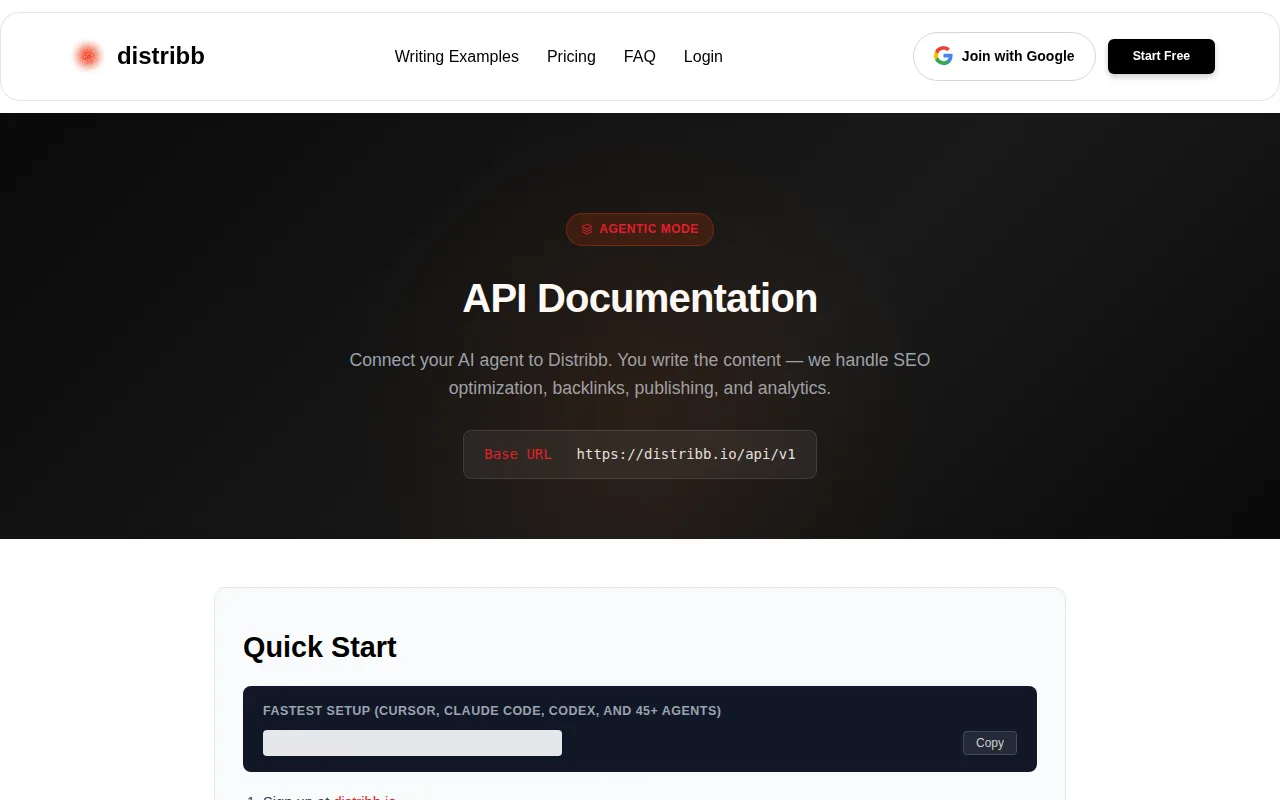
The API documentation describes a keyword search route that returns volume and difficulty data. It also includes project context, internal-link targets, backlink targets, and article submission steps. That makes it a better fit for an agency dashboard or an internal content system than a raw keyword table alone.
Distribb.io also fits teams that don't want every marketer to write code. The platform connects with CMS tools such as WordPress, Webflow, Shopify, Notion, Wix, and Framer.
There is a catch. A team that only needs raw keyword rows at very large scale may get better unit economics from a dedicated data API such as DataForSEO. Distribb.io is strongest when the output must become a finished SEO action, not when the job ends at data export.
For teams that want to test the workflow before committing, Distribb.io provides a 3-day free trial. You can inspect the request shape and available workflow steps in Distribb API documentation before building a deeper integration.
Best fit: agencies, SaaS founders, ecommerce brands, and SEO teams that want one system to move from keyword idea to published page. Start with Distribb pricing to explore the workflow.
2. SE Ranking Keyword Research API, Fast Bulk Metrics
SE Ranking Keyword Research API is a strong pick for teams that need fast keyword metrics in large batches. One request can process up to 5,000 terms from a selected regional database.
The response can include average monthly searches, advertiser bid value, competition, ranking difficulty, and month-by-month search data. Results use consistent JSON responses across markets, which helps when a dashboard supports several countries.
The batch size is the main draw. Say your app receives 4,000 product terms from a merchant. Instead of splitting the list into many small jobs, the system can send the terms in one POST request. You can also request only fields such as keyword, volume, and difficulty to reduce the response size and save API units.
Regional filtering uses ISO Alpha-2 country codes. That helps a product team keep US, German, and other market data separate rather than mixing demand from several regions in one report.
Each request consumes API units, so a queue still needs quota checks, retries, and a clear rule for failed jobs.
SE Ranking includes a 100,000-credit free package. That gives developers a way to test payloads before they build a larger data loop. Pricing after the free credits depends on the plan and usage model, so check the current terms before estimating a monthly bill.
One useful detail is a ready-to-use request collection. A marketer can test a request without first building a full client in Python or JavaScript. For a technical team, that shortens the path from trial request to a working service.
SE Ranking is a good choice when the main job is structured keyword analysis. It is less suited to teams that want the API itself to write and publish the next piece of content.
3. Google Keyword Planner API (via Google Ads), Credible First-Party Data
Google Keyword Planner API (via Google Ads), accessed through Google Ads, suits teams that want keyword planning data from Google's own advertising system. It is often considered when search volume, competition, and advertiser bid signals need to come from a first-party source.
The main appeal is trust in the source. A media buyer or product team may already use Google Ads data for paid search forecasts, so the same source can support an SEO research view. That can help when paid and organic teams need to discuss the same term with fewer data gaps.
It is also useful for seed expansion. A product can send a small set of phrases and use the returned ideas as candidates for a larger content map. The application can then save the source term, market, language, and date beside each result.
Still, this is not a full replacement for every SEO data API. Difficulty scores, SERP feature detail, competitor rankings, and content workflow actions may not match what a specialist SEO platform supplies. The output is best treated as search planning data, not a complete organic opportunity score.
Access can also take more setup than a simple commercial API key. Your team has to manage Google Ads access, authentication, developer settings, request rules, and account permissions. Those steps are manageable for a developer, but they can slow down a small marketing team.
Use this option when first-party Google Ads data is the deciding factor. If the goal is to ship a complete SEO workflow, pair the data with another system or choose a platform that already handles the next actions.
The term “keyword research API” can mean very different things here. In this case, it means a connection to planning data. It does not automatically mean a database of organic rankings or a publishing system.
4. Bing Webmaster Tools Keyword API, Broader Search Coverage
Bing Webmaster Tools Keyword API is worth a look when your product needs search data beyond a single engine. The supplied research describes an API option that includes both Google and Bing keyword data for broader coverage.
That can help a market research dashboard compare demand patterns across engines. It may also suit products whose users work in markets where Bing has a meaningful role. The value is less about replacing Google data and more about giving the user another view of search behavior.
Location and language settings matter here. Returned results depend on the language and location values supplied. A pipeline should store both fields with every response, or later reports may compare terms that came from different markets.
There are policy limits as well. The documentation says some keyword categories are restricted under advertising platform policies. If one restricted term appears in a batch, the whole batch may return no data. That is a serious implementation detail for bulk jobs, especially when seed lists come from user input.
Monthly availability can also lag. The same documentation notes that data for the previous calendar month may take up to 72 hours to appear. A reporting job should allow for that delay instead of treating a missing month as zero demand.
Pricing depends on the chosen method and task priority. Standard retrieval uses a task workflow, while Live retrieval is intended for faster results. Check the current provider terms before promising instant responses inside a user-facing product.
This API fits teams that need wider search coverage and can handle market fields, policy checks, and delayed monthly data. It is a weaker fit for a simple dashboard that only needs one consistent Google-focused metric set.
5. DataForSEO, Bulk Requests With SERP Features
DataForSEO is built for developers who need a headless data layer for large keyword and SERP jobs. Its keyword data services support bulk requests, while its broader API set can help applications inspect SERP features around a term.
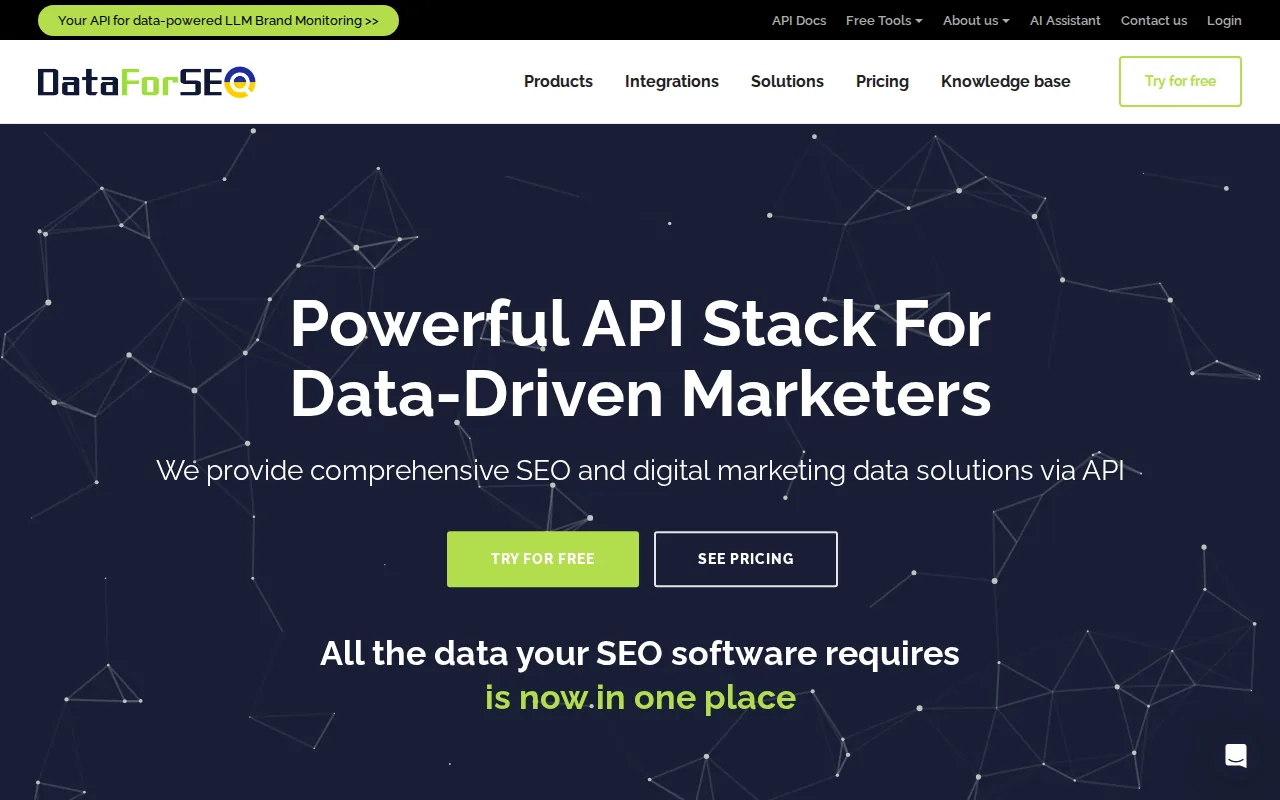
The useful split is between Standard and Live delivery. Standard uses a POST request to create a task, followed by a GET request to collect the result. That model is better for a queue that can wait. Live returns results faster through a single request, but the supplied documentation says it is generally more expensive.
DataForSEO supports keyword data from original sources such as Google Ads and Bing Ads. The service also supports location targeting down to a city level for supported Google location types. That level of detail can matter in a local SEO product where “plumber” in one city should not share a row with the same term in another.
The API can also support SERP feature analysis for a keyword. A dashboard might use that field to flag terms with local packs, shopping results, videos, or featured snippets. The content team can then choose a page format that matches what appears in search.
Its bulk design is the tradeoff. A developer needs to manage task IDs, polling or callbacks, result storage, retries, and cost rules. That is fine for a SaaS product with a queue worker. It is less pleasant for a small team that wants to paste in a list and get a clean spreadsheet.
The service provides a free sandbox for testing. Production pricing depends on the endpoint, task method, and project requirements. The supplied research does not give one universal price for every keyword request, so don't build a forecast around a single headline rate.
Choose DataForSEO when raw scale and control matter more than a built-in editorial workflow. Choose Distribb.io when the next step after keyword research is a brief, a page, an internal link, or a backlink task.
6. Semrush, Extensive Global Keyword Coverage
Semrush API is a fit for teams that need broad regional keyword coverage and detailed SEO and PPC fields. The supplied research describes a database of more than 20 billion keywords across 142 countries.
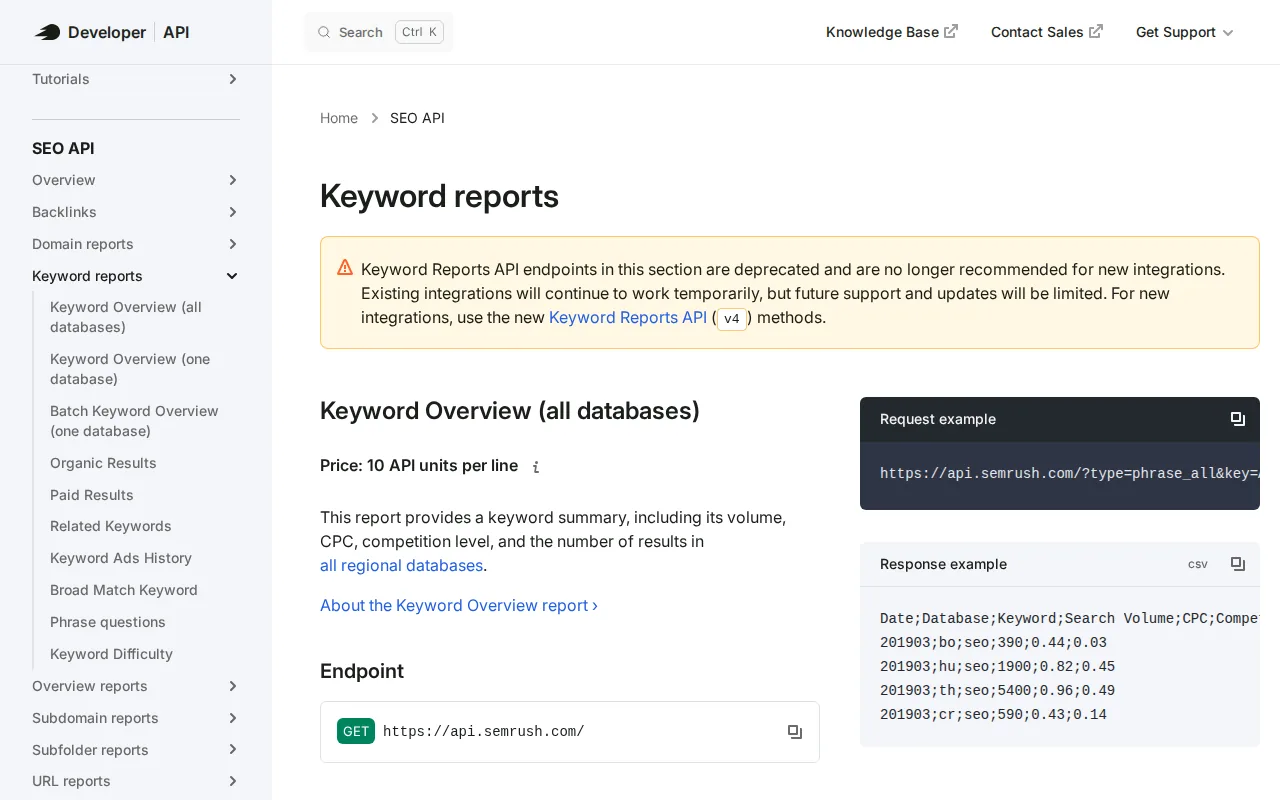
The API can return search volume, CPC, advertiser competition, keyword difficulty, intent, result counts, SERP features, and monthly trends. It can also identify AI Overview among the possible SERP feature values. That makes the response useful for a research dashboard that needs more than a volume column.
Semrush requests use API units. The current developer reference lists 20 units in the v4 documentation. Other v3 reports use different unit rules, including per-line charges and higher charges for historical data. Your cost model must match the exact report types your application calls.
Country selection is explicit through two-letter country codes. The API also accepts a month value for the snapshot used in the response. That gives analysts a way to keep reports tied to a defined data period rather than silently mixing current and historical results.
Bulk analysis is available in the v3 keyword reports, with a supplied limit of up to 100 keywords for one bulk keyword summary request. Organic reports can return ranking domains and larger result sets, but those calls have their own fields, limits, and unit costs.
The weakness is complexity. Semrush has many report types, and each one can have a different price in API units. A developer should build a small cost guard before allowing a user to request historical data or large organic result sets.
Semrush is best when a product needs detailed keyword context and the team already understands usage-based API accounting. The API reference is the right place to confirm fields and unit rules because those details can change by report.
Keyword difficulty measures how hard it is to rank in Google's top 10 organic results. Search volume represents average monthly searches over a defined period. Those definitions matter when your product shows a score beside a decision label.
Best Keyword Research API Comparison Table
The best keyword research API depends on what happens after the response arrives. A developer building a raw data product may care most about batch size and task control. A marketing team may care more about a free trial, CMS links, and the ability to turn a keyword into a published page.
| API | Data returned | Pricing model | Free access | Best use |
|---|---|---|---|---|
| Distribb.io | Volume, difficulty, keyword research, workflow context | Flat platform plan | 3-day free trial | Research through content and publishing |
| SE Ranking Keyword Research API | Volume, CPC, competition, difficulty, monthly trends | Plan credits | 100,000 credits | Fast bulk metric pulls |
| Google Keyword Planner API (via Google Ads) | Google planning and advertiser data | Account and API terms vary | Not stated | First-party Google Ads data |
| Bing Webmaster Tools Keyword API | Bing and broader search keyword data | Method and task based | Not stated | Multi-engine coverage |
| DataForSEO | Volume, CPC, competition, bulk tasks, SERP features | Usage and task method based | Free sandbox | Headless data products |
| Semrush API | Volume, CPC, difficulty, intent, trends, SERP features | API units per report | Not stated | Global keyword analytics |
SE Ranking supports bulk processing of up to 5,000 keywords in a single POST request.
What to check before you build
- Batch shape: confirm whether one request accepts a list or only one keyword.
- Data age: store the market and snapshot date with every row.
- Cost: model retries, historical calls, and failed jobs.
- Storage terms: read the provider rules before keeping raw data forever.
- Workflow fit: decide if the output stops at a row or becomes a page.
For a data-only build, DataForSEO and Semrush give developers more room to shape the product. For an SEO operation that needs action after research, Distribb.io has the clearer path.
To automate what you do with the data afterwards, see our guide to keyword research automation, and the budget picks in keyword research for small business. For backlink data APIs, the sibling to this page is our roundup of Ahrefs API alternatives.
FAQ
What is a keyword research API?
A keyword research API is a programmatic connection that returns search terms and related metrics. Depending on the provider, the response may include search volume, CPC, competition, difficulty, intent, trends, or SERP features. Developers use those rows inside dashboards, content systems, reporting tools, or product features instead of relying on manual exports.
What is the best keyword research api for content automation?
The best keyword research api for content automation is Distribb.io when the workflow must continue after keyword discovery. It combines keyword data with content creation, publishing, backlink building, and AI search visibility. A dedicated provider may be better if your application only needs a very large stream of raw keyword records.
Is there a free keyword research API?
Yes, some keyword research API options provide limited free access. SE Ranking includes 100,000 free credits. DataForSEO provides a free sandbox for testing. Distribb.io provides a 3-day free trial, which is useful when you need to test a full SEO workflow rather than only inspect JSON.
What is Moz useful for?
Moz is a trusted SEO API that delivers essential metrics like domain authority and ranking factors.
Should I cache keyword API results?
Yes, caching keyword API results usually makes sense when the same terms are requested more than once. Save the keyword, market, language, source, metric fields, and snapshot date together. Set a refresh policy based on your reporting need, then check the provider's terms before storing or redistributing raw data.
Conclusion
Pick Distribb.io if keyword research needs to become content, publishing, and SEO follow-up inside one workflow. If you need a raw data layer at heavy scale, test DataForSEO or Semrush against your request pattern first. For the workflow-led route, review Distribb pricing and run a small keyword request before connecting your full CMS.