

A marketing team does not need one AI tool. It needs one per medium, and the tools that are strong at text are rarely the ones that are strong at video.
This is grouped by what you are actually making. Every product was opened and confirmed live in August 2026, which matters more than usual here, because the previous version of this page recommended five products that do not exist.
A note on what this page used to say
The earlier version of this article recommended tools called CreativeBot Pro, WriteWizard AI, ContentCraft X, QuickCopy AI and SmartDraft Studio. None of them are real products.
They have been removed and replaced with tools we loaded ourselves. We are leaving this note here rather than quietly fixing it, because anyone who acted on that page deserves to know it was wrong.
1. Distribb, for content that publishes itself

This page is organised by medium, and almost every tool on it covers one stage of one medium. Distribb is the other shape: one medium, the search led article, carried from keyword research through to a live page on your own site.
It picks the target from search data, writes the piece, publishes it into WordPress, Webflow, Shopify, Ghost, Wix, Notion, GoHighLevel, Framer or a webhook, links it into your existing archive, and repurposes it to social on publish.
It leads a list of content creation tools for one reason. Creation is rarely where content programmes stall, and publishing is. Our guide to AI powered content creation ideas covers the step before that, deciding what is worth making at all.
Pros:
- One medium, carried to the end: the article arrives as a live internally linked page rather than a document you still have to move
- Eight CMS destinations plus webhook: WordPress, Webflow, Shopify, Ghost, Wix, Notion, GoHighLevel and Framer
- Social repurposing on publish: each piece goes out to X, LinkedIn and Reddit without a second subscription
- Backlinks come with it: every article carries 1 to 2 links to other businesses in the exchange network
- Topic chosen from search data: the keyword comes from what people actually search rather than from whatever you typed into a prompt
Cons: It makes nothing visual and nothing audible. No image generation beyond selecting stock, no video, no voice, and no design surface at all. On a page organised by medium that is most of the rows below still needed, so treat this as one row of a stack rather than the stack.
For who: Teams whose medium is written content and whose real problem is that it never gets published.
Pricing: $97 a month with a 7-day free trial, and Accelerator at $495 a month. Two prices, no free plan, and no per seat charge.
2. ChatGPT, the general purpose workhorse
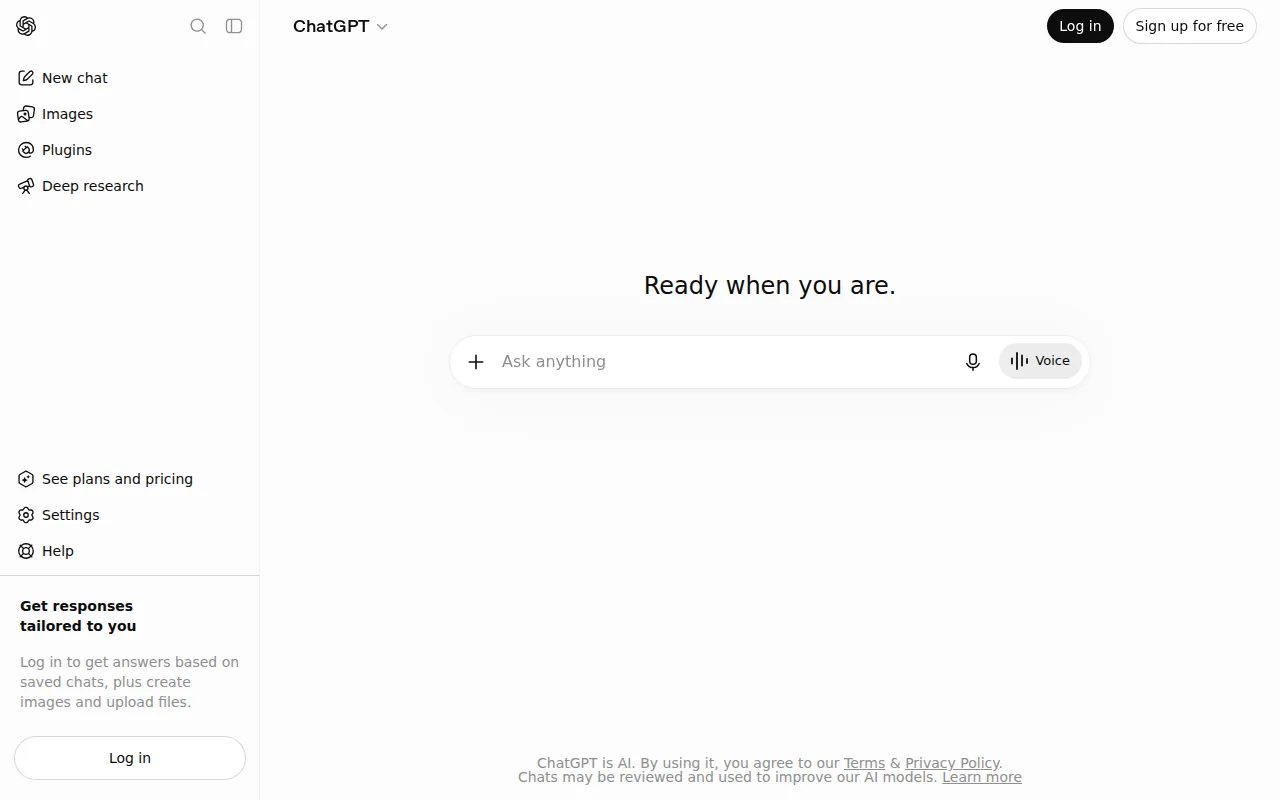
ChatGPT is the default for the text work that surrounds content: outlines, rewrites, subject lines, summarising a research pack, turning a transcript into something usable.
Its strength on a medium-organised list is that it has no medium. It will not produce a publishable long-form article without heavy steering, and it will produce twenty usable ad headline variations in a minute.
Pros:
- Covers every text job: ideation, outlining, editing and analysis in one window
- Free tier is genuinely usable: enough to test whether any of this helps before you spend
- Largest ecosystem: custom GPTs, image generation and file handling in the same place
- Fastest at variations: the tool to reach for when you need twenty options rather than one good one
Cons: The default register is recognisable, and for a marketer that shows up as copy which reads like every other brand using the same tool. Long-form needs real prompting effort and a real edit before it is publishable.
For who: Everyone, as the general text layer under whichever medium specialists you buy.
Pricing: There is a free tier. OpenAI's pricing page did not render its plan prices to us when we loaded it on 6 August 2026, so we are not quoting a monthly figure here.
3. Claude, for long-form and tone
Claude produces better long-form prose than the alternatives, with fewer of the structural tics that make AI writing obvious at a glance. For anything a person will read start to finish, it is usually the better first draft.
It also handles large documents well, which is the job that comes up constantly in marketing: working from a transcript, a research pack, or an article you are rewriting.
Pros:
- Best prose of the general models: fewer giveaway constructions to edit out
- Holds a brief across length: a 2,000 word piece stays on the instruction it started with
- Large document handling: paste the whole research pack rather than summarising it first
- Pushes back: it will disagree with a bad premise instead of writing to it
Cons: It is a writing assistant and nothing else on this page's terms. No images, no video, no voice, no publishing, and no idea what anyone is searching for.
For who: Whoever writes the long pieces, as the drafting step before whatever publishes them.
Pricing: Free tier at $0, Pro at $17 a month billed annually or $20 monthly, Max from $100 a month, read from claude.com on 6 August 2026.
4. Jasper, for brand voice at scale
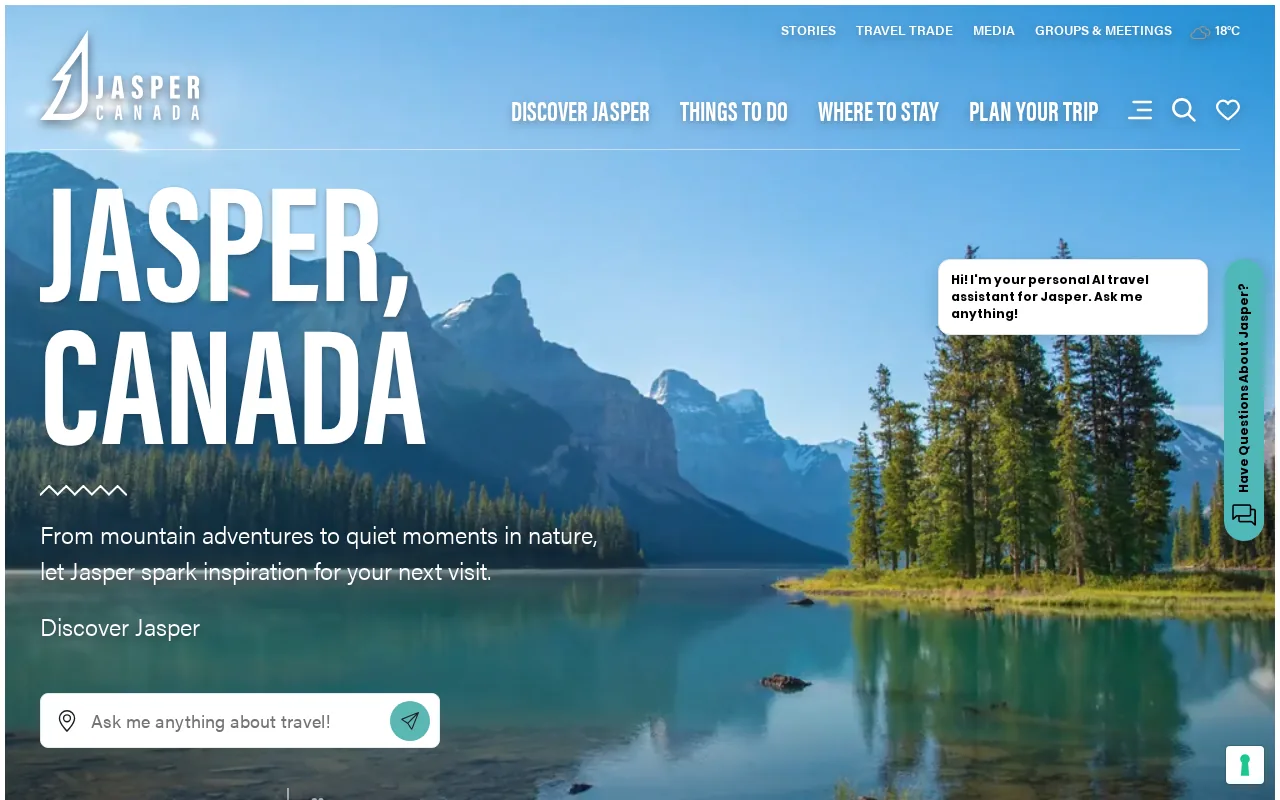
Jasper is the strongest tool here at holding a defined brand voice across a lot of output. If fifty product descriptions have to sound like the same company wrote them, that is the job it is built for.
It is a marketing product rather than a general assistant, with templates, campaigns and team workflows around the generation. Priced per seat accordingly.
Pros:
- Brand voice training: the one feature on this list that survives contact with several writers
- Campaign templates: a whole launch's copy from one brief rather than piece by piece
- Team workflow built in: approvals and shared assets rather than everyone in their own chat window
- Marketing formats out of the box: ads, emails, product copy and social in one place
Cons: You are paying for the wrapper, and the underlying writing quality no longer leads the general models. It also knows nothing about what ranks, so pairing it with keyword research is not optional.
For who: Marketing teams of three or more where consistency matters more than any single piece being excellent.
Pricing: Pro at $59 per seat per month billed yearly, or $69 billed monthly, read from jasper.ai on 6 August 2026.
5. Writesonic, for short-form volume
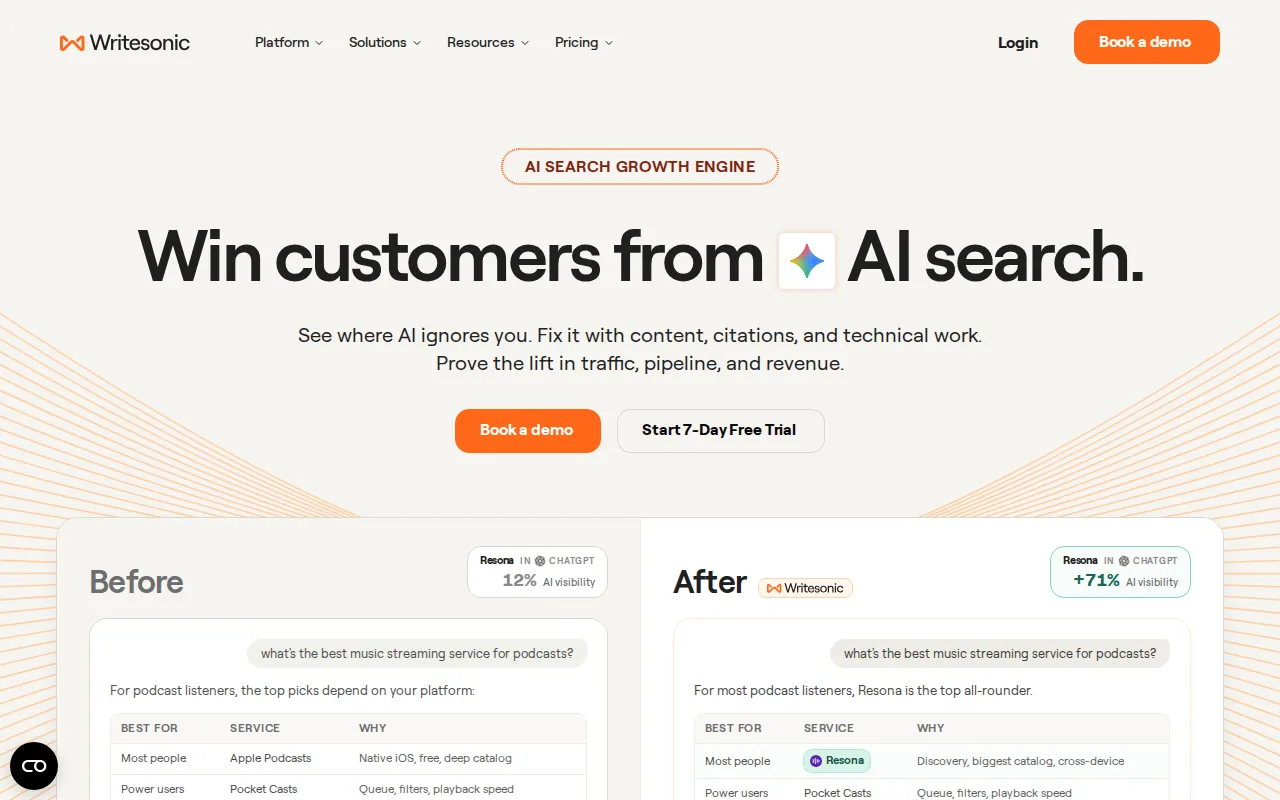
Meta descriptions, ad variants, product blurbs and social captions, produced quickly. That is the job on a content creation list and it does it well.
Over the last year it has moved its headline positioning toward tracking brand visibility inside AI answers, which is a different product from the one most people arrive expecting.
Pros:
- Fast at the small pieces: the copy that surrounds content rather than the content
- Live data in drafts: output arrives with current references rather than a stale model's guess
- AI visibility tracking included: monitoring across ChatGPT and Gemini answers on the same bill
- Format control: more say over structure and tone than most bundled writers give you
Cons: Long-form output needs heavy editing, and the entry price has climbed well past where it sat as the cheap option. At $79 a month it is no longer the budget pick for someone producing captions.
For who: Teams producing a high volume of short marketing copy who also want AI visibility numbers.
Pricing: Starter $79, Basic $199 and Growth $399 a month billed annually, with extra users at $50, read from writesonic.com on 6 August 2026.
6. Grammarly, the last pass
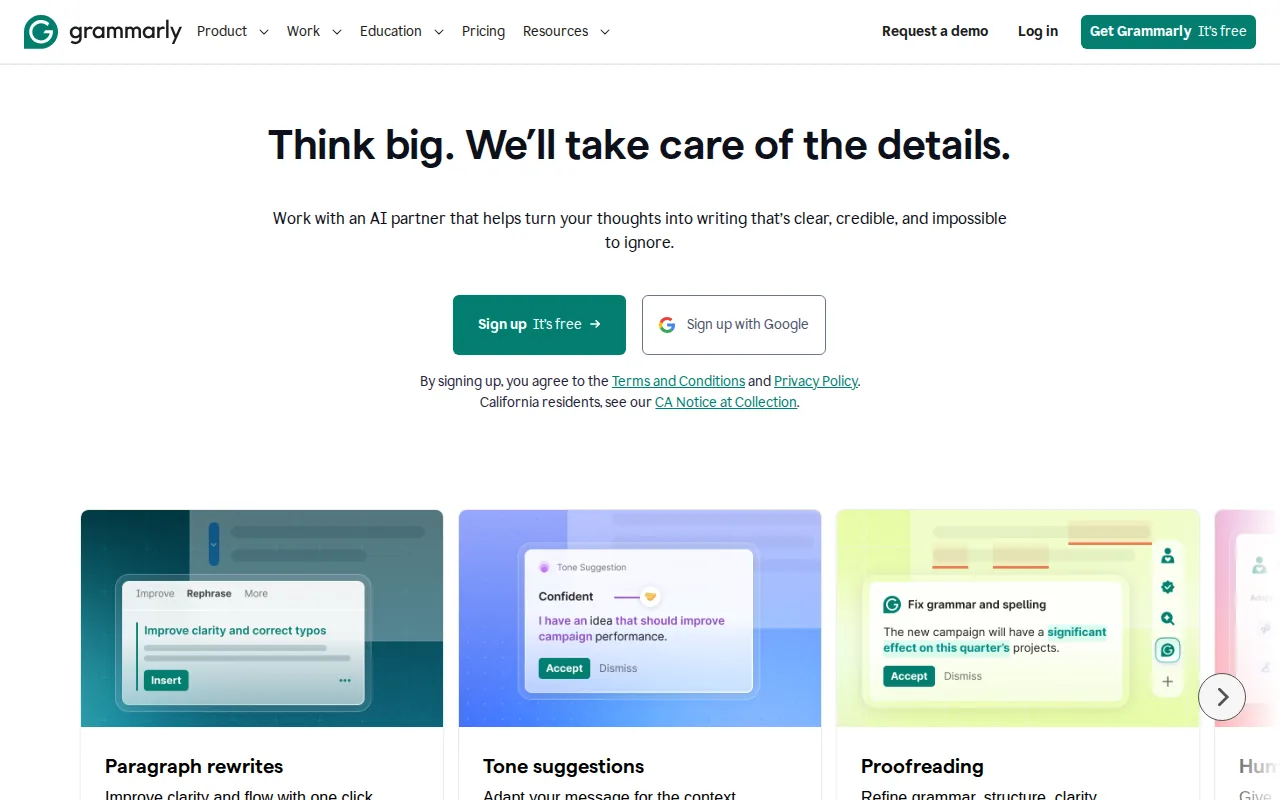
The most reliable final check before anything goes live, and its tone suggestions catch the exact places where an AI draft drifts into corporate register.
It is not a content creation tool in any real sense. It is on this list because skipping this step is visible in the output, and on a page full of generators that is the failure mode.
Pros:
- Catches the AI register: tone feedback on the sentences that give a generated draft away
- Works everywhere you type: browser, docs and email rather than one more window
- Free tier does most of it: the correctness pass costs nothing
- Fast: it is a pass, not a project, and it adds minutes rather than hours
Cons: It creates nothing, so on a creation list it is the odd one out. Following every suggestion also sands a distinctive voice down into a neutral one, which is the opposite of what most brands on this list need.
For who: Anyone publishing generated drafts, as the last thing that happens before the publish button.
Pricing: Free at $0, Pro at $12 a month with a 7-day free trial, read from grammarly.com on 6 August 2026.
7. Canva, for everything visual
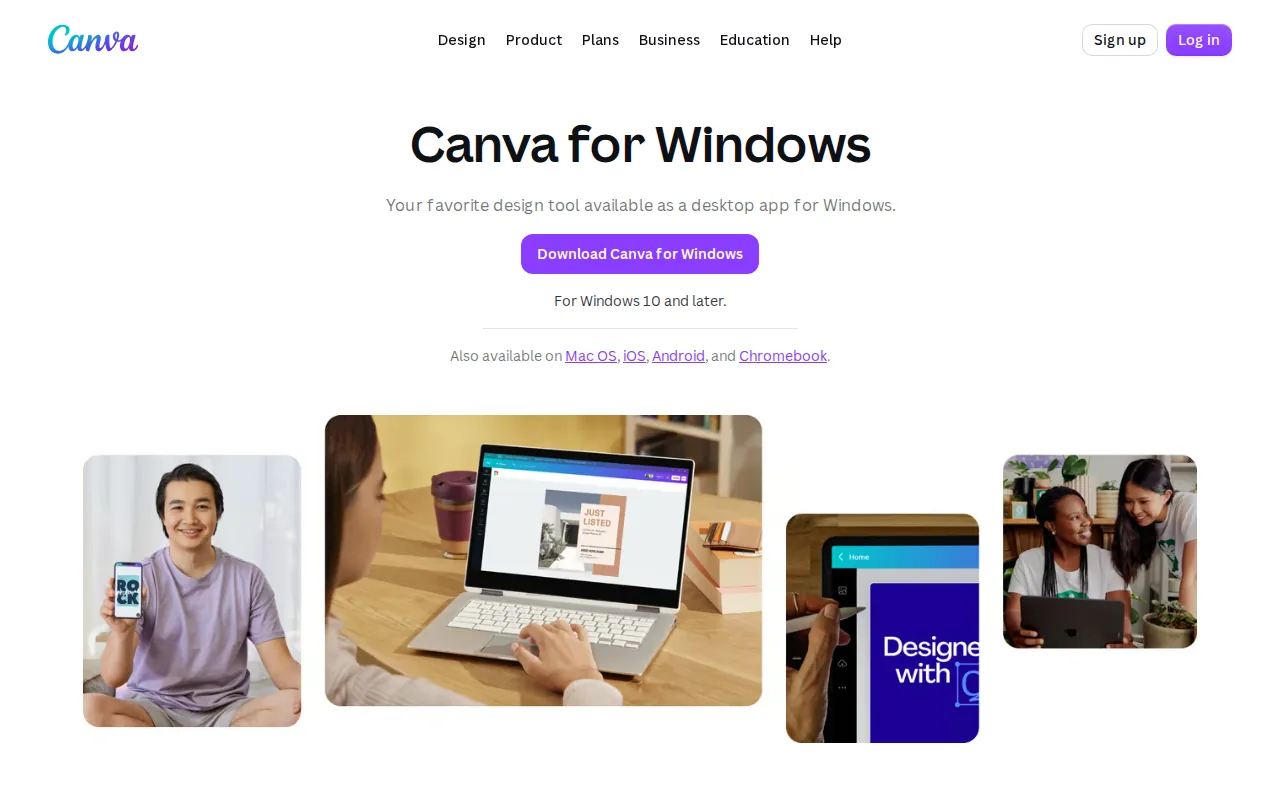
Canva is where most marketing visuals actually get made, and the AI features folded into it rather than replacing it: background removal, resizing across formats, generated images and brand kits.
For a small team it removes the need for a designer on routine work. For anything that carries the brand seriously it does not, and the difference is visible.
Pros:
- Covers the whole visual medium: social graphics, decks, thumbnails and print from one place
- Brand kits: fonts, colours and logos enforced across whoever is making the asset
- Resizing across formats: one design becomes every aspect ratio a platform wants
- Low skill floor: a marketer produces something usable on the first attempt
Cons: Template gravity is real, and work made quickly in Canva tends to look like work made quickly in Canva. It also does nothing with text as a medium, so it sits alongside a writing tool rather than replacing part of one.
For who: Any team without a designer that needs visual assets weekly.
Pricing: Canva's pricing page blocked our request on 6 August 2026 and we could not read a current figure, so none is quoted here. There is a free tier.
8. Midjourney, for images with a point of view
Midjourney produces the most distinctive image output of the mainstream generators, which is the whole argument when the alternative is stock photography every competitor is also using.
It has a real learning curve and it is integrated into nothing, so it suits deliberate creative work rather than volume.
Pros:
- Most distinctive output: images that do not read as generic AI or as stock
- Strong style control: once you learn the parameters, a consistent look across a campaign is achievable
- Good at the hard subjects: lighting, texture and composition rather than flat illustration
- Fast iteration: four variations per prompt makes exploring an idea cheap
Cons: It plugs into nothing, so every image is a manual download and upload. It is also the weakest option on this page for anything containing text, and the learning curve means the first week produces very little you would publish.
For who: Teams who need images with a recognisable look and have someone willing to learn the tool.
Pricing: Midjourney's plans page sat behind a bot check when we loaded it on 6 August 2026, so we are not quoting a figure. Check midjourney.com directly.
9. Adobe Firefly, for commercially safer images
Firefly's selling point for marketers is its training data and the commercial terms around it, which is the question a legal department asks before anyone else gets to have an opinion.
Output quality sits behind Midjourney. Integration with the rest of Adobe's tools is much better, so for teams already in Creative Cloud it is the obvious default.
Pros:
- Commercial terms designed to survive review: the reason it gets approved where other generators do not
- Inside Photoshop and Illustrator: generative fill in the tool the designer already has open
- Good at edits rather than whole images: extending, removing and replacing parts of a real photo
- Text handling: stronger than most generators when words have to appear in the image
Cons: Raw image quality is behind the leaders, and the value depends almost entirely on already paying for Creative Cloud. As a standalone purchase it is hard to argue for.
For who: Teams inside Adobe already, and anyone whose legal team asks where the training data came from.
Pricing: Adobe's Firefly plans page timed out repeatedly for us on 6 August 2026, so no figure is quoted here.
10. Descript, for editing video like a document
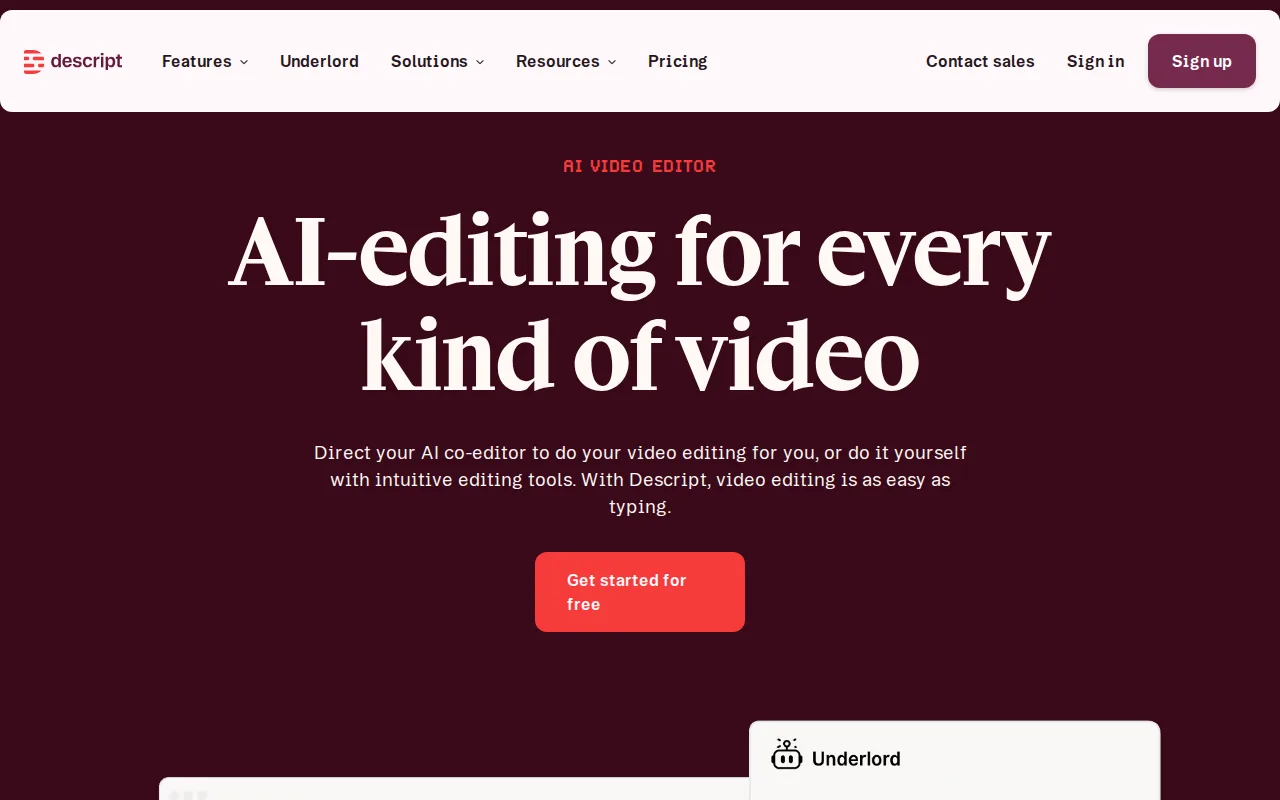
Descript lets you edit video and audio by editing the transcript, which turns a specialist skill into something a marketer can do in an afternoon.
For webinars, podcasts and interviews it is the fastest route from a recording to something publishable. Filler word removal alone saves a pass.
Pros:
- Transcript based editing: deleting a sentence in the text deletes it in the video
- Filler word removal: one checkbox replaces an entire editing pass
- Handles audio and video together: the podcast and the clip come out of the same project
- Voice cloning for fixes: a misread line gets patched without a re-record
Cons: It is an editor rather than a creator, so it needs a recording to exist first. Anything beyond straightforward talking-head work hits its limits quickly, and a real editor in a real NLE will beat it.
For who: Teams sitting on recorded webinars, podcasts or interviews with nobody to edit them.
Pricing: Free at $0, Hobbyist $16, Creator $24 and Business $50 per person per month on annual billing, rising to $24, $35 and $65 monthly, read from descript.com on 6 August 2026.
11. OpusClip, for turning long video into short
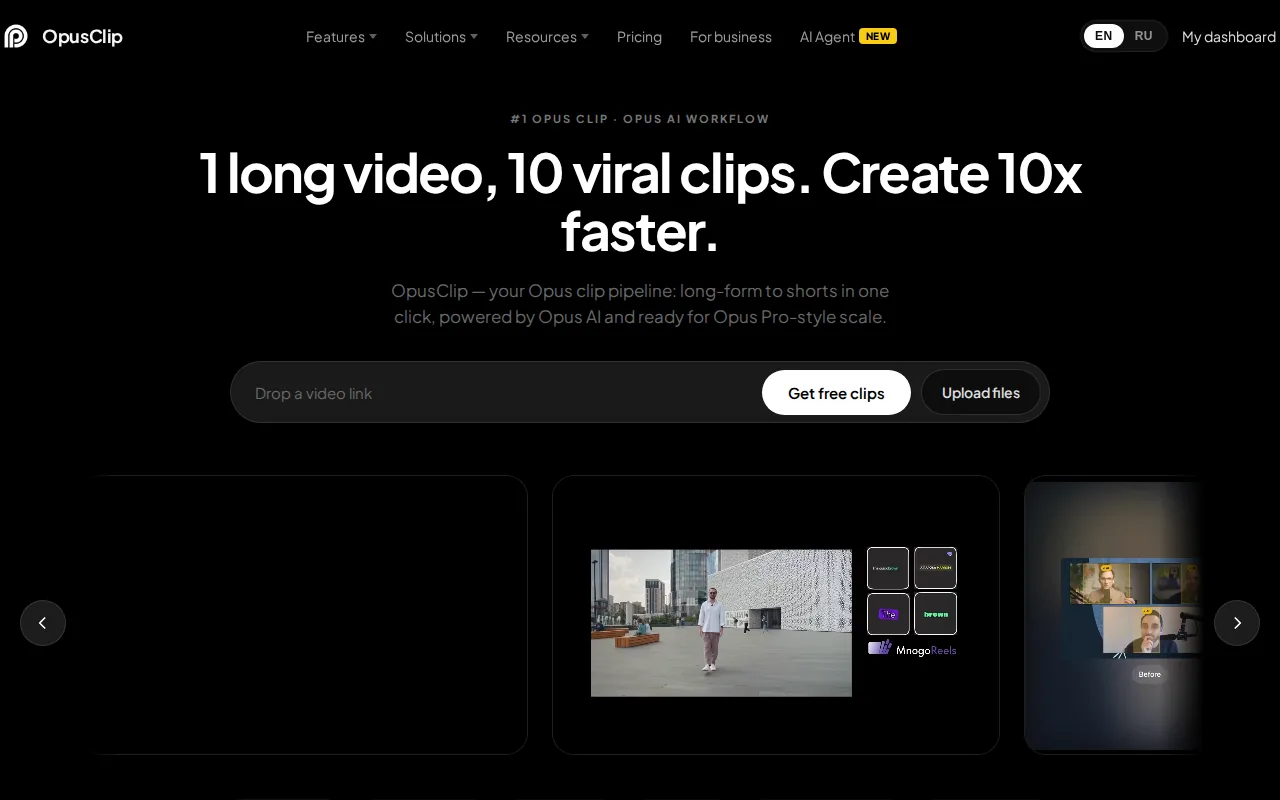
Paste a long video, get short vertical clips with captions and suggested hooks. For teams sitting on hours of recorded content this is the highest ratio of output to effort on the page.
The clip selection is decent rather than perfect. Expect to discard half and keep the rest, which is still a very good trade against making them by hand.
Pros:
- One input, many outputs: a webinar becomes a month of short form in one pass
- Captions and reframing included: vertical crop that tracks the speaker, not a letterboxed rectangle
- Virality scoring: a rough ranking so you are not watching thirty clips to pick five
- Genuinely cheap for what it replaces: the alternative is an editor's day
Cons: Roughly half the clips are not worth posting, so a human still watches everything before it goes out. It also only works on footage that already has good moments in it, and it cannot rescue a flat recording.
For who: Anyone with long video and a social calendar to fill.
Pricing: Starter $15 a month, monthly only, and Pro $29 monthly or $14.50 a month on annual billing, read from opus.pro on 6 August 2026.
12. Synthesia and HeyGen, for avatar video
Both generate presenter-style video from a script, which suits product explainers, training modules and localised versions of the same video.
The honest assessment is that it looks like what it is. Use it where the information matters more than the presenter, and do not use it for anything meant to feel personal.
Pros:
- Script to finished video: no camera, no studio, no scheduling anyone
- Localisation is close to free: the same explainer in thirty languages for the cost of the script
- Edits without re-shooting: a changed price or feature name is a text edit
- Consistent output: every video in a training series looks identical, which is the point for training
Cons: Viewers can tell, and on anything meant to build trust that costs you more than the production saved. The delivery is also flat in a way that suits instruction and actively hurts persuasion.
For who: Product explainers, internal training and localised versions of an existing video.
Pricing: Synthesia is free at $0, Starter $29 and Creator $89 a month. HeyGen is free at $0, Creator $29, Pro $49 and Business $149 a month. Both read on 6 August 2026.
13. ElevenLabs, for voice
The best of the voice generation tools for narration and dubbing, and good enough now that the giveaway is usually the script rather than the voice.
Useful for video narration, audio versions of articles and localisation. Check the licensing terms for commercial use before you build a workflow on top of it.
Pros:
- Best output in the category: narration that does not announce itself in the first sentence
- Dubbing across languages: the same voice carried into another language
- Voice cloning: one presenter's voice across everything without booking them
- API access: it can sit inside a pipeline rather than being a place you visit
Cons: Voice cloning raises consent and licensing questions that a marketing team is usually not equipped to answer alone. Pricing is credit based, so heavy narration use climbs faster than the headline plan suggests.
For who: Teams producing narrated video, audio articles or localised versions of either.
Pricing: Free at $0, Starter $6, Creator $22, Pro $99, Scale $299 and Business $990 a month, read from elevenlabs.io on 6 August 2026.
14. CapCut, for social video editing
Fast, and built for the formats social platforms actually reward, with captions, templates and effects that would take much longer elsewhere.
It is the tool most social teams reach for regardless of what the company pays for, which is usually a signal worth taking seriously.
Pros:
- Built for the platforms: aspect ratios, caption styles and trends that match what performs
- Auto captions: accurate enough to publish after a skim rather than a retype
- Low friction: a social editor can produce a finished clip on a phone
- Template library: a working format to start from rather than a blank timeline
Cons: It is a consumer tool with consumer defaults, and the template look is recognisable. Ownership sits with ByteDance, which some organisations treat as a procurement question before a creative one.
For who: Social teams cutting short vertical video every week.
Pricing: CapCut's pricing page returned an error for us on 6 August 2026, so no figure is quoted here. There is a free tier.
Which of these you need
| What you make | Buy | Skip |
|---|---|---|
| Blog articles that get published | Distribb plus Claude | Multiple writing assistants |
| A lot of short marketing copy | Writesonic or ChatGPT | Long-form specialists |
| Brand consistent copy at volume | Jasper | General assistants |
| Social graphics and decks | Canva | Standalone image generators |
| Podcast or webinar repurposing | Descript plus OpusClip | Avatar video |
| Localised product explainers | Synthesia plus ElevenLabs | Live production |
Most teams need one writing tool, one visual tool, and a way to publish. The rest depends entirely on which mediums you actually work in.
What none of them do
None of them decide what is worth making. A tool given a topic will produce something on that topic whether or not anyone is looking for it.
None of them check that the output is true. This is the failure that produced the fabricated product names on the previous version of this page, and it is not a rare edge case.
None of them build the distribution. Content that nobody links to, shares or finds performs the same as content that was never made.
How we checked
Every product on this list was loaded in a real browser in August 2026 and confirmed to be the product described. Four of them block automated requests, so those were opened with a full browser rather than assumed live.
Prices were read from each vendor's own pricing page on 6 August 2026 and are quoted with that date attached. Six of them would not show us a figure: OpenAI, Canva, Midjourney, Adobe and CapCut render their plans behind a bot check or a script we could not read, and Google's plan page served a localised version. Where that happened we said so in the entry rather than repeating a number from somewhere else.
The previous version of this page is the reason the check exists. Fabricated tool names are the most damaging defect in this format, and they are easy to produce and easy to catch.
Related reading
For the SEO-specific side of this, our roundup of SEO tools for content creation covers optimisation and research tools rather than mediums. Our guides to practical ways to use AI for content creation and the best content calendar software cover the process and the planning layers. The AI content writer is our own tool for the drafting piece.
Frequently asked questions
Which AI tool is best for writing blog posts? Claude for the draft quality, and something that publishes for the workflow. The draft is rarely the bottleneck.
Is AI content bad for SEO? Unchecked content is bad for SEO. Google's guidance is about whether content is helpful, not about how it was produced.
How much should a marketing team budget? A functional stack runs 100 to 300 a month for a small team. Past that you are usually paying for seats rather than capability.
Do I need a separate tool per medium? Mostly yes. The all-in-one options are convenient and consistently weaker than the specialists in each medium.
How do I stop everything sounding the same? Feed the tools your own material: transcripts, customer questions, opinions. Tools given only a topic produce the average of the internet.
Next step
Pick one tool for the medium you produce most, one for publishing, and stop there until something is genuinely slowing you down.
If the medium is written content and the bottleneck is that it never gets published, Distribb writes and publishes it on a schedule.