
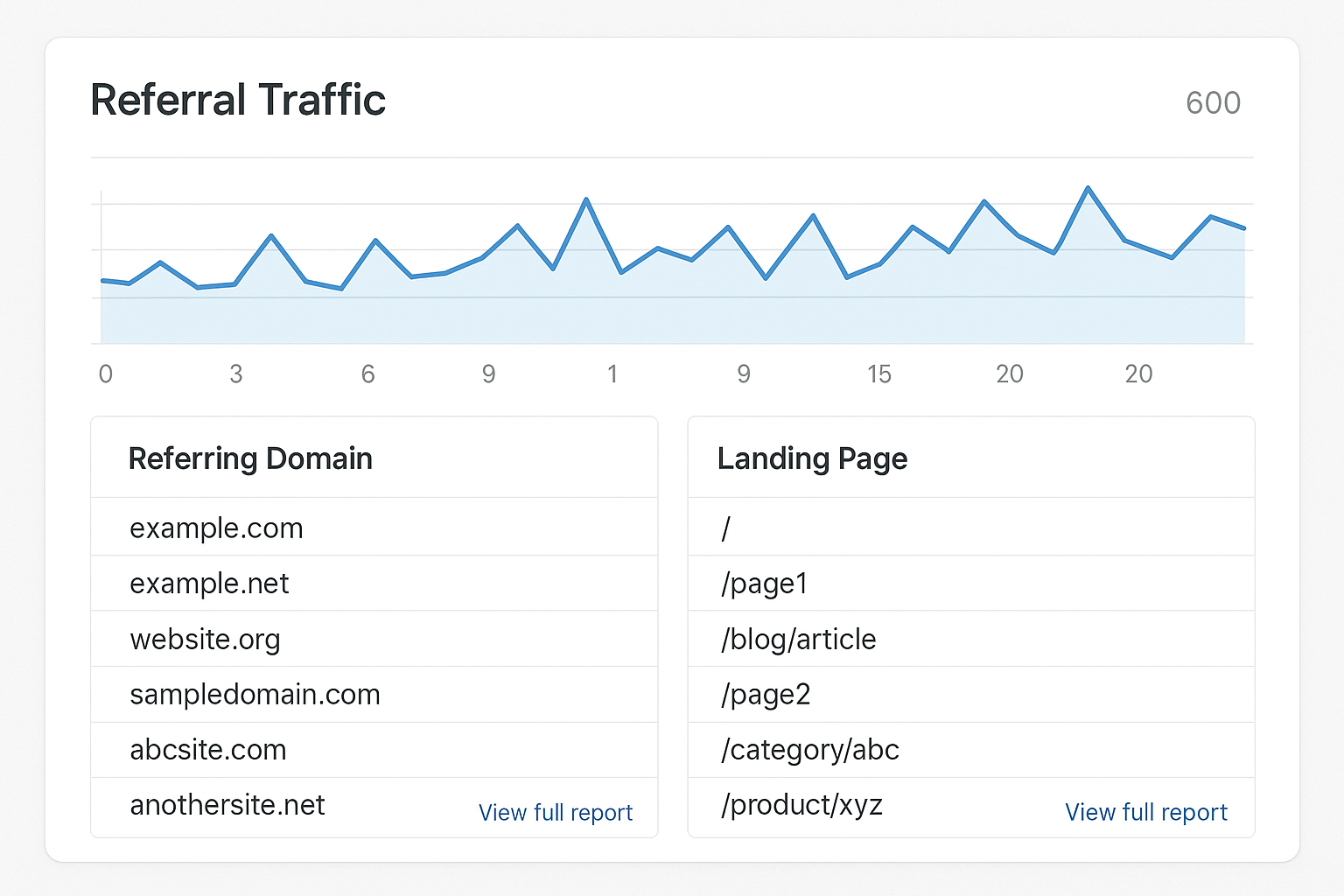
Google Analytics cannot show you your backlinks. It shows referral traffic, which is the subset of your backlinks that someone actually clicked, and that subset is usually small.
This matters because most links never send a visitor. A link on a page nobody reads still passes ranking signal and still counts, and it will never appear anywhere in Analytics. This guide covers how to read what GA4 does show, and where to look for the rest.
The short answer
In GA4, go to Reports, then Acquisition, then Traffic acquisition. Change the table dimension to Session source / medium and search for referral. That list is every site that sent you a visitor. Links you placed yourself are easier to separate if you tag them with the free UTM generator, because they then carry a campaign name instead of sitting in the generic referral bucket.
For the actual list of links pointing at your site, use the Links report in Google Search Console instead. It is free and it is the closest thing to authoritative, since it comes from Google's own index.
Referral traffic and backlinks are not the same list
A backlink is a link on someone else's page. A referral is a recorded visit that arrived by clicking one. Every referral implies a backlink, but the reverse is false and it is false most of the time.
Three common cases produce a link with no referral. The linking page gets little traffic. The link sits far down a long article nobody scrolls to. Or the link carries nofollow and sits on a site whose readers are not your audience.
There is also traffic that arrives with no referrer at all, from apps, email clients and secure to insecure hops, which Analytics files as direct. So a real click on a real backlink can still show up as direct traffic.
Step by step in GA4
Open Reports in the left navigation, then Acquisition, then Traffic acquisition. The default dimension is the default channel group, which is too coarse for this.
Click the dimension dropdown above the table and choose Session source / medium. In the search box above the table, type referral to filter the list down to referring sites only.
Add a secondary dimension of Landing page to see which of your pages each referrer sends people to. That pairing tells you which content is earning links, which is the only part of this report that changes what you do next.
Build a cleaner view with Explorations
The standard report is fine for a glance. For anything ongoing, open Explore, create a free form exploration, and set Session source as the row dimension with Sessions, Engagement rate and Conversions as the values.
Then add a filter where Session medium exactly matches referral. Save it, and you have a permanent referral report that takes one click instead of four.
Where your real backlink list lives
Search Console's Links report, under the Links item in the left menu, shows external links Google has actually processed for your site, the top linking sites, and the pages of yours that attract the most links.
It is free, it comes from Google, and it is the honest baseline. Its weaknesses are that it updates slowly, samples rather than lists everything, and gives you no quality metrics at all.
For quality scoring and competitor comparison you need a third party index such as Ahrefs, Semrush or Majestic. Those show links Search Console omits, along with authority metrics, and they cost money.
Reading link quality from referral behaviour
The value of checking referrals in GA4 is behavioural, which no backlink tool can give you. A link that sends thirty engaged visitors who convert is worth more to the business than a link from a higher authority domain that sends nobody.
Judge each referrer on engagement rate, average engagement time and conversions rather than session count alone. A referrer with a hundred sessions, zero engagement time and no conversions is almost always a bot or a scraper.
That distinction is the usable takeaway. Backlink tools rank links by authority, Analytics ranks them by whether the people were real and interested, and you want both views before deciding where to invest.
Filtering out referral spam
Fake referrals still appear in GA4, usually as domains you have never heard of with perfect or zero engagement and a session count that arrives in a single burst. They pollute reports rather than harm your site.
Handle them by excluding the domains in your data stream settings under the unwanted referrals list, and by keeping internal traffic filters on. Do not spend time disavowing them, because Google discounts obvious junk on its own.
Common pitfalls
- Assuming every backlink should appear in Analytics, when most legitimately do not
- Treating direct traffic as brand awareness, when part of it is untracked referrals
- Missing self referrals from your own subdomains, which point at a tagging problem
- Reading the standard report at channel level, where every referrer collapses into one row
- Judging a link by sessions when engagement and conversions say the opposite
Frequently asked questions
Why do my backlink tools show hundreds of links but GA4 shows ten referrers? Because clicks are rare. Most links pass ranking signal without ever sending a visitor, and that is normal rather than a problem.
Does GA4 have a backlink report? No. It has referral traffic, which is a record of visits rather than a list of links.
Is Universal Analytics still an option? No. Universal Analytics stopped processing data and its reports were shut down, so GA4 or another analytics tool is the only path now.
Which is more accurate, Search Console or a paid tool? Search Console is authoritative about what Google has processed but incomplete. Paid indexes are broader and add quality metrics, but they are third party crawls rather than Google's view.
What to do with this
Check referrals monthly rather than daily, because the numbers are small and move slowly. Use them to spot which pages attract links, then make more of that specific thing.
For the actual link list, pair Search Console with one paid index if you can justify it. Our domain authority checker guide covers judging a linking site's strength, and the list of automated backlink building tools covers earning more of them.
If the honest problem is that you have very few links to check in the first place, Distribb's backlink exchange places links through sites that have already agreed to participate, which skips the outreach cycle entirely. Our comparison of backlink exchange options covers how that model works and where it does not fit.