
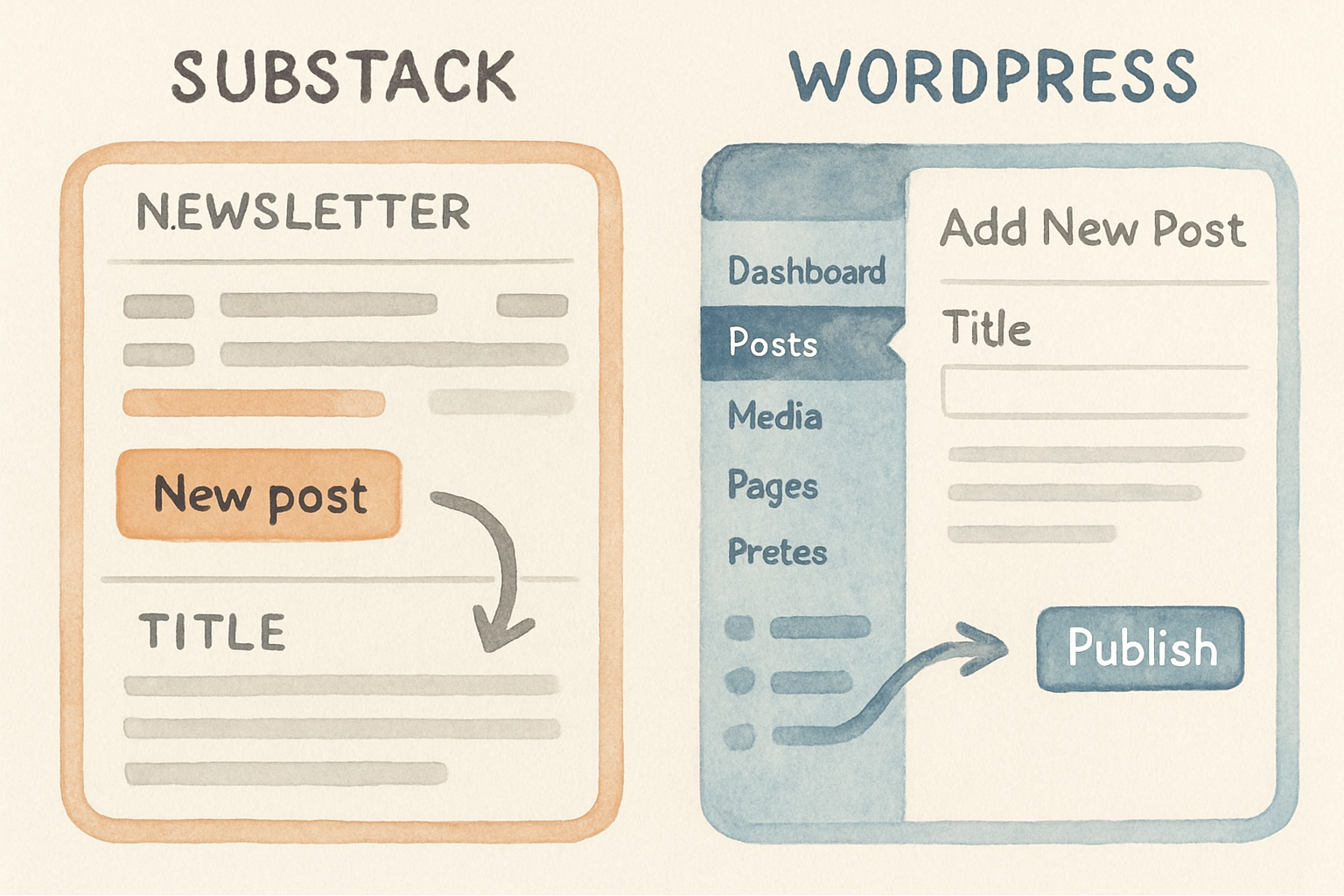
These two products get compared as if they do the same job. They do not, and that is why most comparisons of them are unhelpful.
Substack is a newsletter with a website attached. WordPress is a website you have to assemble. The right choice depends on whether your growth is going to come from email and recommendations or from search, and this guide is organised around that one question.
The short answer
Pick Substack if your plan is to write, email people, and charge some of them for it. You will be publishing within an hour and you will never think about hosting again.
Pick WordPress if your plan is to rank in search, build a site that is more than a feed of posts, or keep 100 percent of what you charge. You will spend a weekend setting it up and you will own the result.
If you want both, run WordPress as the site and use a separate email tool for the newsletter. That is the setup most people who tried Substack first end up moving to. There is a third shape worth knowing about if what you actually need is a page that converts rather than a feed of posts, and we compare the options in the best AI landing page builders.
What each one actually is

Substack is a hosted publishing platform. You get a writing interface, an email list, a payments integration, a comments system, an app your readers can use, and a recommendation network that puts your publication in front of other publications' subscribers. You do not get servers, plugins, or a template you can rebuild.
WordPress is open source software you install on hosting you rent. Everything else is a decision you make: theme, plugins, email provider, payments, caching, backups. There is a hosted version at WordPress.com that trades some of that freedom back for convenience.
The confusing part is that WordPress powers a large share of the web while Substack does one specific thing, so most "which is better" answers depend entirely on what you are trying to do.
The real cost of each
Substack has no monthly fee. It takes 10 percent of paid subscription revenue, and Stripe takes roughly 2.9 percent plus 30 cents per transaction on top. On a 10 dollar subscription you keep about 8.40. A custom domain is a one-time 50 dollar charge per publication.
WordPress software is free. You pay for hosting, which realistically runs 5 to 30 dollars a month for a blog, a domain at 10 to 15 a year, and any premium plugins or theme you choose. Payments cost whatever your processor charges and nothing beyond that.
The crossover is arithmetic. At 500 dollars a month in subscriptions Substack costs you 50 and WordPress costs you maybe 20, which is close enough not to matter. At 5,000 a month Substack costs 500 and WordPress still costs 20, and that difference is a salary line.
SEO, which is the biggest gap between them

This is where the two products are genuinely far apart, and it is the reason most businesses land on WordPress.
WordPress gives you control of the things search engines read: page titles, meta descriptions, URL structure, headings, schema markup, internal links, redirects, canonical tags and page speed. A plugin like Yoast or Rank Math exposes all of it, and you can restructure your site whenever your strategy changes.
Substack gives you a post, a title, a subtitle and a custom domain. You cannot restructure the site, add schema, build topic hubs, control templates, or lay out an internal linking strategy, because every post lives in one flat feed. Substack publications do rank, but they rank on the strength of the writing rather than on anything you can tune.
The practical test: if you want a reader who searched a question to find you three years after you wrote the answer, you want WordPress. If you want the people already on your list to open an email on Tuesday, Substack is fine.
Monetisation
Substack's payment setup is the best part of the product. Paid subscriptions, free tiers, founding member pricing, gift subscriptions and comps all work out of the box, and readers already trust the checkout because they have used it on other publications.
WordPress can do all of that and more, through MemberPress, WooCommerce, Memberful or a dozen others, and it can also sell things a newsletter cannot: courses, physical products, bookings, one-off downloads. You keep everything after processing fees, and you own the customer records.
The trade is setup effort against the 10 percent. Below roughly 1,000 dollars a month the 10 percent is cheaper than the hours WordPress costs you. Above that it stops being cheaper quite fast.
Distribution, where Substack genuinely wins
Substack's recommendation network is a real growth channel and WordPress has no equivalent. Other writers can recommend your publication at the moment someone subscribes to theirs, and for many publications that is the single largest source of new subscribers.
Notes and the Substack app add a social layer on top, which means a publication can grow without you doing any search or social work elsewhere. Nobody has built this for self-hosted sites, and pretending otherwise would be dishonest.
The catch is that the audience lives on Substack's platform. You can export your email list at any time, which is the important part, but you cannot export the recommendations, the app readers or the network effects that brought them.
Ownership and control
You own your email list on Substack and can export it in a CSV. You do not own the platform, the URLs, the design, or the terms, and Substack has changed policies before in ways that publications disliked.
On WordPress you own the database, the files and the domain. That includes owning the problems: updates, security, backups and the afternoon a plugin conflict takes the site down.
Neither is risk free. One risks a platform decision you did not make, the other risks a maintenance job you did not do.
Migrating between them
Substack to WordPress is a supported path. Substack exports your posts and subscribers, WordPress imports them, and the piece people forget is redirects. If your Substack was on a custom domain you can preserve link equity, and if it was on a substack.com subdomain you cannot, so those years of links stay with them.
WordPress to Substack is easier technically and harder strategically, because you are usually giving up search traffic in exchange for a simpler workflow. Check what share of your traffic is organic before you decide, because that share is the part that does not come with you.
Move once, in one direction, with a plan. Publications that bounce between the two lose more to broken URLs than they gain from either platform.
Which one, by situation
| You are | Choose | Because |
|---|---|---|
| A writer building a paid newsletter | Substack | Payments, app and recommendations out of the box |
| A business that wants search traffic | WordPress | You need control of titles, structure and schema |
| A solo creator testing an idea | Substack | Zero cost until someone pays you |
| An agency or ecommerce brand | WordPress | A newsletter is one page of what you need |
| A publication over 5,000 a month | WordPress plus a mail tool | The 10 percent now costs more than the setup |
| Someone who will not maintain a site | Substack | An unmaintained WordPress install is a liability |
Where Distribb fits
We publish into WordPress, Webflow and Shopify. If you choose WordPress and the reason was search traffic, Distribb does the part that stalls most people after the setup weekend: keyword research, writing the posts, adding the internal links and publishing them on a schedule.
The honest limitation: we do not publish to Substack, and we have no plans to, because there is no meaningful SEO work to do inside a platform that does not expose the controls. If Substack is your choice, we are not the right tool and a newsletter workflow is what you need instead.
Our comparison of Substack and Medium covers the other common fork in this decision, and if the choice is really about the website rather than the newsletter, our Squarespace, WordPress and Wix comparison is the closer match.
How we compared them
Pricing is taken from each platform's own published terms in August 2026, and the fee math is calculated rather than quoted. The SEO section is based on what each platform exposes to the publisher, which is checkable, rather than on rankings, which vary by niche.
We have a stake in this: we sell software that publishes into WordPress. That is why the recommendation above sends newsletter-first writers to Substack, where we make nothing.
Frequently asked questions
Is Substack bad for SEO? It is limited rather than bad. Posts get indexed and can rank, but you cannot control site structure, schema or internal linking, so you cannot do SEO as a practice.
Can I use both? Yes, and plenty of people do. Publish the article on your WordPress site, send the newsletter version from Substack or another mail tool, and point the canonical at your site.
Does a custom domain fix Substack's SEO? It fixes the ownership half. Links point at your domain, so if you leave later you keep the equity, but the structural limits are unchanged.
Which is better for a business blog? WordPress, almost always. A business blog exists to be found by people who have not heard of you, and that is search work.
What about Ghost or Beehiiv? Both sit between the two. Ghost is self-hostable with a better writing experience than WordPress, Beehiiv is a newsletter platform with flat pricing instead of a revenue cut, and both are worth a look if the 10 percent is your main objection to Substack.
Next step
Decide from the growth channel, not the interface. If new readers are going to arrive from search, take WordPress and accept the setup. If they are going to arrive from other newsletters, take Substack and accept the 10 percent.
If you have taken WordPress and the writing is the part that never happens, Distribb writes and publishes it for you, and our guide to automated SEO software covers what that category can and cannot do. For the writing tool on its own, see our AI content writer.