
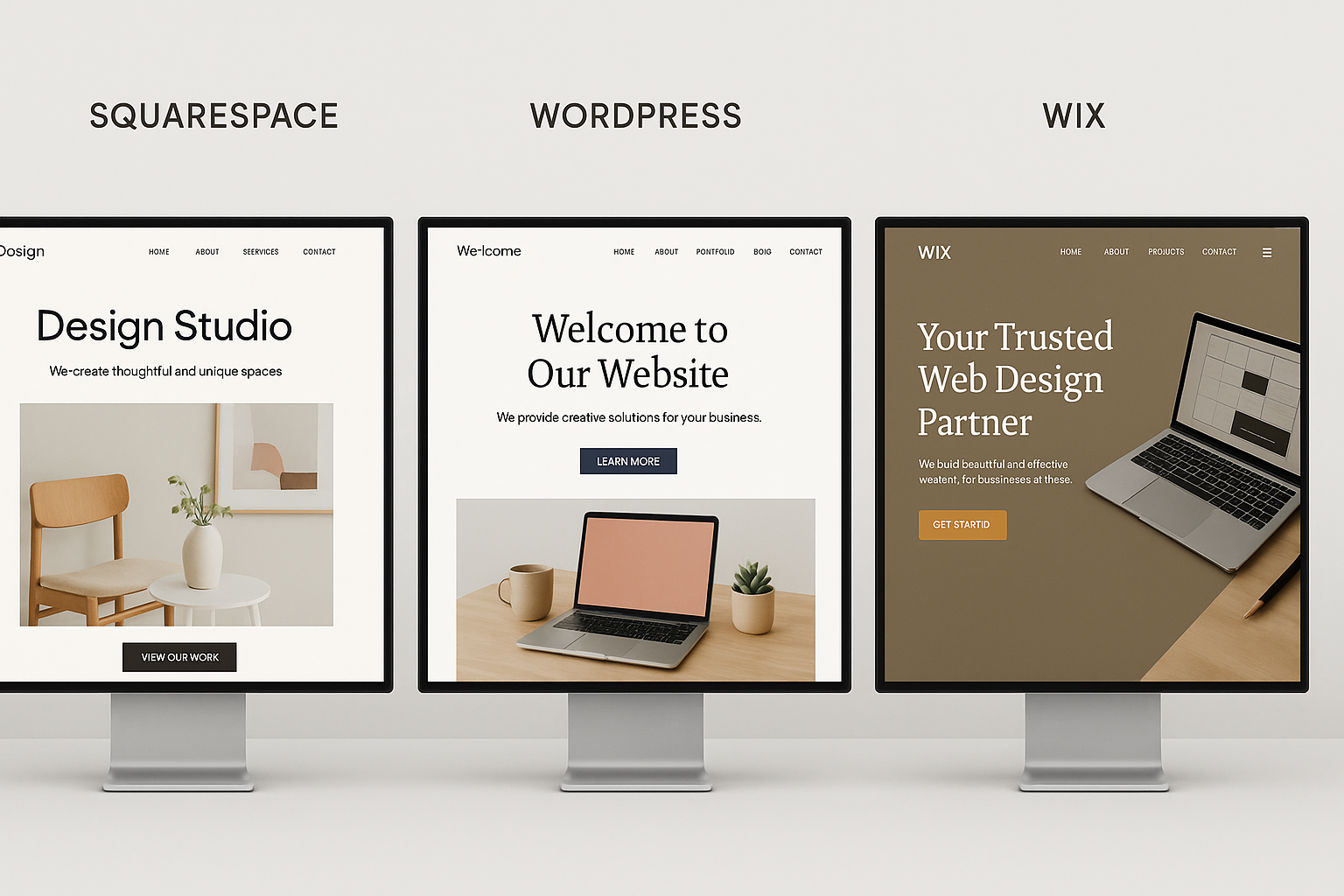
All three of these will get a decent website online. The difference shows up two years later, when you want something the platform was not designed to do, or when you want to leave.
This compares them on the things that are hard to reverse: search performance, real cost over time, how much design control you get, and how much of your site you can take with you. Businesses handling patient data have a further constraint, covered in our roundup of HIPAA compliant website builders.
The short version
WordPress if search traffic is a serious part of the plan, or if the site needs to do something specific that a template does not cover. It costs more attention and gives you the most room.
Squarespace if design matters more than flexibility and you want the site to look finished without hiring anyone. It is the most consistent of the three and the least fiddly.
Wix if you want the fastest path from nothing to a working site, especially with a booking system, a small shop or a service business setup. It is the easiest and the hardest to leave.
What you are actually choosing between

WordPress is open source software you install on hosting you rent. Nothing is included and everything is possible, which is both halves of the pitch. This guide means the self-hosted version, not WordPress.com, which behaves more like the other two on this list.
Squarespace and Wix are hosted platforms. You pay a monthly fee, and hosting, security, updates and backups are somebody else's job. The trade is that the platform decides what is possible. How that works on a fourth platform, and what a restore actually changes, is covered in our guide to Webflow backups.
That single structural difference explains almost every specific comparison below, so it is worth holding onto before reading the feature lists.
SEO, where they genuinely differ
This is the section that should decide it for most businesses, and it is usually written badly, because all three platforms are technically capable of ranking. The difference is in the ceiling, not the floor.
WordPress exposes everything: titles, meta descriptions, URL structure, redirects, canonical tags, schema markup, robots directives, internal linking at scale, and page speed down to the query. With Yoast or Rank Math you can implement any strategy an SEO gives you.
Squarespace covers the basics well. Titles, descriptions, clean URLs, sitemaps and SSL all work without thinking about them, and it stops short of the technical layer. If your plan involves programmatic pages, complex schema or heavy redirect work, you will hit the edge. The small branding jobs are straightforward too, as our guide to changing a Squarespace favicon shows.
Wix has improved a lot and is no longer the liability it was in 2018. You get title and description control, redirects, schema in some templates and an SEO setup assistant. It remains the most constrained of the three for anything structural. Switching between those templates without losing your SEO settings is covered in our guide to changing Wix templates.
The practical rule: for a brochure site with ten pages, all three are fine. For a site whose growth plan is publishing a hundred articles and linking them together, WordPress is the only one of the three that will not eventually be the constraint.
What each one really costs

Wix publishes clear numbers. On annual billing there is a free tier, Light at 17 dollars a month, Core at 29, Business at 39 and Business Elite at 159. Selling anything means Core or above.
Squarespace runs Basic, Core and Advanced, and prices vary by region so the number you see depends on where you are. The part that matters more than the headline price is the transaction fees: Basic charges 2 percent on online store sales and 7 percent on digital content and memberships, Core drops those to 0 and 5 percent, and Advanced removes both.
WordPress itself is free. Realistic running costs are 5 to 30 dollars a month for hosting, 10 to 15 a year for a domain, and whatever you choose to spend on a premium theme or plugins. It is the cheapest at the bottom and can become the most expensive at the top, because managed WordPress hosting for a busy site is not cheap.
Do the arithmetic over three years rather than per month. Selling memberships on Squarespace Basic at 7 percent is a much bigger number than the plan difference that removes it.
Design and how far you can push it

Squarespace wins on design quality. The templates are consistent, they are hard to make ugly, and a non-designer ends up with something that looks deliberate. The constraint is that you are working inside the system, and CSS access sits on the higher plans.
Wix wins on template count and on raw freedom of placement, since the editor lets you put anything anywhere. That freedom is also the trap, because absolute positioning is how a site ends up looking fine on a laptop and broken on a phone.
WordPress wins on ceiling and loses on floor. With a good theme and a page builder you can build anything; with a bad theme you can build something slow, insecure and unmaintainable, and nothing stops you.
Ease of use
Wix is the easiest to start. The AI setup flow and the drag and drop editor mean someone with no experience has a live site in an afternoon, and that is a real advantage, not a beginner concession.
Squarespace is nearly as easy and more structured. You spend less time positioning things and more time choosing between good defaults, which most people find faster once they are past the first hour.
WordPress asks for a weekend. Hosting, install, theme, plugins, security and backups are all decisions, and none of them are hard individually. If nobody on your team wants to own that, this is the honest reason to pick one of the other two.
Ownership, and how hard each is to leave
WordPress you own outright. Files, database and domain are yours, and moving hosts is a routine job that costs an evening.
Squarespace lets you export content to a WordPress compatible format. It is partial, since templates and some page types do not survive, but your posts and pages come with you.
Wix is a closed system. There is no meaningful export path, so leaving Wix means rebuilding the site somewhere else from scratch. Everything else about Wix is a preference, and this is a commitment, so weigh it accordingly at the start rather than at the end.
Ecommerce, briefly
Wix and Squarespace both include a competent store on the right plan, and both are good enough for a catalogue of tens of products with standard shipping.
WordPress with WooCommerce scales furthest and costs the most attention, and for a serious store the honest comparison is not on this page at all. It is Shopify against WooCommerce, and Shopify wins for most people who are running a shop as the business rather than as an addition to it.
Which one, by situation
| You are | Pick | Why |
|---|---|---|
| A restaurant, salon or trades business | Wix | Bookings, hours and a simple site, live this week |
| A photographer, designer or studio | Squarespace | The design floor is high and the work is the point |
| A business that will publish content | WordPress | You need real SEO control before month six |
| An agency building client sites | WordPress or Squarespace | One for control, one for handover simplicity |
| Someone who will never touch it again | Squarespace | Nothing to update and nothing to break |
| Testing whether the idea works at all | Wix free tier | Zero cost, and rebuilding later is fine |
Common mistakes when choosing
Picking on templates. You will look at the template for a week and live with the platform's limits for years.
Picking WordPress because it is the "professional" choice, then never doing the maintenance. An abandoned WordPress install with outdated plugins is worse than any hosted site.
Ignoring the exit. This is the one that costs real money, and it is the reason Wix deserves more thought than its ease of use suggests.
Assuming you can add SEO later. You can add tags and descriptions later; you cannot easily add a site structure that the platform does not support.
How we compared them
Wix pricing is taken from their plans page and Squarespace's tiers and transaction fees from their pricing page, both checked in August 2026. Squarespace prices are shown in local currency by region, so we have given the fee structure rather than a number that would be wrong for most readers.
We sell SEO software that publishes into WordPress, Webflow and Shopify, so we have an obvious preference. That is exactly why the table above sends restaurants to Wix and photographers to Squarespace, where we make nothing.
Where Distribb fits
Whichever of the three you land on, the setup is the easy part and the publishing is what stalls. Distribb does keyword research, writes the articles, adds the internal links and publishes them into WordPress, Webflow, Shopify, Wix, Ghost and a few others on a schedule.
The honest limitation: Squarespace is not on our integration list, so a Squarespace site means copying and pasting, which defeats the point. WordPress and Wix both connect directly, and Squarespace users are better served by a tool built around that platform.
For the broader picture of what this category of software does, see our guide to automated SEO software, and if paid search is part of the plan alongside it, our explainer on SEM basics covers how the two fit together.
Frequently asked questions
Which is best for SEO? WordPress, because it exposes the whole technical layer. Squarespace and Wix both rank fine for small sites and both limit what a strategy can implement.
Can I move from Wix to WordPress? Not with an export. You rebuild the site and set up redirects for your existing URLs, which is why the decision matters more on Wix than on the others.
Is Squarespace or Wix better for a small business? Wix if you need bookings, a shop or lots of specific features quickly. Squarespace if the site is mostly presentation and you want it to look good with no effort.
Is WordPress free? The software is. Hosting, a domain and any premium theme or plugins are not, which usually lands between 100 and 400 dollars a year for a small site.
What about Webflow? It sits between WordPress and Squarespace: designer level control with hosting included, and a steeper learning curve than either hosted option. Worth a look if a designer is doing the build.
Next step
Choose from the exit and the growth plan, not from the templates. If the plan is search traffic and you will maintain it, take WordPress; if you want it handled, take Squarespace; if you need it live this week with bookings, take Wix and accept that leaving means rebuilding.
Once the platform is decided, the work is publishing. Distribb writes and publishes SEO content into WordPress so the site keeps growing after launch week.