

A clinic website should help a patient spot the service they need and take the next step without hunting for it. These five physiotherapy website options suit different needs, from custom design control to online booking and patient portals.
For clinics also working on local visibility, Distribb.io’s physical therapy SEO is a related resource, though it isn’t a website builder.
1. Wix Studio: flexible design control for a custom clinic website
Wix Studio is a website platform with responsive layout controls, hosting, a built-in CMS, and SEO tools. It’s a fit for a private practice with a moderate set of services and providers, especially when staff want to update site content themselves.

That control can help a clinic give each key service its own page. A patient looking for help with a specific condition can land on relevant information instead of sorting through one long services list. The site can also give each clinician space for a short bio and credentials, then make booking or appointment requests easy to find.
For a small team, the built-in CMS gives staff a way to edit pages without asking a designer to make each change. Wix Studio also includes hosting and core platform maintenance, which can reduce day-to-day site upkeep.
Its HIPAA workflow with PHI protection is available on Premium and Studio plans. Still, compliance depends on setup, and some apps or features may not work with PHI protection. A website platform alone can’t establish that a clinic’s full process meets its duties. Check every form and connected service before collecting health details.
2. We.inc: AI-built websites with appointment requests
We.inc uses AI to write and build a physical therapy website around a clinic’s description of its work. It’s suited to a practice that wants a no-code starting point and a built-in way for prospective patients to request an appointment.

The appointment request form gives a new patient a clear next action. A clinic can use its site to describe specialties and the conditions it treats, then direct interested visitors to send a request. That can be a simpler first step than asking someone to search through several pages for a booking link.
We.inc includes three free template designs. Its free plan lets a user publish up to three template sites on a we.inc address, but the free tier doesn’t include AI. That difference matters: the free plan is a way to work with templates, while AI-generated pages and content are part of the AI-assisted site flow.
AI can speed up a first draft, but the clinic still needs to check the copy. Service names, provider credentials, location details, and instructions for booking should match what the practice actually offers. Health-related claims need particular care. A polished page that describes a service incorrectly can confuse a patient before they even contact the clinic.
Keep the first version focused. Give each main service a clear explanation, show who provides care, and make the request form easy to spot. We.inc is a sensible option when the priority is getting a no-code site and appointment request path in place, rather than building a more involved clinic system.
3. Emergent: AI-assisted sites for multi-location clinics
Emergent is a no-code, system-first platform for AI-assisted site creation. It’s aimed at clinics with multiple doctors, specialties, or locations, particularly teams that already have the technical comfort to plan structured workflows.
Its capabilities include structured patient intake workflows and data modeling, alongside integrated hosting and performance optimization. Those parts make it a different kind of fit from a simple brochure site. A multi-location clinic may need to decide how an intake request is organized and which service or location it relates to before staff can follow up.
AI-driven site creation and content scaffolding can help the team start building its site structure. But the clinic still needs to define the content and workflow it wants. For example, staff should decide whether a prospective patient first chooses a location or a specialty, and what information belongs in an approved intake process.
Don’t treat a website form as a substitute for a secure clinical intake system. Keep sensitive health details within a workflow the clinic has reviewed and approved. A basic site can explain services and guide a visitor toward the right next step; it doesn’t replace the systems used after an inquiry arrives.
Emergent is worth considering when the clinic has several service lines or locations and wants the site’s structure to reflect that complexity. A solo practice that only needs a few service pages may not need a system-first build.
4. Healthie: a clinic website with booking and a patient portal
Healthie combines a practice website with online booking and a HIPAA-compliant client portal. It’s a strong fit for direct primary care, functional medicine, or concierge practices that want patient-facing tools in one platform.
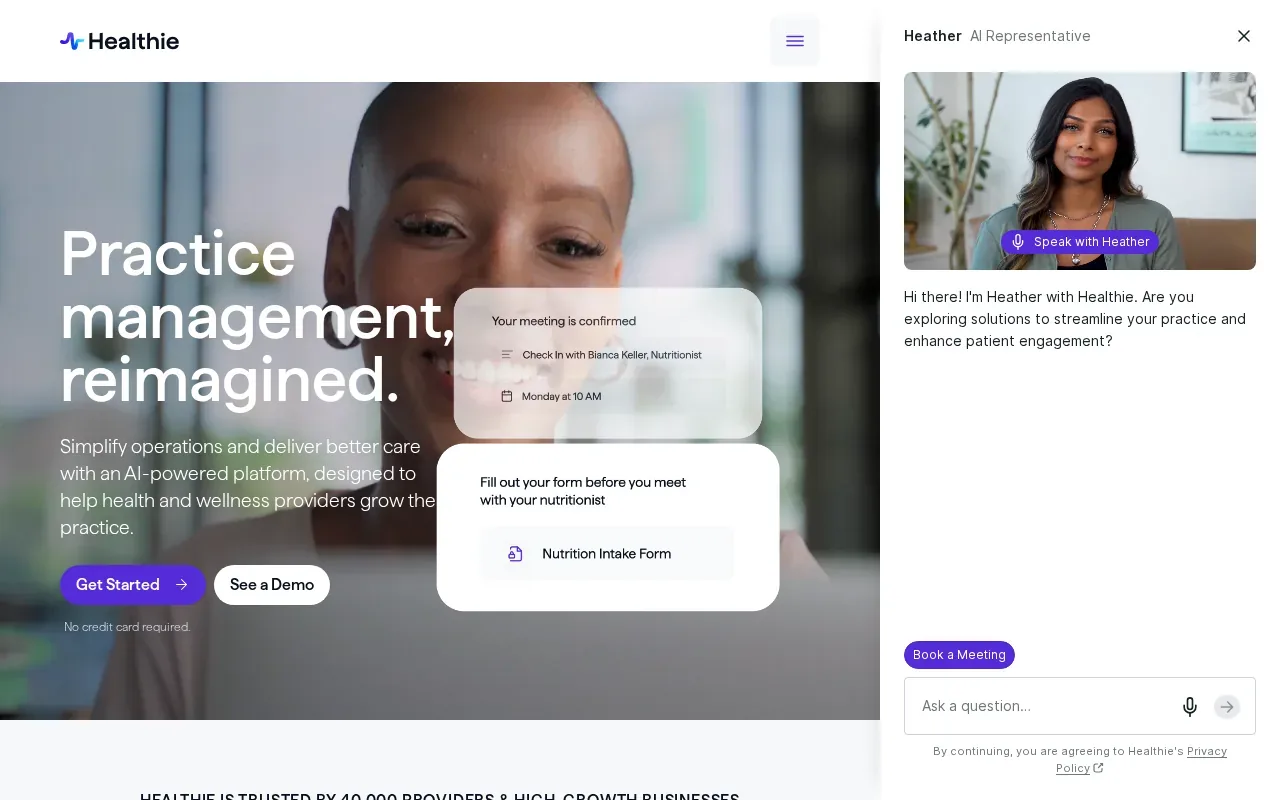
The features include telehealth, group program management, and membership or subscription billing. Insurance billing is available as an add-on. This mix may suit a clinic whose work includes more than individual visits, such as a practice that runs group programs or sells memberships.
Healthie has several paid tiers, so check its current pricing page. Before choosing it, map the features to how your clinic works. A team that needs an online booking path and patient portal may value having those together. A clinic focused on a highly customized marketing site may care more about design freedom and page-level SEO control.
There are tradeoffs. Healthie’s website templates are less customizable than Squarespace, and it’s less well-known as an SEO platform. That doesn’t mean a clinic can’t publish useful content. It means the site’s design and search needs should be part of the decision, alongside portal and telehealth needs.
If patient access and care delivery tools come first, Healthie brings several of those functions together. If your main goal is a distinct brand site with flexible page design, compare its templates against what your team wants to publish.
5. Jane App: online booking that can connect to a clinic website
Jane App is a practice tool that can add online booking to a clinic website through an integration. It’s a fit for physiotherapy practices that already have a website and want patients to book online without rebuilding the whole site around a new platform.
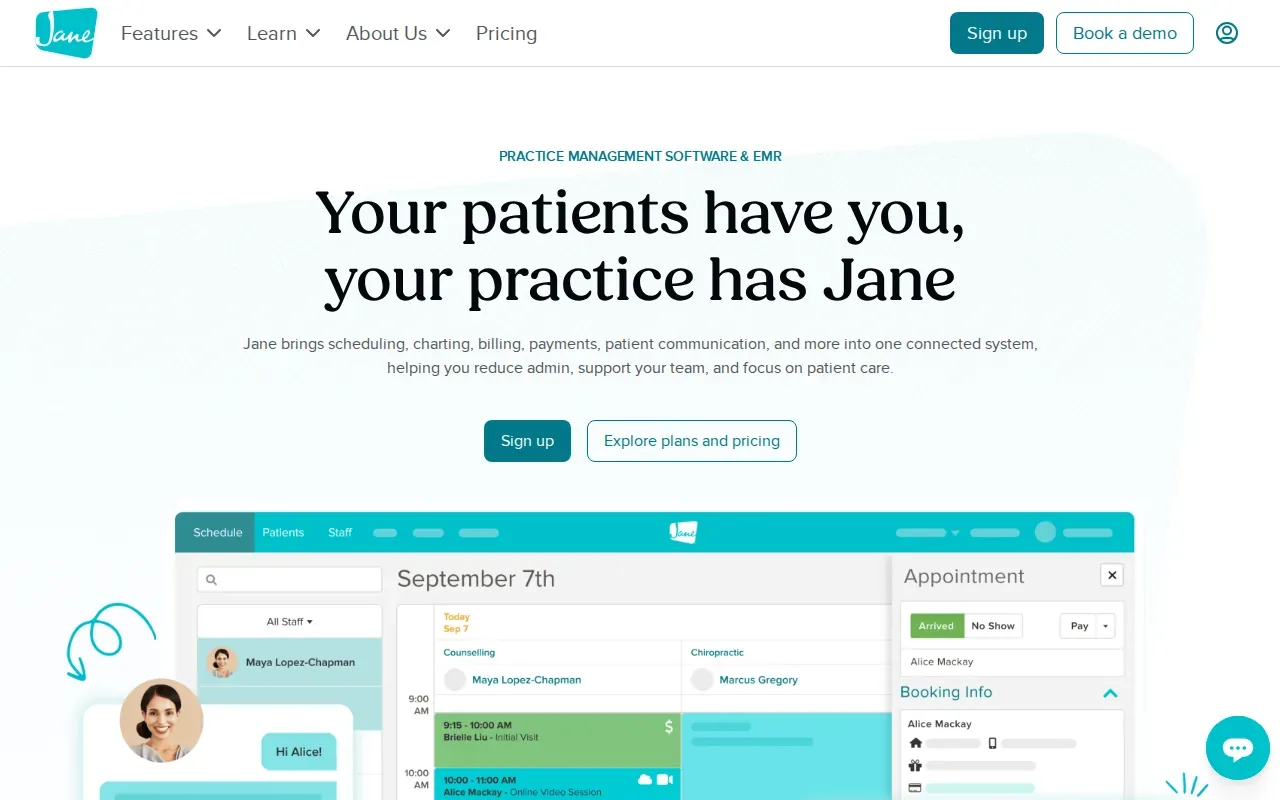
Jane App’s booking widget integrates with Squarespace. A clinic can use its main site to explain its services and introduce the team, then connect the booking path through the widget. That separation lets the website focus on patient information while Jane App handles the online booking role.
Jane App has several monthly plans, so check its current pricing. The right fit depends on what the clinic already uses. If the site is built on Squarespace, the integration may make Jane App a straightforward booking option to assess. If the clinic uses another website platform, verify that the booking path works with the current setup before making plans around it.
Booking is only one part of a useful clinic site. Patients still need to see what the practice treats, who provides care, where the clinic is based, and how to take the next step. A booking widget can support that path, but it won’t write service pages or explain a clinic’s approach for you.
Think of Jane App as a booking connection rather than a full website redesign. That distinction helps keep the decision grounded in the job you need done.
Physiotherapy Website Options Compared
The best choice depends on what the site needs to do after a visitor arrives. A clinic may need more design control, a quick appointment request form, or a patient portal. Use the table to narrow the shortlist by the main job at hand.
| Option | Best fit | Patient-facing role | Decision point |
|---|---|---|---|
| Wix Studio | Private practice with a moderate number of services and providers | Custom-looking site with a built-in CMS and SEO tools | Review HIPAA workflow setup and app compatibility if PHI is involved |
| We.inc | Practice that wants a no-code AI-assisted site | AI-built physical therapy site with an appointment request form | Free templates don’t include AI |
| Emergent | Clinic with multiple doctors, specialties, or locations | Site creation with structured intake workflows | Best suited to teams comfortable planning structured systems |
| Healthie | DPC, functional medicine, or concierge practice | Website with booking, client portal, and telehealth | Balance portal needs against template customization |
| Jane App | Clinic adding booking to an existing site | Online booking integration, including a Squarespace widget | Check fit with the website platform already in use |
Whatever the platform, keep the basics visible: core services and specialties, clinician bios and credentials, clinic locations, and a clear appointment path. Patient-focused resources can answer common questions, but use care with testimonials and success stories. Don’t promise a result or reveal private health details.
Mobile use deserves a close check. A patient should be able to read the page and find the next step without pinching or searching through menus. Google’s page experience guidance includes Core Web Vitals among the signals site owners can use to assess user experience. For local discovery, keep location and contact details consistent across the site and the clinic’s business listings.
For design ideas that put service information and patient needs first, see examples of therapist websites. For the search work around a clinic site, physiotherapy marketing agency options are a separate decision. Distribb.io supports that visibility work through its physiotherapy SEO service, not through a clinic website builder.
Frequently Asked Questions
What should a physiotherapy website include?
A physiotherapy website should explain the clinic’s services and specialties, introduce its clinicians, and show its locations and appointment path. Patient resources can answer common questions before someone books. Keep navigation simple, make pages easy to use on a phone, and make sure any form collects only information the clinic is prepared to handle securely.
Which option is best for a small physiotherapy clinic?
Wix Studio may suit a private practice that wants flexible page design and staff-edited content. We.inc is another option when a clinic wants an AI-assisted, no-code site with an appointment request form. The better fit depends on whether the team values design control or a quicker guided start.
Can a website builder make a clinic HIPAA compliant?
A website builder alone can’t make a clinic’s whole process HIPAA compliant. Wix Studio lists a HIPAA workflow with PHI protection on Premium and Studio plans, but configuration matters and some apps may not be compatible. Review the form, connected tools, and handling of patient information with the people responsible for compliance.
Can patients book online through these options?
Yes, several options include or connect to an online booking path. We.inc has an appointment request form, Healthie includes online booking, and Jane App can add a booking widget to a Squarespace website. Check whether the patient is requesting an appointment or booking directly, since those are different steps.
What makes a clinic website easier to use?
A clear menu, readable text, and a visible appointment action make a site easier to use. Put the most common services and clinic locations where visitors can find them quickly. Test the site on a phone and check that each page has a clear next step, especially pages about a specific condition or treatment.
Conclusion
Choose the platform around the task your clinic needs to solve: site design, intake, booking, or patient access. Then test the patient journey on a phone before launch. To support local search beyond the website itself, explore Distribb.io’s physiotherapy SEO service and start your free trial.