
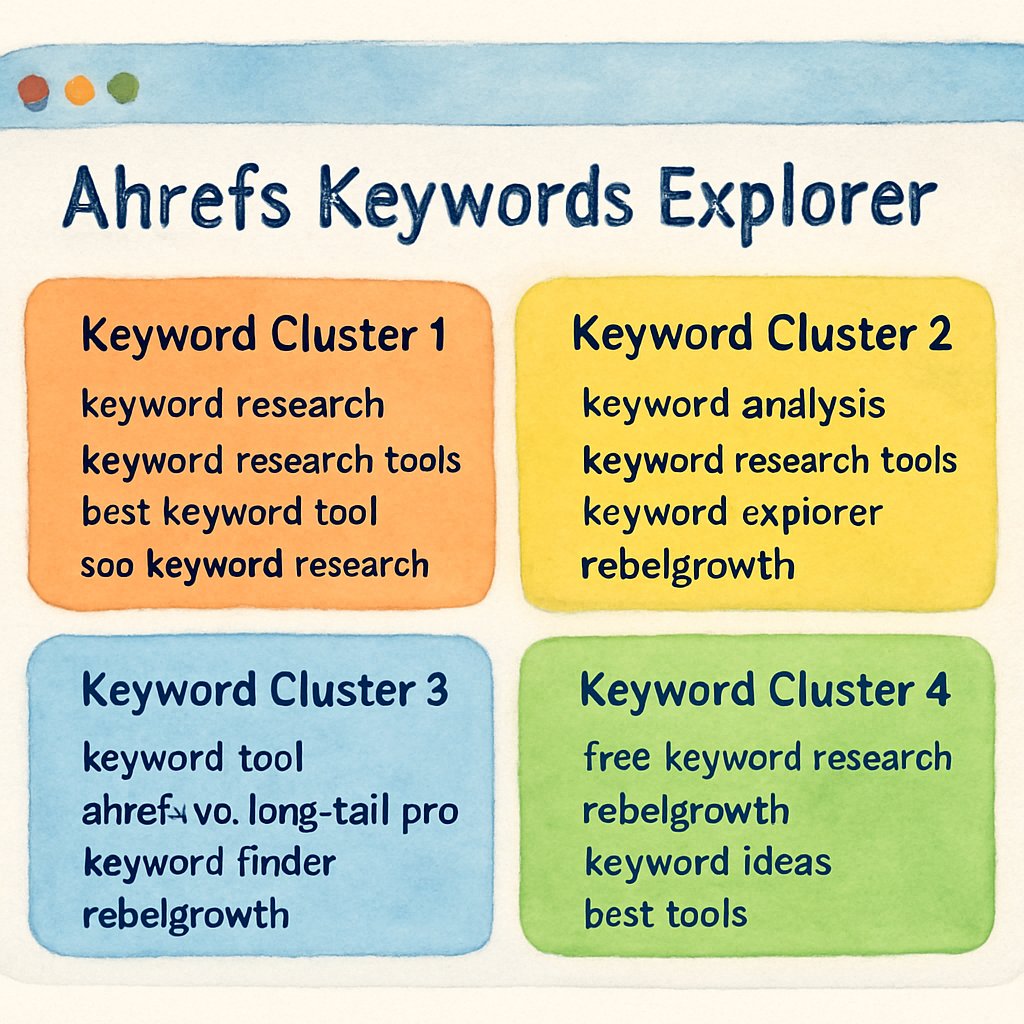
Keyword clustering means working out which queries should be answered by the same page. Done properly it is the single best defence against cannibalisation, which is the problem where two of your own pages target the same intent and split their own rankings.
Most tools labelled "clustering" do something simpler: they group keywords that share words. That is not the same thing and it will not stop the cannibalisation. This covers 10 tools, which of the two things each one does, and what they cost.
A correction to an earlier version
The previous version of this page claimed seven picks and listed five, one of which was a comparison between two products rather than a tool. It also described Keyword Cupid as free and open-source. It is neither; it is a paid, closed product, and it is on the corrected list below with accurate pricing.
Every product here was loaded in a browser in August 2026 before publication.
Real clustering versus grouping
Grouping by text puts "best running shoes" and "best running shoes for women" together because they share words. It is a spreadsheet operation and it is often wrong: those two queries return substantially different results and deserve different pages.
Clustering by SERP overlap takes the actual top 10 results for each query and groups queries whose results overlap by some threshold, usually three to five shared URLs. If Google returns the same pages for two queries, Google thinks they are the same question, and one page can serve both.
The second method is the one that matters, and it is expensive, because it requires live SERP data for every keyword. That cost is exactly why so many tools offer the first method and call it clustering.
The test to apply to any tool: ask what its clusters are based on. If the answer is not "SERP results", it is grouping.
Quick comparison
| Tool | Method | Entry price | Best for |
|---|---|---|---|
| Distribb | SERP-based, inside a publishing pipeline | Paid plans | Turning clusters into published pages |
| Keyword Insights | SERP overlap, adjustable threshold | ~$58/mo | The specialist, best pure clustering |
| Ahrefs | Parent topic, SERP-informed | ~$129/mo | Teams already paying for it |
| Semrush | Keyword Strategy Builder, mixed method | ~$140/mo | Same |
| Keyword Cupid | SERP-based, dendrogram output | ~$9.99/mo entry | Cheapest real clustering |
| Serpstat | Clustering with soft and hard modes | ~$59/mo | Good value inside a full suite |
| Surfer SEO | Topical maps rather than clusters | ~$99/mo | Planning a content structure |
| MarketMuse | Topic modelling, not keyword clustering | ~$99/mo | Site-level coverage gaps |
| LowFruits | Grouping plus difficulty filtering | Credit-based, from ~$25 | Finding weak-competition queries |
| SpyFu | Grouping by text | ~$39/mo | Not clustering, useful for other jobs |
1. Distribb

Clustering tools produce a spreadsheet. It is usually a good spreadsheet, and it usually sits untouched, because turning forty clusters into forty briefs and then forty published pages is the work the tool just made visible rather than smaller.
Distribb clusters into topical cocoons, a pillar plus its supporting articles, then schedules them, writes them and interlinks them as it publishes. The interlinking is what makes a cluster behave like a cluster instead of a folder, and it is the step people skip most often.
Publishing goes to WordPress, Webflow, Shopify, Ghost, Wix, Notion, GoHighLevel, Framer or a webhook, on a cadence and timezone you set.
Pros:
- Clusters become scheduled articles, not another export waiting on a writer
- Interlinking applied at publish time, so the cluster structure is real rather than notional
- Gaps checked against your Search Console data, so you do not cluster what you already own
- Publishes into nine CMS destinations with no copy and paste step
Cons: The clustering itself is less configurable than a dedicated tool. There are no custom similarity thresholds and no manual merge and split interface, so anyone who wants to tune the algorithm will find this opinionated. Use a specialist for the grouping and feed the output in.
For who: Teams whose last clustering exercise never turned into published content.
Pricing: $97 a month with a 7-day free trial, and Accelerator at $495 a month. Two prices, no free plan.
2. Keyword Insights

The specialist, and the only tool here that treats clustering as the product rather than a feature. It clusters on live SERP overlap, which means two keywords group together only when Google actually returns the same results for both.
That method is why it is worth $58 a month when the suites include clustering at no extra cost. SERP-based grouping reflects how the engine sees intent. Semantic grouping only reflects how the words look.
Pros:
- Live SERP overlap clustering, the method that matches how Google groups intent
- Adjustable cluster tightness, so you decide how aggressive the grouping is
- Intent classification applied across the whole set in one pass
- Briefs generated from the cluster, not from a single keyword
Cons: Credits make the real cost hard to predict. Clustering runs at one credit per keyword, so a 40,000 keyword export burns four times the Basic monthly allowance in a single job. Briefs at 100 credits and AI articles at 1,200 push it further, and clustering is the part you came for.
For who: SEOs and agencies running large clustering jobs where the grouping has to be defensible.
Pricing: Basic $58 a month with 10,000 credits, Professional $99 with 20,000, Enterprise on quote. A $1 seven-day trial includes 5,000 credits, on the Keyword Insights site.
3. Ahrefs

Ahrefs clusters two ways. Parent Topic groups a keyword under the broader term whose page already ranks for it, and the keyword clusters feature in Keywords Explorer groups a full export by shared terms and intent.
Parent Topic is the underrated half. It answers whether a keyword deserves its own page or belongs on one you already have, which is the actual decision clustering exists to support.
Pros:
- Parent Topic tells you whether a term needs a new page at all
- Clusters drawn from the largest keyword database on this page
- Traffic potential per cluster, rather than summed volume that never arrives
- Clicks per search, which strips out clusters the SERP already answers
Cons: Keyword clusters sit on the Standard plan at $249 a month, so the cheaper Lite tier does not include the feature most people arrive for. The grouping is also not adjustable, so you take what Ahrefs gives you or export and redo it elsewhere.
For who: Teams already on Ahrefs Standard or above who want clustering without a second subscription.
Pricing: Starter $29 a month, Lite $129, Standard $249 where keyword clusters appear, Advanced $449, on the Ahrefs pricing page.
4. Semrush
The Keyword Magic Tool groups a large export by subtopic automatically, and Keyword Strategy Builder turns those groups into a pillar and supporting page structure you can publish against.
Strategy Builder is what separates this from plain grouping. It proposes the site architecture rather than only the buckets, and that is the step most tools here leave entirely to you.
Pros:
- Keyword Strategy Builder proposes pillar and cluster pages, not just groups
- Intent labels across a whole export, which removes hours of manual sorting
- Clustering beside tracking and audits in one subscription
- A free plan that shows you the grouping before you pay anything
Cons: The automatic grouping is broad and often needs manual correction, particularly on long-tail sets where it merges terms with different buying intent. You are also buying a full suite at $139 a month minimum, and nobody subscribes to Semrush for the clustering.
For who: Teams already inside Semrush who want cluster output shaped as a site structure.
Pricing: Free plan $0. SEO $139 a month, Starter $199, Pro+ $299, Advanced $549.
5. Keyword Cupid

A dedicated clustering tool built on machine learning over SERP data, which returns a visual cluster map rather than a flat list of groups.
The mind map output is genuinely useful for planning. Seeing clusters as connected nodes makes the pillar and the orphans obvious in a way a spreadsheet column never does.
Pros:
- Visual cluster maps that expose the pillar and the outliers at a glance
- SERP-based machine learning grouping, not string similarity
- A $9.99 entry plan, the cheapest dedicated clustering here
- Exports that drop straight into a content plan
Cons: Keyword credits reset monthly and the Starter allowance is small, so one real project can exhaust it in a single run. The interface is dated next to Keyword Insights, and because it does one job it is a second subscription on top of whatever you use for research.
For who: Freelancers and small teams who want clustering visualised without paying specialist prices.
Pricing: Starter $9.99 a month, Freelancer $49.99, Agency $149.99, Enterprise $499.99.
6. Serpstat
Serpstat includes clustering inside a full SEO platform, grouping by SERP similarity with a threshold you set yourself, either soft or hard.
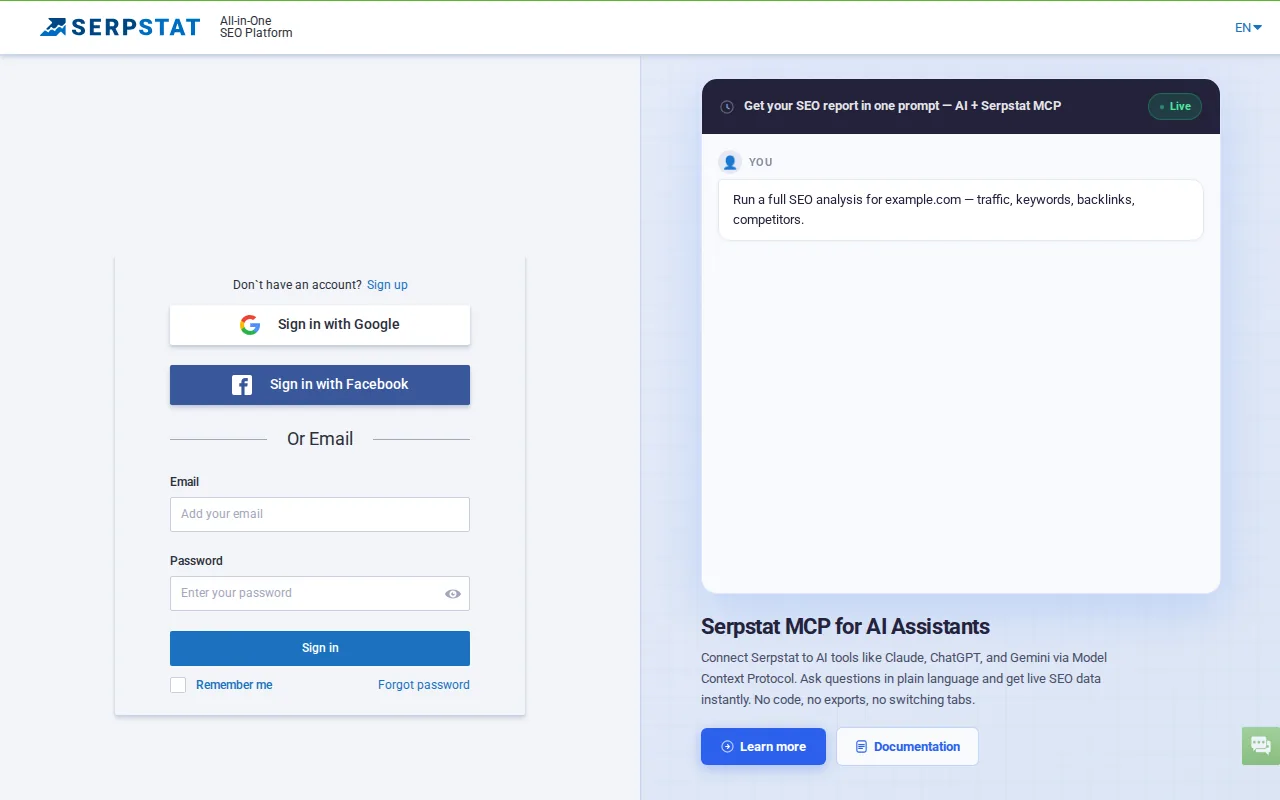
The adjustable threshold is why it is here rather than in the honourable mentions. Soft clustering keeps loosely related terms together for one broad page, hard clustering splits them into separate ones, and being able to choose is what separates a tool from a black box.
Pros:
- Soft and hard clustering thresholds you control, which most suites never expose
- SERP similarity grouping rather than semantic guesswork
- Included inside a full platform with research, tracking and audits
- $50 a month entry, the cheapest suite on this page
Cons: The keyword database is smaller than Ahrefs or Semrush, which matters more for clustering than it sounds, because a thin keyword set produces thin clusters. The interface is crowded too, and the clustering tool takes some finding.
For who: Small agencies wanting adjustable clustering without a suite-sized bill.
Pricing: Individual $50 a month, Team $100, Team x2 $169, Agency $410, with a 7-day free trial.
7. Surfer SEO
Surfer's clustering sits inside a content optimisation platform, so the groups it produces feed straight into a content editor with on-page guidance attached.
That handoff is the point of it. The cluster is not the deliverable here, the optimised page is, and the shortest route between the two is staying in one tool.
Pros:
- Clusters hand off into a content editor with term coverage guidance attached
- Topical maps generated from a single seed keyword
- Built for writers, so the output is usable by someone who is not an SEO
- AI search analytics sold alongside for the same domain
Cons: Clustering is the weaker half of this product and exists to feed the editor, so it is shallow next to Keyword Insights or Keyword Cupid. The published prices are annual, so month-to-month costs more than the headline, and the genuinely useful plans start above the entry tier.
For who: Content teams who want clustering only as the front end of writing the pages.
Pricing: Discovery $49 a month, Standard $99, Pro $182, Peace of Mind $299, billed yearly. Enterprise $999.
8. MarketMuse
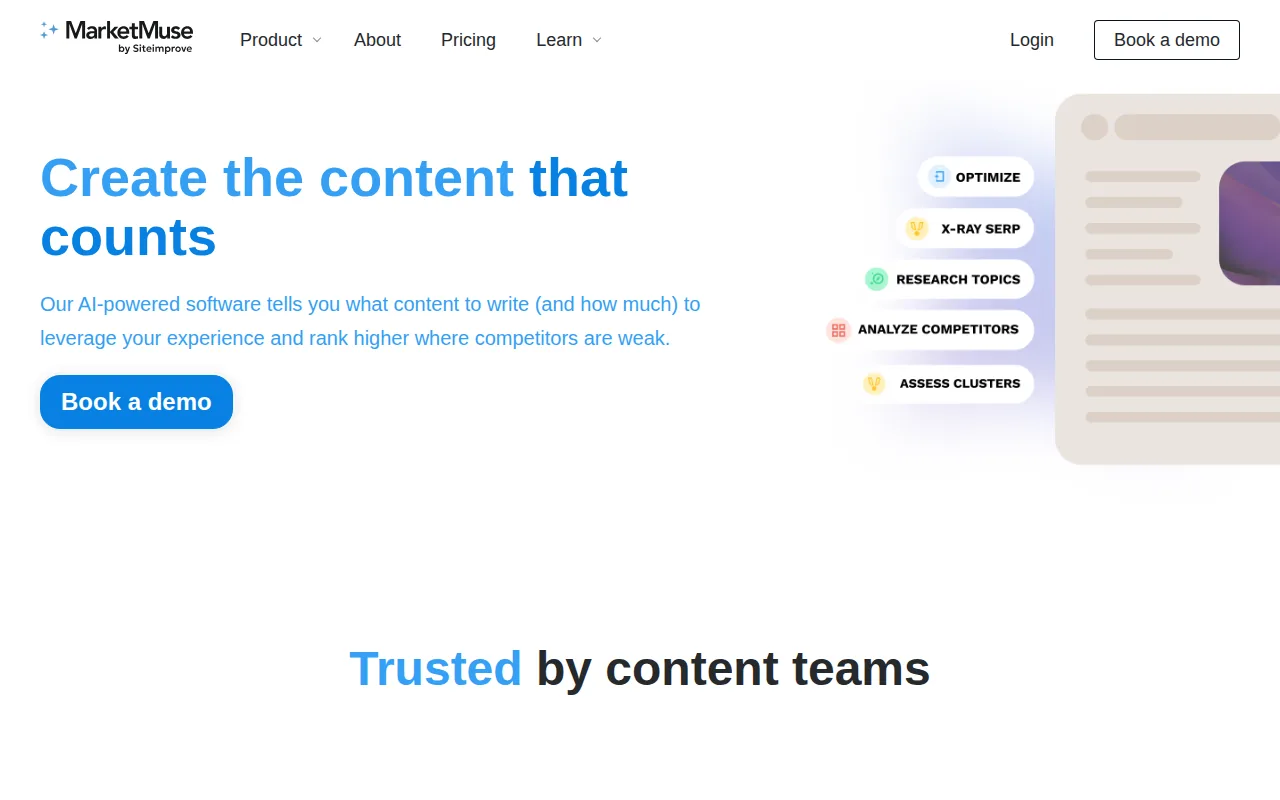
MarketMuse builds topic models rather than keyword clusters. It assesses a subject area, scores your existing coverage against what a comprehensive treatment would include, and shows where the gap sits.
It answers a different question from everything else here. Not which keywords group together, but which topics you have covered thinly and should either expand properly or leave alone.
Pros:
- Topic modelling rather than keyword grouping, a genuinely different lens on the same data
- Personalised difficulty scored against your own site's authority, not a global number
- Content inventory analysis across everything you have already published
- A free plan with 10 queries a month
Cons: No published pricing on any paid tier, so evaluating it means booking a demo before you know the number. The output is strategic rather than operational too, and it does not produce the SERP-overlap clusters most people land on this page looking for.
For who: Content strategists at larger sites deciding what to cover next, rather than how to group a list.
Pricing: Free plan with 10 queries a month. The Optimize, Research and Strategy tiers carry no published price and route to a demo.
9. LowFruits
LowFruits exists to find weak SERPs rather than to cluster, but the keyword grouping it does along the way is useful and unusually cheap.
What it clusters on is the reason it belongs here. Terms are grouped alongside a signal of whether forums and weak domains rank for them, so a cluster arrives with an assessment of whether it is winnable already attached.
Pros:
- Weak-SERP signals on each keyword, so clusters come pre-qualified for difficulty
- Pay-as-you-go credits for anyone who clusters occasionally rather than monthly
- The cheapest subscription here at $20.75 a month on annual billing
- Domain Explorer for pulling a competitor's ranking terms into the same view
Cons: The clustering is a byproduct rather than the product, and it does not stand next to a SERP-overlap tool on grouping quality. Credits are consumed by SERP extraction as well as keyword ideas, so a thorough project drains the monthly allowance faster than the headline implies.
For who: Niche site builders and affiliates who care more whether a cluster is winnable than how tidy it looks.
Pricing: Standard $20.75 a month and Premium $62.45 a month on annual billing. Pay-as-you-go credits from $25 for 2,000.
10. SpyFu
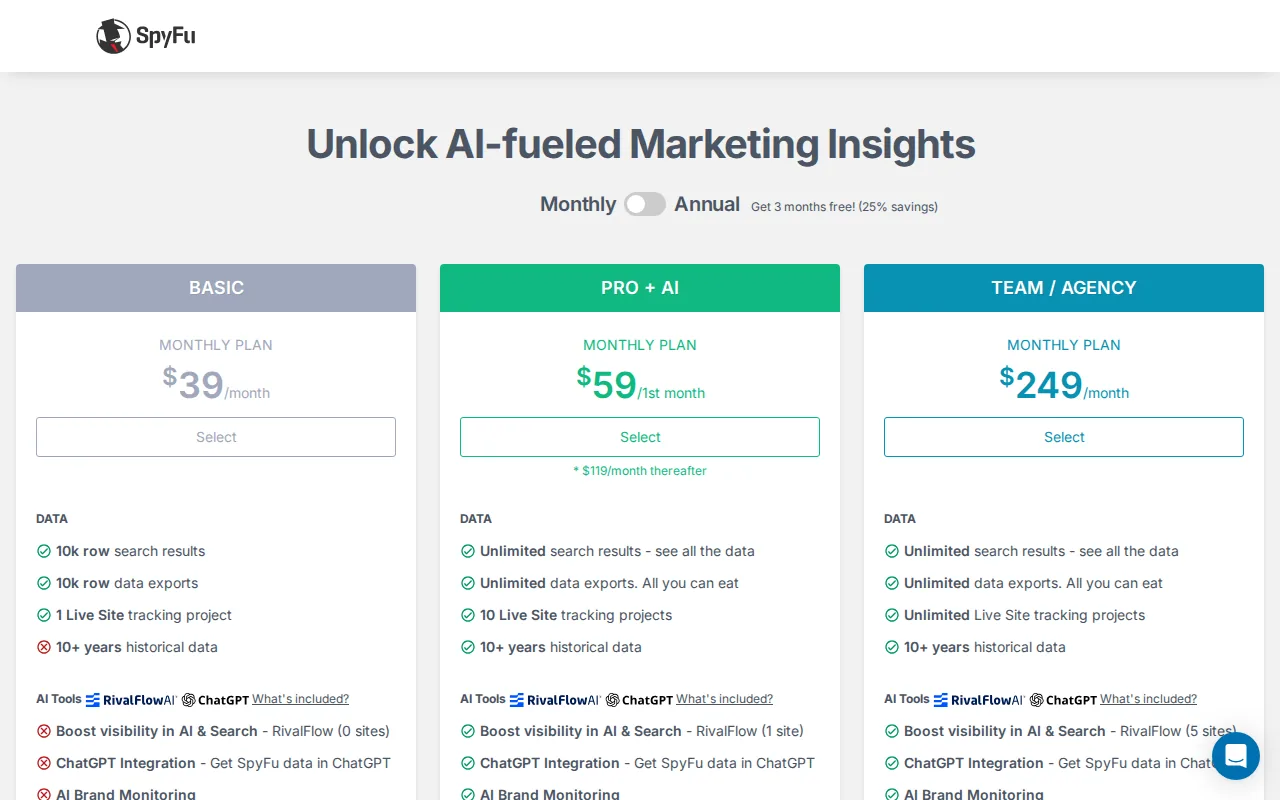
SpyFu approaches keyword sets from the competitor side. You pull everything a rival ranks for or bids on and group from that, rather than from a seed term you invented yourself.
Starting from a competitor's real keyword set is a legitimate way to build clusters, and it is a different starting point from every other tool on this page.
Pros:
- Competitor keyword sets as the starting point, rather than a seed term you guessed at
- Paid and organic terms together, so you see what a rival is willing to pay for
- Ten years of history to show whether a cluster is growing or fading
- Unlimited exports on the Pro plan, which matters for bulk clustering work
Cons: The grouping is basic. SpyFu organises by domain and by term rather than by SERP overlap, so anything you want as a true cluster needs a second tool to process the export. Data quality outside the US is noticeably thinner as well.
For who: Teams that build content plans from competitor gaps rather than from keyword research.
Pricing: Basic $39 a month, Pro with AI $119 a month after a $59 first month.
Doing it without a tool
For lists under about 200 keywords, this is a morning's work and it is free. Search each keyword, record the top five URLs, and group any two keywords sharing three or more of them.
That is exactly what the paid tools do, and doing it by hand once teaches you what the output means, which is worth more than most people expect. It stops being viable somewhere around 500 keywords.
The failure to avoid, whichever route you take: clustering the list and then never building the internal links between the resulting pages. A cluster is a set of pages that should reference each other. Without that, you have a filing system rather than a site structure.
After the clusters: what to do with them
One page per cluster, and the page targets the whole cluster rather than the single highest-volume keyword in it. This is where the cannibalisation prevention actually happens.
Check your existing pages against the clusters before writing anything. Most sites discover they already have two or three pages sitting in the same cluster, and merging those is usually a faster win than publishing something new.
Link the pages within a cluster to each other, and all of them to whichever page covers the broadest version of the topic. Our guides to topic cluster strategy and choosing a topic cluster generator cover the structure, and the practical guide to keyword clustering tools covers the process in more depth.
For the research stage that feeds all of this, see keyword research automation and best SEO tools for content creation.
Frequently asked questions
What is keyword clustering? Grouping search queries that should be answered by one page. The reliable method is comparing the actual search results for each query and grouping those whose results overlap, because that reflects how the search engine already treats them.
Is clustering the same as keyword grouping? No, and the difference matters. Grouping puts keywords together because they share words. Clustering puts them together because they share search results. Grouping will happily tell you to build one page for two queries that need two.
How many shared URLs make a cluster? Three is the common loose threshold, five is tight. Lower thresholds mean fewer, broader pages; higher means more, narrower ones. Neither is correct in general, and the right answer depends on how competitive your market is and how much you can publish.
Do I need a paid tool? Under 200 keywords, no. Do it manually and learn what the output means. Above 500, a tool becomes necessary, and Keyword Cupid is the cheapest one doing it properly.
Will clustering fix cannibalisation I already have? It will find it. Fixing it means merging pages, redirecting the weaker one, or deliberately re-targeting one of them at a different intent. The tool identifies; the decision is yours.
How often should I re-cluster? When search results shift enough to matter, which is roughly every six to twelve months in a stable market and faster in a volatile one. Re-cluster before any large content push rather than on a calendar.