

Is Google Analytics free? Yes. Google Analytics 4 costs nothing to set up or run, there is no trial period and no time limit, and for the overwhelming majority of websites the Google Analytics cost stays at zero permanently.
The paid enterprise version, Analytics 360, starts around $50,000 a year and applies only when you outgrow the free collection limits or need contractual guarantees: unsampled reports, a freshness SLA and named support. Almost nobody reading this needs it, and the gap between the two is about data volume and contracts rather than features.
The more useful question is what the free version limits, and what you end up paying for around it. That is the rest of this page.
The short version
| Question | Answer |
|---|---|
| Does GA4 cost anything to install? | No |
| Is there a time limit on the free version? | No |
| Is there a traffic limit? | Yes, but it is very high |
| Is the paid version needed by most sites? | No |
| What does Analytics 360 cost? | From roughly $50,000 per year |
| Does free GA4 export to BigQuery? | Yes, with daily limits |
| Do you pay Google for support? | Only on 360 |
What you get for nothing
The free version is not a stripped demo. It includes event tracking, conversions, audiences, attribution reporting, the Explore workspace for custom analysis, Google Ads and Search Console integration, and a BigQuery export. One thing attribution cannot untangle on its own is Chrome’s address bar, where the same box handles a search and a typed address, which is why the same visitor can land in Organic or in Direct: our explainer on what 'search Google or type a URL' means covers that split.
That last one matters more than people realise. Raw event-level export to a data warehouse used to be a 360-only feature under the old Universal Analytics, and it is now available on the free tier.
For a business under a few million monthly events, there is no reporting question you can ask of 360 that you cannot ask of the free version.
Where the free version actually stops
These are the real limits, in the order they tend to bite.
1. Data retention defaults to a short window
User and event level data is kept for two months unless you change the setting to fourteen months. Fourteen is the maximum on the free tier.
What that means in practice: you cannot run a year-on-year comparison in the Explore reports beyond that window. Standard aggregate reports keep working, but the granular analysis does not.
The fix, and it is free: change the retention setting to fourteen months on day one, and turn on the BigQuery export so the raw data lives somewhere you control. Most sites never do either and lose the history permanently.
2. Reports get sampled once queries get large
Standard reports are unsampled. Custom explorations on large data sets are not, and once sampling kicks in the numbers become estimates.
For a small or mid-sized site this rarely appears. It becomes a daily annoyance somewhere north of ten million events a month.
3. Cardinality limits collapse detail into "(other)"
Any dimension with too many unique values gets bucketed into a row literally labelled "(other)". Sites with thousands of URLs, product IDs or search terms hit this and lose the long tail of their own data.
The fix: the BigQuery export again, which is not subject to this. It is the single most valuable free feature in the product.
4. There is no service level agreement and no support line
Free means no contractual uptime, no data freshness guarantee and no account manager. You get documentation and community forums.
For most businesses this is fine. For a company where a delayed data feed stops a trading decision, it is the actual reason to buy 360.
5. Collection limits exist, high up
There are caps on events, custom dimensions and audiences per property. They are generous enough that hitting them usually signals a tracking plan problem rather than a genuine need for the paid tier.
What Analytics 360 buys
Higher limits across everything above, contractual SLAs, unsampled access at much larger volumes, faster data freshness, richer subproperty and roll-up configuration, and technical support with a named contact.
Pricing is quoted rather than published and starts in the region of $50,000 per year, scaling with volume. It is sold through Google and its resellers, and there is no self-serve upgrade button.
The honest test: if you cannot name the specific decision you would make differently with unsampled data or a freshness SLA, you do not need it.
What actually costs money around free analytics
This is the part the "GA4 is free" answer leaves out, and it is where budgets go.
- A data warehouse. BigQuery export is free to enable, but storage and query costs are billed by Google Cloud once you exceed the free tier. Real, small, and easy to forget.
- Server-side tagging. Running a server-side Tag Manager container means paying for the hosting, typically a few tens to a few hundreds of dollars a month.
- Consent management. A compliant consent platform is a paid subscription for most businesses, and Google's own consent mode requires one to work properly.
- Someone to configure it. The largest line item by far. GA4 collects nothing useful by default beyond page views, and a proper event and conversion setup is consultancy work.
- Dashboards on top. Looker Studio is free. The BI tools people move to when Looker Studio gets slow are not.
The pattern: the licence is free and the measurement stack around it is not. Budget for configuration rather than for software. If the layer you are actually missing is reporting rather than collection, our look at AI SEO dashboards covers what those add on top.
Is Google Analytics free for commercial use
Yes. There is no separate commercial licence and no restriction on using it for a business, an ecommerce store or a client site.
Agencies can run it across client properties at no cost. The usual constraint is the number of properties per account, which is high enough to be a non-issue for most. Agencies who want the whole delivery layer to carry their own branding, not just the analytics, can do that with Distribb's white label SEO.
The catch that is not about money
The free version is free because the data has value to Google. Free GA4 accounts contribute anonymised data to Google's aggregate benchmarking and modelling, and 360 customers can restrict that.
For most sites this is an acceptable trade. It is a genuine reason some organisations choose a paid alternative below, and it is worth stating plainly rather than pretending the product has no cost of any kind.
10 alternatives, and why anyone switches
People leave GA4 for three reasons: privacy and consent law, the interface, or a need for product analytics rather than marketing analytics.
1. Plausible
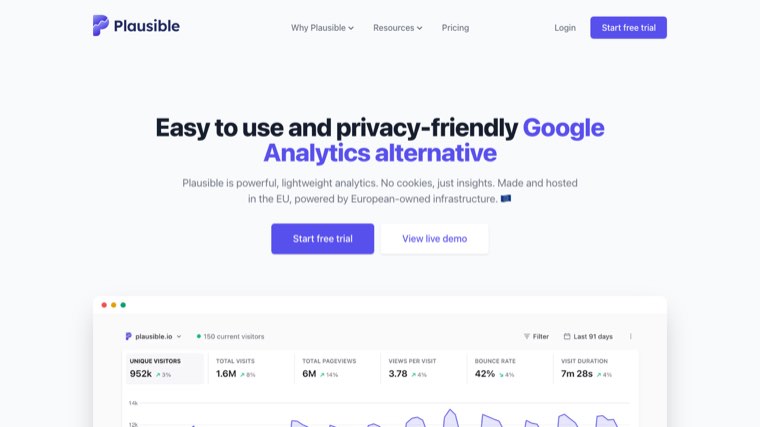
Lightweight, open source, no cookies, and a single readable dashboard. Often removes the need for a cookie banner depending on your jurisdiction and configuration.
Cost: paid, starting low and scaling with pageviews. Self-hosting is free.
2. Fathom
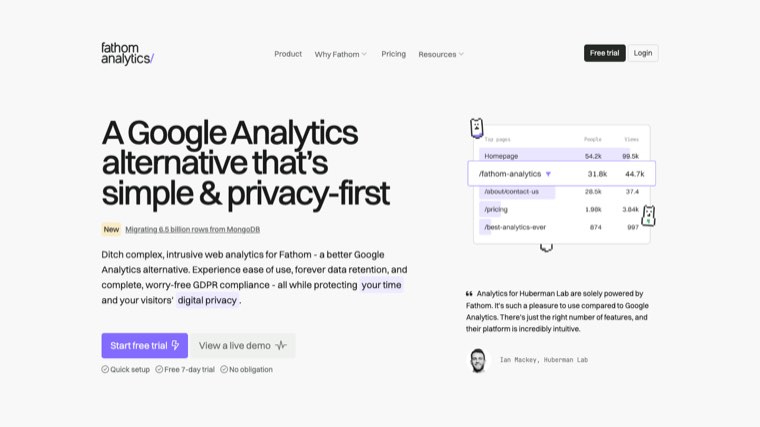
The same privacy-first idea with a strong focus on compliance, including EU data isolation. Simple by design.
Cost: paid, flat and predictable.
3. Matomo
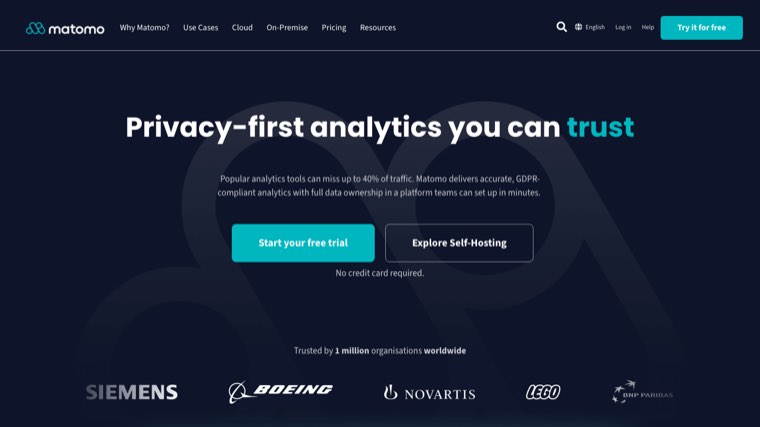
The most feature-complete alternative, closest to a full GA replacement, with heatmaps and session recording included. Self-host it and you own the data outright.
Cost: free self-hosted, paid cloud.
4. Microsoft Clarity
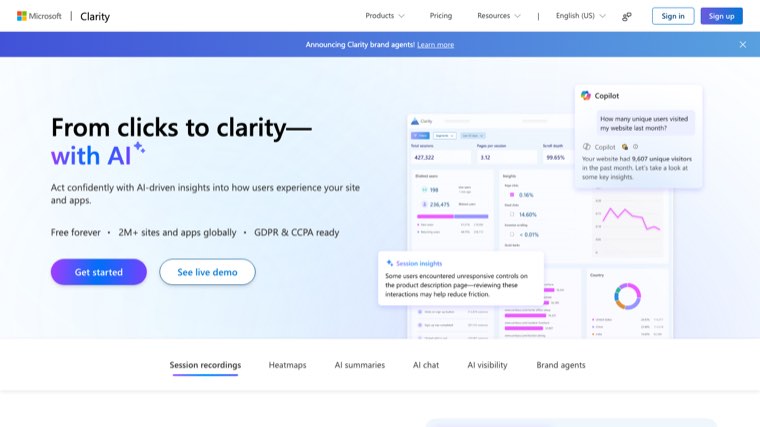
Genuinely free with no traffic limit, and it does the thing GA4 does not: heatmaps and session recordings. Most teams run it alongside GA4 rather than instead of it.
Cost: free.
5. Umami
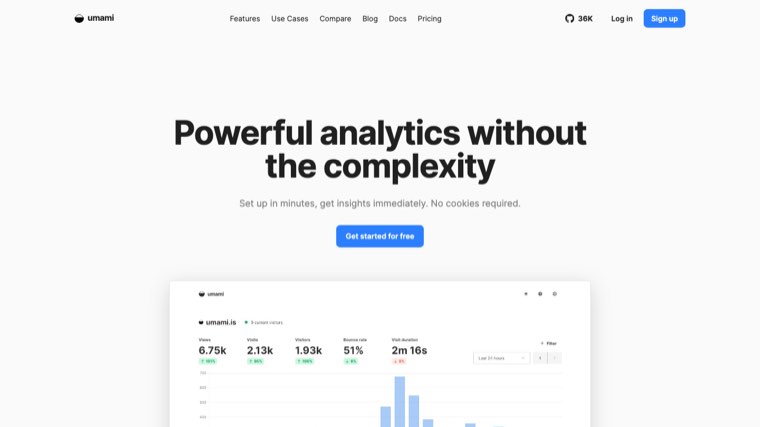
Open source, self-hostable, and about as light as analytics gets. A good fit if you already run infrastructure.
Cost: free self-hosted, paid cloud tier.
6. Simple Analytics
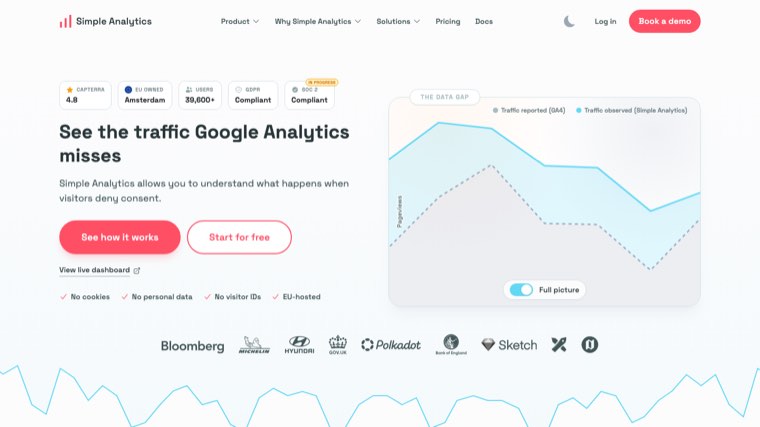
Privacy-first and deliberately minimal, with an emphasis on being readable by people who are not analysts.
Cost: paid.
7. PostHog
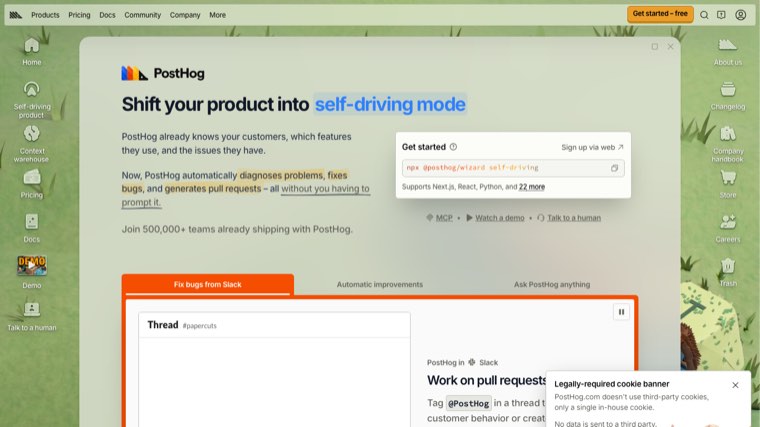
Product analytics rather than marketing analytics: funnels, session replay, feature flags and experiments in one platform. A different job from GA4.
Cost: generous free tier, then usage-based.
8. Mixpanel
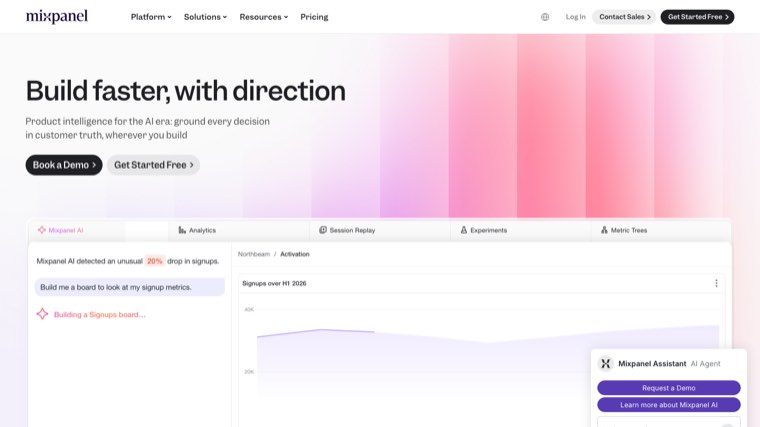
Event and user analytics for products, strong at retention and cohort analysis. Not a replacement for site traffic reporting.
Cost: free tier, then paid by events.
9. Amplitude
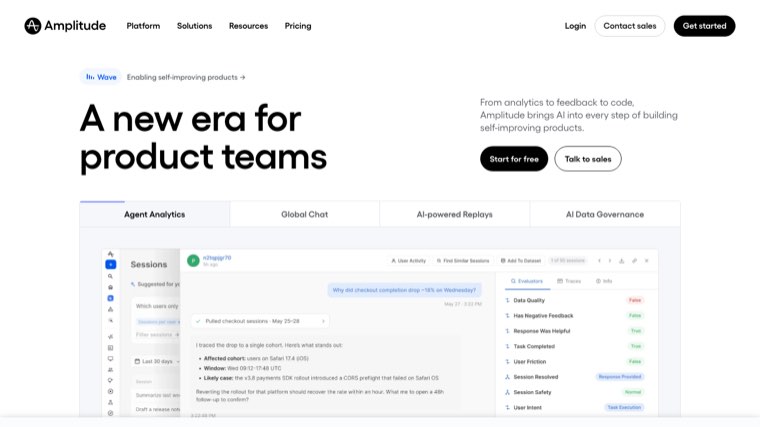
The enterprise end of product analytics, built around behavioural cohorts and experimentation.
Cost: free tier, then quoted.
10. Statcounter
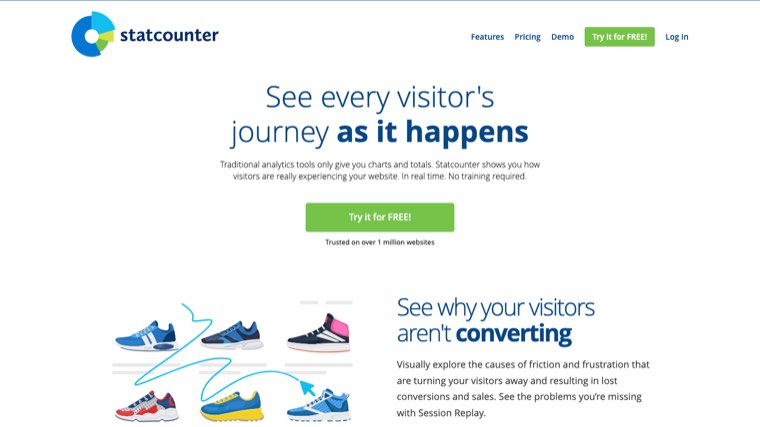
One of the oldest tools in the category, still running, still simple. Worth knowing about for a basic visitor log.
Cost: free tier with a limited log, then paid.
What we would actually do
Run GA4, set retention to fourteen months on the first day, and turn on the BigQuery export even if you have no plans to use it. All three are free and the third one is the only insurance against every limit listed above.
Add Microsoft Clarity for the qualitative side, because it costs nothing. Add a privacy-first tool only if consent law or a cookie banner is a genuine problem for your business.
Skip 360 unless someone can name the decision it changes.
Where the traffic comes from is a separate question
Analytics tells you what happened after someone arrived. It does not tell you which queries you could be ranking for and are not, which is the question most sites are actually asking when they open the reports.
That gap is Search Console's job, and then it is a content problem. Distribb works on that second half: finding the queries your site can win and publishing against them. It does not replace GA4 and it does not report on your traffic, so run both.
Our guides to automated SEO reports and SEO performance dashboards cover the reporting layer, and website audit tools covers the technical side.
Position data is the one thing neither Analytics nor a dashboard gives you properly, and it comes from a separate category of tool. We compared them in SEO rank trackers. If your tracking runs through Tag Manager on Wix, the setup is its own job and we covered it in Wix and Google Tag Manager.