
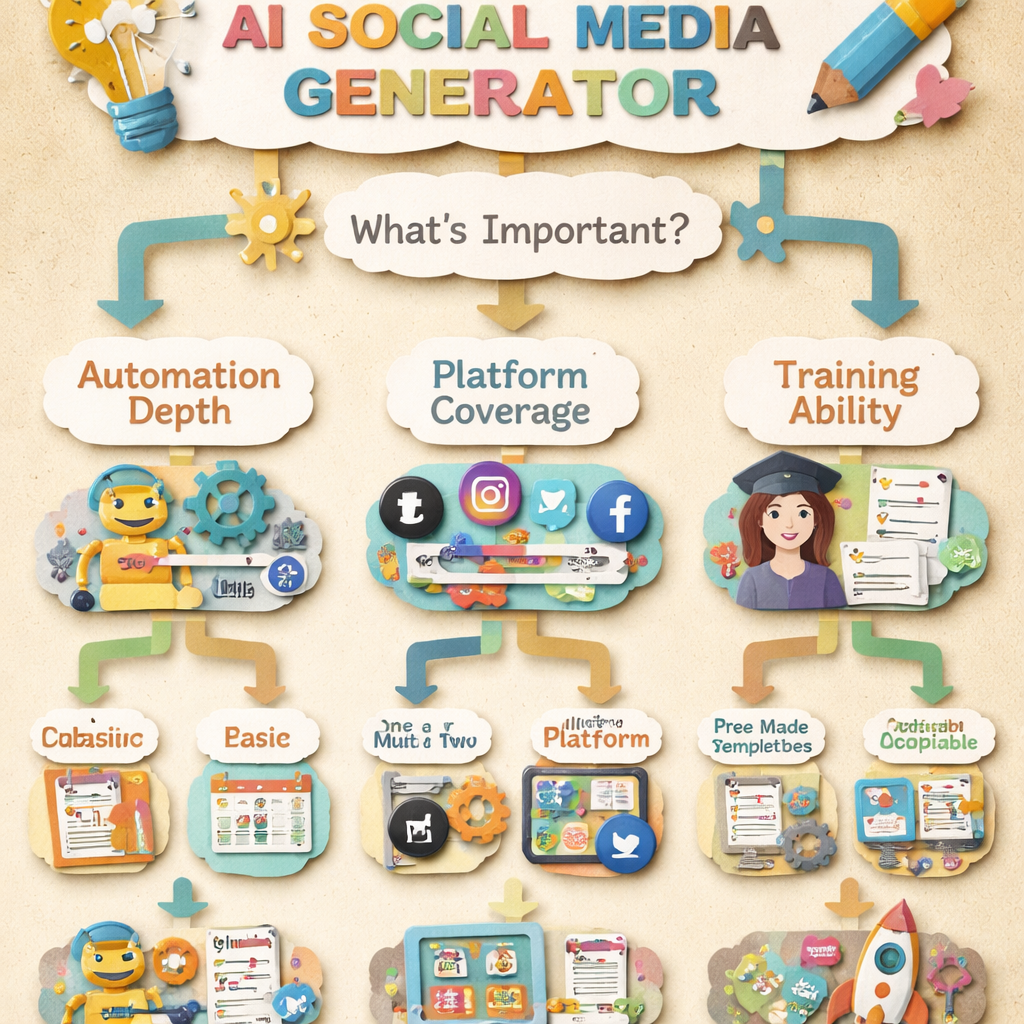
Every tool in this category generates social posts. They differ in what they generate them from, which turns out to be the thing that decides whether the output is any good.
Some start from a blank prompt. Some start from content you already published. Some produce the image as well as the caption. Those are three different products and this list keeps them separate. A fourth product writes long-form articles rather than posts, and that one is our AI content writer.
How we checked this list
Every tool below was loaded on its live site in August 2026 and captured there, and each is described according to what its own homepage says it does rather than what other roundups claim. One widely recommended name for this keyword was left out because its site positions it as a general AI platform rather than a social generator, and we would rather cut an entry than misdescribe one.
Three kinds of generator
| Kind | Starts from | Tools |
|---|---|---|
| Prompt to post | A topic you type | ChatGPT, Claude, Jasper, Buffer AI, SocialBee |
| Content to post | An article or page you already have | Distribb, AIOSEO |
| Post plus visual | A prompt, output includes the image or video | Canva, Predis, Ocoya |
Quick answer
- Turning published articles into native posts: Distribb
- Best inside a scheduler you already pay for: Buffer AI Assistant
- Best caption plus visual in one step: Canva Magic Studio
- Best for ad creative: Predis.ai
- Best for LinkedIn specifically: Taplio
- Best free prompt-to-post: ChatGPT
- Best for WordPress sites: AIOSEO
1. Distribb, posts generated from what you already published

The weakness of prompt-to-post generators is that they know nothing. You type "write a LinkedIn post about SEO" and get something that sounds like every other post about SEO, because there is nothing behind it.
Distribb starts from the other end. It writes and publishes long-form articles to your site, then turns each one into native drafts for LinkedIn, X, Instagram, Facebook, TikTok, Pinterest, Threads, Bluesky, Telegram, Google Business Profile and Snapchat. One article yields roughly eight to fifteen posts, each written to that platform's format rather than the same caption pasted twelve times, and each with a real page to point at.
Honest limit: it needs an article to exist first, so it cannot help you write a one-off post about something you have not published. It also generates no images or video, and it does not schedule: posts land in a drafts queue for you to review and publish, with direct auto-posting on the 2026 roadmap. Pair it with a scheduler from our social media scheduling software comparison. Seven-day free trial.
2. Buffer AI Assistant, generation where you already schedule

$5 per channel per month, with the AI assistant included on the free plan. It drafts posts, repurposes one post across formats and generates variations without leaving the scheduling queue.
The argument for it is friction. Generating in the same place you publish removes the copy-and-paste step that kills most workflows.
Honest limit: the assistant is competent rather than exceptional. If writing quality is your bottleneck, a dedicated model does better.
3. Canva Magic Studio, caption and visual together

Free, Pro and Teams tiers. Magic Write drafts the copy and Magic Design generates the layout, inside the editor where you were going to make the graphic anyway.
For image-led platforms this is the shortest path from idea to finished post, because the caption and the visual come out of one tool.
Honest limit: the templates are widely used, so output can look familiar. Text generation is a side feature rather than the point of the product.
4. SocialBee, generation tied to content categories

$24.20 a month billed annually for five profiles, rising to $82.50. Unlimited AI content generation on every plan, with post generation that adapts to the platform you selected.
The category system is what makes it distinctive: generate into a bucket, set a posting pattern per bucket, and the queue refills itself.
Honest limit: recycling only suits evergreen posts. Anything with a date or a price in it will eventually resurface wrongly.
5. Predis.ai, built for ad creative

Generates ad creative including video from a product or a prompt, aimed at performance marketing rather than organic posting.
If what you need is twenty ad variants to test rather than twenty organic posts, this is the tool designed for that.
Honest limit: the ad focus shows in the output, which reads as advertising. Less suited to organic feeds where that tone underperforms.
6. Ocoya, generation plus scheduling

Combines AI copywriting, graphic generation and scheduling in one product, with e-commerce integrations for product-led posts.
Covering all three steps in one subscription is the appeal for small teams.
Honest limit: each of the three parts is beaten by a specialist. Convenient rather than best in class.
7. Taplio, LinkedIn only

Built exclusively for LinkedIn: post generation from proven formats, a content inspiration feed, scheduling and lead tools.
Specialising in one platform lets it optimise for that platform's actual dynamics, which the general tools cannot do.
Honest limit: LinkedIn only. If you post anywhere else you need a second tool, and the pricing assumes LinkedIn matters a lot to your business.
8. Publer, generation inside a flexible scheduler

A free plan covering one user and three social accounts, then pricing by account and team member. AI assistance for captions and hashtags alongside strong recycling and bulk scheduling.
The per-account pricing model means you pay for exactly the footprint you have.
Honest limit: the AI features are an add-on to a scheduler rather than the product. Reporting is functional rather than deep.
9. Metricool, generation with the analytics attached

Free for one brand, paid from $20 a month for up to five. An AI social assistant sits alongside the strongest analytics at this price point, covering organic and paid together.
Generating posts next to the data showing what worked last month is a better loop than generating in isolation.
Honest limit: LinkedIn and X are excluded from the free plan, and X remains a paid add-on on Starter.
10. ChatGPT, the free baseline

Free, Plus, Pro and Business tiers. For generating a batch of posts from a brief it is at least as good as most paid social tools, and free.
Before subscribing to anything in this category, it is worth checking whether this covers you. For many people it does.
Honest limit: no scheduling, no images tied to your brand, no memory of what you posted last month unless you build that yourself.
11. Claude, better at longer posts

Free tier, Pro at $17 a month billed annually. It holds a voice more consistently across longer LinkedIn-style posts, and handles source material well when you paste in a transcript or an article.
For long-form social writing, the difference against shorter-form tools is noticeable.
Honest limit: the same as ChatGPT. Text out, everything else manual.
12. Jasper, brand voice across a team

$69 per seat per month, $59 annually, seven-day trial. Brand voice rules and campaign templates that keep several people producing posts that sound like one company.
For a team with real brand guidelines, that governance is what you are buying.
Honest limit: the most expensive per seat here, and overkill for a solo operator.
13. AIOSEO, repurposing for WordPress sites

A WordPress plugin whose social features turn your existing posts and pages into social content, with the SEO tooling around it.
If your site runs on WordPress and your content already lives there, doing the repurposing inside WordPress removes an integration.
Honest limit: WordPress only, and social is one module of a broader SEO plugin rather than the focus.
14. Sintra AI, assistants rather than a generator

Positions itself as AI employees you hire, with social media among the roles covered, alongside planning and performance tracking.
Worth a look if you want an assistant model rather than a tool you operate.
Honest limit: the assistant framing means output quality depends heavily on how you brief it. Broader than social, so you are buying more than a post generator.
What actually makes generated posts work
Give it something to work from. A post generated from your own article, customer call or support ticket beats one generated from a topic every time. The difference is specifics. Our 15 ways to repurpose content for social media cover where that raw material comes from.
Native beats cross-posted. The same caption on LinkedIn, X and Instagram underperforms on at least two of them. Any tool that only produces one version per idea is doing half the job.
Generation is not the bottleneck. Most accounts fail on consistency rather than on ideas, which is why our guide to AI content creation for social media spends more time on process than on prompts.
Free tiers cover most people. ChatGPT, Canva, Publer and Metricool all generate usable posts at no cost. Test before subscribing.
Edit the first line. Whatever the tool produces, the opening line is what decides whether anyone reads the rest, and it is the line AI writes most generically. Our guide to using an AI social media content generator has more on avoiding that flatness.
FAQ
What is the best free AI social media content generator? ChatGPT for captions, Canva for caption plus visual, Buffer's assistant if you already schedule there. All three are genuinely free and genuinely usable.
Can AI write posts that sound like me? Only if you show it your writing. Paste three or four of your own best posts into the prompt rather than describing your tone, and the difference is immediate.
Should each platform get a different post? Yes. Format, length and tone differ enough that one caption cannot work everywhere. Tools that generate per platform exist precisely because of this.
Do AI-generated posts get less reach? Platforms do not detect or penalise how a post was written. Generic posts get less reach, and generic is what a lazy prompt produces.
How many posts can I get from one article? Between eight and fifteen is realistic if the article has substance, covering different angles rather than restating the same point. Beyond that you are repeating yourself. Our list of social media content ideas covers angles worth trying.
Do I need a generator and a scheduler? Usually yes, unless you buy a tool that does both. Buffer, Publer, Ocoya, SocialBee and Metricool combine them; Distribb, ChatGPT, Claude and Jasper do not. Our comparison of social media content calendar software covers the scheduling half.
What is the biggest mistake with these tools? Publishing the first output. Every tool here produces a competent draft and a forgettable post, and the gap between them is about two minutes of editing.
How do I tell whether AI posts are actually helping? Track saves, shares and replies from people outside your own network, not impressions. Impressions mostly measure what the algorithm felt like doing that week, and optimising for them pushes you toward the generic posts you were trying to avoid.
Where to start
If you post occasionally, ChatGPT plus Canva covers it for free. If you post daily, buy a tool that generates and schedules in one place. For long-form rather than social, see our roundup of AI content generators.
If you publish articles and the social side never keeps up, the generator should start from what you already wrote. Distribb turns each published article into native drafts for a dozen platforms, ready to review. Seven-day free trial.