
Most people think getting a backlink is about cold emails and lucky hits. The truth is, a well‑crafted resource page can pull links in by itself.
Imagine you run a small e‑commerce store selling niche kitchen gadgets. You put together a free checklist of "10 Must‑Know Safety Tips for Using Air Fryers" and host it on a clean, easy‑to‑read page. When a cooking blog looks for a quick reference, they’ll link right to your checklist because it saves them work.
Here’s how you can make that happen:
- Pick a topic that solves a real problem for your audience. Think FAQs, how‑to guides, or data sets they can’t find elsewhere.
- Build the page with clear headings, bullet points, and a short intro that tells the reader why it matters.
- Optimize the page for the keyword "resource page link building" and include a few internal links, like A Guide to Resource Link Building, to boost its SEO value.
Next, reach out to sites that already host similar resource lists. Instead of a sales pitch, tell them how your page adds value – maybe it includes an interactive calculator or a downloadable template that theirs lacks.
Don’t forget the user experience. A resource page that loads fast, looks tidy, and works on mobile keeps visitors happy. Pairing good design with solid content even catches the eye of design partners like Coherence Pass, which helps you make the page look professional and user‑friendly.
Finally, track who links to you. A simple spreadsheet or a free SEO tool can show which pages have earned a link, so you can thank the host or offer more related content later.
Follow these steps, and you’ll turn a single page into a magnet that draws backlinks without endless outreach. For a company with no domain history at all, our guide to link building for startups covers what to do in the first six months.
Step 1: Identify High‑Quality Resource Opportunities
If you want your resource page to pull in real links, you need to hunt for the right places to list it. A single spot on a trusted site can send a steady stream of traffic.
Start by searching for existing resource lists in your niche. Use Google operators like intitle:resources or inurl:links plus your main keyword. Look for sites that already link to tools, guides, or templates similar to yours.
Next, check each list for quality. A good sign is a domain that ranks well, loads fast, and has a clean design. If the page already has a handful of links, your addition will feel natural.
After the video, take a quick look at the site’s audience. Does it match the people you want to reach? If you run an e‑commerce shop, a list aimed at small‑business owners is a better fit than a generic marketing roundup.
One quick test is to see if the list already mentions a topic like IT support for small businesses. If it doesn’t, you’ve found a gap you can fill with your own checklist or calculator.
When you’ve zeroed in on a target, craft a short note. Skip the sales pitch. Explain what’s missing and how your page adds value – maybe a downloadable template or an interactive tool that the list lacks.
Finally, keep a simple spreadsheet of each site, the contact you used, and the date you reached out. A quick follow‑up after a week shows you’re serious and can turn a one‑off link into a longer relationship.
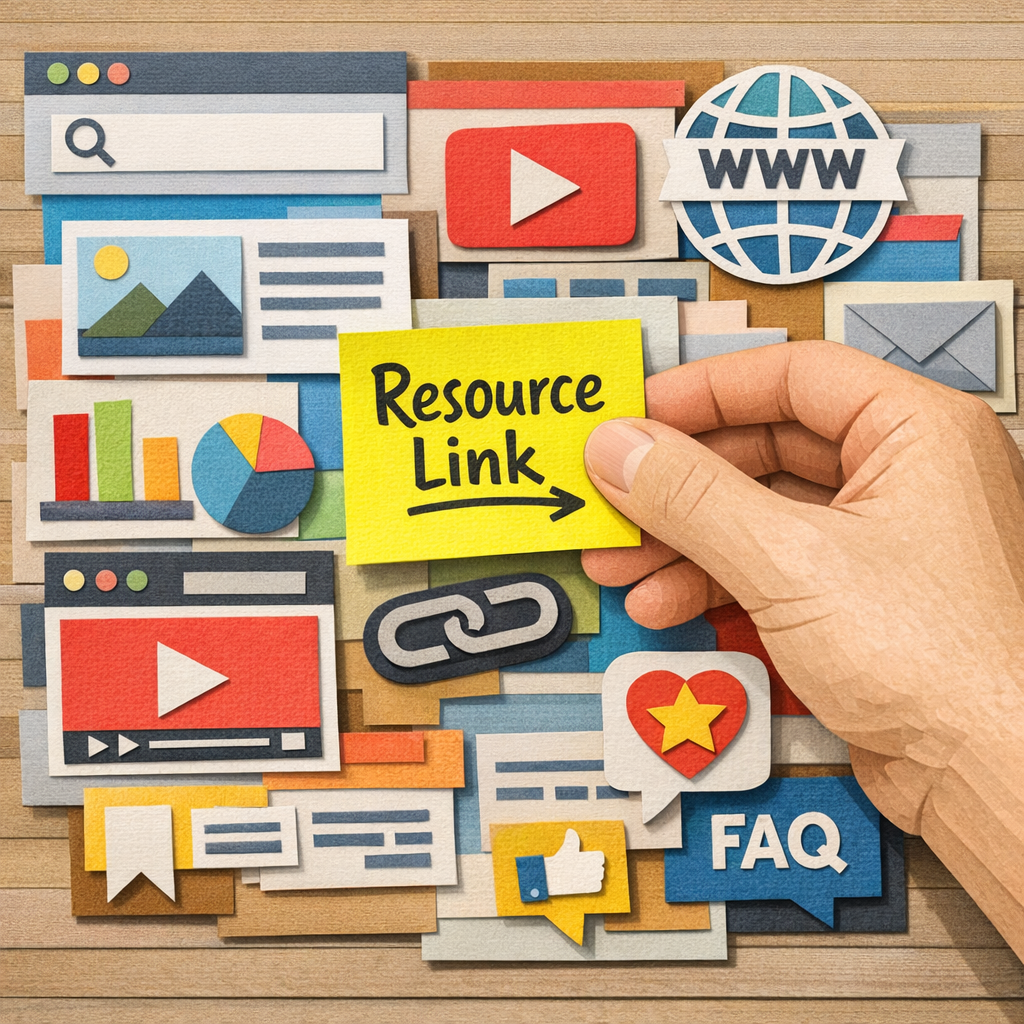
Remember, the better the match between your resource and the host site, the more natural the link looks to Google. Keep refining your list as you discover new niche hubs.
Step 2: Create Link‑Worthy Content for Your Resource Page
First, think like the reader of a resource page. They want a quick answer, a handy tool, or data they can cite. If you can give them that in a clean, easy‑to‑read format, they’ll link without you asking.
Pick a format that solves a real problem
Checklists, calculators, and printable templates work great. A small e‑commerce shop might offer a “Shipping Cost Calculator” for niche products. A SaaS founder could share a “Feature comparison table” that nobody else has compiled. The key is that the piece is unique and fills a gap. Shops in particular have their own version of this, which our guide to link building for ecommerce works through.
Write for scan‑ability
Use short headings, bullet points, and bolded terms. Keep sentences under 20 words. A typical visitor will skim, so put the most useful fact in the first line of each section.
For example, a “Kitchen safety checklist” could start each item with a bold action verb: Check the cord, Store knives safely, Clean the surface after each use. This style matches the way Google reads content and makes it easy for a webmaster to copy‑paste a line.
Add a data point or visual
Even a simple chart can boost credibility. If you can source a statistic like “75 % of home cooks look for safety tips before buying a new gadget,” it shows you’ve done homework. You can pull that from the guide at Effective automated backlink building strategies and cite it in your own words.
Offer something they can’t get elsewhere
Think about an interactive element: an embed that lets users calculate their own results, or a downloadable PDF they can print. Mention that the file is free and instantly downloadable, that tiny promise often turns a casual visitor into a link partner.
Finally, test the page speed and mobile view. A slow page kills the chance of a link. Use tools like Google PageSpeed Insights and fix any red flags before you reach out.
A quick visual recap helps you see the checklist at a glance.
Regularly update the page to keep the info fresh and the links coming.
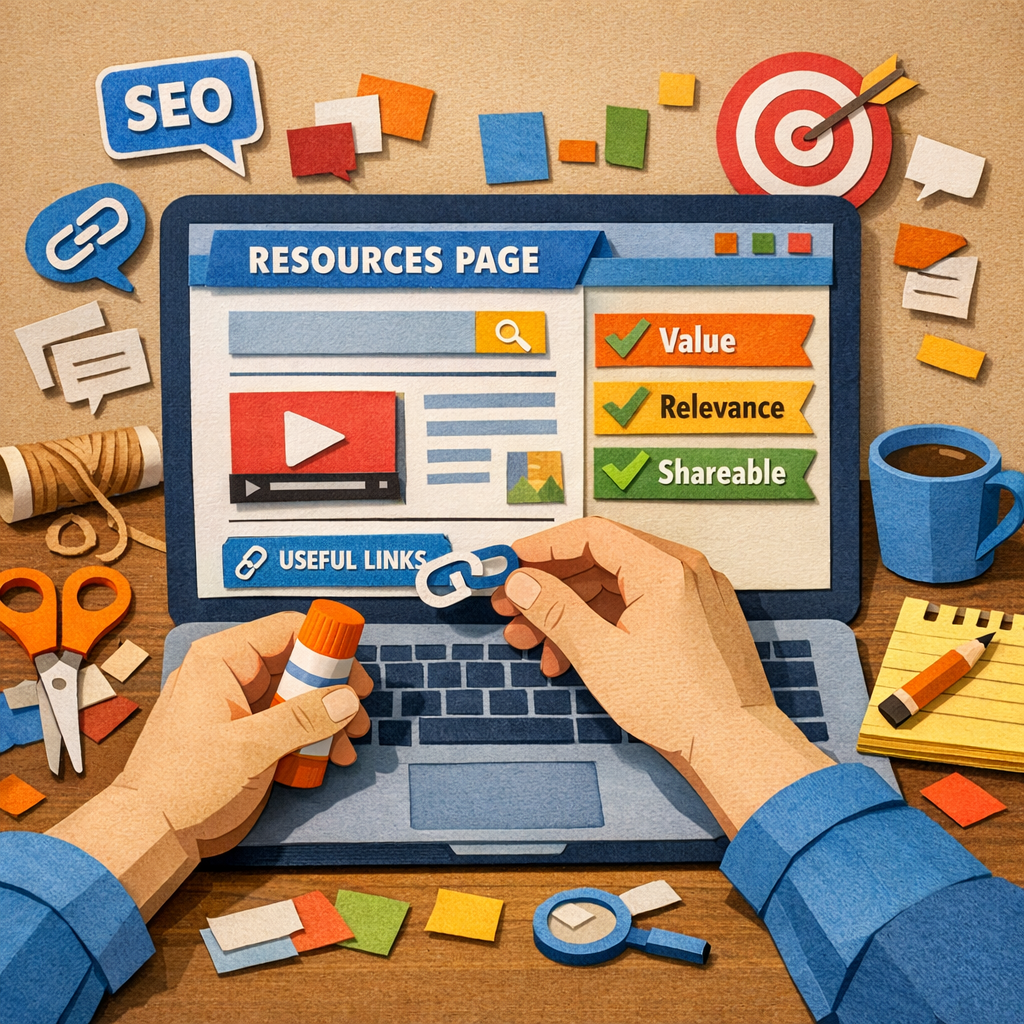
Step 3: Outreach and Secure Your Resource Links
Now your page is ready. The next move is to tell the right people about it.
Find the right contact
Search the site for an editor, content manager, or whoever maintains the resource list. A quick look at the "About" or "Contact" page usually shows a name and email.
Personalize each note
Start with something specific you liked on their page. "I enjoyed your roundup on kitchen safety tools." That shows you’ve read their work.
Then mention your resource and why it fits. Keep the link short and explain the benefit in one sentence.
Craft a friendly subject line
Subject lines that sound like a quick chat get higher open rates. For example, "Quick tip for your kitchen tools list". You can see examples of effective templates in a link‑building outreach email templates.
Keep the email short and clear
Use three short paragraphs: 1) greet and reference their content, 2) offer your resource, 3) ask for a link and thank them. End with a polite sign‑off and your name.
Follow up, but don’t pest
If you hear nothing after a week, send a brief follow‑up. One sentence that reminds them of the original note is enough.
Track responses
Log every outreach in a spreadsheet: site, contact, date sent, reply, link earned. Over time you’ll see which subject lines work best.
Use automation wisely
Platforms like Distribb can pull the contacts you collected and fill in a template, so you spend less time typing and more time personalizing. Just review each email before it goes out.
Remember, the goal is to add value, not to sell. When you help a site fix a broken link or fill a gap, they’re more likely to link back. Where you would rather skip the pitching entirely, our comparison of backlink exchange platforms covers the route where both sides have already agreed.
With a steady cadence of personalized emails, your resource page will start earning links naturally. You can also run both, using Distribb's backlink exchange for steady links while your resource page earns the editorial ones.
Step 4: Track, Analyze, and Avoid Common Mistakes
Now that you’ve sent a few emails, you need to know what’s working and what isn’t. Data beats guesswork.
First, log every outreach in a simple spreadsheet. Columns like site, contact, date sent, reply, and link earned let you spot trends at a glance. If a subject line gets a 40 % open rate, flag it for future use.
Measure link performance
Pull your backlink profile with a free tool such as the link building tools guide. Look for three things: new links, lost links, and toxic links. New links show you what’s paying off; lost links tell you where you need a quick fix; toxic links are the weeds you must prune.
Set a weekly habit: export the report, compare it to the previous week, and note any spikes or drops. A quick note in your sheet (“lost link from example.com – replace with fresh resource”) keeps the process moving.
Avoid common pitfalls
Don’t chase every do‑follow link. A mix of do‑follow and no‑follow keeps your profile looking natural. Aim for about an 80:20 split.
Watch anchor text. Over‑optimizing with the exact phrase “resource page link building” can look spammy. Vary it with synonyms like “helpful guide” or “useful checklist”. Anchor discipline is one of several habits covered in our rundown of white hat link building techniques.
Beware of duplicate outreach. If you email the same person twice in a month, you’ll look pushy. Use your spreadsheet’s “last contacted” column as a reminder.
| Metric | Tool | Action |
|---|---|---|
| New backlinks | SureOak link list | Celebrate and note the source |
| Lost backlinks | Spreadsheet audit | Reach out with an updated resource |
| Toxic links | Backlink checker | Disavow or request removal |
Finally, if you need a quick way to automate the monitoring, Distribb’s dashboard can pull the same data and flag changes for you. It’s not a magic wand, but it cuts the manual steps in half.
Stick to these habits and you’ll catch mistakes before they hurt your rankings.
Conclusion
You've seen how a solid resource page can pull links without cold emails.
Keep a weekly habit of exporting your link report, flagging new wins, and fixing lost or toxic links. A quick note in your sheet (“replace broken link from example.com”) keeps things moving.
Remember to mix do‑follow and no‑follow, vary anchor text, and never double‑email the same editor.
One practical step: set a recurring reminder to audit anchor diversity and update any stale resources.
Need a place to learn more about brand‑mention tactics? Check out A Practical Guide to Brand Mention Link Building for extra tips.
For a broader automation angle, the AI‑agent community at OpenClaw Lab offers tools that can help you script outreach and monitoring.
Start by adding one new, highly useful resource each month and track the inbound links it earns; the data will tell you what topics resonate most.
Stick to these habits and watch your resource page climb the rankings.
FAQ
What is resource page link building and why does it work?
Resource page link building means you make a page that lists useful tools, guides, or data for a specific audience. When other sites need a quick reference, they link straight to your page. It works because the page offers real value without asking for anything back. Google sees the natural links and rewards the page with higher rankings. Over time the page can become a trusted hub that pulls links from blogs, forums, and news sites. Finding those pages at scale is a tooling problem, and our roundup of the best link building software covers what does it well.
How do I find the right resource pages to target?
Start with Google operators. Type intitle:resources plus a keyword that matches your niche, or use inurl:resources.html with the same term. Scan the results for sites that already link to similar lists. Check the domain’s authority – a score above 10 means the site is trustworthy. Make sure the audience lines up with yours; a kitchen‑gear list won’t help a SaaS blog. If the page has a clean design, it’s a stronger candidate for you to pitch your resource.
What kind of content should I put on my resource page?
Put stuff that solves a real problem for your readers. Checklists, templates, calculators, or data tables work well. Keep the format clean – short headings, bullet points, and bold verbs. Add a quick intro that tells why the tool matters. If you can cite a public stat, do it in a simple sentence. Offer a free download or embed an interactive widget so the page feels useful enough to link.
How can I pitch my resource page without sounding salesy?
Start with a genuine compliment about the site’s existing list. Mention one specific item you liked and why it helped you. Then say you have a resource that fills a gap they don’t cover yet. Keep the email to three short paragraphs. End with a polite ask for a quick look and a thank you. No hard sell, just a helpful suggestion.
How often should I audit my resource page for link health?
Treat the page like a living document. Set a weekly check to export your backlink report and look for new, lost, or broken links. Spot a dead link? Replace it with your own resource or a fresh alternative. Also scan the page’s load speed and mobile view each month. A quick note in your spreadsheet (“fix broken link from example.com”) keeps the habit easy.
What mistakes should I avoid when doing resource page link building?
Don’t chase every link opportunity. Focus on pages that match your niche and have decent authority. Avoid over‑optimizing anchor text; vary it with natural phrases. Never email the same editor twice in a short span – it feels pushy. Skip adding low‑value PDFs that load slow. And don’t ignore broken links on the pages you target; fixing them first makes your pitch more welcome. That filtering discipline is the same one behind a tiered link building strategy, where effort follows the value of the target.