
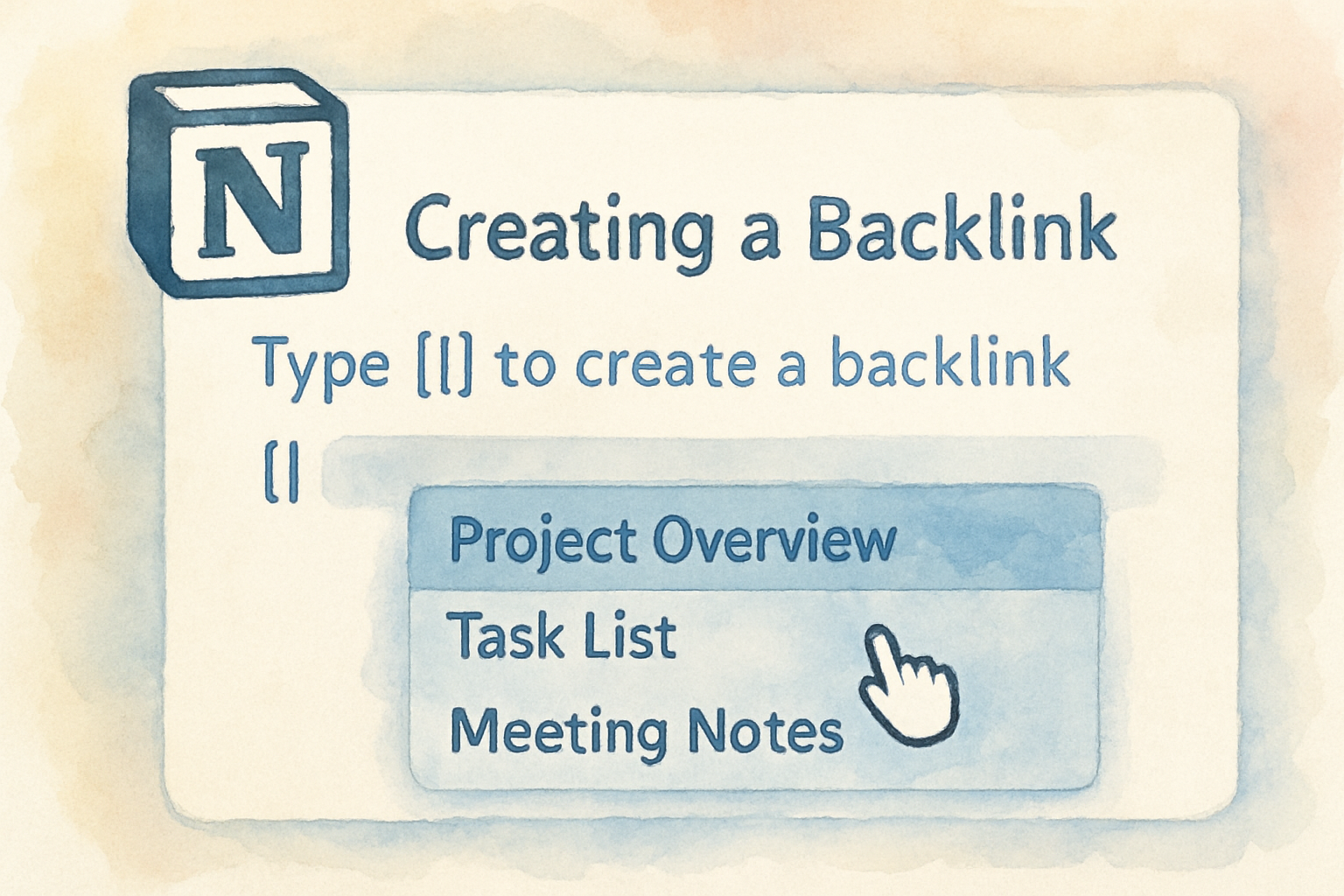
A backlink in Notion is not an SEO term. It is the automatic record Notion keeps of every other page that mentions the one you are looking at, and it appears at the top of the page as a linked mention.
If you arrived looking for links from other websites to yours, that is a different subject entirely and there is a pointer to it at the end. Everything below is about connections inside a Notion workspace. For a small business that is the actual question, our guide to building backlinks for a small business is the place to start.
What a Notion backlink actually is

When you link to Page A from Page B, Notion writes the relationship in both directions. Page B holds the link you typed, and Page A quietly gains a backlink showing that Page B refers to it.
Nothing is created manually. The backlink exists because the link exists, which means the value comes from linking as you write rather than from maintaining an index by hand.
This is the same idea as a wiki's "what links here", and it is what turns a set of separate documents into something you can navigate from any starting point.
How to create one
Type @ anywhere in a page and start typing the name of an existing page, then select it. Notion inserts an inline mention and registers the backlink on the other side immediately.
Two other routes produce the same result. Typing [[ opens the same page picker, which is faster if you came from other wiki tools. Pasting a Notion page URL into a page offers to convert it into a mention rather than a plain link.
The distinction that matters is between a mention and a raw pasted URL left as text. Only a real page reference creates the backlink.
How to see backlinks on a page
Open any page and look immediately under the title. If other pages reference it, Notion shows a collapsed backlinks row you can expand to see each source.
If you do not see it, the display is set to hidden. Open the page's overflow menu, find the backlinks setting, and switch it to expanded or show in popover. Expanded is the better default while you are still building structure, because invisible connections do not help anyone.
Where this is genuinely useful
Meeting notes are the clearest case. Mention the project page in every set of notes, and the project page accumulates a complete chronological record of every discussion without anyone maintaining a list.
The same pattern works for a person's page collecting everything they own, a client page collecting every deliverable, and a decision log where each decision mentions the projects it affects. In each case you get an index that cannot go out of date, because it is generated from the links themselves.
Backlinks versus database relations
These solve different problems and people reach for the wrong one constantly. Backlinks are informal, automatic and one directional in intent, good for organic references that emerge as you write.
Relations are structured, deliberate and queryable. If you need to filter, roll up or report on the connection, for example every task belonging to a project with its status, use a relation property instead.
The rough rule is that if you would ever want to sort or filter by the connection, it should be a relation. If you just want to know what mentioned this, backlinks are enough and cost nothing to maintain.
Keeping it usable at scale
- Link the first time you mention a page in a document, not every time
- Give pages specific names, since
@Notesis useless in a backlink list and@Q3 Pricing Reviewis not - Set backlinks to expanded on hub pages and collapsed on daily notes
- Do not delete a page to clean up, because the mentions elsewhere break; archive it instead
- Review a hub page's backlinks monthly to catch work that ended up orphaned
Common mistakes
Pasting URLs instead of mentioning pages, which looks the same in the document and creates no backlink. Building deep hierarchies of nested pages and relying on the sidebar, then wondering why nothing is findable three levels down.
The bigger one is treating backlinks as a substitute for structure. They tell you what mentioned a page, not what is important, so a workspace still needs a small number of deliberate hub pages that act as entry points.
Frequently asked questions
Do Notion backlinks affect SEO? No. They are internal to your workspace and invisible to search engines, including on publicly shared pages.
Can I see backlinks in the mobile app? Yes, under the page title in the same place, though the row is easier to miss on a narrow screen.
Why did my backlink disappear? The source page was deleted or the mention was removed. Backlinks only exist while the link on the other side does.
Can I turn backlinks off? Yes, per page, through the overflow menu. The relationship still exists, it is only hidden from view.
If you came here for SEO backlinks
The word means something completely different outside Notion. In search, a backlink is a link from another website to yours, and it is one of the strongest signals for how your site ranks in Google.
That is a separate discipline with its own tooling. Our guide to building backlinks automatically covers the practical methods, and the comparison of backlink exchange options covers how sites trade links without cold outreach. Sites that would rather trade links with real businesses than pitch strangers can use Distribb's backlink exchange.
To be plain about it: Distribb is an SEO tool and has nothing to do with organising a Notion workspace. If your question was about Notion, the sections above are the whole answer.