

Google Ads for chiropractors can bring in local search leads, but the right setup takes more than switching on a campaign. These six tools and services cover distinct jobs, from editing campaigns in bulk to hiring a team to manage them. Distribb.io supports the organic search side through its chiropractic SEO service, which can sit alongside paid ads.
1. Google Ads Editor: Free bulk campaign edits
Google Ads Editor is a free desktop tool for making changes across a Google Ads account. It suits chiropractors who want to manage their own campaigns and have a small budget, but still need to update many keywords or ads at once.
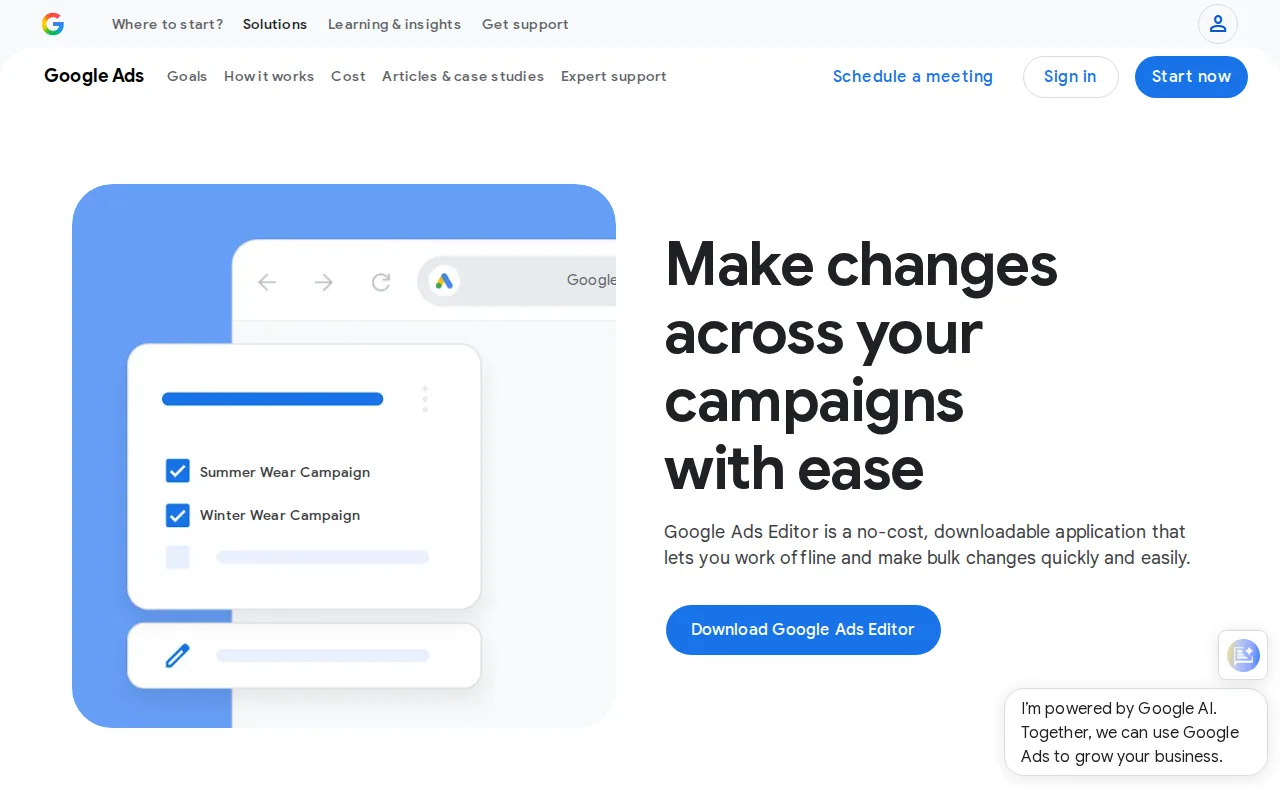
Bulk edits help when a clinic has separate campaigns for services or nearby areas. Instead of opening each item in the online account, you can make several changes together. Google says the tool is especially useful for accounts with multiple campaigns or long keyword and ad lists. It also lets advertisers make changes offline, then apply them to the account.
Before editing, download recent account changes so the editor has the latest version. That matters if someone else has worked in the online account since your last update.
For a clinic, one useful task is revising ad text across a set of similar campaigns after an offer or service page changes. Review each edit before posting it. Bulk changes save clicks, but a wrong change can affect many ads at once.
2. AdFlint: AI-assisted ads for solo chiropractors
AdFlint uses AI to generate ad copy and automate optimization for Google Ads and Meta. Its listed fit is solo chiropractors who want help with ad writing and campaign upkeep. The tool has a 7-day free trial, and its starting plan is listed at $40 per month.

AI-generated copy can give a busy practice owner a first draft to review. That can help when writing several versions of a search ad for different services. But generated text still needs a close read. Check that it matches the destination page and describes the clinic’s services without making claims the practice can’t support.
Keep the clinic’s budget and goal in view as you test. A low-cost tool can help with execution, but the practice still needs to review search terms, the ads people see, and whether inquiries turn into booked visits. If you want a tool to write drafts, AdFlint is worth considering. If you already manage ads confidently, you may prefer the control of Editor or a rule-based tool.
3. Optmyzr: Rule-based optimization and alerts
Optmyzr is a PPC management toolkit with a Rule Engine, KPI alerts, and an anomaly detector. It fits a chiropractor or marketing partner who already understands campaign management and wants rules to handle repeat checks. Optmyzr offers a 14-day free trial.
A rule can flag a campaign for review when a metric crosses a limit you set. That gives a manager a cue to inspect performance rather than checking every campaign by hand all day. Optmyzr also describes alerts and anomaly detection for account monitoring. These features can help a clinic spot a change that deserves attention, but they don’t replace a review of the search terms or lead quality.
Optmyzr connects with Google Ads, Microsoft Ads, Amazon Ads, and Meta. That breadth may suit an agency or a team managing more than one ad channel. A single-location practice running only local search campaigns may not need every part of the toolkit.
Set up accurate conversion tracking before leaning on automated rules. If the account counts page views as leads, alerts may reflect activity that has little value to the clinic. Use appointment requests or another meaningful inquiry action as the signal, then check that the number aligns with the practice’s own records.
4. WordStream / LOCALiQ: Free account performance audit
WordStream’s Google Ads Performance Grader is a free audit tool for an existing account. It suits a solo chiropractor who wants a quick outside check before making campaign changes. The tool uses read-only account access and returns a report with an overall grade plus advice tied to account performance.
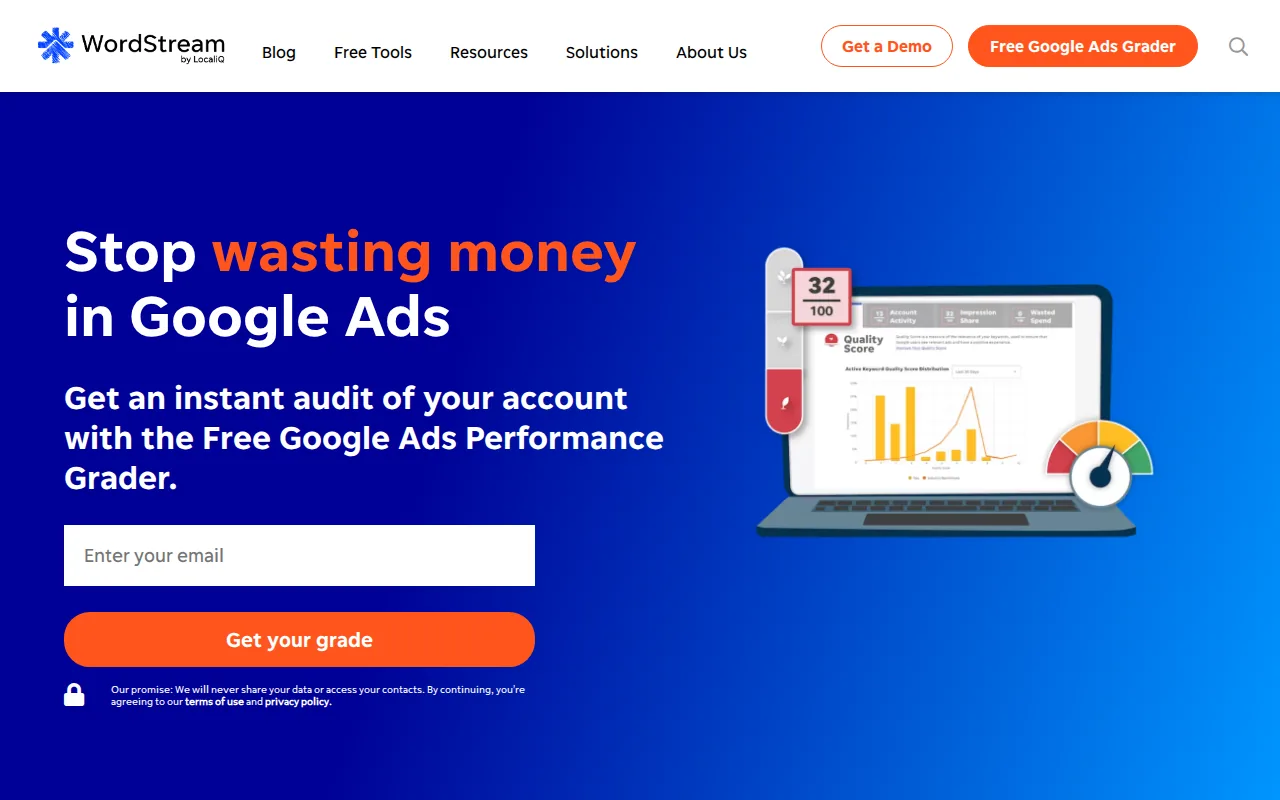
The grader evaluates the account against ten metrics and provides action items. Its report can give a clinic owner a starting point for reviewing wasted spend, keyword choices, or budget use. Treat it as an audit prompt, not as a guarantee that every recommendation fits the practice’s local market or patient intake process.
The Google Ads Performance Grader audits an existing account for wasted spend. Review each suggestion against the actual search terms and inquiries coming into the clinic. For example, a click may look useful in an ad report but still come from someone outside the service area.
After the audit, make a short list of changes and track what happens. Don’t change bids, keywords, and landing pages all at once; if results shift, you’ll have a harder time knowing which change caused it. Pair the audit with a separate review of lead records so the clinic doesn’t optimize for clicks alone.
5. Clicks Geek: Done-for-you campaign management
Clicks Geek provides done-for-you campaign management, with automated setup, monitoring, and optimization described among its service features. It may suit a chiropractor who wants a team to handle ongoing ad work instead of managing the account personally.
The firm describes an ROI-focused approach that centers on profitable patient acquisition rather than vanity metrics. For a clinic, that means asking how reporting connects ad activity to qualified inquiries and booked appointments. Click counts alone can’t show whether the campaign is bringing in patients the practice can serve.
A useful campaign checklist includes match-type discipline, negative keyword upkeep, service-specific ad groups, dedicated landing pages, and conversion tracking for forms and calls. Ask how often the team reviews search terms and what happens when an irrelevant query starts using budget.
Landing pages matter too. A person searching for a specific service should reach a page that clearly explains that service and gives them a simple next step. Sending every ad click to the clinic homepage can make it harder to connect the search with the right inquiry.
Before handing over account access, agree on who owns the account and what approval is needed before campaigns change. Also ask how the manager will report leads and appointments, not only platform activity. That conversation helps the clinic judge the service by the outcomes it needs.
6. Marketing 360: Full-service marketing for clinics
Marketing 360 provides digital advertising alongside broader marketing support. It may suit a clinic that wants help across several ad channels rather than a tool focused only on Google Ads. Marketing 360 uses quote-based pricing.
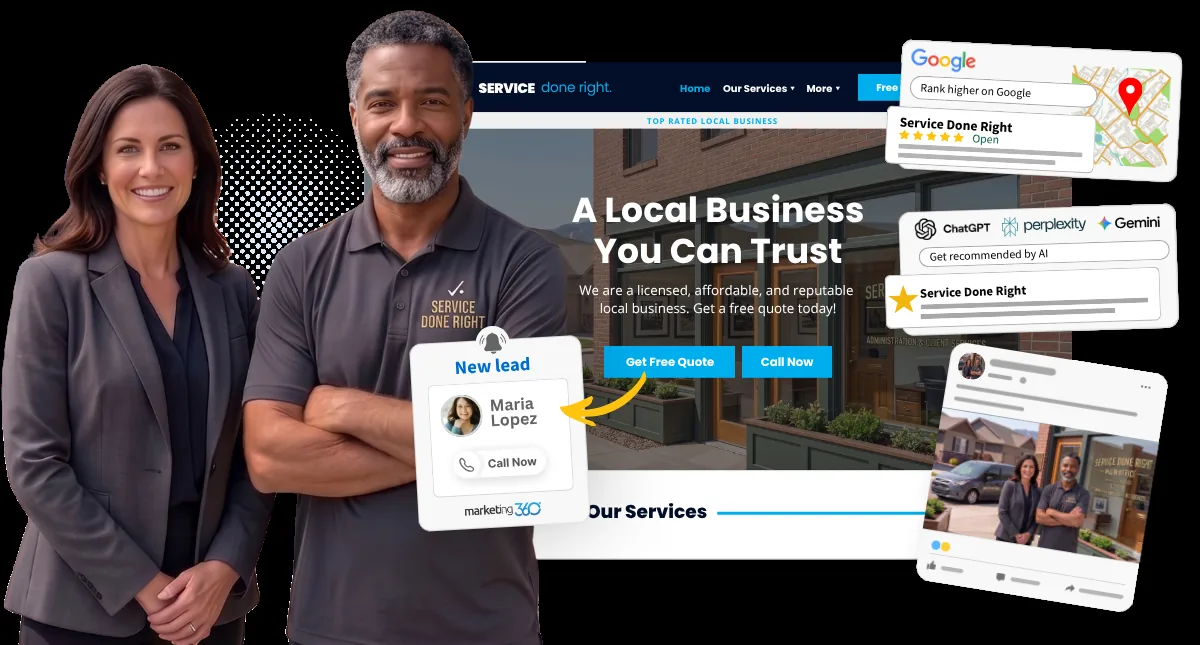
The service describes campaigns across Google and other ad channels, plus paid ads on platforms such as Facebook, Instagram, YouTube, and LinkedIn. It also describes local map ads and Google Local Services Ads for eligible business types. Local Services Ads require the business to meet applicable requirements, including background checks.
For a chiropractic practice, the key question is whether each channel has a clear job. Search ads can capture people actively looking for local care. Other channels may support awareness or remarketing, depending on the clinic’s goals and the platform’s rules. Ask how the team will separate those roles in reporting rather than combining every result into one total.
Marketing 360 also describes a platform for comparing results across channels and a dedicated ad specialist as an available service. Before choosing a full-service setup, clarify who will manage the Google Ads account and how the clinic can review changes. A clinic building organic visibility at the same time may also use Distribb.io to support its search presence, but that work should be measured separately from paid leads.
| Clinic need | Option to consider | What to check |
|---|---|---|
| Make many account edits | Google Ads Editor | Review bulk changes before posting them |
| Get help drafting ads | AdFlint | Check copy and targeting claims before launch |
| Monitor rules and alerts | Optmyzr | Use clean conversion data for alerts |
| Get a free account audit | WordStream / LOCALiQ | Verify suggestions against actual inquiries |
| Hand off ongoing campaign work | Clicks Geek | Agree on reporting and account ownership |
| Coordinate several ad channels | Marketing 360 | Ask how each channel’s results are reported |
FAQ
What type of Google Ads campaign works best for a chiropractor?
Local search campaigns are a sensible place to start when people are actively looking for a chiropractor nearby. Local Services Ads may also be an option for eligible practices. Display, video, or remarketing campaigns need a clear purpose and careful policy review. Start with one service area and a relevant landing page, then judge results by qualified inquiries and appointments.
How much should a chiropractor spend on Google Ads?
There isn’t one budget that fits every clinic. Search volume, local competition, and the clinic’s ability to respond to inquiries all affect what a budget can achieve. Set a limit the practice can sustain, then track ad spend against booked appointments. Don’t treat a platform’s recommended budget or a promised cost per lead as a guaranteed result.
How should a chiropractic clinic track leads from ads?
Track meaningful actions, such as a completed appointment request or a call inquiry, then compare them with the clinic’s booking records. A click or page view isn’t the same as a new patient. If the practice uses a CRM or scheduling system, check how it records the source of each inquiry and whether staff can match that data to appointments.
Can chiropractors use remarketing ads?
Remarketing rules can be sensitive in health-related advertising. Don’t assume you can build an audience around a person’s condition or treatment interest. Review current platform policies and privacy obligations before enabling tracking or remarketing. Keep conversion data focused on the action the clinic needs to measure, and avoid sending sensitive patient details to ad platforms.
Should a chiropractor use Google Ads and local SEO together?
Yes, they can support different time horizons. Paid search can place a clinic in front of people searching now, while local SEO helps the practice build unpaid visibility over time. Keep the reporting separate so the clinic can see which channel brings inquiries. Distribb.io supports the organic side, while the options above focus on ads and campaign work.
Conclusion
Choose the option that matches the work your clinic can’t handle internally. For hands-on control, start with free Google Ads Editor or WordStream’s audit; for ongoing help, compare the management services against your tracking and reporting needs. If you want to build organic visibility alongside paid campaigns, Start your Free Trial with Distribb.io.