

Most lists of SEO content writer software mix three different products together and hope you do not notice. There are optimizers that grade a draft you already wrote, generators that produce the draft for you, and platforms that handle the whole pipeline from keyword to published page. They cost different amounts, they solve different problems, and buying the wrong one is why a lot of teams end up paying for two.
This list separates them. Twelve tools, each one loaded and priced from the vendor's own pricing page on 7 August 2026, with a plain note where the vendor does not publish a price at all.
TL;DR
If you want the article written, optimized and published without you assembling the workflow, Distribb is the pick at $97 a month. If you already write and only need the draft scored against the SERP, Surfer SEO and Clearscope do that better than any all-in-one. If your budget is the binding constraint, NEURONwriter starts at $23 a month and KoalaWriter at $9.
How We Tested
Every tool below was opened in a browser and checked against its own live pricing page on the day this was written. Nothing here is carried over from an older article, and no price is estimated.
Three things decided the order. First, whether the tool produces something publishable or only advice about what you wrote. Second, what the entry tier actually includes, because a $49 plan that covers ten articles is not cheaper than a $97 plan that covers a content calendar. Third, whether the workflow ends at a published page or hands you a document to move somewhere else yourself.
Two prices could not be read and are marked as such rather than guessed. MarketMuse publishes plan features but no dollar figures, and the Semrush SEO Writing Assistant has no standalone price of its own.
Quick Comparison
| Tool | What it is | Entry price |
|---|---|---|
| Distribb | Keyword to published article, plus a backlink exchange | $97/mo |
| Surfer SEO | On-page optimizer scored against the live SERP | $49/mo billed yearly |
| Frase | SERP research and brief building | $49/mo |
| Clearscope | Term coverage and readability grading | $129/mo |
| MarketMuse | Site-level topic and inventory planning | Not published |
| Semrush SEO Writing Assistant | Optimizer inside Google Docs and WordPress | No standalone price |
| NEURONwriter | Budget NLP term optimizer | $23/mo |
| Jasper | Brand-voice marketing copy | $69/mo per seat |
| Writesonic | AI writing with AI-search visibility tracking | $79/mo billed yearly |
| Scalenut | Cluster to brief to draft in one flow | $59/mo regular |
| KoalaWriter | Cheap bulk drafting by word count | $9/mo |
| Grammarly | The editing pass everything else skips | $0, Pro $12/mo |
1. Distribb
Distribb sits at the top of this list because it is the only entry that finishes the job. The other eleven hand you a document. Distribb takes a keyword, researches it, writes the article, adds the internal links, publishes it to WordPress, Webflow or Shopify, and then works the backlink side through an exchange network of other businesses that publish contextual links.

That last part is the reason it belongs on a page about writing software. Content that nothing links to sits at position 12 and collects impressions, which is exactly what happens to most articles produced by the tools below.
Pros:
- Whole pipeline in one place: Keyword research, outline, draft, internal linking and publishing run as one job rather than four tools and a copy-paste step between each.
- Backlink exchange built in: New articles enter a network where other businesses place contextual links, so the page has a link profile instead of waiting for one.
- Publishes to your CMS: WordPress, Webflow and Shopify connections mean the article lands live rather than in a folder of drafts.
- Content calendar, not one-off documents: You plan a month of articles and the platform runs the schedule, which is where the per-article tools break down.
- Internal linking handled automatically: Every new article gets wired into the existing library, which is the step most teams skip and later pay an agency to fix.
Cons: Distribb does not grade a draft you wrote by hand. There is no live score in a Google Doc telling you to add three more terms, so a writer who wants a real-time optimizer while typing should pair it with Surfer or Clearscope. There is also no free plan.
For who: Founders and marketing teams who need articles published on a schedule and are not going to assemble a five-tool workflow to get there. Agencies use the white label version for client sites.
Pricing: $97 a month with a 3-day free trial. The Accelerator plan, which adds a managed content volume, is $495 a month.
2. Surfer SEO
Surfer SEO is the tool most writers actually mean when they say content optimizer. You paste a draft into its editor, it compares that draft against the pages currently ranking for your term, and it tells you which terms, headings and lengths those pages share. The score updates as you type.

It has moved into AI search tracking as well, with prompt monitoring on the higher tiers, but the content editor is still the thing worth paying for.
Pros:
- SERP-derived targets, not generic advice: The term list comes from pages that already rank for your keyword, so the recommendations change when the SERP changes.
- Real-time scoring while you write: The number moves as you edit, which makes it usable by writers who are not SEOs.
- Outline builder from ranking pages: It pulls the heading structures of the top results, which saves the manual teardown step.
- Audit for pages you already published: Existing URLs can be scored against their target term without a rewrite.
Cons: The plans are sold in document credits, and the headline prices are billed yearly. Discovery at $49 covers 120 documents a year, so a team publishing weekly will find itself on Standard or Pro faster than the pricing page suggests.
For who: Writers and in-house SEOs who produce the words themselves and want a score to edit against.
Pricing: Discovery $49/mo, Standard $99/mo, Pro $182/mo and Peace of Mind $299/mo, all billed yearly. Enterprise starts around $999/mo.
3. Frase
Frase is the research half of the job. It reads the SERP for your keyword, pulls the questions people ask around it, and assembles a brief with the headings and topics the ranking pages cover. Its writing features exist, but the brief is the part people keep it for.
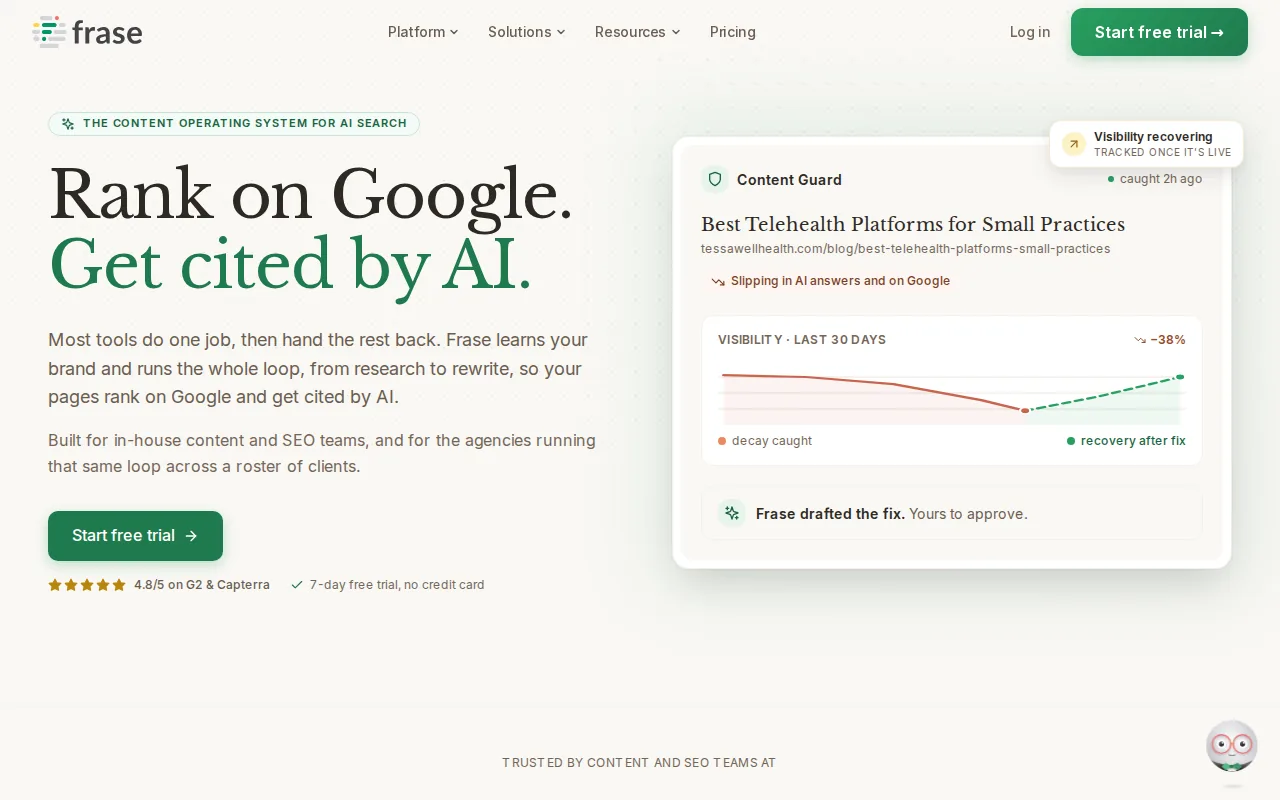
It is the cheapest way into serious SERP research, and it is the tool to look at first if your problem is that your writers do not know what to cover.
Pros:
- Question mining from real results: It surfaces the People Also Ask and forum questions attached to a keyword, which is where FAQ sections should come from.
- Briefs a freelancer can follow: The output is structured enough to hand to a writer who has never seen your site.
- Content audit on existing URLs: Published pages can be re-scored against the current SERP.
- Cheapest serious entry tier: $49 a month monthly is below most direct competitors.
Cons: The article limits are tight at the bottom. Starter covers 10 articles a month across 1 seat and 1 site, so agencies hit the Professional tier quickly.
For who: Content managers who brief other writers and need the research to be defensible.
Pricing: Starter $49/mo ($39 billed yearly), Professional $129/mo ($103 yearly), Scale $299/mo ($239 yearly). Enterprise is custom. Extra seats are $29/mo on the paid tiers.
4. Clearscope

Clearscope does one thing and charges accordingly. It grades content for term coverage and readability against a target keyword, with a report clean enough that editorial teams hand it to writers without translation. Seats are unlimited on every plan, which is unusual and matters if you have a bench of freelancers.
Pros:
- Unlimited seats on every tier: You pay for reports, not for people, so a rotating pool of writers costs nothing extra.
- Grading writers understand: The A to F style report is readable by people who do not know what TF-IDF means.
- Prompt and brand visibility tracking: Newer tiers monitor how a brand shows up in AI answers alongside the classic content reports.
- Editorial-grade output: The reports are formatted to be sent as-is to a contractor.
Cons: The floor is high. Essentials at $129 a month covers 50 pages and 20 drafts, which is expensive for a solo blogger publishing four times a month.
For who: Content teams with more writers than budget for training, and agencies who need a shared standard.
Pricing: Essentials $129/mo, Business $399/mo, Enterprise custom. All tiers include unlimited users.
5. MarketMuse

MarketMuse works a level above the document. It models your site's topical coverage, shows where the gaps are against the competition, and produces briefs for the pages it thinks are missing. If your problem is which twenty articles to write rather than how to write one, this is the category it belongs to.
Pros:
- Site-level inventory, not page-level scores: It tells you what your domain is missing, which no optimizer in this list does.
- Personalized difficulty: Difficulty is scored against your site's existing authority on a topic rather than a global number.
- Briefs come with the plan: The gap analysis outputs the brief, so planning and production connect.
- Free tier for testing: A limited free plan with 10 queries a month exists to try the model.
Cons: The pricing page publishes plan features and no prices. Every paid tier routes to a demo booking, so you cannot compare cost against anything else on this list without a sales call.
For who: Larger content teams doing quarterly planning across hundreds of URLs.
Pricing: Not published. The page lists Free, Optimize, Research and Strategy tiers with feature limits, and asks you to book a demo for each paid plan. Checked 7 August 2026.
6. Semrush SEO Writing Assistant

The SEO Writing Assistant is the part of Semrush that lives inside Google Docs, Microsoft Word and WordPress. It scores readability, tone of voice, originality and target keyword usage while you type, using Semrush's own keyword and SERP data underneath.
It only makes sense as an add-on to a Semrush subscription you already have. Nobody should buy Semrush for this feature alone.
Pros:
- Works where writers already work: The add-on runs in Google Docs and WordPress, so writers do not have to learn a new editor.
- Tone of voice checking: It flags copy that drifts from the register you set, which most optimizers ignore.
- Originality check included: A plagiarism scan runs in the same panel as the SEO score.
- Shared data with the rest of Semrush: Target keywords come from the same research you already did in the main platform.
Cons: There is no standalone price. Access is tied to a Semrush subscription, and the entry SEO plan is $117.33 a month billed annually, which is steep if writing assistance is all you want.
For who: Teams already paying for Semrush whose writers work in Google Docs.
Pricing: No separate price is published for the assistant. Semrush plans run SEO $117.33/mo, Starter $165.17/mo, Pro+ $248.17/mo and Advanced $455.67/mo billed annually, with a free tier limited to 10 reports a day.
7. NEURONwriter

NEURONwriter is the budget answer to Surfer and Clearscope. It does SERP-based term analysis, gives you an editor with a coverage score, and charges a fraction of what the better-known optimizers do. The interface shows its age in places and the onboarding assumes you already know what you are doing.
Pros:
- Lowest price for real SERP analysis: $23 a month buys 25 content analyses, which is the cheapest genuine optimizer here.
- Credits scale in small steps: The tiers move in $20 increments, so you can size the plan to actual output.
- Competitor content import: You can pull competing pages into the editor to compare structure directly.
- Question and entity suggestions: It surfaces related entities alongside the term list.
Cons: The editor is less polished than Surfer's and the score is easier to game, so it rewards writers who already know when to ignore it. Support is thinner at this price.
For who: Solo SEOs, affiliates and anyone optimizing a lot of pages on a small budget.
Pricing: Bronze $23/mo, Silver $45/mo, Gold $69/mo, Platinum $93/mo, Diamond $117/mo. Yearly billing takes 20% off.
8. Jasper
Jasper is a marketing copy platform that happens to write blog posts. Its strength is brand voice: you feed it your style, your knowledge assets and your audiences, and it holds that register across emails, ads and articles alike. For SEO specifically it leans on integrations rather than its own SERP data.

Pros:
- Brand voice that holds across formats: The same voice profile drives blog copy, ad copy and email, which matters for teams producing all three.
- Knowledge assets: You can load product facts the model has to respect, which cuts the invented-detail problem.
- Agents for repeatable workflows: Recurring marketing jobs can be templated rather than re-prompted.
- Mature team controls: Seats, permissions and governance are built for larger marketing departments.
Cons: SEO is not native. There is no SERP-derived term target in the core product, so pairing it with an optimizer is effectively mandatory, and it is priced per seat.
For who: Marketing teams producing more than blog content who care about voice consistency.
Pricing: Pro $69/mo per seat, or $59/mo per seat billed annually. Business is custom pricing.
9. Writesonic
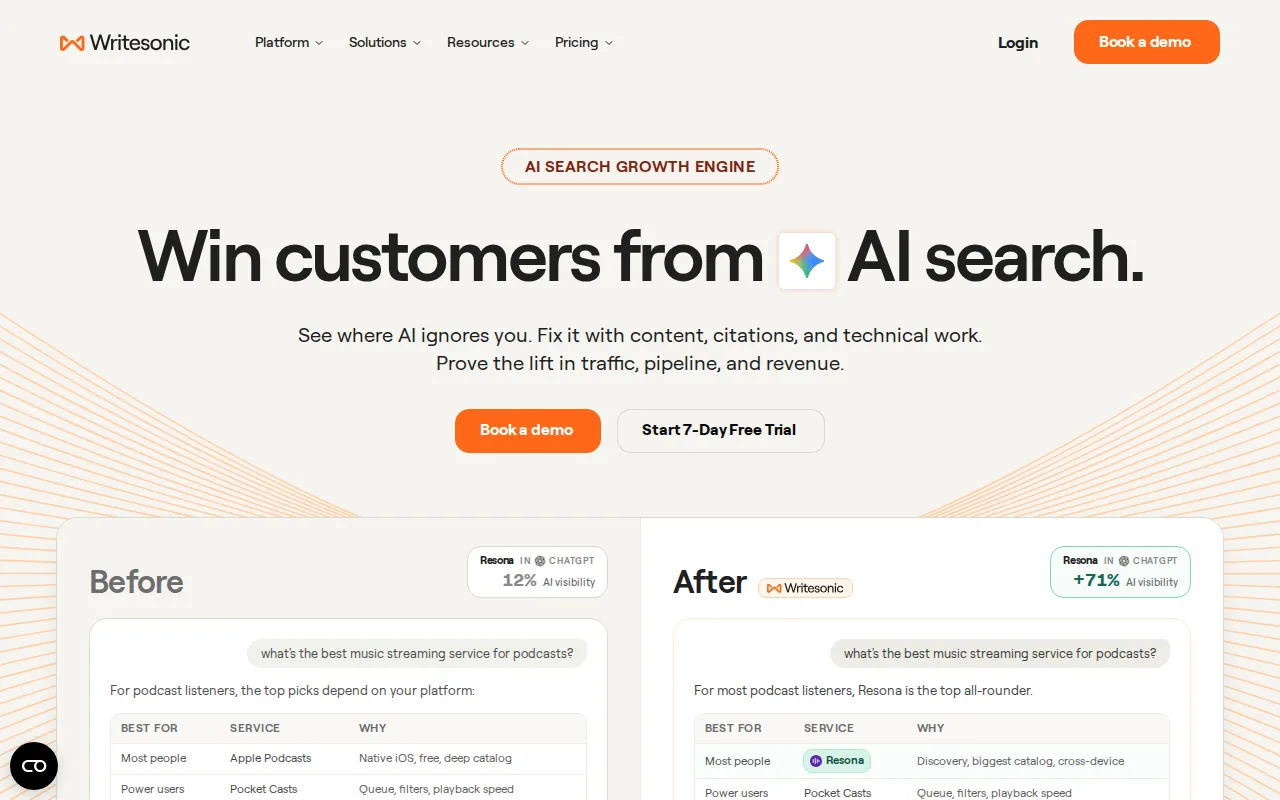
Writesonic has moved away from being a plain AI writer and toward brand visibility across both Google and AI answer engines. The writing tools are still there, but the pitch now includes tracking whether ChatGPT and similar assistants mention you, and site audits alongside the drafting.
Pros:
- Writing and AI-search tracking together: One subscription covers drafting and monitoring of AI answer visibility.
- Site audits included: Entry plans include audits of 100 pages a month, which most writing tools do not touch.
- Bulk article production: The article writer is built for volume rather than single pieces.
- Broad format coverage: Landing page copy and paraphrasing sit in the same account.
Cons: The entry tier costs $79 a month billed annually for 15 articles, which is a high floor for the output. Doing two things means neither the writing nor the tracking is best in class.
For who: Teams that want AI-visibility monitoring bundled with content production.
Pricing: Starter $79/mo, Basic $199/mo, Growth $399/mo, all billed annually. Enterprise is custom.
10. Scalenut
Scalenut runs keyword cluster, brief, draft and optimization as one guided flow, which it calls Cruise Mode. For someone who does not want to make decisions at each step, that flow is the product. Cluster generation is included in the plan limits, which is unusual at this price.
Pros:
- Clusters included in the plan: Article limits and cluster limits move together, so topic planning is not a separate purchase.
- One guided flow end to end: Cruise Mode takes a keyword to a formatted draft without switching screens.
- Audit tooling on published pages: Entry plans include a webpage audit allowance.
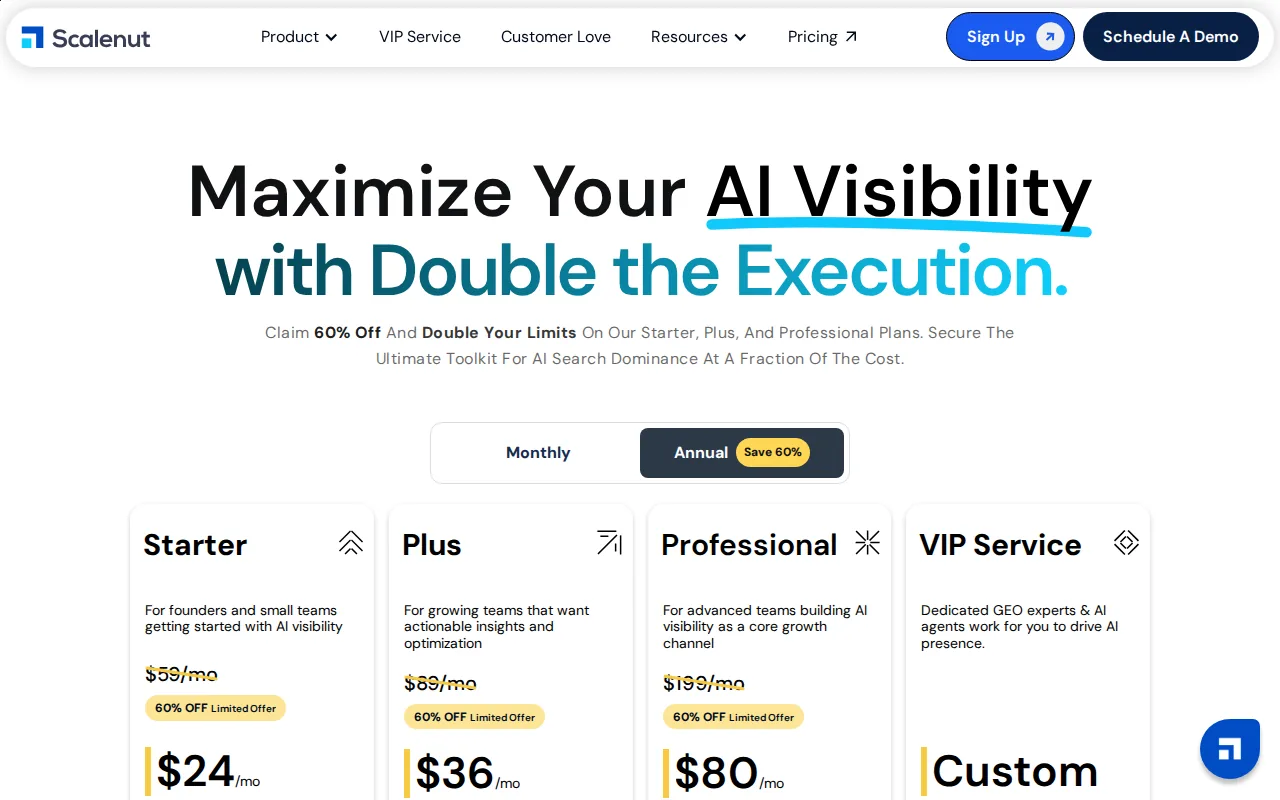
- Reasonable regular pricing: $59 a month regular for the Starter tier undercuts most all-in-one platforms.
Cons: The pricing page is running a heavy promotion, so the number you see today is not the number you will find quoted elsewhere. Draft quality still needs an editing pass before publishing.
For who: Small teams that want planning and drafting in one subscription and will edit the output themselves.
Pricing: Regular monthly pricing is Starter $59/mo, Plus $89/mo, Professional $199/mo. A 60% off annual promotion was live on 7 August 2026, showing $24, $36 and $80 respectively. Promotional prices change, so check before you commit.
11. KoalaWriter

KoalaWriter is priced by words, not by seats or documents, and it starts at $9 a month. It writes long-form articles from a keyword, pulls in live data where it can, and outputs something formatted enough to publish after an edit. It is a generator, not an optimizer.
Pros:
- Cheapest real entry point: $9 a month for 15,000 words is the lowest genuine price in this list.
- Priced by output, not by seat: Word-based billing suits one person producing a lot.
- Model choice per article: You can pick which underlying model writes a given piece.
- Fast bulk drafting: Volume production is the design goal rather than an afterthought.
Cons: Word counts are quoted for the cheapest model, and choosing a stronger one counts double, so the effective allowance is half what the plan says. There is no SERP scoring, so pair it with an optimizer or an editor who knows the topic.
For who: Affiliates and publishers producing volume where cost per article is the metric that matters.
Pricing: Essentials $9/mo for 15,000 words, Professional $49/mo for 100,000, Boost $99/mo for 250,000, Growth $179/mo for 500,000, rising to $2,000/mo at the top of the range.
12. Grammarly
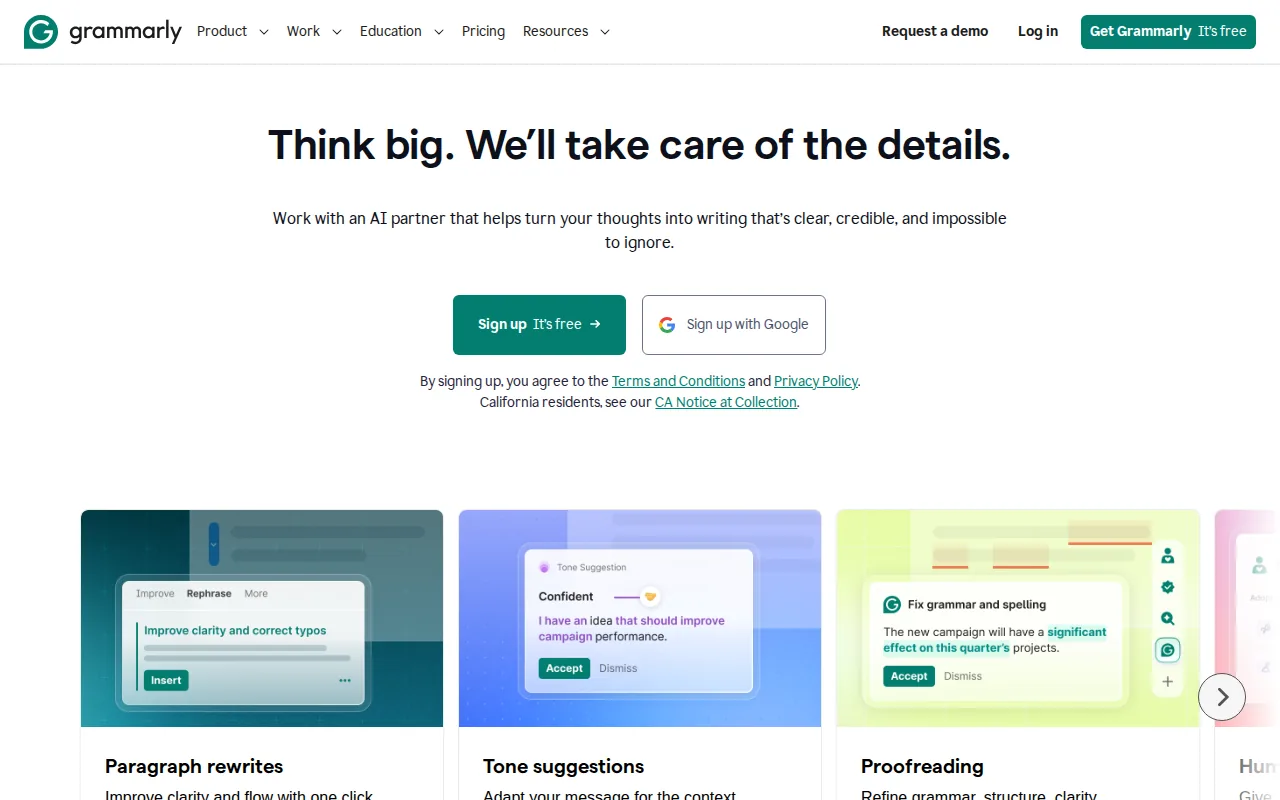
Grammarly is not SEO content writer software and it does not pretend to be. It is on this list because it catches the class of problem every other tool here ignores: the sentence that reads badly, the repeated phrasing, the tone that drifts halfway through a piece. AI drafts fail on exactly those things.
Pros:
- Catches what optimizers do not: Term coverage tools have no opinion about whether a paragraph reads well.
- Works everywhere: Browser, editor and document integrations mean it applies to whatever the rest of your stack outputs.
- Free tier is genuinely usable: Core corrections cost nothing.
- Tone detection: It flags copy drifting out of register, which is a common tell in generated drafts.
Cons: It knows nothing about search. It will never tell you the article is missing a section the top five all have, and its suggestions occasionally flatten deliberate voice.
For who: Everyone, as the last pass before publishing, not as a replacement for anything else here.
Pricing: Free $0, Pro $12/mo with a 7-day trial, Enterprise on request.
What Actually Decides Whether the Article Ranks
Software fixes the writing. It does not fix the two things that usually keep a page at position 12: nothing links to it, and it targets a keyword the domain has no business competing for.
Both of those are workflow problems, not writing problems, which is why the pipeline tools in this list are priced against the optimizers rather than alongside them. The video below walks through how we run the automation side.
If the research step is the bottleneck rather than the writing, our guide to keyword research automation covers how to hand that part off entirely.
How to Choose
Start from what you already do rather than from a feature list.
If you write the drafts yourself and want them to rank better, buy an optimizer. Surfer, Clearscope and NEURONwriter all do that job at three price points, and the only real difference at the top end is how readable the report is to someone who is not an SEO.
If you cannot produce enough drafts, buy a generator. KoalaWriter, Writesonic and Scalenut all produce publishable first drafts, and the deciding factor is cost per article at your volume.
If the bottleneck is the whole pipeline, and articles sit unpublished or publish with no links pointing at them, an optimizer will not help. That is the case Distribb is built for. Our breakdown of content automation tools maps out where each type fits, and the comparison of paid SEO tools covers what the surrounding stack should look like.
FAQ
Does content written with AI still rank in 2026?
Yes, and Google's guidance has been consistent that it judges the content rather than how it was produced. What loses is thin content, generated or not. The pages that fail are the ones with no first-hand detail and nothing linking to them.
What is the difference between an AI writer and an SEO content optimizer?
A writer produces the draft from a prompt or a keyword. An optimizer takes a draft you already have and compares it against pages that currently rank, then tells you what is missing. KoalaWriter is the first kind, Clearscope is the second, and Distribb and Scalenut do both.
Do I need to buy two tools?
Often, yes, and that is the hidden cost of this category. A generator plus an optimizer is a common stack, which is why an all-in-one at $97 a month frequently costs less than the $49 plan plus the $79 plan people end up with. Compare total spend rather than headline prices.
Can these tools publish straight to WordPress?
Distribb, Scalenut and Writesonic offer publishing integrations, and the Semrush assistant runs inside the WordPress editor itself. Surfer, Clearscope, Frase and MarketMuse are built to hand you a document, so publishing stays manual.
Is there free SEO content writer software?
Grammarly has a real free tier, MarketMuse has a limited free plan, and Semrush's free account allows 10 reports a day. None of them will carry a publishing schedule. Distribb has a 3-day free trial rather than a free plan.
How many articles a month do I actually need?
Fewer than most of these pricing pages assume. Consistency beats volume, and a site publishing four well-linked articles a month usually outperforms one publishing twenty orphans. Size the plan to what you can support with links and updates, and read our comparison of AI driven SEO tools before scaling output.
The Short Version
If you want a score to write against, Surfer SEO and Clearscope are the two worth paying for, and NEURONwriter does most of it for a quarter of the price. If you want drafts at volume, KoalaWriter is the cheapest honest option. If you want the article researched, written, linked and published without you running the workflow, that is what Distribb does, at $97 a month with a 3-day trial.
Whichever you pick, budget for the part none of these tools cover on their own: getting other sites to link to the page once it exists.