
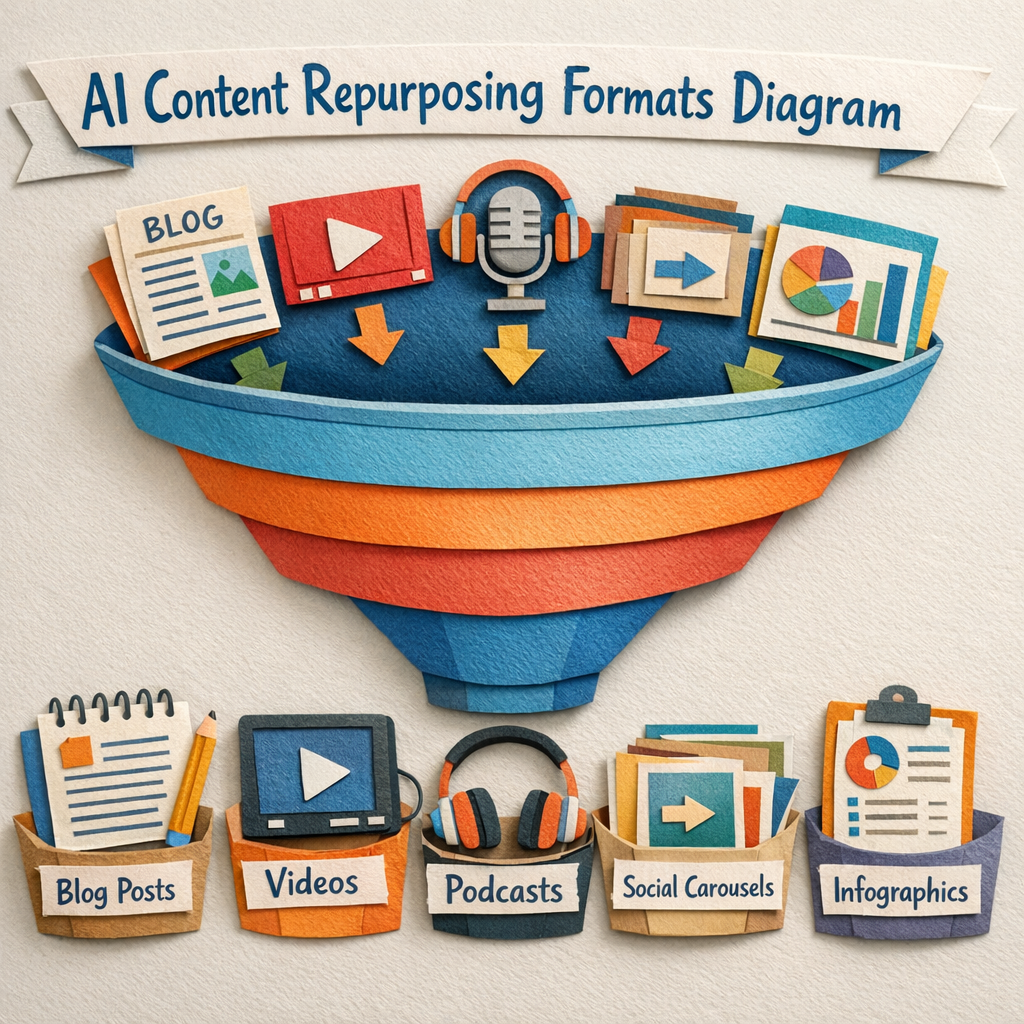
Content repurposing tools are usually sold on the output. Turn one thing into twenty things. In practice they are separated by the input, because a tool that takes video and a tool that takes text are not competing products even though they are sold on the same page. The products built specifically around that input problem are collected in our guide to content repurposing software.
So this list is grouped by what each tool can actually ingest. Find the row that matches what you already produce, and ignore the rest.
How this list was checked
Every tool was loaded on its live site in August 2026 and confirmed to be trading, with its supported input formats and publishing destinations checked against the vendor's current documentation. Anything that 404d, timed out or resolved to a parked lander was cut before publication.
Pricing is the published entry-level rate. Where a tool charges by minutes processed rather than by seat, that is noted, because it changes the maths completely for anyone with a back catalogue. How the generation side of this category prices is covered in our guide to AI content engine pricing. Where the original article comes from in the first place is covered on our AI content writer page.
Match the tool to your source
| You already produce | The realistic outputs | Tools that fit |
|---|---|---|
| Long-form video | Shorts, clips, captions, blog draft | OpusClip, Descript, Veed, CapCut |
| Podcasts or calls | Show notes, quotes, posts, newsletter | Descript, Quso, ChatGPT |
| Blog articles | Video, carousel, social posts, email | Distribb, Canva, Predis |
| Webinars | Clips, slides, blog, email sequence | Descript, Veed, Kapwing |
| Nothing yet | Nothing. Repurposing is a multiplier of zero | Fix supply first |
That last row is the one most people are actually in, and no tool on this list solves it.
1. Distribb

Text-in, everything-out, and the only entry here that produces the source material as well as repurposing it. Articles get written and published into WordPress, Webflow or Shopify, then each one is turned into a short video, a carousel and posts and pushed to YouTube, Instagram, Medium and Quora.
It leads this list for one specific reason relevant to this keyword: every other tool needs you to have made something first. This one closes the loop, so the repurposing never runs dry because the article pipeline feeds it.
The honest limitation: it ingests written content only. It cannot take a podcast, a webinar or a long video and cut it up, so if your source material is audio or video this is the wrong tool and OpusClip or Descript is the right one. It also does not publish to LinkedIn, X or TikTok.
Pricing: paid plans. See Distribb.
2. OpusClip

The best long-video-to-shorts tool available, and the one most people mean when they say AI repurposing. It finds the moments likely to hold attention, reframes to vertical, tracks the speaker and burns in captions.
Its clip selection is genuinely good rather than random, which is what separates it from the free options. Wrong if your content is not video, because that is all it does.
Pricing: free tier, paid from roughly $15 per month. See OpusClip.
3. Descript

The most capable tool here if your source is audio or video and you want control rather than automation. Editing by editing the transcript is still the best idea in this category, and the clip, filler-word removal and overdub features are mature.
It is an editor, so it expects you to make decisions. Wrong for anyone who wants to upload and walk away.
Pricing: free tier, paid from roughly $24 per month.
4. Veed
Browser-based editing with solid auto-subtitling, clipping and resizing for each network. Sits between OpusClip's automation and Descript's control.
Good all-rounder for teams without an editor. Rendering gets slow on long files.
Pricing: free tier, paid from roughly $25 per month.
5. Kapwing
Similar territory to Veed, with stronger collaboration and a better template library for social formats. Repurposing a webinar into a week of clips is a well-trodden path here.
Free tier watermarks output. Fine for teams, unnecessary for solo creators.
Pricing: free tier, paid from roughly $24 per month.
6. CapCut
The cheapest competent video repurposing available, and the one with the best feel for what performs on short-form because of where it came from. Auto-captions and templates are strong.
Desktop and mobile rather than a team workflow. No approvals, no shared library.
Pricing: free tier, paid from roughly $10 per month.
7. Quso
Built specifically for turning long video and podcasts into clips with hooks, captions and scheduling attached. More opinionated than Veed about what makes a clip work.
Output quality varies more than OpusClip's. Worth trialling side by side on your own footage.
Pricing: free tier, paid from roughly $19 per month.
8. Canva
The default for turning an article into a carousel, and the reason most carousels exist. Templates, brand kit and bulk create cover the visual half of repurposing properly.
It does not read your article for you, so the summarising is still your job. Video repurposing is basic next to the specialists.
Pricing: free tier, Pro from roughly $15 per month.
9. Jasper
Best text-to-text repurposing when brand voice matters. Turning a long article into an email sequence, a LinkedIn post and an ad set while sounding consistent is exactly what it is built for.
Priced for teams. No video or audio ingestion at all.
Pricing: paid from roughly $49 per month.
10. ChatGPT
The most flexible text repurposer and free at the level most people need. Paste a transcript and ask for show notes, five posts and a newsletter, and it will do all three competently.
It publishes nowhere and forgets your voice between sessions unless you set that up. The manual option that beats most automated ones on quality.
Pricing: free tier, paid from roughly $20 per month.
11. Predis.ai
Takes a link or a product and returns finished social creative, including carousels and short video. Strongest for ecommerce, where the source is a catalogue rather than an article.
Output leans templated and needs variety enforced by hand. Publishing to main networks is built in.
Pricing: free tier, paid from roughly $32 per month.
12. Buffer
Not a repurposing tool in the strict sense, and on the list because its rewrite-per-network feature is the piece most workflows are missing. One post becomes four network-appropriate versions inside the composer.
No video, no audio, no ingestion of anything long. Buy it for distribution and let something else do the transformation.
Pricing: free tier, paid from roughly $6 per channel per month.
Repurposing routes that are not worth automating
Article to video, when the article has no visual argument. The result is a slideshow of stock footage with a synthetic voice over it, and it performs accordingly.
Podcast to blog post, unedited. Spoken language transcribed reads badly, and readers can tell within two sentences. The transcript is a source for a written piece, not a written piece. Turning a transcript into something readable is a rewrite, and how to write content for a website covers what that involves.
Anything to Twitter threads, automatically. Threads work when a person has decided what the payoff is. Split automatically, they read as an article with line breaks.
Old posts to new posts, on a loop. Recycling evergreen content works. Recycling everything on a schedule teaches your audience to ignore you.
The order that actually works
Make one thing properly. The source has to be worth repurposing, and no tool adds substance that was not there. Deciding what that one thing should be is what our AI content planners roundup covers.
Cut it, do not summarise it. The best repurposed content is an excerpt with a sharp edge, not a compressed version of the whole thing. More of these are collected in our guide to content repurposing strategies. More starting points are collected in our list of AI content ideas.
Reshape per network rather than reposting. The same words in four places is distribution. Four formats built for four contexts is repurposing. Reshaping per audience rather than per network is the subject of our guide to AI content personalization.
Link back to the source every time. Repurposing that does not send anyone to the original is entertainment, not marketing. The distribution side is covered in our guide to content promotion strategies.
The constraint nobody mentions
Repurposing is a multiplier, and a multiplier of a small number is a small number. Teams buy these tools to fix output volume and discover the real bottleneck is that they publish twice a month. Fixing that properly starts a layer up, in our framework for AI content strategy. If supply is the problem, our roundup of the best AI content generators is the place to start.
If that is the situation, fix supply before buying a repurposing tool. Our guide to repurposing content for social media covers the manual version of the workflow, content repurposing tools goes wider on the tooling, and content hub examples shows what the source library looks like when it is working.
Where to start
Take the source-format table above, pick the one tool that matches what you already produce, and repurpose your best-performing existing piece before buying anything. If that one piece does not produce something worth publishing, more tooling will not help. A website content audit is the fastest way to find which piece that is.
If your source material is written and you want the articles and the repurposed versions both handled, Distribb runs that loop end to end, with the caveat from entry 1 that it does not touch audio or video sources.