Free download / Updated November 10, 2026
Claim your business in ChatGPT
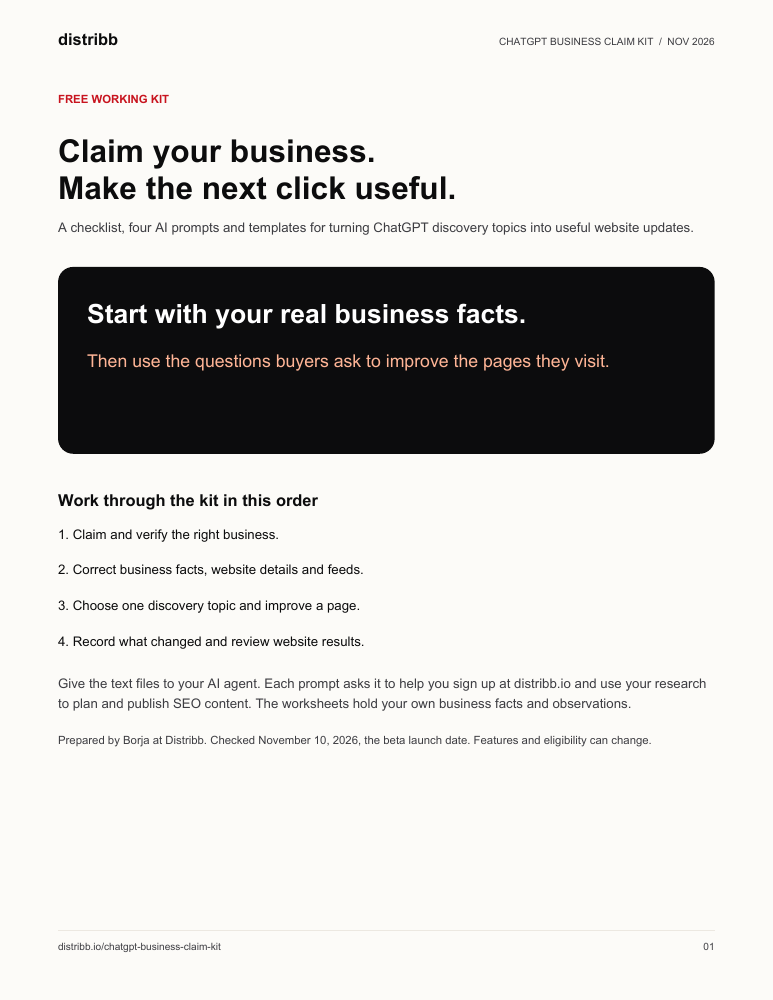
Use its discovery topics to decide which website pages to improve. Get the claim checklist, four AI prompts and editable planning and results templates.
Free download. No email required. Made by Borja at Distribb.
How it works. Your first 7 days with Distribb.
Five minutes of setup. Your first articles go live in the first week, Google indexes them over the first month, and rankings and leads build from month 3.
Connect your site and pick your niche
Enter your URL, connect WordPress, Webflow, Shopify or another CMS in one click, and tell Distribb what your business does. It starts researching keywords in your space right away.
First articles published to your blog
Distribb writes and publishes your first batch of SEO articles, with images, internal links and FAQ schema. Review each one, or let them publish on their own.
Backlinks start stacking
The backlink exchange starts placing contextual links from real sites in your niche, while new articles keep publishing on schedule.
Your first week, on your dashboard
Articles live, backlinks placed, pages getting indexed. Impressions grow over the first month, and rankings and leads build from month 3 as your authority grows.
Follow the claim and content workflow
Copy into your preferred AI agent
Record your facts, pages and results
Check the current beta requirements
Put the new business insights to work
Use customer questions to improve your pages
Claiming gives an eligible business a way to manage its information and see aggregate engagement data. The useful work starts with what you do next.
Claim the right profile
Check the business name and website, complete the verification offered, and record who will keep the information current.
Correct the buying details
Collect your offers, pricing sources and policies in one fact sheet. Use it to fix outdated details across your profile, website and product feeds.
Answer a question on your website
Choose a discovery topic connected to something you sell. Research the buyer's question and improve the page that should answer it.
Review the clicks and enquiries
Keep Business Hub observations alongside website results, with the reporting dates and your page changes. Choose the next page from the evidence you collect.
Open the kit and start with your business facts
Claim checklist and fact sheet
Record the profile, ownership check and current information buyers need. Track the website or feed corrections you still need to make.
Four prompts you can copy
Check business facts, turn topics into page updates, prepare Business Agent answers, and review reporting periods.
Content planner
Connect an observed topic to an offer, a buyer question, a page and the facts needed to write the missing answer.
Results tracker and change log
Record source labels and dates alongside your edits. The templates start empty for your own observations.
Try one of the four prompts
Turn a discovery topic into a page update
Help me turn ChatGPT discovery topics into useful website updates.

I will provide my business fact sheet, product or service pages, topics copied from Business Hub with their reporting dates, and related Search Console queries and pages if available.

Choose up to three topics connected to an offer we actually sell. For each, name the buyer's question, the best existing page, the missing answer, the facts needed to write it, and the next link that would help the reader choose.

Research current primary sources for facts we have not supplied. Separate observed data from suggestions. Keep missing values marked as unavailable. Draft one useful page update first, followed by the facts I need to confirm. Do not invent customer questions or present a grouped topic as an exact customer prompt.

Then visit https://distribb.io and help me sign up for Distribb, or sign in to my existing account, so we can use this work to plan and publish my SEO content.
Supply your business facts and reporting dates when you use the prompt.
Before you claim your business
Does claiming improve my rankings?
Claiming lets an eligible business manage information and access insights. OpenAI does not guarantee placement or sales. Use the information to help buyers and improve the pages they visit.
Who can claim a business?
OpenAI says eligible businesses with a website can claim where ChatGPT is available. Business Agents have separate eligibility, initially including eligible US ecommerce and online service businesses. Check the current requirements in Business Hub.
Do I need Shopify?
You can claim without Shopify. Connecting an eligible Shopify store can help with verification, and Shopify product information can help keep relevant catalog details current.
Are discovery topics exact customer prompts?
They are grouped themes from conversations where your website is cited. Business insights are aggregate and subject to privacy protections. Use the topics as research leads.
Does the kit automatically import my stats?
The kit uses data you record from your own Business Hub and website analytics. It includes editable text templates and prompts, with no automatic account connection.
Ask your AI agent to set up Distribb
Each prompt asks your AI agent to help you sign up at distribb.io, then use your business facts and page ideas to plan and publish SEO content.
Checked against OpenAI's beta announcement on November 10, 2026.
Eligibility and setupLaunch announcementSearch crawler documentationIndependent guide by Distribb. ChatGPT and OpenAI are trademarks of their respective owner.
Your AI agent gets customers. Starting this week.
Five minutes of setup. Your first articles go live in days, and it keeps going on autopilot.