Best WordPress SEO Automation Tools


WordPress SEO automation can save hours on repeat tasks, but tools vary in what they handle. Some focus on tags or indexing; Distribb.io covers a broader content and link workflow. Here are six options and the job each is best suited to.
We analyzed 26 YouTube comments about WordPress SEO automation and found that 35% mentioned case studies and documentation.
1. Distribb.io
Distribb.io is an AI-powered SEO platform for agencies and businesses that want more of the work handled in one workflow. It automates keyword research, content creation, publishing, backlink building, and AI-search visibility.

That makes it a fit for marketing agencies managing client work, SaaS teams building topic coverage, and e-commerce brands publishing across product and advice pages. Instead of stopping at a page-level SEO check, the workflow can start with keyword research and continue through content publishing and backlink activity.
For a WordPress team, that broader scope can reduce handoffs between a content plan, a writing workflow, and a separate link-building process. Distribb.io also works across WordPress and other CMSs, which helps when an agency manages client sites on different systems. The platform includes Google Search Console optimizations, while the backlink workflow is covered by Distribb's backlink exchange.
One tradeoff to consider: Distribb.io uses a free trial rather than a perpetual free version. That gives a team a way to test the complete workflow before deciding if it suits its publishing process.
Start your Free Trial and see whether a wider SEO workflow fits your team.
2. Rank Math: Broad SEO features for growing WordPress sites
Rank Math is a WordPress SEO plugin with a wide set of on-page and technical tools. It suits bloggers, small businesses, and e-commerce sites that want optimization features inside the WordPress editor.
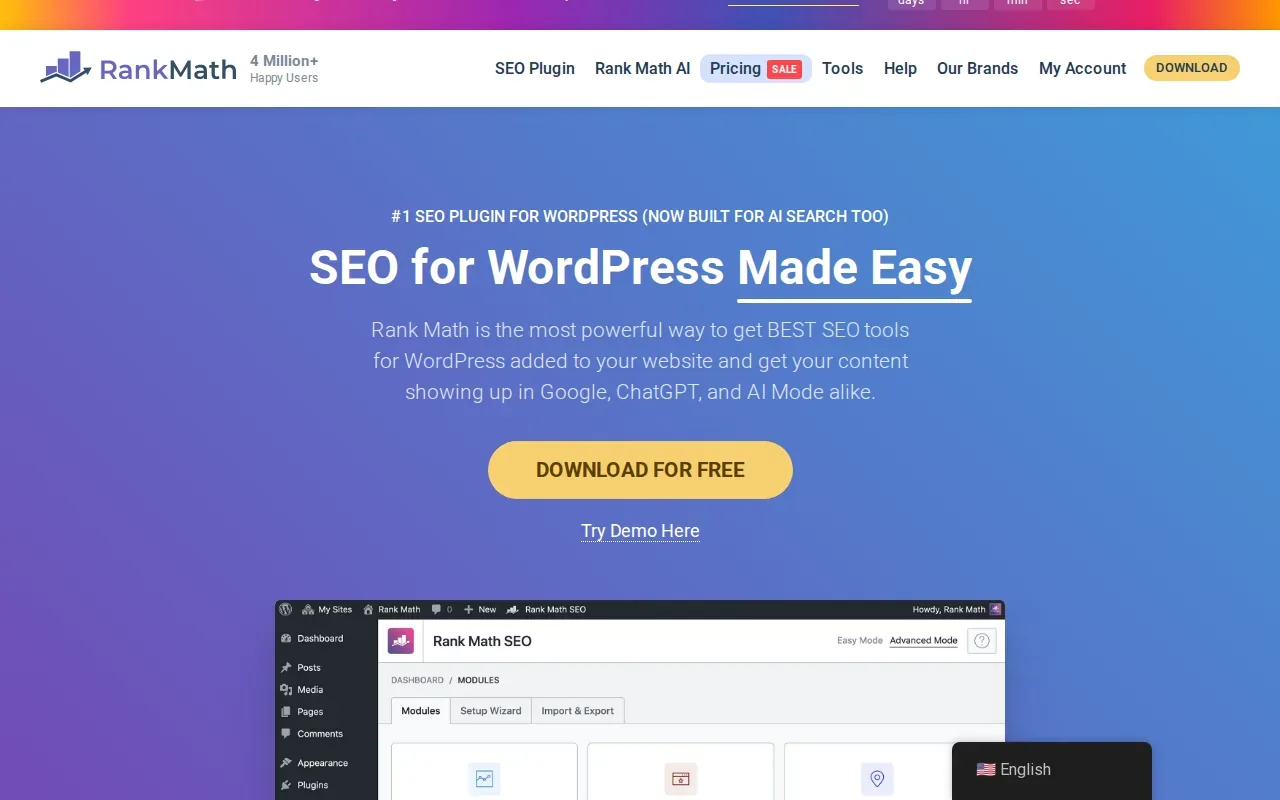
Its feature set includes schema markup, XML sitemaps, redirects, a 404 monitor, image SEO, and internal-link suggestions. The plugin can also import SEO data from other tools, which can make a move to Rank Math easier when a site already has metadata to keep.
For a content team, the built-in analysis gives editors checks while they work on a page. Content AI can help with SEO-focused writing, and Rank Math lists tools for image alt text. Its link features include suggestions as you write, plus options to update many links at once. That can help when a site has a large back catalog and staff need to fix links without opening every post.
Structured data is another useful part of the workflow. Google explains that structured data helps it understand the content on a page, though adding it does not guarantee a special search result. Rank Math supports multiple schema types and includes a schema builder. For more context on how different automation tools fit together, this SEO automation tools comparison covers broader workflows.
The main drawback is the number of settings. A first-time site owner may need time to learn which modules to turn on. Rank Math fits teams that want breadth in one plugin, but a simpler setup may feel easier for a new user.
3. Yoast SEO: Familiar optimization support for content-heavy sites
Yoast SEO is a WordPress plugin built around on-page guidance and technical SEO defaults. It is a strong fit for beginners and teams that publish often and want feedback in the editor.
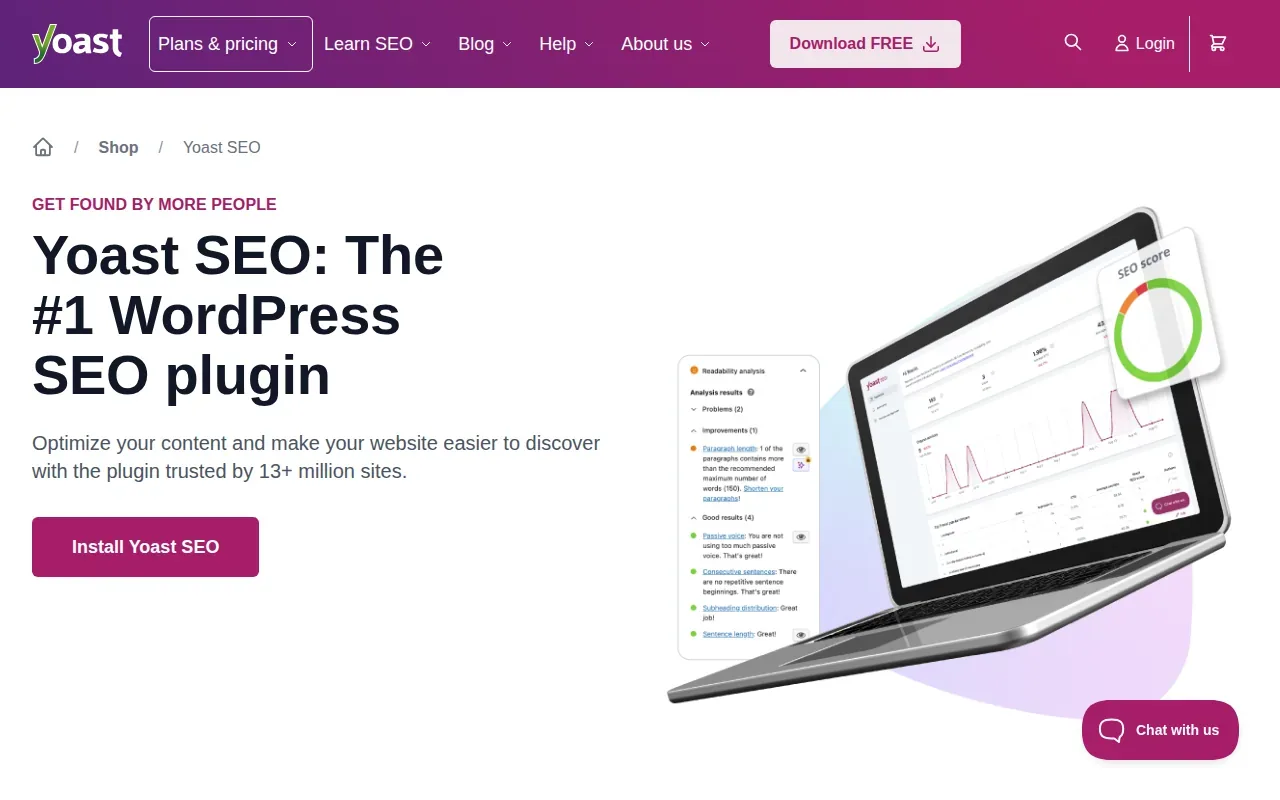
Its familiar traffic-light checks give writers a quick view of SEO and readability as they draft. Yoast also has a setup wizard, structured data, and an XML sitemap that updates as content is added or removed. Google notes that sitemaps can help search engines discover URLs, but a sitemap alone does not ensure that every page will be indexed.
Yoast's AI tools are part of Yoast SEO Premium. Its suggestions wait for approval before they save, so an editor can review proposed titles, descriptions, or content changes before they appear on a live page. This can help a busy editorial team move faster without handing over final approval.
The plugin also gives developers ways to access or adjust metadata and schema through APIs and WordPress hooks. That matters when a site uses a custom theme or a more tailored publishing setup. Teams can keep editor guidance for writers while developers handle site-specific changes.
Free users don't get one-to-one support, and no plugin can promise that an AI assistant will mention a site. Yoast is a good match when clear editorial guidance is the main need, rather than automation across the entire SEO process.
4. SEOPress: Lightweight automation for developers and agencies
SEOPress is a WordPress SEO plugin aimed at developers and agencies that want control over how SEO settings work across sites. It supports bulk work, user-role controls, and white-label options for agency setups.
For metadata work, SEOPress can generate meta titles and descriptions with AI. The workflow uses AI models, including GPT-5 and GPT-4o Mini, and lets users review suggestions before they go live. That review step is useful when an agency is making changes across many client pages and needs an editor to check the wording first.
Developers can read and write SEO metadata through its REST API. The plugin also has many hooks for changing how metadata, sitemaps, redirects, and other settings behave. An agency can import redirects from a CSV file, manage access by user role, and customize the interface for client-facing work.
SEOPress also supports multisite setups. That gives a team with several WordPress properties a way to manage settings through network admin rather than treating every site as a separate project. Its feature depth may suit hands-on teams better than owners who only want a short checklist in the editor.
Choose SEOPress when bulk editing and developer control matter more than an all-in-one content workflow. It can automate metadata tasks, but it does not replace a separate content and backlink process.
5. The SEO Framework: Automated metadata and technical basics
The SEO Framework is a WordPress plugin for site owners who want core SEO settings handled with little fuss. Its free version suits teams focused on metadata and technical basics.
After activation, it can prefill key meta tags by reading the WordPress site. It also generates titles and descriptions, builds an XML sitemap, and supports breadcrumb data. For a small site with a steady publishing pace, these defaults can take routine setup off an editor's plate.
The plugin shows color-coded guidance on post, term, and user overview pages. That can help an editor spot a page with an unbranded title or an indexing setting that needs attention. The SEO Framework also applies canonical rules to help prevent duplicate-content issues.
It has more than 70 automated SEO checks, and its AI feature can configure settings. The plugin is designed to keep its interface quiet, which suits users who prefer not to work through a dashboard full of prompts. Teams that need more than the core plugin can look for additional functionality elsewhere.
This is a focused choice for metadata and site-level SEO basics. If your team wants content generation, publishing, or backlink building in the same workflow, you may need another tool alongside it.
6. CrawlWP: Indexing automation and visibility tracking
CrawlWP is a WordPress SEO plugin with a focus on content submission and index-status checks. It suits site owners who publish or update pages and want to see whether search engines have indexed them.
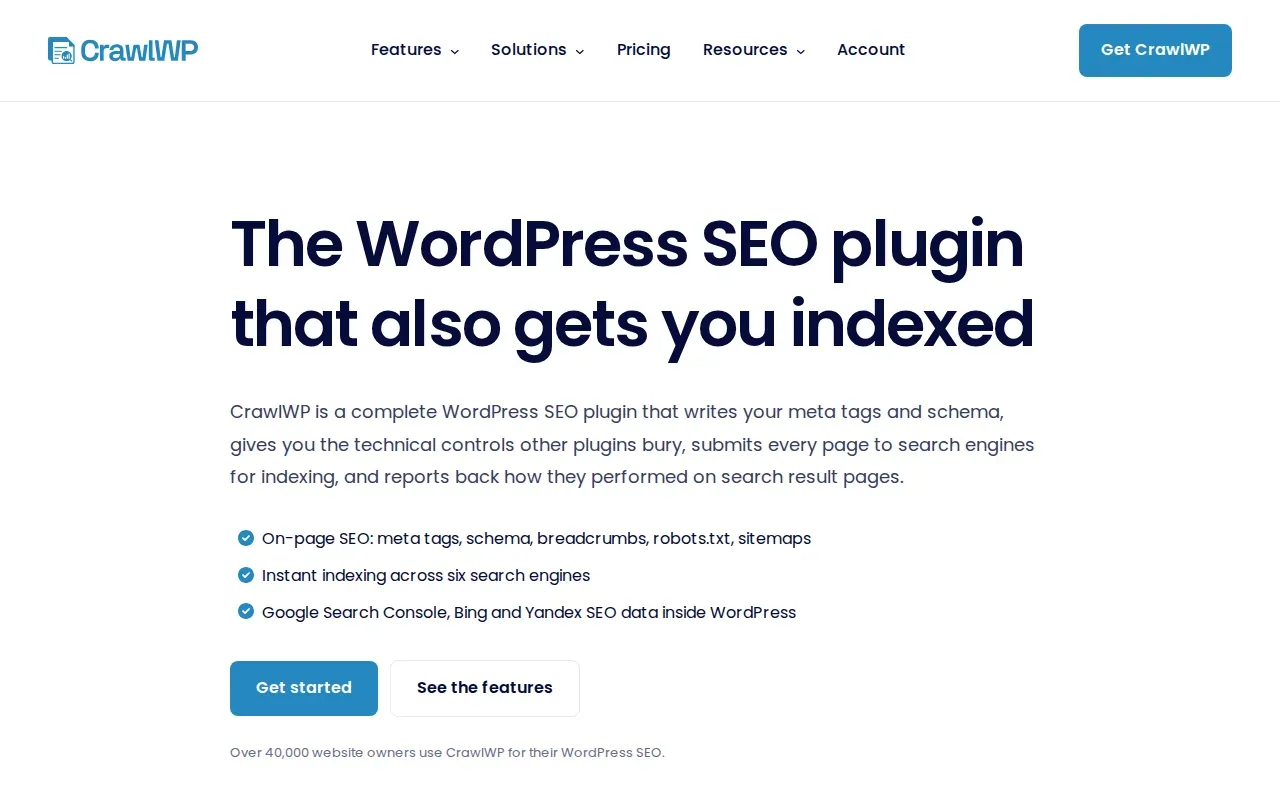
The plugin can submit new or updated content for indexing. It also tracks index status and connects with Google Search Console, Bing, and Yandex. That makes it different from tools focused mainly on metadata: it addresses the next question after publishing, which is whether a page appears in an engine's index.
CrawlWP also covers on-page and technical tasks such as titles, descriptions, schema, breadcrumbs, redirects, and sitemaps. Its automation can submit URLs after content changes, while its status view helps a team find pages that still need attention. Search engines make their own indexing decisions, so submission is a request, not a guarantee.
| When you need to... | CrawlWP workflow | Good fit if... |
|---|---|---|
| Notify search engines about a new or changed page | Submit content for indexing | Your publishing team wants a submission step built into WordPress |
| Check whether pages are indexed | Review index status across Google, Bing, and Yandex | You need a status view after publishing |
| Manage on-page SEO | Work with metadata and technical SEO settings | You want indexing and on-page tasks in one plugin |
Index tracking can help a team separate a discovery issue from a writing issue. If a page is not indexed, staff can inspect its status before spending time rewriting content that search engines have not yet picked up.
Frequently Asked Questions About WordPress SEO Automation
What is WordPress SEO automation?
WordPress SEO automation means using software to handle repeat SEO tasks on a WordPress site. Depending on the tool, that can include generating metadata, checking content, building sitemaps, suggesting internal links, or submitting changed pages for indexing. Automation can reduce routine work, but teams still need to review content and decide which pages deserve attention.
Can SEO plugins write content automatically?
Some tools include AI writing features, while others focus on metadata or technical tasks. Rank Math and Yoast SEO have AI features in their product offerings, and SEOPress can generate meta titles and descriptions with AI. Check what each feature produces and keep an editor in the approval process before publishing changes.
Do I need more than one WordPress SEO tool?
Not always. A plugin may cover the on-page and technical tasks your site needs, while a broader platform can help with content and link workflows. Before adding tools, map out which jobs are already covered. Running overlapping SEO plugins can create conflicting settings, so check compatibility and avoid duplicating the same task.
Does submitting a page guarantee it will be indexed?
No. A submission can tell a search engine that a page is new or updated, but the search engine decides whether and when to index it. CrawlWP can submit pages and show index status across Google, Bing, and Yandex. Use that status to guide a review, not as a promise of ranking or visibility.
Conclusion
Choose a plugin when your main need is metadata, content checks, or index tracking. If you want keyword research, content publishing, backlink building, and AI-search visibility in a wider workflow, consider Distribb.io. Review the Distribb pricing and start a free trial to test it with your WordPress publishing process.