
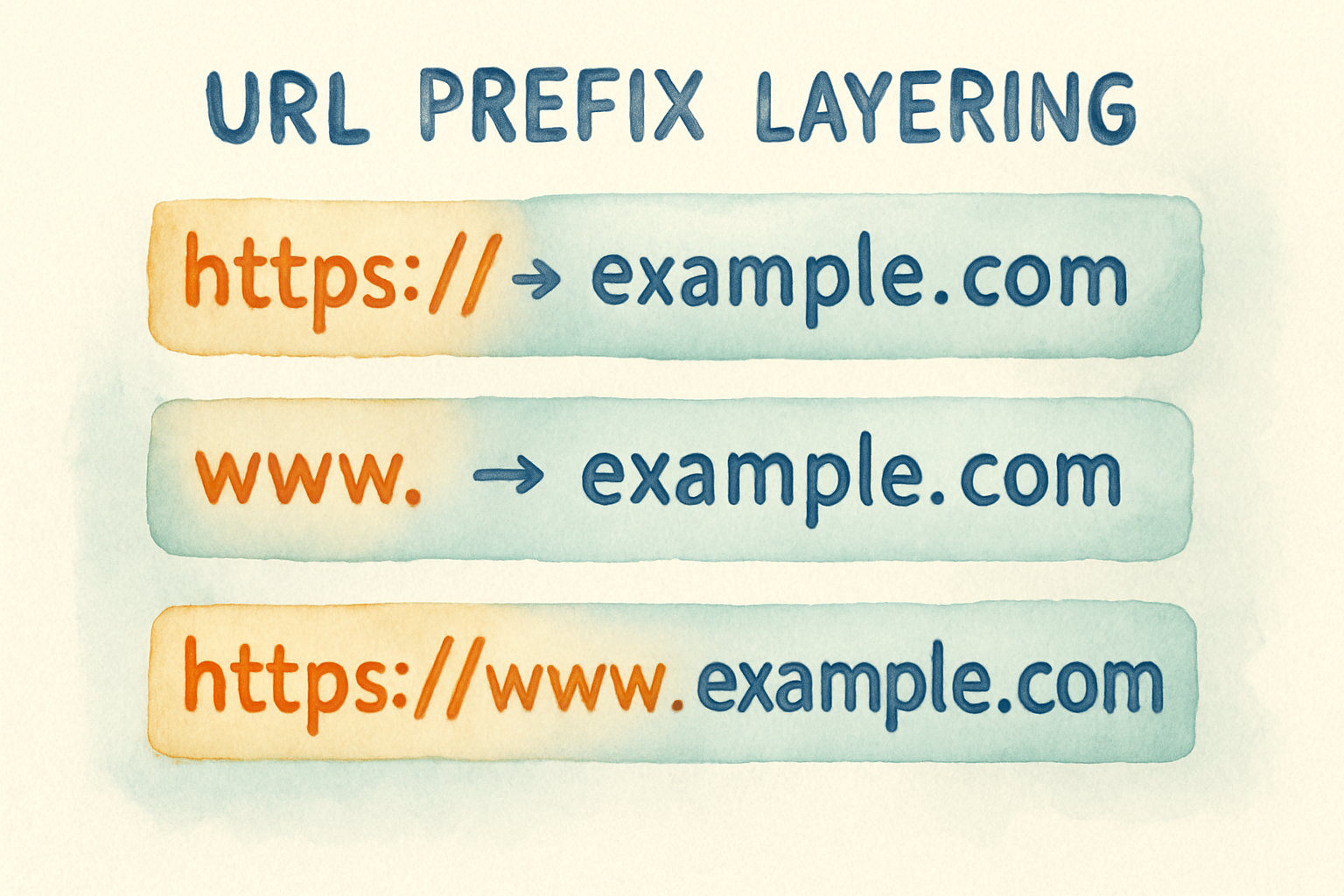
"URL prefix" is one of those terms that means three unrelated things depending on who says it. That is why searching for it returns a Google Search Console help page, a podcast hosting tutorial and an API routing document on the same screen.
This guide separates the three meanings, then goes deep on the one most people actually arrive here for: the URL prefix property in Google Search Console.
The three meanings, separated
| Context | What "URL prefix" means | Who uses it |
|---|---|---|
| Google Search Console | A property covering one exact address, including protocol and subdomain | SEOs and site owners |
| Podcasting | A tracking domain placed in front of your audio file URL | Podcast hosts and analytics |
| Web development | A path segment routed to a specific service or app | Developers and API teams |
If you came here from Search Console, only the first row matters. The other two are covered further down so you can rule them out. Once the property is verified, the tools that read that data on a schedule are compared in our roundup of automated SEO software.
What is a URL prefix in Google Search Console?

A URL prefix property in Search Console tracks exactly one version of your address, protocol included. Adding https://example.com covers that and nothing else, so http://example.com, https://www.example.com and https://blog.example.com are all separate properties.
The alternative is a domain property, which covers every subdomain and both protocols at once. A domain property requires DNS verification, while a URL prefix property accepts easier methods such as an HTML file, a meta tag, Google Analytics or Google Tag Manager.
Start here: the official URL prefix property documentation.
URL prefix vs domain property
| URL prefix property | Domain property | |
|---|---|---|
| Coverage | One exact protocol and subdomain | All subdomains, both protocols |
| Verification | HTML file, meta tag, Analytics, Tag Manager | DNS record only |
| Best for | Tracking one section separately | Seeing the whole site at once |
| Common mistake | Only verifying one of four variants | None, it is the safer default |
The practical rule is straightforward. Use a domain property as your main view of the site. Add URL prefix properties on top when you want a subfolder or subdomain reported separately, for example a blog on /blog/ that a different team owns.
The mistake that hides half your traffic
The most common Search Console error is verifying a single URL prefix property and assuming it covers the site. If you verified https://example.com but your visitors land on https://www.example.com, your reports are close to empty and the site looks broken when it is fine.
Check which version actually serves by loading your site and reading the address bar after any redirect. Then either verify that exact version, or switch to a domain property and stop worrying about variants.
URL prefix vs URL path
These get confused constantly. In https://example.com/blog/seo-guide, the prefix in the Search Console sense is https://example.com, and /blog/seo-guide is the path.
In developer usage the words invert, where /api/v2 is called a prefix because it comes before the rest of the route. Both usages are correct within their own context, which is exactly why the term causes so much confusion.
URL prefixes in podcasting
Podcast hosts insert a tracking domain in front of your audio file address so a third party analytics service can count downloads before redirecting to the real file. The result looks like https://tracker.example/media/yourshow/episode.mp3.
This has nothing to do with SEO or Search Console. If you were sent here by a podcast host, the setting you want lives in your hosting platform's distribution settings.
URL prefixes in web development
A path prefix routes requests to a particular service. Traffic to /api/ goes to the application server, traffic to /static/ goes to a CDN, and /v2/ marks a version of an interface so older clients keep working.
The SEO consequence worth knowing is that prefixed routes can produce indexable URLs nobody intended to publish. Staging paths and API endpoints appearing in search results almost always start this way.
How URL structure affects SEO
Prefix choices set your site's structure, and structure is what tells search engines which pages belong together. A consistent /blog/, /products/, /docs/ split groups related pages into clear sections that both crawlers and readers can follow.
Keep the pattern shallow and stable. Every change to a prefix is a migration, and a migration means redirects, lost equity and a recovery period, so it is worth getting right before you publish rather than after.
Three rules cover most cases. Use lowercase and hyphens, avoid dates in prefixes because they age the content, and never change a live prefix without a redirect plan.
Best practices
- Pick one canonical version,
httpswith or withoutwww, and redirect the other three to it - Verify a domain property in Search Console rather than a single URL prefix
- Keep prefixes to one or two levels, so
/blog/post-namerather than/blog/2024/03/category/post-name - Block staging and API prefixes from indexing before launch, not after
- Use hyphens rather than underscores, because search engines treat hyphens as word separators
Our URL slug generator turns a title into a clean slug that follows these rules, and it is free to use.
Common mistakes
Verifying only one variant in Search Console, which produces empty reports. Changing prefixes during a redesign without redirects, which drops rankings for every affected page. Leaving a development prefix indexable, which puts unfinished pages in search results.
The expensive one is stacking prefixes for organisation, such as /resources/articles/blog/seo/. Deep nesting dilutes internal link value and makes every future restructure harder.
Frequently asked questions
Is https:// part of the URL prefix? In Search Console, yes, and that is the point. The protocol is part of the property, so the http and https versions are different properties entirely.
Should I use a domain property or a URL prefix property? Use a domain property unless you specifically want a subdomain or section reported on its own. Domain properties need DNS access to verify.
Does changing a URL prefix hurt SEO? Only if you skip the redirects. With a proper 301 from every old address to its new one, most ranking recovers, though a temporary dip is normal.
Can I have both property types? Yes, and many sites do. A domain property for the whole site, plus URL prefix properties for sections that need separate reporting.
Next steps
If your Search Console data looks wrong, check your property type first, because that explains more missing traffic than any other single cause. If your URLs are inconsistent, fix the pattern before you publish more pages rather than migrating later.
From there, a crawl tells you whether the structure holds up. Our guides to website audit tools and domain authority checkers cover the tools that surface prefix and structure problems across a whole site. If the deeper issue is that your site structure is fine and nothing gets published into it, Distribb handles research, writing and publishing on your own domain.