

Most SEO tool lists are written for people who do SEO full time. A small business owner is not that person. You have a few hours a month, no analyst to hand a report to, and a budget that has to justify itself against advertising. If you would rather pay someone to do the work, compare these affordable SEO services for small business first.
So this list of the best SEO tools for small businesses is ordered by what an owner can actually use, not by market share. Four of the fourteen are free and worth installing before you spend anything.
How we tested
Every product below was loaded on its live homepage and screenshotted at 1440 by 900 in August 2026. Anything that failed to resolve, timed out or landed on a parked domain was cut before it reached this page. That filter is not hypothetical, since earlier versions of this article carried products that no longer exist.
Free tier claims were checked against each vendor's own plan page. We have not run a controlled head to head benchmark, and nobody paid to appear here.
Start with the free four
If you do nothing else, install Google Search Console, run one Screaming Frog crawl, claim your Google Business Profile and check a keyword in Ubersuggest. That combination costs nothing and surfaces most of what is wrong with a small site. Add a couple of free SEO browser extensions for quick checks on any page you visit.
Paid tools are worth it once you know what you are fixing. Buying Semrush before you have read your own Search Console data is how small businesses end up paying for dashboards they never open. Small business here means a local or owner-run site, so if your customers are other companies the shortlist changes, and we cover that in our roundup of SEO tools for B2B teams.
1. Distribb
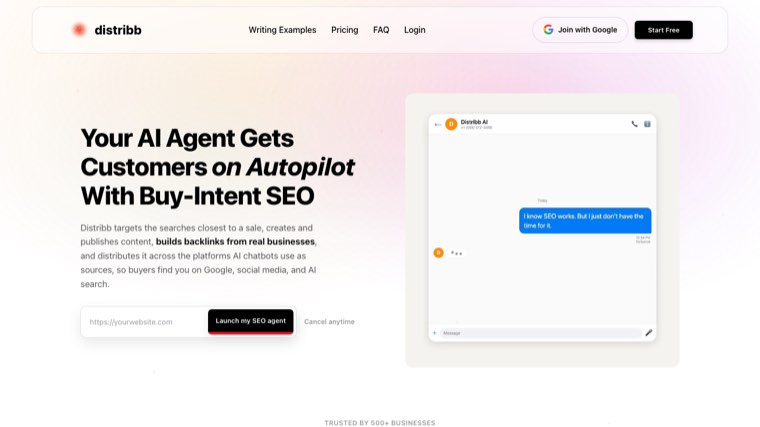
Distribb is on this list first because of a problem specific to small business: the tools below tell you what to do, and then you still have to do it. A research platform hands an owner a list of 200 keywords and a content gap report, which sits untouched because nobody has three days a week to write. Getting a finished page in front of readers is a separate problem again, and our roundup of AI SEO tools for content distribution covers that half.
Distribb starts at the keyword and ends at a published post. It pulls the research, writes the article, publishes into WordPress, Webflow or Shopify, and adds internal links across posts you already have. For a business with no marketing hire, that is the difference between a plan and a published page. The wider category of tools that do the work rather than report on it is covered in our roundup of SEO automation tools.
Honest limitation: Distribb is not a rank tracker and not a technical crawler. It will not tell you your Core Web Vitals are bad or that you have 40 broken redirects, and it has no permanent free tier, only a 7-day free trial. Pair it with Search Console and one crawler from this list.
Pricing: Pro at $97 a month and Accelerator at $495 a month, both with a 7-day free trial. No permanent free tier.
Start here: Distribb pricing.
2. Google Search Console
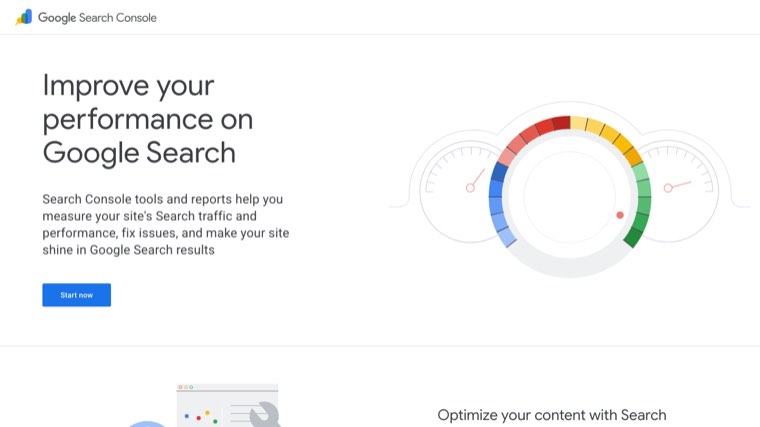
Free, official, and the only tool here that reports what Google actually did with your site rather than estimating it. Every third party keyword number is a model. Search Console numbers are the record.
For a small business the highest value screen is the query report filtered to positions 8 to 20. Those are pages Google already likes that sit just below where clicks start. Fixing ten of those beats chasing a new keyword.
Start here: Google Search Console.
Free tier: entirely free.
3. Semrush
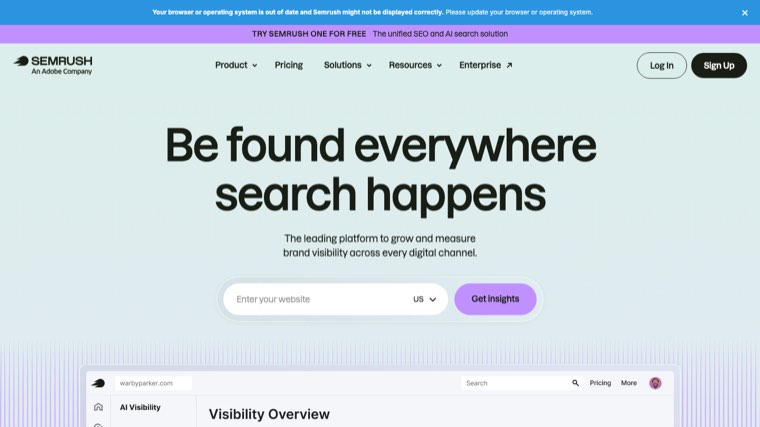
The most complete paid platform, and the one to buy if you are only ever buying one. Keyword research, competitor tracking, site audit, backlink data and local listings all sit under a single login.
The catch for a small business is that you pay for the whole suite whether you use a tenth of it or all of it. If your plan is keyword research plus rank tracking, cheaper tools further down this list do that specific job for a fraction of the money.
Start here: Semrush.
Free tier: limited free account with a small number of daily requests.
4. Ahrefs
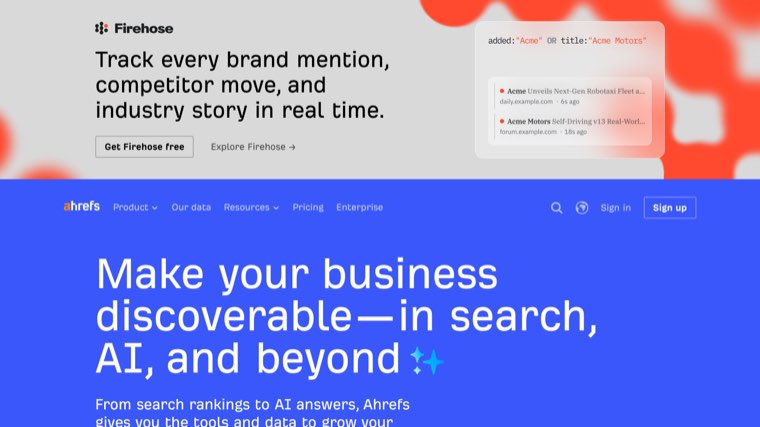
The best backlink index in the industry, and the reason most SEO professionals keep a subscription. If your competitive question is "who links to them and not to me", Ahrefs answers it faster and more completely than anything else.
Ahrefs Webmaster Tools gives verified site owners a free tier covering site audit and your own backlink profile. That free tier is genuinely useful for a small business and is the way to start.
Free tier: free Webmaster Tools for verified owners of your own site.
5. Mangools
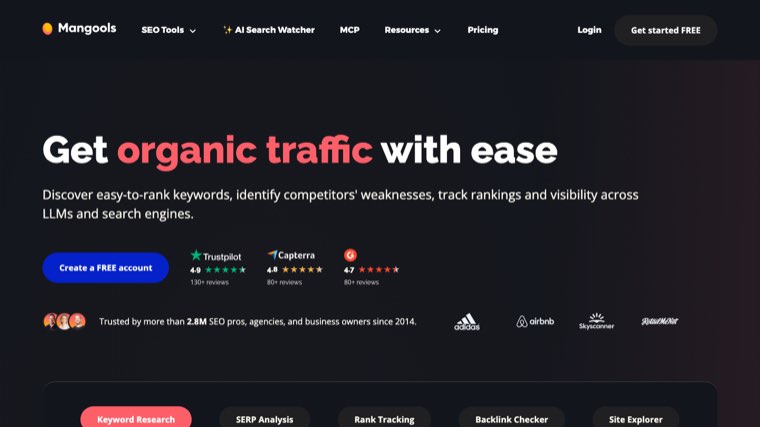
The friendliest keyword research interface at the low end, built from five small tools rather than one dense dashboard. KWFinder in particular presents difficulty in a way a non specialist can act on.
The data set is smaller than Semrush or Ahrefs, which shows on long tail and non English terms. For a local business researching a few dozen commercial keywords, that gap rarely matters.
Free tier: trial only, no permanent free plan.
6. Ubersuggest
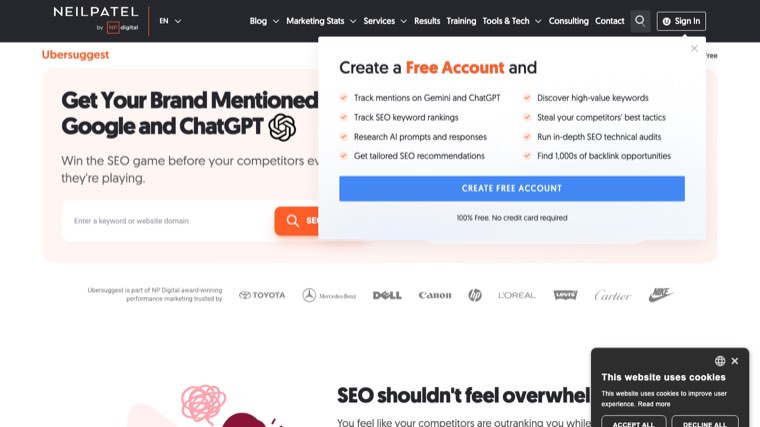
The most common entry point for owners who have never used an SEO tool, and it earns that spot through a free daily allowance and a lifetime licence option instead of a subscription.
Treat the volume and difficulty numbers as directional rather than precise. What Ubersuggest is genuinely good at is generating a first list of terms you had not thought of, which is usually the actual blocker.
Free tier: a few free searches a day without paying.
7. Moz Pro
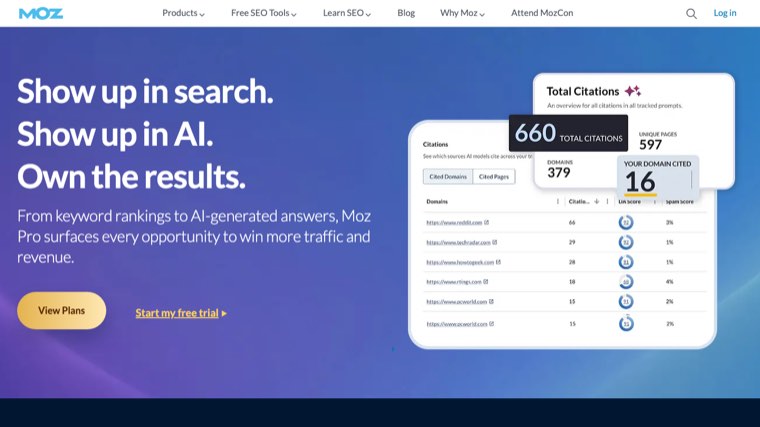
Moz is the gentlest on ramp of the big three platforms, and its free learning material is the best introduction to SEO that exists. Domain Authority remains a useful rough sorting metric even though Google does not use it.
The crawl and keyword data trail Semrush and Ahrefs in coverage. Choose Moz when the person using it is learning SEO alongside running the business.
Free tier: free MozBar and a small number of free queries.
8. SE Ranking
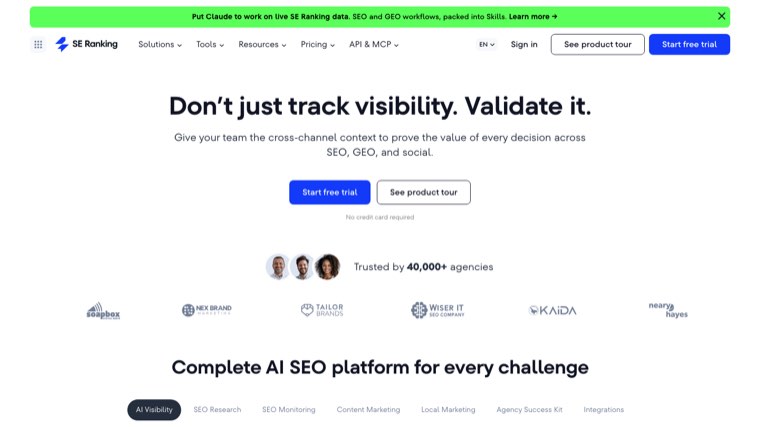
A capable all in one platform positioned below Semrush on price, with rank tracking that many agencies rate above the market leaders. Local rank tracking by postcode is a real strength for service area businesses. Agencies buying for several clients at once have a different shortlist, which we cover in the best SEO tools for agencies.
Disclosure worth making plainly: SE Ranking competes with us in parts of the market, so weigh our view accordingly and trial it yourself.
Free tier: trial only.
9. Screaming Frog SEO Spider
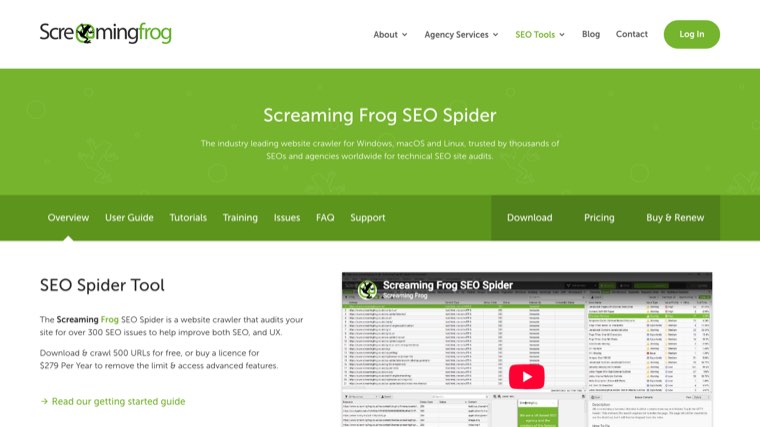
A desktop crawler that reads your site the way a search engine does and lists every broken link, redirect chain, missing title and duplicate description. For most small sites the free version is enough, since it crawls up to 500 URLs.
It is the least beginner friendly tool on this page and looks like a spreadsheet with a toolbar. Run it once a quarter, fix what it flags, and close it.
Free tier: free up to 500 URLs, which covers most small business sites.
10. Surfer SEO

Surfer compares a draft against the pages currently ranking and tells you which topics and terms yours is missing. It is the most direct answer to "why does their page outrank mine when mine is better written".
The risk is writing to the score instead of to the reader. Use it as a checklist after drafting, not as the brief you write from.
Free tier: no free plan.
11. BrightLocal
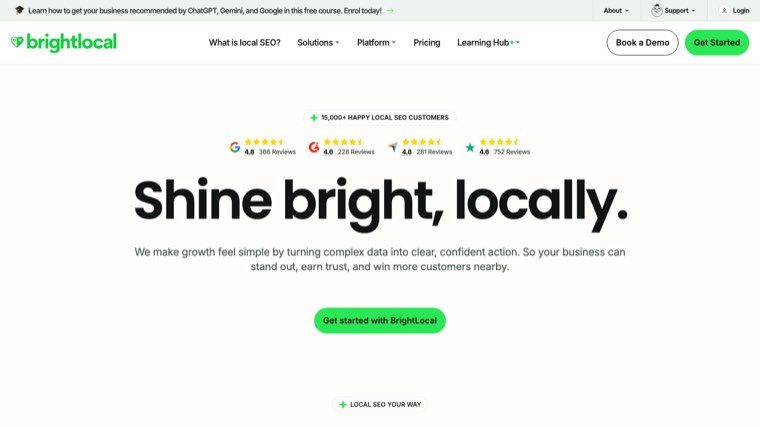
Built specifically for businesses with a physical location or a service area, which describes most small businesses reading this. Citation tracking, local rank grids and review monitoring in one place.
If your customers find you through Google Maps rather than a blog, BrightLocal is a better first purchase than any of the big platforms above.
Free tier: trial only.
12. Yoast SEO
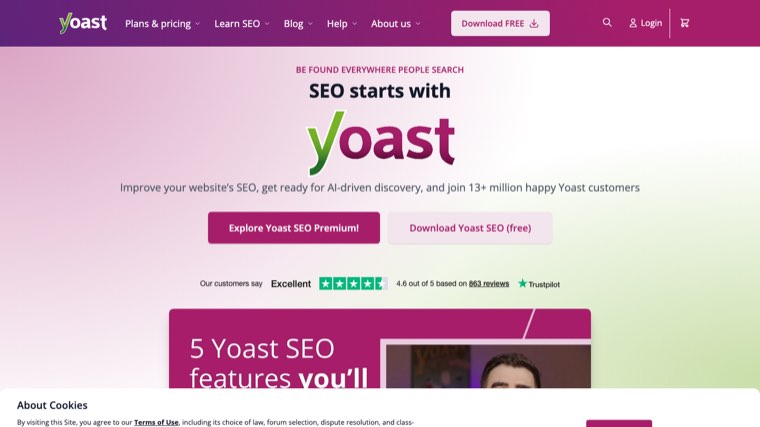
The default SEO plugin for WordPress, and the reason a lot of small business sites have functioning titles, descriptions and sitemaps at all. The free version handles the technical basics without configuration.
Its content analysis traffic lights are crude and reward keyword repetition more than they should. Use it for the plumbing and ignore the green dots.
Free tier: the free plugin covers what most sites need.
13. AnswerThePublic
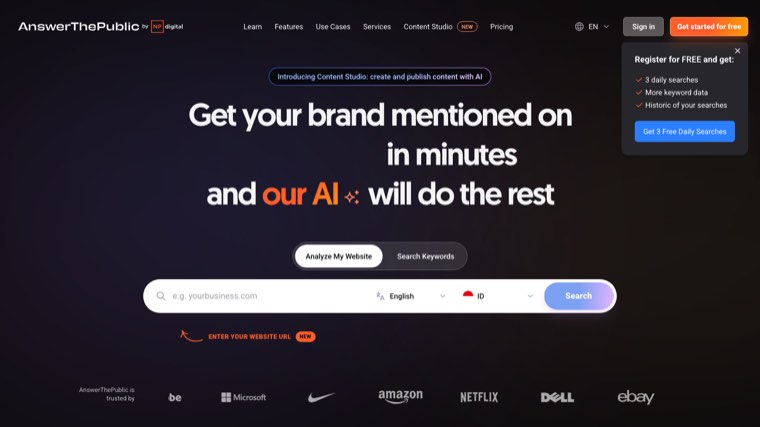
Turns a single seed term into the questions real people type around it. For a small business this is the fastest route to blog topics that match how customers actually ask, rather than how the industry writes.
There is no ranking or difficulty data here, so it is an idea generator rather than a research platform. Pair it with Search Console before committing to anything.
Free tier: a small number of free searches a day.
14. SEOptimer
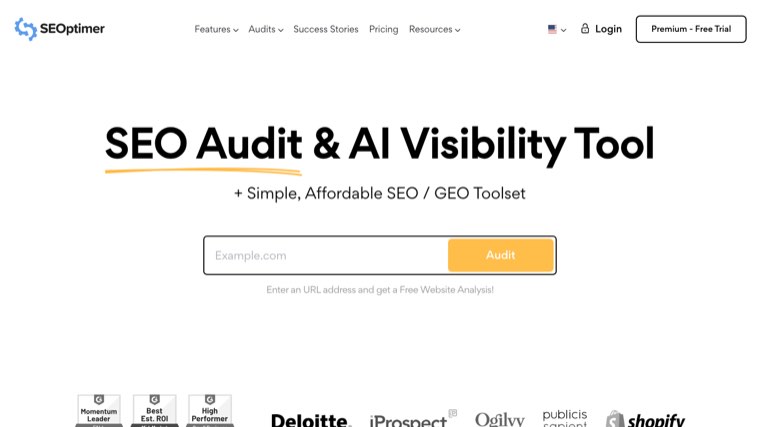
A fast audit tool that grades a page and hands back a plain English list of fixes, which suits an owner who wants a verdict rather than a data set. The white label report is popular with freelancers reselling audits.
It is shallower than Screaming Frog or a full platform audit. Use it for a first look at a site you have never examined.
Free tier: free instant audit, paid plans for reports and monitoring.
Feature comparison
| Tool | Best for | Free tier |
|---|---|---|
| Distribb | Publishing without a marketing hire | No |
| Google Search Console | What Google actually recorded | Yes |
| Semrush | One platform for everything | Limited |
| Ahrefs | Backlink and competitor research | Yes, own site |
| Mangools | Approachable keyword research | No |
| Ubersuggest | First tool for a beginner | Limited |
| Moz Pro | Learning SEO while doing it | Limited |
| SE Ranking | Local rank tracking on a budget | No |
| Screaming Frog | Technical site audit | Yes, 500 URLs |
| Surfer SEO | Improving a specific page | No |
| BrightLocal | Businesses with a location | No |
| Yoast SEO | WordPress technical basics | Yes |
| AnswerThePublic | Blog topic ideas | Limited |
| SEOptimer | A quick verdict on a site | Yes |
How to choose without wasting money
Pick by the bottleneck, not by the feature list. If you do not know what is wrong, buy a crawler or use the free four. If you know what is wrong but nothing gets published, a research platform will not help and you need a publishing tool.
Local businesses should start with BrightLocal and Search Console before anything else. Businesses selling nationally get more from Semrush or Ahrefs. If the honest answer is that nobody has time to write, that is a different purchase entirely.
If the shortlist above still feels like too many logins to manage, our overview of automated SEO software covers the tools that combine several of these jobs into one.
Two related lists go deeper on the money side of this decision: our breakdown of paid SEO tools covers what the subscriptions actually include, and the affordable SEO tools list is built for budgets under $50 a month. If you need to show results to a partner or a lender, the SEO reporting tools guide covers that separately.
The gap most of these tools leave
Thirteen of the fourteen tools on this page produce information. One of them produces pages. That distinction matters more for a small business than for anyone else, because information is only worth what you have the hours to act on.
If your SEO has stalled at the point where you know what to write and never write it, Distribb handles research, writing and publishing in one pass, and pairs cleanly with the free Search Console and Screaming Frog setup described above. Keep the free four either way.