

Most SEO audit checklists are ordered by category, which means you spend the first two hours on technical checks that change nothing and never reach the parts that do.
This one is ordered by expected impact. Part one is where almost every real problem lives, and if you only have an afternoon, parts one and four are the afternoon.
Forty-two checks, the free tool for each, and a realistic time estimate per part. For the wider site rather than search specifically, use our website audit checklist. If you would rather read the process as a walkthrough than tick a list, how to do an SEO audit covers the same ground step by step.
How to use this
Work top to bottom and stop when you run out of time. The order is deliberate.
| Part | Checks | Time | Why here |
|---|---|---|---|
| 1. Indexing and crawling | 8 | 1 hour | A page Google cannot index cannot rank |
| 2. Content and cannibalisation | 7 | 2 hours | Where most lost traffic actually is |
| 3. On-page | 8 | 2 hours | Cheapest wins per hour spent |
| 4. Site health and speed | 7 | 1 hour | Real, but rarely the actual problem |
| 5. Links | 6 | 1 hour | Slowest to fix, start early |
| 6. Measurement and AI visibility | 6 | 30 min | Tells you if any of it worked |
The tools you need, all free
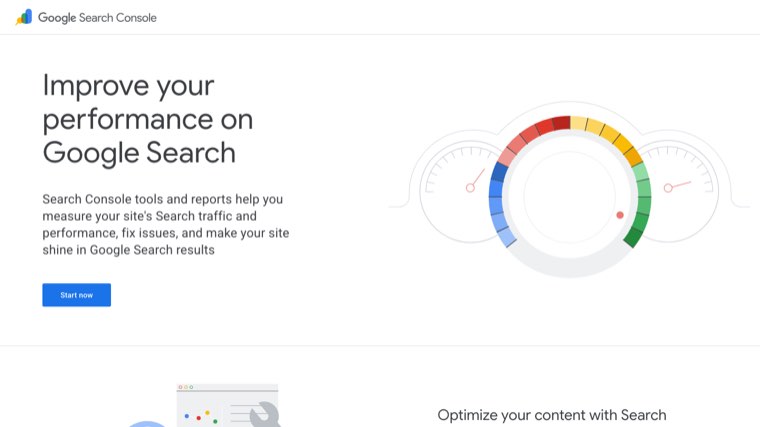
Search Console, Bing Webmaster Tools, PageSpeed Insights, Google's Rich Results Test, and the free tier of Screaming Frog, which crawls 500 URLs at no cost. That covers every check on this list for a small site.
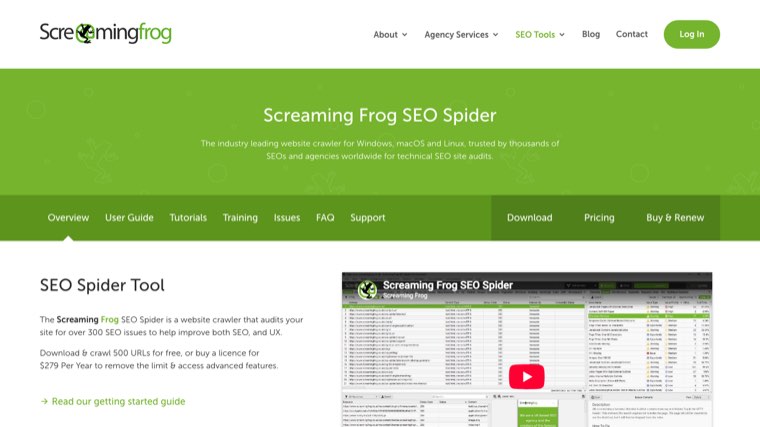
Paid crawlers do this faster and at scale. Nothing below requires one.
Part 1. Indexing and crawling
If Google cannot reach or index a page, nothing else on this list matters. This is where the expensive problems hide.
1. Check how many pages are indexed. Search Console, Pages report. Compare the indexed count to the number of pages you believe you have. A large gap in either direction is the finding.
2. Read the excluded reasons. "Crawled, currently not indexed" and "Discovered, currently not indexed" usually mean thin or duplicate content, not a technical fault. "Excluded by noindex" on a page you want ranking is the single most common serious error we find.
3. Check robots.txt. Fetch yoursite.com/robots.txt and read every Disallow line. Staging rules that survived a launch are a classic, and they are silent. The free robots.txt generator gives you a clean file to compare against.
4. Check for stray noindex tags. Crawl the site and filter for noindex. Plugins and page builders add these without asking.
5. Verify canonical tags point where you expect. Every page should either self-canonicalise or point to a deliberate target. Site-wide canonicals pointing at the homepage happen more often than you would think.
6. Check the XML sitemap. It should be submitted, current, and contain only indexable 200-status URLs. A sitemap full of redirects and 404s wastes crawl budget and signals neglect.
7. Confirm one version of the site resolves. HTTP, HTTPS, www and non-www should all redirect to a single canonical version with a 301.
8. Check the site is crawlable without JavaScript. Use the URL Inspection tool's rendered HTML view. If your main content only exists after JavaScript runs, you are relying on rendering that is neither guaranteed nor fast.
Part 2. Content and cannibalisation
The part most checklists put last, and the part where most lost traffic actually sits.
9. Find your pages stuck between position 8 and 20. Search Console, Performance report, filter by position. These are one round of work away from page one, and they are the highest-return item in this entire document.
10. Find high-impression, low-click pages. Same report. High impressions with a click-through rate near zero means your title and description do not match what the searcher wanted, which is a thirty-minute fix.
11. Find keyword cannibalisation. Filter by query and look at the pages column. Where two or more of your URLs rank for the same query, Google is choosing between them and often choosing badly.
12. Decide merge or differentiate for each conflict. Either combine the pages and redirect one, or rewrite them to target genuinely different intents. Leaving both is the option that keeps costing you.
13. Find pages with no impressions at all. Compare your sitemap to the Search Console pages list. Pages that have never had an impression in twelve months are candidates for improvement, merging or removal.
14. Check content freshness on your top pages. Any page with a year in the title, a price, a statistic or a tool list decays. Sort your best pages by last updated date and fix the oldest.
15. Check search intent match on your money pages. Search your main commercial term and look at what ranks. If the first page is all listicles and yours is a service page, the format is the problem and no amount of on-page work fixes it.
Part 3. On-page
Cheap, fast, and genuinely effective when it is done on the right pages.
16. One H1 per page, containing the target term. Crawl and check. Missing and duplicate H1s are common on templated pages.
17. Title tags unique, under about 60 characters, term near the front. Search Console flags duplicates indirectly; a crawl finds them all.
18. Meta descriptions written, not auto-generated. They do not affect ranking. They affect click-through rate, which affects everything downstream.
19. Heading structure is logical. H2s for sections, H3s beneath them, no jumping levels for visual styling.
20. Images have descriptive alt text and sensible filenames. Accessibility first, and it is how images earn traffic.
21. Images are compressed and in a modern format. WebP or AVIF, sized for their display container. Uncompressed hero images are the single most common speed problem.
22. Internal links point to your important pages. Every significant page should be reachable in three clicks from the homepage and should have several contextual internal links pointing at it.
23. Anchor text is descriptive. "Read more" tells Google nothing. The linked words should describe the destination.
Part 4. Site health and speed
Real factors, and rarely the reason a page is not ranking. Do them, do not obsess over them.
24. Core Web Vitals in Search Console. Use the field data report rather than a single lab test, because it reflects real visitors.
25. Largest Contentful Paint under 2.5 seconds. Usually an unoptimised hero image or a slow server response.
26. Cumulative Layout Shift under 0.1. Usually images without dimensions, or ads and banners injected after load.
27. Mobile usability. Test on an actual phone, not only in a simulator. Tap targets, font sizes, and anything that requires horizontal scrolling.
28. HTTPS everywhere with no mixed content. One insecure asset on a page is enough to trigger a warning.
29. Find and fix broken internal links. Crawl for 404s. Broken links waste crawl budget and are a reliable signal of a neglected site.
30. Check redirect chains. A to B to C should be A to C. Chains lose value at each hop and slow the page.
Part 5. Links
The slowest part to fix, which is the argument for starting it during the audit rather than after.
31. Count your referring domains, not your backlinks. A thousand links from four domains is four links. Search Console's Links report is free and sufficient.
32. Check where your links point. If almost everything points at the homepage, your commercial pages have no support and will not rank.
33. Review your anchor text distribution. Mostly brand and naked URLs is normal and healthy. A heavy concentration of exact-match commercial anchors is a pattern worth understanding.
34. Find your unlinked brand mentions. Anyone who named you without linking is the easiest link available, because they already decided you were worth mentioning.
35. Check your competitors' referring domains for gaps. Sites linking to three competitors and not to you are the shortlist for outreach.
36. Audit for genuinely toxic patterns. Not tidiness. Look for paid link footprints and obvious automated networks, and disavow only what you believe is actively counted against you.
Part 6. Measurement and AI visibility
37. Search Console and analytics are both installed and reporting. Check the data is arriving, not just that the tag is present.
38. Analytics data retention is set to fourteen months. The default is shorter and the lost history does not come back.
39. Conversions are tracked, not just traffic. An audit that improves sessions and not enquiries has not improved anything.
40. Check whether AI assistants cite you. Ask ChatGPT, Perplexity and Google's AI results the questions your customers ask, and see who gets named. This is a real traffic source now and almost nobody audits it.
41. Check your structured data. Google's Rich Results Test on a product, article and FAQ page. Errors here silently remove you from enhanced results.
42. Set a re-check date. An audit is a snapshot. Put the next one in the calendar for six months and record today's numbers so the comparison means something.
Where software helps and where it does not
Parts 1, 3 and 4 are mostly mechanical, and a crawler does them faster and more thoroughly than you will. Screaming Frog free, or Semrush and Ahrefs if you have them. Our five-step AI SEO audit covers how to hand the mechanical parts to a model.
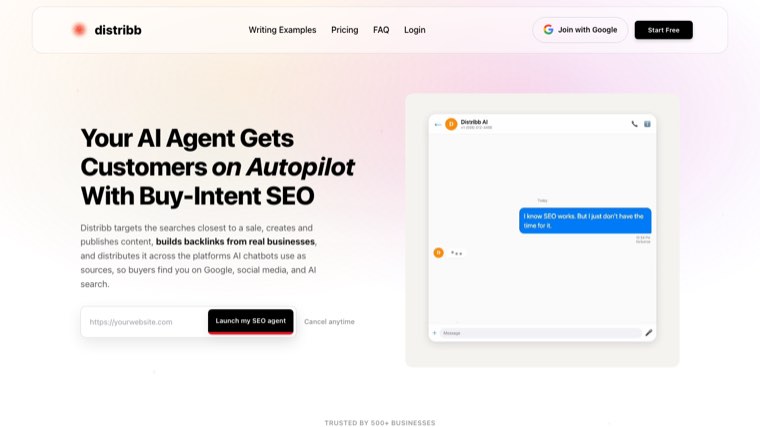
Part 2 is the one that needs doing repeatedly rather than once, because content decays continuously. Distribb works on that half: it watches Search Console for pages slipping between positions 8 and 20 and produces the updates, so check 9 happens monthly instead of annually.
Honest limitation: we do not make a crawler. Nothing in Distribb will find your redirect chains, your stray noindex tags or your Core Web Vitals problems, and for parts 1, 4 and 5 of this list you need one of the tools above.
If you only have two hours
Do checks 1, 2, 3 and 4 to confirm nothing is blocked. Then do checks 9, 10 and 11.
That combination finds almost every serious problem on a small site, and checks 9 and 10 usually produce work you can act on the same week. Everything else can wait for a full pass.
Our guides to website audit tools and AI SEO audit tools cover the software for parts 1 and 4, and automated SEO reports covers turning check 42 into something that happens on its own.