Best Local SEO Automation Tools for 2026


Local SEO can mean a steady stream of listing edits, review checks, and rank reports. Local SEO automation tools take on some of that work, but each covers a different part of the job. Here are five options and the teams they fit best.
We analyzed 40 YouTube comments about Local SEO automation and found that 20% mentioned the availability of extra tutorials and services.
1. Distribb.io
Distribb.io is an AI-powered SEO platform that automates keyword research, content creation, publishing, backlink building, and AI search visibility. Its scope reaches beyond listing updates, which makes it a fit for agencies and in-house teams that want content and off-site SEO work in the same workflow.

For a local business, the content side can help a team plan pages around nearby customer needs, then publish approved work. Distribb.io’s local service page also describes location-aware content, Google Business Profile posts, and drafted review replies. That makes it relevant when local profile activity needs to connect with website content rather than run as a separate task.
Backlink building is part of the platform’s scope. That can matter when the team is trying to build visibility beyond map listings. A backlink is a link from one page to another, but link quality and relevance still matter. Automation should support careful choices, not replace them.
Distribb.io’s Pro plan is listed at $97 per month and the Accelerator plan at $495 per month. Teams can review Distribb pricing against the work they need to automate before choosing a plan.
It’s also worth separating the platform’s broader SEO work from local data tools. If a team needs detailed citation cleanup or map-grid scans, it should check that those tasks are covered in its chosen setup. For a wider view of SEO automation tools, see this SEO automation tools comparison.
Distribb.io is a strong fit here when the goal is to connect local content and broader SEO production. Start with one repeatable task, such as publishing an approved location page, and see how it fits your team’s review process.
2. BrightLocal: local search reporting and citation workflows for agencies
BrightLocal is built for agencies and consultants managing local search across client locations. It covers local rank tracking, geo-grid views, citation building, Google Business Profile management, and AI visibility monitoring. The mix makes it a strong match for teams that need a local-focused workspace and recurring client reports.
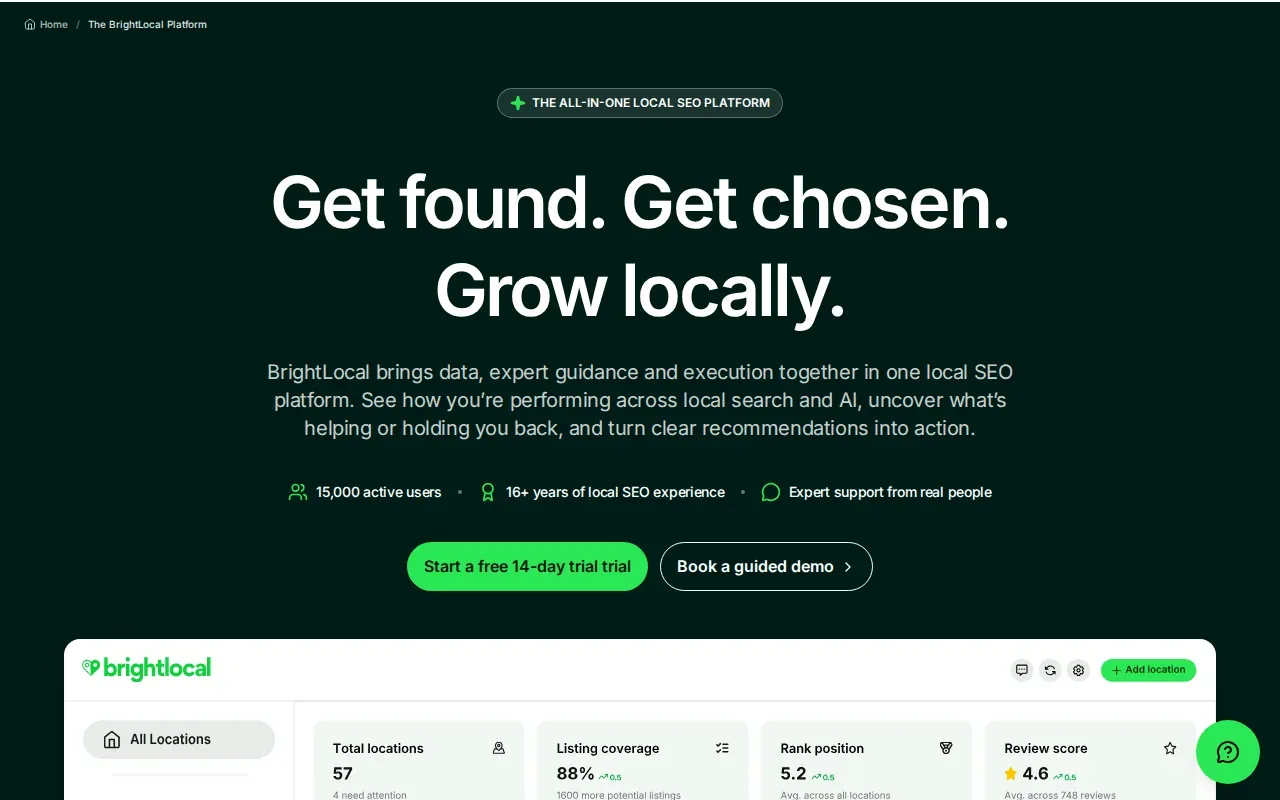
Branded reports and self-service client portals help agencies share results without building every update from scratch. BrightLocal also lists connections with Google Analytics, Google Search Console, ChatGPT, Claude, Notion, Asana, and Zapier. That range can help an agency fit local reporting into its existing client handoff and task systems.
Think of a manager reviewing a set of locations before a client meeting. Rank tracking can show where visibility changes across an area; citation and profile work can help the team spot follow-up tasks. The reporting layer then gives the agency a way to show what it checked and what needs attention.
BrightLocal’s strengths are local workflows and agency reporting. Teams that also need content production or backlink work may still need another system for those tasks. That distinction matters when comparing the cost and upkeep of one specialist tool against a broader SEO workflow.
Choose BrightLocal when reporting, citations, and location-level visibility are the main recurring jobs. It’s especially suited to agencies that want clients to see progress through branded reporting and portals.
3. Semrush Local: listings, citations, rankings, and review management
Semrush Local is a dedicated toolkit for local businesses and agencies. Its Listing Management tool can publish business details to more than 150 directories. The platform also covers citation management, rank tracking, and review management, so it can reduce repeated updates across listings.
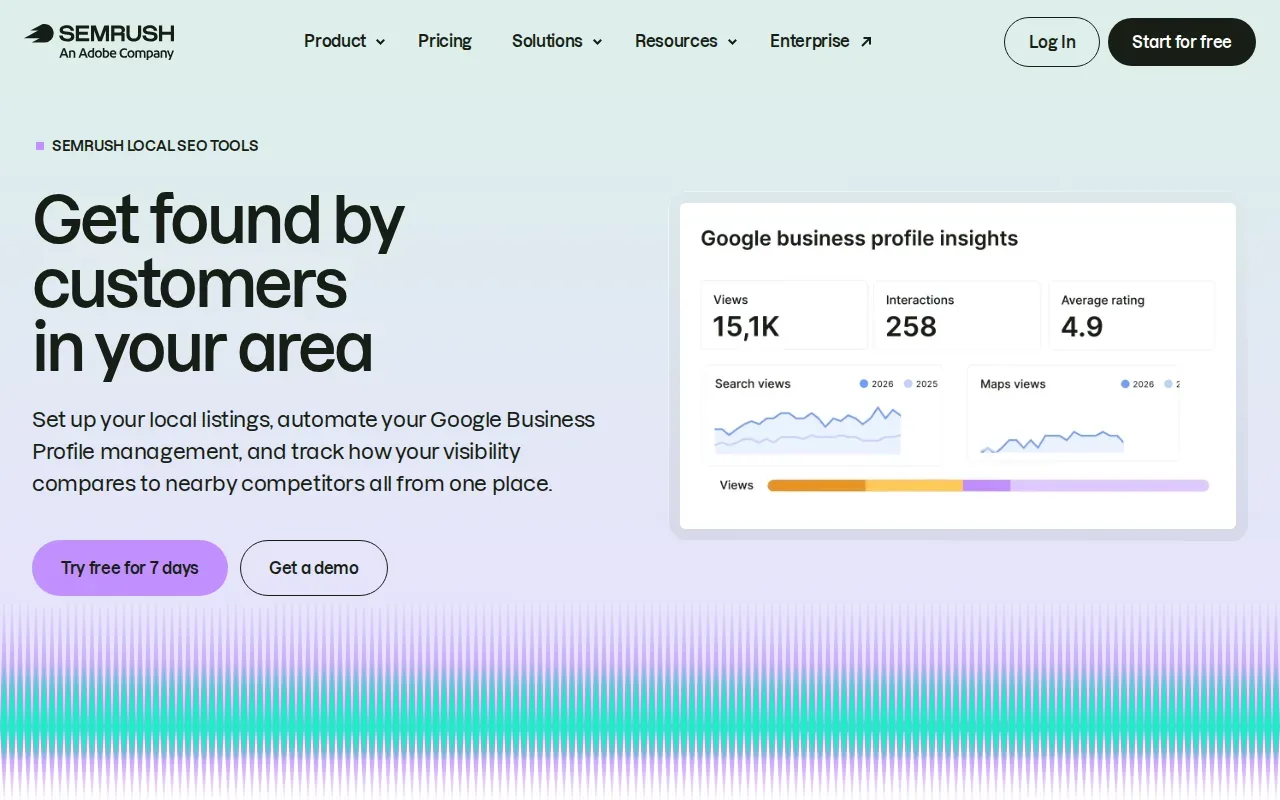
Map Rank Tracker presents competitor rankings as heatmaps. A team can use those views to see how results differ by area instead of relying on one search from the office. Semrush Local also connects with Google, Facebook, Yelp, and TripAdvisor, which can help teams keep local profile work in one operating routine.
Review work needs a clear approval rule. Teams should decide who handles an ordinary comment and who reviews a sensitive complaint before any automated reply goes live. Google’s spam policies prohibit practices such as fake engagement, so review requests should reflect genuine customer experiences and avoid pressure or rewards.
Semrush Local fits teams whose main tasks are listings, local rank checks, and reviews. It can also make sense for an agency that already uses Semrush tools. If the main need is end-to-end content production or backlink building, compare those requirements separately rather than assuming a local toolkit covers them.
For multi-location businesses, check how location-based workflows align with the team’s approval process. A tool can reduce repeated edits, but someone still needs to confirm that each location’s details are correct.
4. Local Falcon: geo-grid rank tracking and AI-connected reporting
Local Falcon focuses on visual geo-grid reporting and local visibility data. Its scans show how rankings vary across points around a target area, which helps explain why one business may rank well near its address but less well farther away.
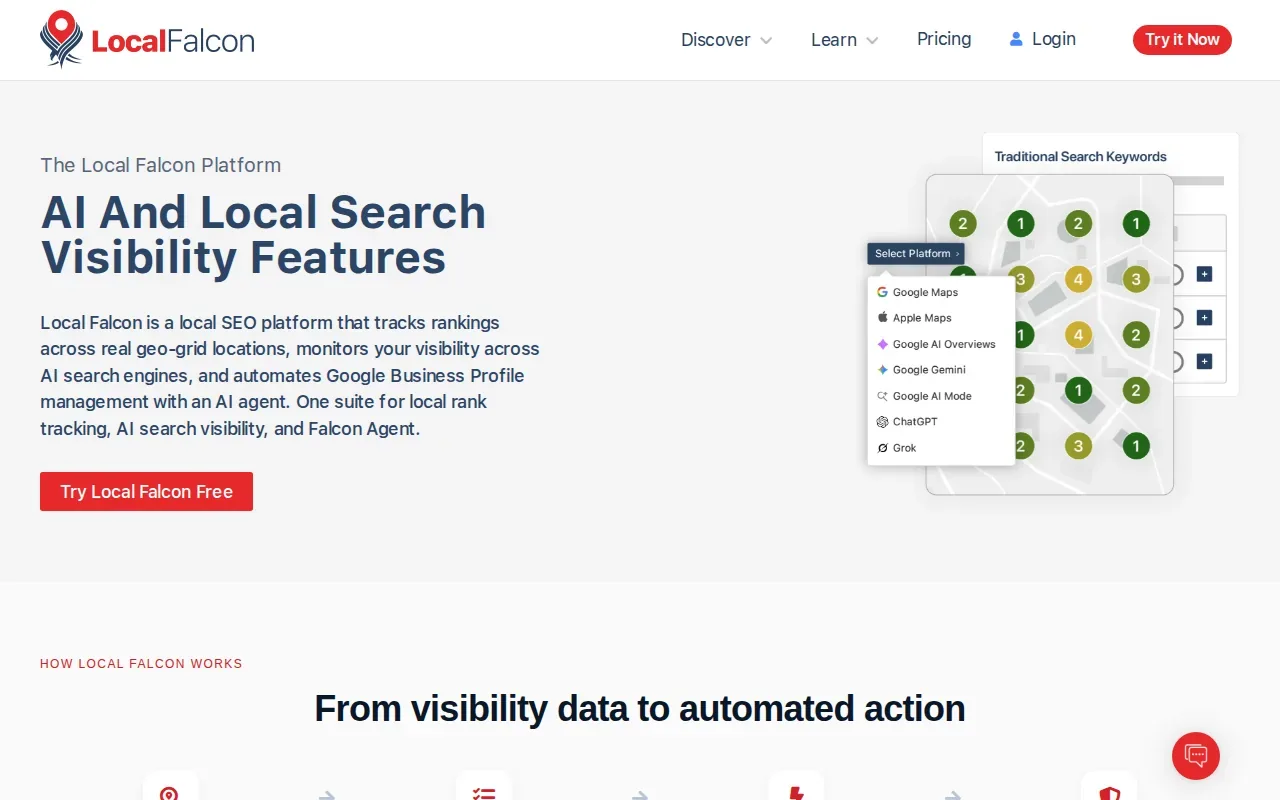
The platform also connects ranking data to AI models through MCP. For teams testing AI-assisted reporting, that can make local scan data easier to bring into an AI workflow. Local Falcon’s automation scope includes geo-grid rank tracking and AI listing management.
A grid view is useful when a client asks why a single rank number does not match what customers see across town. A map can show the uneven pattern and give the team a clearer starting point for discussion. It does not, by itself, fix listing errors or create new local content.
Local Falcon is a focused choice for agencies and businesses that need visual rank tracking or want to connect local visibility data with AI tools. It is less suited as the only system when the team also needs content publishing and broad SEO production.
Use it when the question is, “Where does visibility change across this service area?” That’s a more useful job for a geo-grid than trying to infer local reach from one map result.
5. GrowthPro AI: white-label local SEO delivery across client locations
GrowthPro AI is a white-label local SEO platform for agencies handling several client locations. Its scope includes Google Business Profile posts, review replies, rank tracking, citation monitoring, and AI search visibility. The white-label setup is aimed at agencies that want client-facing delivery under their own brand.
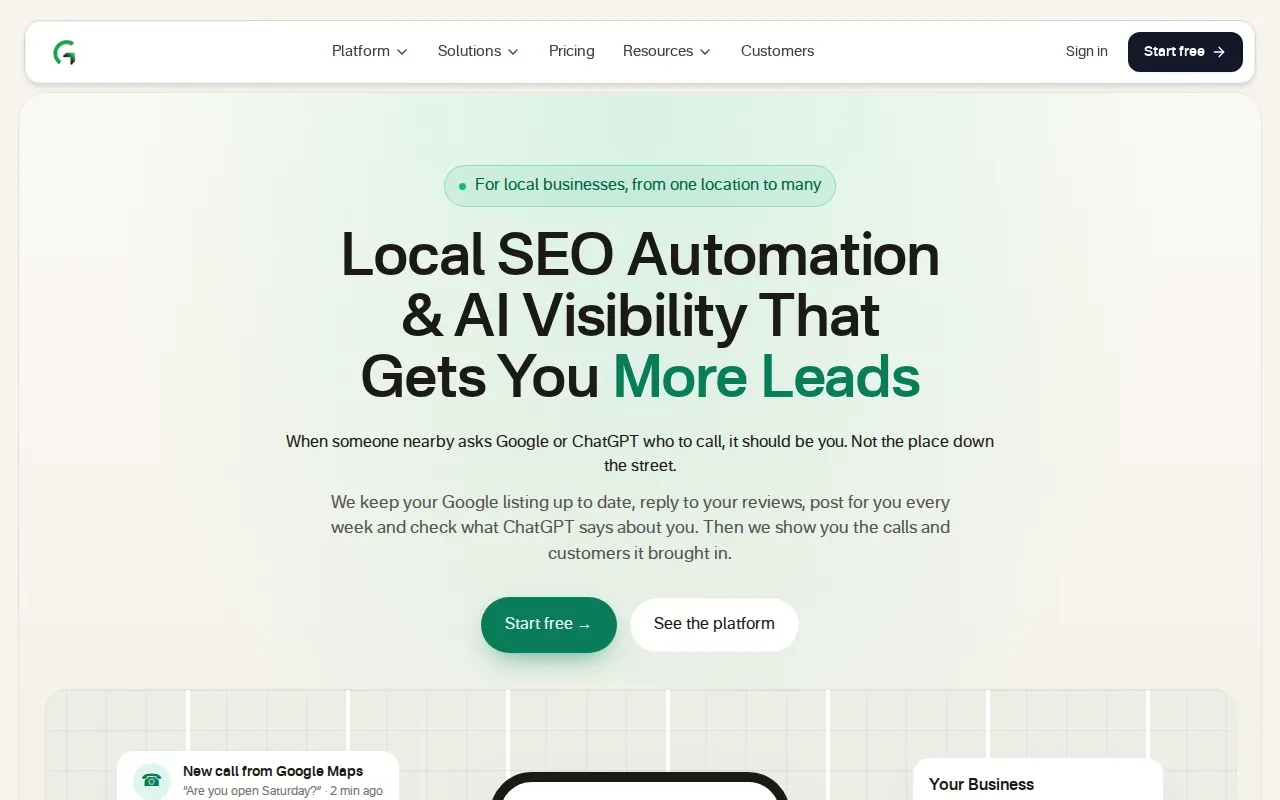
Its workflow can cover more than profile updates. The platform describes content planning and writing with client approval before publication, plus lead capture and follow-up features. For an agency, that can bring location work and client review steps into one delivery setup.
Approval controls matter when posts or review replies are drafted with AI. GrowthPro AI describes a default where posts and replies wait for approval, with routine items able to go out automatically under rules set by the team. Sensitive replies can stay in a human review queue.
The main trade-off is budget planning: agency-tier pricing is available on request, so a team needs a sales conversation to assess cost. GrowthPro AI is worth considering when white-label delivery across locations is a priority and the agency wants several local tasks under one roof.
Before adopting it, map the work that should be approved and the work that can run under set rules. That keeps automation tied to the client’s standards instead of treating every post or response the same way.
Local SEO automation tools compared
The right choice depends on which work takes the most time. A listings-heavy team has different needs from an agency building local content and broader search visibility. Use the table to match each option to its main job, then check the workflow details that matter to your team.
| Tool | Strongest fit | Main work covered | Check before choosing |
|---|---|---|---|
| Distribb.io | SEO production tied to local growth | Keyword research, content, publishing, backlinks, AI search visibility | Confirm your setup covers the listing and map-grid tasks you need |
| BrightLocal | Agency reporting and local workflows | Rank tracking, geo-grids, citations, GBP, AI visibility | Check whether broader content production needs a separate tool |
| Semrush Local | Listings and review workflows | Directory publishing, citations, rank tracking, reviews | Match the workflow to your location count and approval needs |
| Local Falcon | Visual local rank tracking | Geo-grid scans and AI-connected reporting | Pair it with other systems if you need content or citation work |
| GrowthPro AI | White-label delivery for agency clients | GBP posts, reviews, rankings, citation monitoring, AI visibility | Request an agency quote to assess budget fit |
For location-aware content and profile activity, Distribb.io’s local SEO workflow is another useful point of comparison. If a team handles regulated or sensitive customer feedback, it should also set review approval rules before enabling automatic responses.
FAQ
What does local SEO automation do?
Local SEO automation uses software to handle repeatable local search tasks. Depending on the tool, that may include listing updates, citation monitoring, review workflows, Google Business Profile activity, rank tracking, or reports. It won’t remove the need to check business facts, approve sensitive content, and decide what the team should do with the results.
Which local SEO automation tool is best for agencies?
The best fit depends on the agency’s delivery model. BrightLocal is built for agency reporting and local search workflows, while GrowthPro AI focuses on white-label delivery across client locations. Distribb.io fits agencies that want content production and broader SEO tasks alongside local work. Compare the recurring tasks each team actually needs to complete.
Can local SEO tools automate Google Business Profile work?
Yes, some tools automate parts of Google Business Profile work, such as profile management or post scheduling. The exact scope differs by platform. Teams should confirm which actions can run automatically and which require approval, especially for changes to business facts or replies to sensitive reviews.
Can these tools automate review replies?
Some tools support review monitoring or response workflows, and some can draft or send replies under set rules. Keep a person in the loop for complaints, legal concerns, or any reply that needs context. Review requests should go to genuine customers without rewards or pressure, and replies should reflect the business’s actual experience.
Do local SEO automation tools replace schema or custom integrations?
No, a local SEO platform does not automatically replace every technical task or connection. Structured data may still need to be added and checked on the website, while custom workflows may use integrations, APIs, or automation services. Confirm what the chosen platform supports before planning a separate schema or data pipeline.
Conclusion
If your main bottleneck is producing and publishing SEO work, start with Distribb.io and compare its plans with the tasks you want to automate. Review Distribb pricing, then start your free trial with one location or workflow and check the results before expanding.