
Getting your domain rating up isn’t magic – it’s a set of habits you can start right now.
First, audit your site’s health. Look for broken links, slow pages, and missing SSL. Fix those fast; a clean site signals trust to search engines.
Next, pump out content that answers real questions. A small e‑commerce shop saw its rating climb after publishing how‑to guides that matched buyer intent. Use tools that suggest topics with decent search volume and low competition.
Don’t forget backlinks. Reach out to partners, write guest posts, or swap links with trusted sites. One local bakery earned a boost after a nearby cafe linked to their recipe page.
Automation can keep the flow steady. Platforms like marketing automation tools for small business schedule posts, track backlinks, and remind you to refresh old articles.
Finally, make sure your tech stack is solid. A reliable IT partner can keep your server up, protect against hacks, and ensure backups – all things that keep SEO tools running smooth. Check out this guide on IT support in Salinas for a quick win.
Step 1: Conduct a Technical SEO Audit
First thing you need to do is look under the hood. A technical audit shows you where Google trips up and where you can fix it fast. Think of it like a health check for your site. Our roundup of website audit tools covers which ones surface those problems fastest.
Start with a crawl. Tools like Screaming Frog or Sitebulb will map every page, flag broken links, and point out missing redirects. Spot a 404? Fix it right away. Missing SSL? Add HTTPS to every page. These tiny fixes tell search engines your site is trustworthy.
Next, check page speed. Use Google PageSpeed Insights and aim for a load time under three seconds. Compress images, enable browser caching, and use a CDN if you can. A quicker site keeps visitors happy and improves your domain rating.
Don’t ignore mobile. Google serves mobile‑first results, so make sure your pages look good on a phone. Test with the Mobile Friendly Test tool and fix any touch‑element issues.
Once you’ve collected the data, prioritize. Fix the high‑impact items first – broken links, missing tags, slow core pages. Then move to the nice‑to‑haves. Our step‑by‑step SEO audit guide walks you through each check with screenshots.
After you’ve cleaned up the basics, look at structured data. Adding schema helps Google understand what your page is about, which can earn rich results and boost your rating.
And remember, an audit isn’t a one‑time thing. Schedule a quick health scan every quarter so you catch new issues before they hurt you.
When the technical side feels solid, you might start thinking about who can keep the momentum going. If you need a marketing hire, Get Recruited specializes in finding SEO and digital‑marketing talent.
Also, if your business deals with property listings, a partner like PropertyCopilot can help you manage data feeds that keep your site fresh and crawlable.
Take these steps, run the audit, and you’ll see a steadier climb in your domain rating. It’s not magic – it’s clean code, fast pages, and a habit of checking regularly.
Step 2: Build High‑Quality Backlinks
First, pick link‑worthy assets. A stats page, a how‑to guide, or a case study that solves a real problem can act like a magnet.
Ask yourself: does this piece give a clear answer in the first two sentences? If yes, journalists or niche blogs will likely cite it.
Find natural link prospects
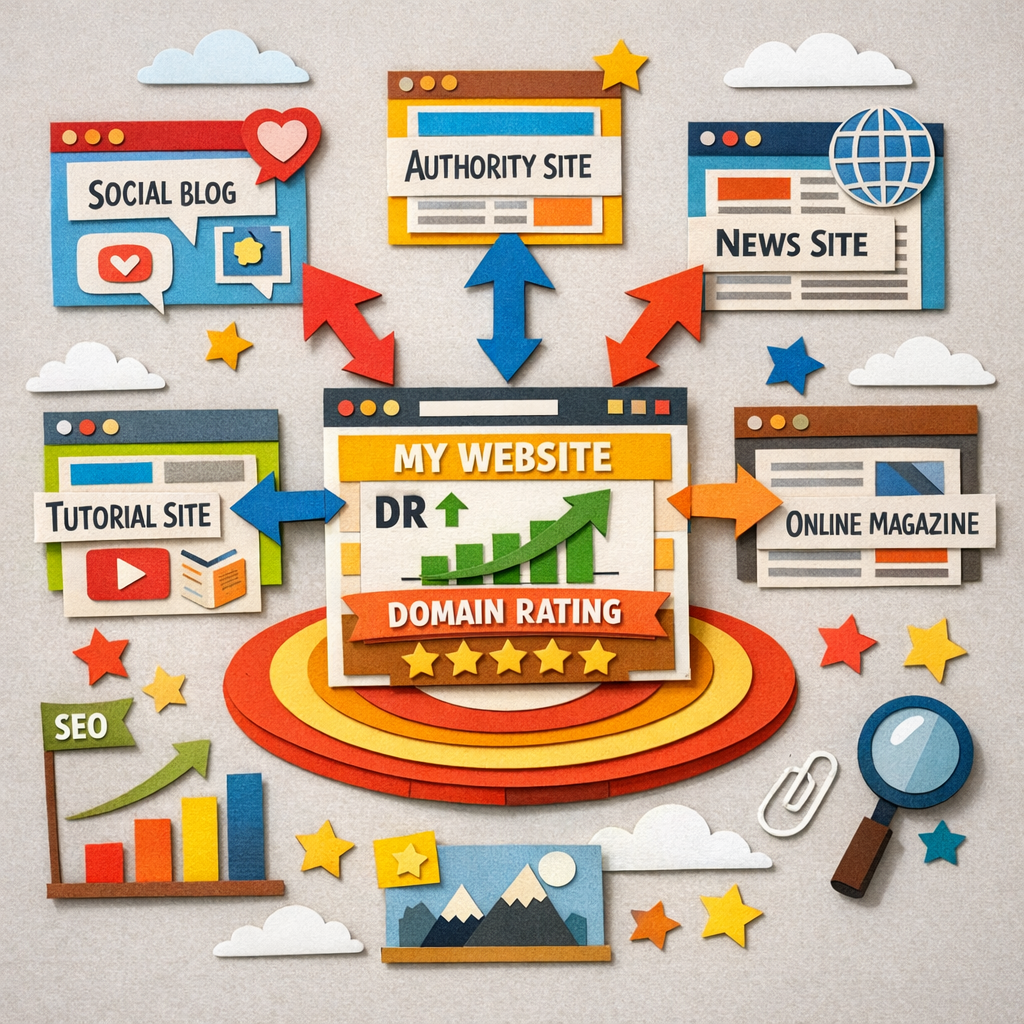
Use a tool like Ahrefs or Semrush to pull a list of sites that already rank for the same keywords you target. Look for domains with a DR above 30 and a relevance score that matches your niche – a SaaS blog, a marketing forum, or an e‑commerce roundup.
Reach out with a short, personal note. Mention the exact article you wrote and why it adds value to their readers. Keep it under 100 words. Most editors reply within a day.
Leverage content upgrades
Offer a downloadable checklist or template that expands on a blog post. Host the file on your own domain, then ask the host page to link back to the download URL. The link is contextual and passes real link juice.
One e‑commerce owner added a “shipping cost calculator” to a product guide and earned 12 new backlinks in two weeks.
Use our backlink exchange
Distribb’s optional backlink exchange lets you earn contextual links from real businesses in the network. Activate it in your dashboard, pick relevant partners, and watch the authority flow.
Remember to track new links in Google Search Console. Spot any low‑quality or spammy domains and disavow them promptly.
Need a deeper dive on how content and link building work together? Check out how content marketing and link building work together to boost SEO.
Step 3: Optimize On‑Page Content and Internal Linking
Now that your site is clean and you have a few strong backlinks, it’s time to turn each page into a mini‑authority hub. Good on‑page SEO tells Google why a page matters and helps link juice flow where you need it.
Write for people, not bots
Start with a clear, answer‑first intro. The first two sentences should state the main point – that’s what readers and featured snippets love. Use short sentences, break up dense blocks, and sprinkle related keywords naturally.
For example, an e‑commerce shop selling pet supplies rewrote its product guide titles to include the exact question shoppers ask. Within a month the page’s traffic jumped 18% and the domain rating nudged up.
Tag it right
Use proper heading tags (H2, H3) to map the content hierarchy. Add a concise meta title and description that echo the page’s core answer. Include a guide on optimizing for answer engines to see how structured data can boost visibility.
Don’t forget alt text on images – describe what the picture shows, not just “image”. This helps both accessibility and search crawlers.
Internal linking that works
Link from high‑authority pages (like your blog’s pillar posts) down to product or service pages you want to rank. Use keyword‑rich anchor text, but keep it natural. A SaaS blog linked a case‑study from its “How to Choose a CRM” guide, and the case‑study’s DR rose by 5 points in three weeks.
Map out a simple hub‑and‑spoke model: pillar → cluster → deeper articles. Each cluster page should link back to the pillar and to at least one other cluster page.
Check for orphan pages regularly – a quick crawl in Screaming Frog will highlight any page that isn’t getting internal links.
Here’s a quick checklist you can copy:
- Answer the main question in the first two sentences.
- Use H2/H3 headings that match search intent.
- Write meta title < 60 chars, description < 155 chars.
- Add 2‑3 internal links with relevant anchor text.
- Include at least one image with descriptive alt text.
Following these steps makes it easier for Google to see the value of each page, which in turn helps answer the big question of how to increase domain rating.
Need more data on why internal linking matters? SmithDigital breaks down the link equity flow and shows how a solid internal structure can lift your domain rating over time.
Step 4: Track Progress and Adjust Strategy
Now you have content and links. The next step is to watch how they perform and then tweak.
Pick the right numbers
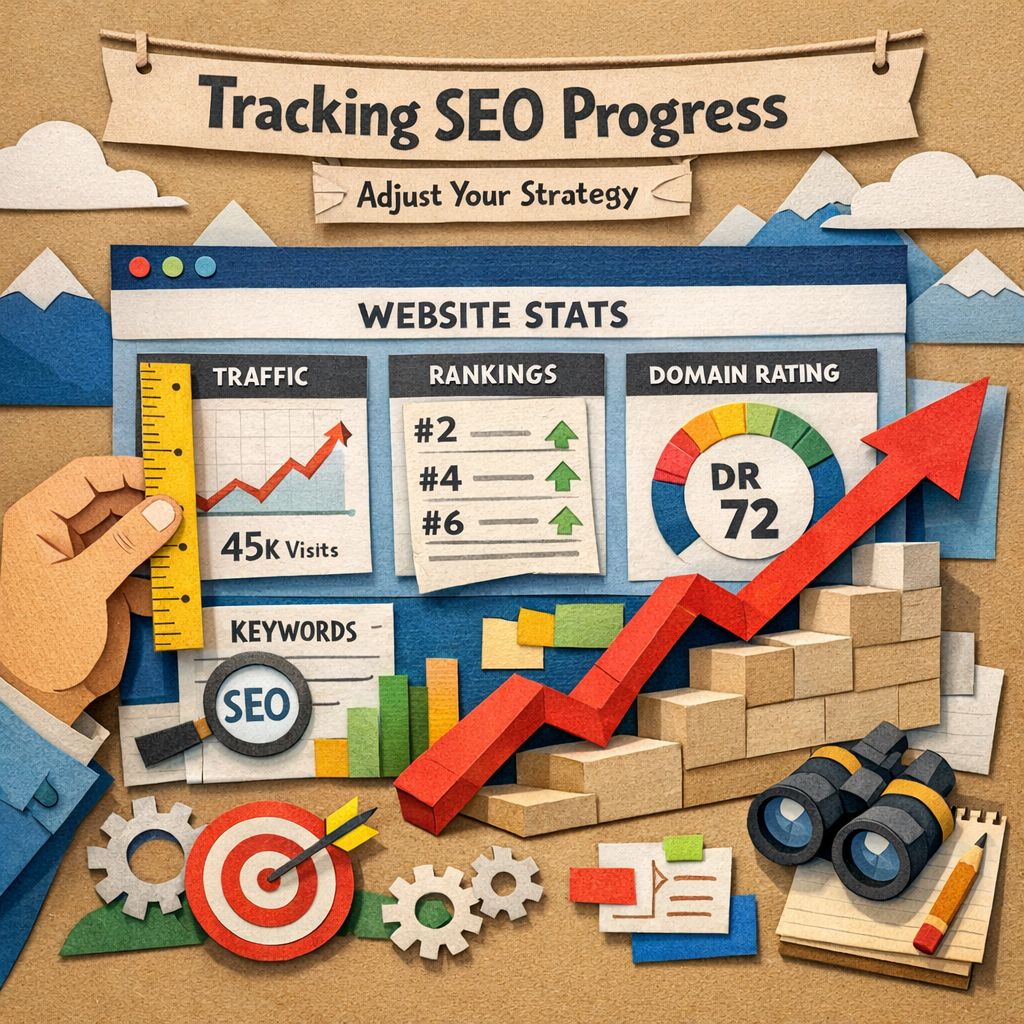
Start with a few core metrics: organic traffic, keyword rankings, and domain rating. Those three give a clear view of growth.
Use Google Search Console to see clicks and impressions. It’s free and updates daily.
Check the data often
Set a weekly rhythm. Look at the numbers every Monday. If traffic is flat, ask why.
A quick look at a chart can tell you if a new article is pulling in links or if a page is losing juice.
Set up alerts so you know when a metric shifts. In Google Search Console you can create email notifications for sudden drops. That way you can act fast before a ranking loss hurts your DR.
A simple spreadsheet can also help. List each key page, its current DR, and the date you last added a link. Update it each month and you’ll see patterns that guide your next move.
For a closer look into tracking tips, see Thrive's tactics for tracking SEO progress.
Make small changes
If a page isn’t moving, add another internal link or fresh data. If a keyword drops, rewrite the intro to match the query.
Don’t try to change everything at once. Pick one tweak, watch a week, then decide next move.
If you feel stuck, try a quick audit of your internal links. Make sure every pillar page has at least three child articles pointing back. That simple step often releases extra juice.
| Metric | Tool | Check Frequency |
|---|---|---|
| Organic traffic | Google Search Console | Weekly |
| Keyword rank | Ahrefs or similar | Weekly |
| Domain rating | Ahrefs DR checker | Monthly |
Keep the loop tight. Measure, note the gap, fix, then measure again. Over time the numbers will rise and your domain rating will climb. Remember, SEO is a marathon, not a sprint. Small wins add up. Keep tracking, keep tweaking, and the domain rating will keep climbing.
Conclusion
You've seen how small habits stack up to lift your domain rating.
Keep the loop tight: measure a key metric, spot the gap, fix it, then measure again. One tweak a week is all it takes.
Does it feel like a lot? Think of it as a daily check in rather than a giant overhaul.
Stick to the basics, clean tech, useful content, natural links, and regular tracking. Over time the numbers will climb.
If you need a hand keeping the rhythm, tools like Distribb can automate the research, writing and posting so you stay focused on the fixes.
So, set a simple schedule, watch the data, and let those steady wins push your domain rating higher.
Remember, SEO is a marathon. Celebrate each bump in traffic or a few points rise in rating, they prove the process works and keep you motivated.
Ready to lock in the habit? Start with one page, log the change, and watch the ripple effect grow.
FAQ
What is domain rating and why does it matter?
Domain rating is a score that shows how strong a site’s link profile looks to search engines. A higher score means more trust and a better chance to rank for keywords. When you see a rise in your rating, you’ll often see more traffic and leads. Think of it as a health check for your site’s authority. Different tools score the same site differently, which our comparison of domain authority checkers covers.
How often should I check my domain rating?
Check your rating at least once a month. This lets you spot small drops before they become big problems. If you run a fast‑moving blog or an e‑commerce store, a weekly glance can help you catch spikes after a new link or a fresh post. Pair the check with traffic numbers so you see what moves together.
Which quick fixes can boost my domain rating fast?
Start by fixing broken links and adding 301 redirects for any moved pages. Next, make sure every page loads over HTTPS and runs under 2 seconds. Add a clear internal link from your main hub page to any new article. Finally, ask a partner or a happy customer to link to a useful guide you just posted.
How can I use backlinks without risking spam?
Focus on links that come from sites in the same niche and that have real traffic. Write a short, personal outreach note that explains why your piece adds value. Avoid buying links or using low‑quality directories. If a link looks shaky, run it through Google Search Console’s disavow tool to keep your rating clean.
Do content upgrades help raise domain rating?
Yes. When you add a checklist, template, or calculator to an existing post, you give readers another reason to link back. Promote the upgrade in your email list and on social. Over time you’ll see a few new backlinks each month, and those fresh links push the rating up a notch.
What role does automation play in keeping my domain rating up?
Automation can remind you to run a crawl, flag 404 errors, and suggest fresh topics that earn links. A tool that pulls keyword ideas, writes a draft, and posts it on schedule saves time you can spend on outreach. This steady flow of new, link‑worthy content keeps the rating from slipping.