
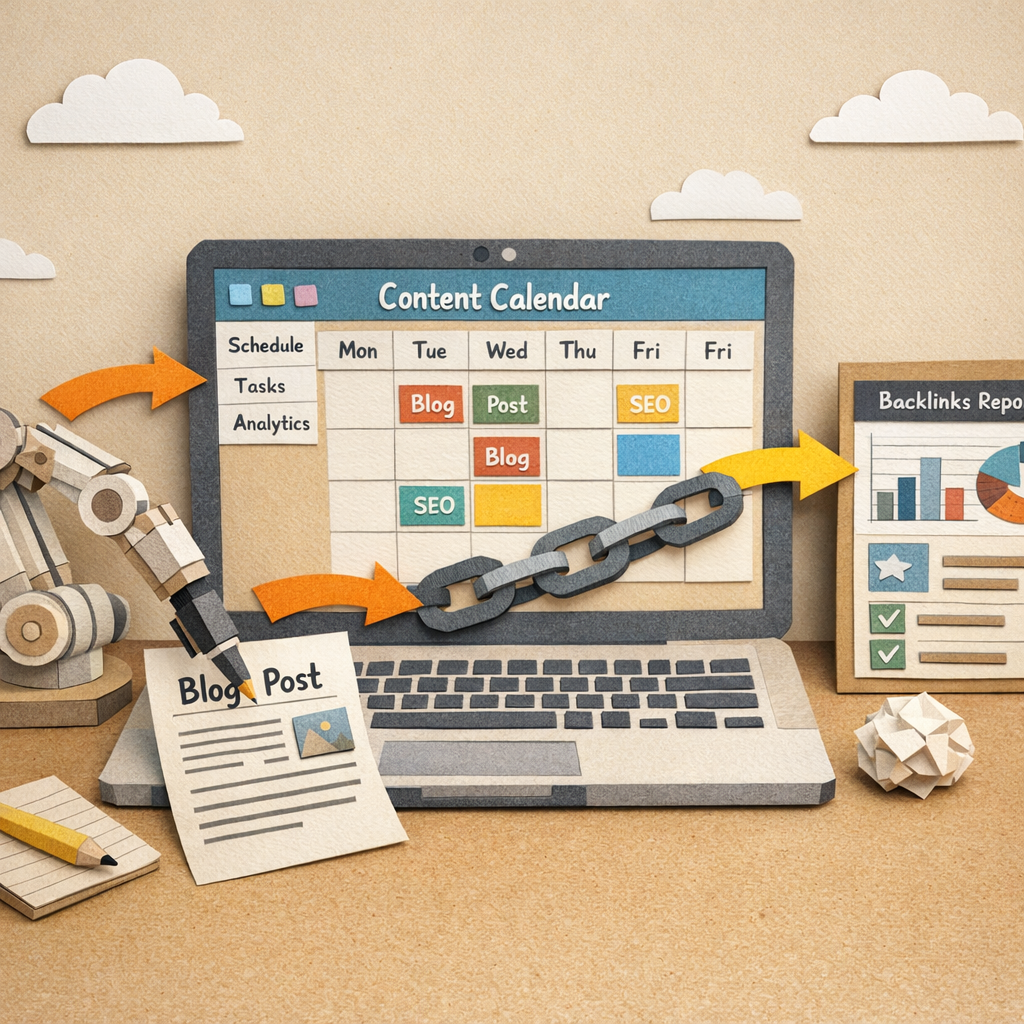
These two jobs get automated together because they fail together. A site that publishes constantly and earns no links plateaus, and a site that builds links to thin pages wastes them. Doing one without the other is the most common way to spend a year on SEO and move nothing.
This is the working version of both, split by what genuinely survives automation and what does not. The second part matters more, because most of the damage in this category comes from automating the wrong step rather than from automating at all.
The rule for what to automate
Automate the repeatable, keep the judgement. Research, formatting, publishing, internal linking, monitoring and reporting are repeatable. Deciding what to say, who to ask and what is true are not.
Every failure mode below is the same mistake: automating a decision rather than a task. Once you have that line, the stack designs itself.
Part one: automating blog writing
Step 1: Automate keyword selection, not topic selection
Pulling search volume, difficulty and current position for a few hundred candidate terms is pure data work and should never be done by hand. Deciding which of those terms your business can credibly write about is not.
The practical split is that a tool produces a ranked list and a person strikes out the rows where you have nothing to say. That review takes ten minutes a month and prevents most of what makes automated blogs read like automated blogs.
Step 2: Automate the brief, write from a source
A brief is assembly: the questions people ask, what currently ranks, the headings competitors use, the word count that fits the SERP. All of that is mechanical and should be generated.
What goes into the draft should not be generic. A draft built from a brief alone produces the average of what already ranks, which is exactly the content that sits at position 15 forever. Feed in something of your own, a number, a customer objection, an opinion you can defend, and the same generator produces something with a reason to exist.
Step 3: Automate publishing and formatting completely

This step has no judgement in it at all and should be fully automated. Push to WordPress, Webflow or Shopify, set the metadata, generate the table of contents, add images, schedule it.
Manual publishing is where content pipelines die. Not because it is hard, but because it is the step that gets skipped when the week is busy, and a finished article sitting in a drafts folder ranks for nothing.
Step 4: Automate internal linking, review the anchors
Finding every published page that should link to a new article is a graph problem and a tool does it better than you will. Deciding the anchor text needs a glance, because automated anchors drift toward exact-match repetition that looks engineered.
Run it on publish and skim the anchors monthly. Our guide to automating internal linking for blog posts covers the mechanics.
Step 5: Keep the final read manual, and keep it short
One person, ten minutes, checking three things: is anything in here factually wrong, does it say something the top three results do not, and does it sound like us. That is the entire quality gate and it is enough.
Longer review processes do not produce better content. They produce less content, which is worse.
Part two: automating backlink building
Step 6: Automate prospecting entirely
Finding sites that link to competitors, pages with dead links, unlinked mentions of your brand and resource pages in your category is all data collection. Nobody should be doing this by hand and tools do it well. Our guide to blog guest posting covers the format that turns most of those prospects into placements.
Automate the finding and the filtering. A prospect list that has not been filtered by relevance and by whether the site is actually alive is a list of ways to annoy people.
Step 7: Automate the sending, never the writing
This is the line that decides whether outreach works. Sequencing, follow-ups, tracking and reply detection should all be automated. The first two sentences of every email should not be. If you would rather buy the outcome than run the sequence, our list of backlink building services covers the vendors and their prices.
Generic outreach at volume has a reply rate close to zero and burns the domains you send from. A personalised opening line that proves you read the page is the whole difference, and it takes ninety seconds a prospect.
Step 8: Automate monitoring, always
New links, lost links, redirect chains and 404s with live backlinks pointing at them. All of this is monitoring and none of it needs a person until something breaks.
Link reclamation is the cheapest link work available and it only happens if something is watching. Set it and check the alerts.
Step 9: Where an exchange network fits

A curated exchange automates the matching and the placement, which is the slowest part of link acquisition. Distribb's backlink exchange places contextual links on real trading businesses in adjacent niches. Our comparison of backlink exchange platforms covers who moderates placements and who does not.
The honest limitation: Google's link spam policy names excessive link exchanges as a scheme, and no wording changes that. It is defensible when placements are contextual, the sites are real businesses, there is no direct reciprocity, and it stays a minority of your profile. It is not a replacement for earning links with something worth citing, and if you are in a category under heavy manual review it is the wrong risk.
What happens when you automate the wrong step
Automating topic choice. Produces a blog about whatever has search volume rather than about your business. Traffic arrives, nobody buys, and the archive is unusable.
Automating the outreach copy. Kills reply rates and your sending domain reputation. This is the single most expensive mistake in the list.
Automating fact claims. Generators invent statistics with total confidence. One fabricated number found by a reader costs more credibility than fifty articles earn.
Automating volume without automating quality control. Publishing 40 thin articles a month teaches Google that your domain produces thin articles. That is a site-level signal and it is slow to undo.
Automating link velocity. A profile that goes from four links a month to two hundred looks exactly like what it is.
A stack that works
| Job | Automate? | What it looks like |
|---|---|---|
| Keyword data | Fully | Tool pulls volume, difficulty, position |
| Topic approval | Never | Ten minutes a month, strike out rows |
| Brief building | Fully | Generated from SERP and PAA data |
| Draft | Partly | Generated from brief plus your input |
| Fact and voice check | Never | One person, ten minutes per article |
| Publishing | Fully | Straight into the CMS, scheduled |
| Internal linking | Fully, review anchors | On publish, skim monthly |
| Link prospecting | Fully | Filtered by relevance and liveness |
| Outreach opening line | Never | Ninety seconds per prospect |
| Outreach sending | Fully | Sequences, follow-ups, reply detection |
| Link monitoring | Fully | Alerts on gained, lost and broken |
How to sequence this
Month one, publishing only. Get articles going out on a schedule with the manual quality gate in place. Do no link building at all.
Month two, internal links and monitoring. Connect the archive and start watching your profile. Still no outreach.
Month three, prospecting. Build and filter the list. Send a small number of genuinely personalised emails.
Month four onward, scale what replied. Add velocity only where you have evidence something works.
Building links to a site with nothing worth linking to is the most common sequencing error, and it wastes the outreach rather than the content.
What this costs in time once running
Roughly two hours a month of judgement: topic approval, article reads, anchor skim, outreach openings and checking alerts. Everything else runs without you.
If it is taking more than that, something that should be automated is not. If it is taking less, you have automated a decision and it will show up as thin content or a bad link profile within a quarter. Our comparisons of blog automation tools and automatic backlink software cover the tooling for each half.
Where to start
Automate publishing first. It is the step with no judgement in it, it is where pipelines actually die, and it is the one that makes everything downstream possible.
If you want both halves running as one system rather than assembling six tools, that is what Distribb does: keyword research, articles written and published into your CMS, internal linking across the archive, and the backlink exchange, with the caveat in step 9 stated rather than buried. For the link half specifically, see how to build a backlink network safely.