Best AI Tool for Writing Articles: 10 Picks


The best AI tool for writing articles depends on what happens after the first draft. Some tools help shape prose; others handle search research, editing, or publishing. Here are 10 options, starting with Distribb.io for teams that want SEO work and publishing in one workflow.
We analyzed 59 comments and questions from Reddit, YouTube and Quora about AI writing tools and found that 25% mentioned using AI as a writing assistant.
1. Distribb.io
Distribb.io is an AI-powered SEO platform that automates keyword research, content creation, publishing, backlink building, and AI-search visibility. It’s best for agencies and businesses that want to move from a search opportunity to a published article without stitching each task together by hand.
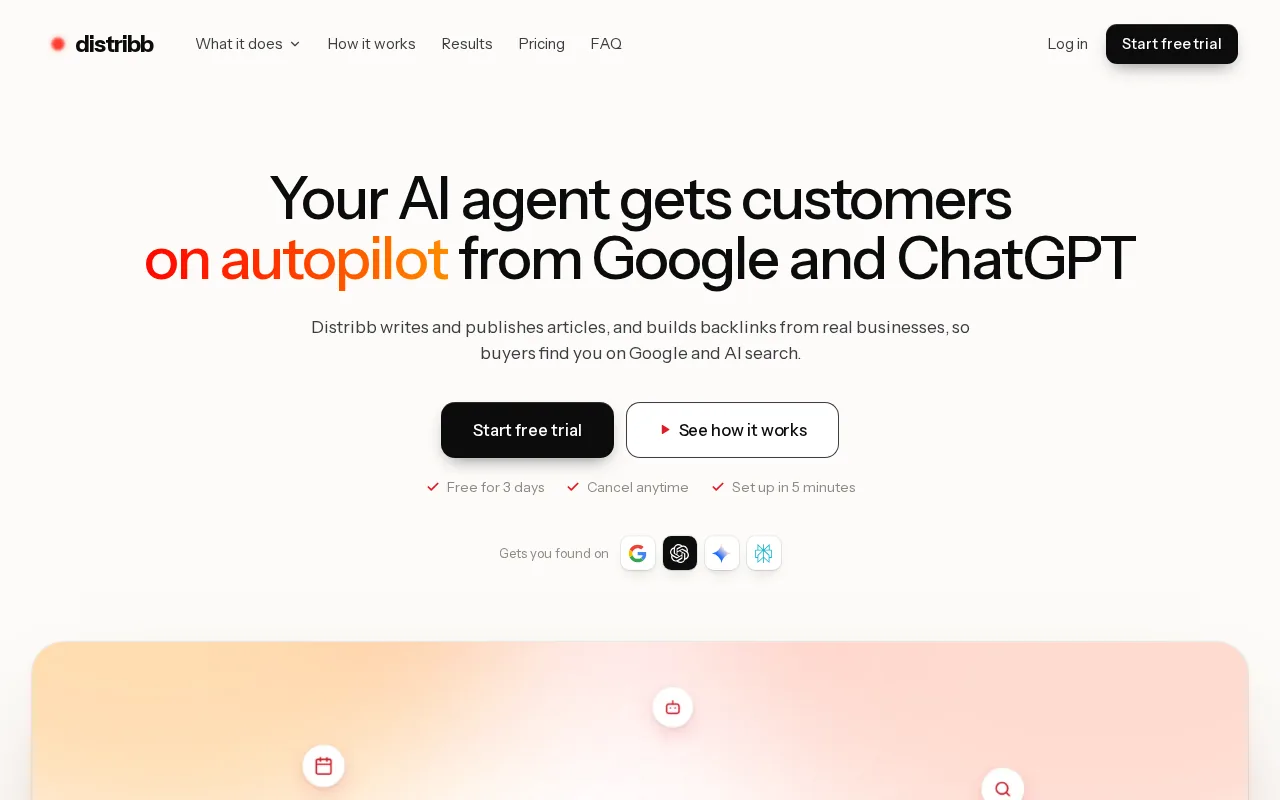
A writing assistant can produce a draft, but a team still needs to choose a keyword, connect the piece to its site, and get it published. Distribb.io brings those steps into one platform, which can reduce the handoff between the person planning content and the person preparing it for the site.
The Pro plan is $97 per month, or $948 per year. Accelerator is $495 per month, or $4,788 per year.
One useful distinction: a generated article is a draft, not proof that the topic is worth targeting or that the article is ready to publish. Keep an editor in the loop for facts, brand claims, and final review. Google says its focus is the quality of content, not whether a person or AI produced it, in its guidance on generative AI content.
If publishing and SEO execution are the parts slowing your team down, Distribb pricing shows the available plans.
2. Claude by Anthropic: natural, structured long-form drafts
Claude by Anthropic writes long, structured text and can handle very long source documents. It’s best for writers and founders who want a natural-sounding first draft and are willing to provide a clear brief and review the result.

For a long article, give Claude the audience, purpose, key points, and desired tone before asking for a full draft. A supplied outline can also help keep the argument on track. The more specific the brief, the less likely you are to get broad statements that could fit any company or topic.
Claude can also help with revision. Ask it to point out a weak claim or confusing passage first. Then decide what to change yourself. That approach keeps the writer’s intent in view instead of letting a new draft replace the original voice.
Plan on an editing pass. A polished-sounding sentence can still contain a wrong fact, a vague example, or a claim the writer can’t support. Use Claude to support editorial work, not as a reason to publish unchecked pages in bulk.
Choose Claude when prose and structure matter more than built-in publishing steps. It’s a writing partner, not a substitute for the editorial brief.
3. Writesonic: researched articles and AI-search visibility
Writesonic combines an AI article writer that researches the web and competitors with features that monitor how a brand appears in AI search. It’s best for marketing teams that want article drafting and AI visibility data in the same platform.
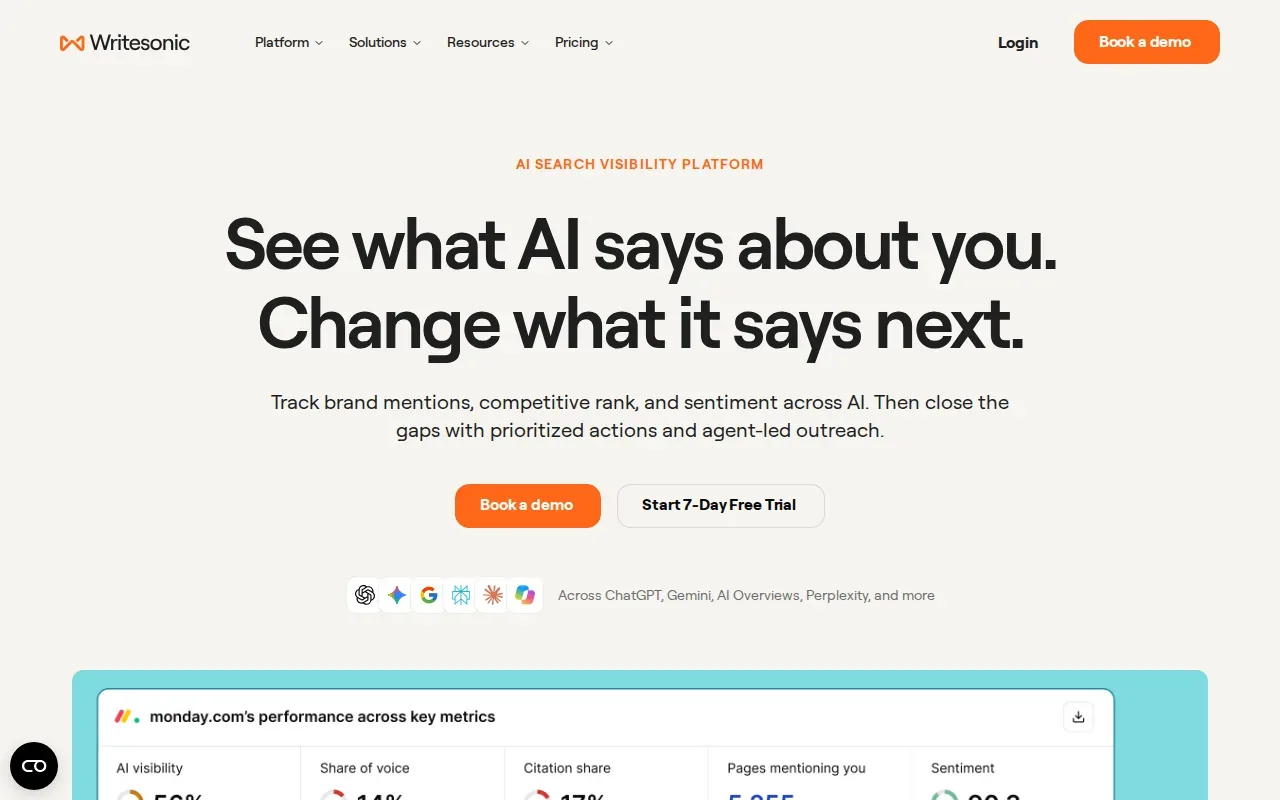
Its Article Writer 6.0 uses real-time web data and can attach citations to a draft. That can give a writer a starting point for checking current claims, rather than relying only on background knowledge in a model. A citation still needs review: check that it supports the sentence, points to a suitable source, and has not been misread.
Writesonic’s AI visibility tracking covers brand appearance across ChatGPT, Perplexity, Gemini, and Google AI Overviews. That makes it relevant when the team’s reporting needs to include more than traditional search rankings. A useful workflow is to track a set of brand-related questions, then use the findings to guide the next round of content planning.
The trade-off is that article writing and visibility tracking are different jobs. Decide which one your team needs most before comparing plans or adding another tool. If your main need is a sourced draft, focus on the research and citation workflow. If it’s visibility reporting, ask what prompts and platforms the team needs to monitor.
Writesonic makes sense when one marketing team owns both article output and AI-search reporting. It’s less compelling if you only need a writing surface for occasional drafts.
4. Frase: search-informed briefs and content planning
Frase studies top search results for a query, pulls out headings, questions, and topics, then turns them into a content brief. It’s best for content strategists, freelance writers, and agencies that need a clear brief before drafting.
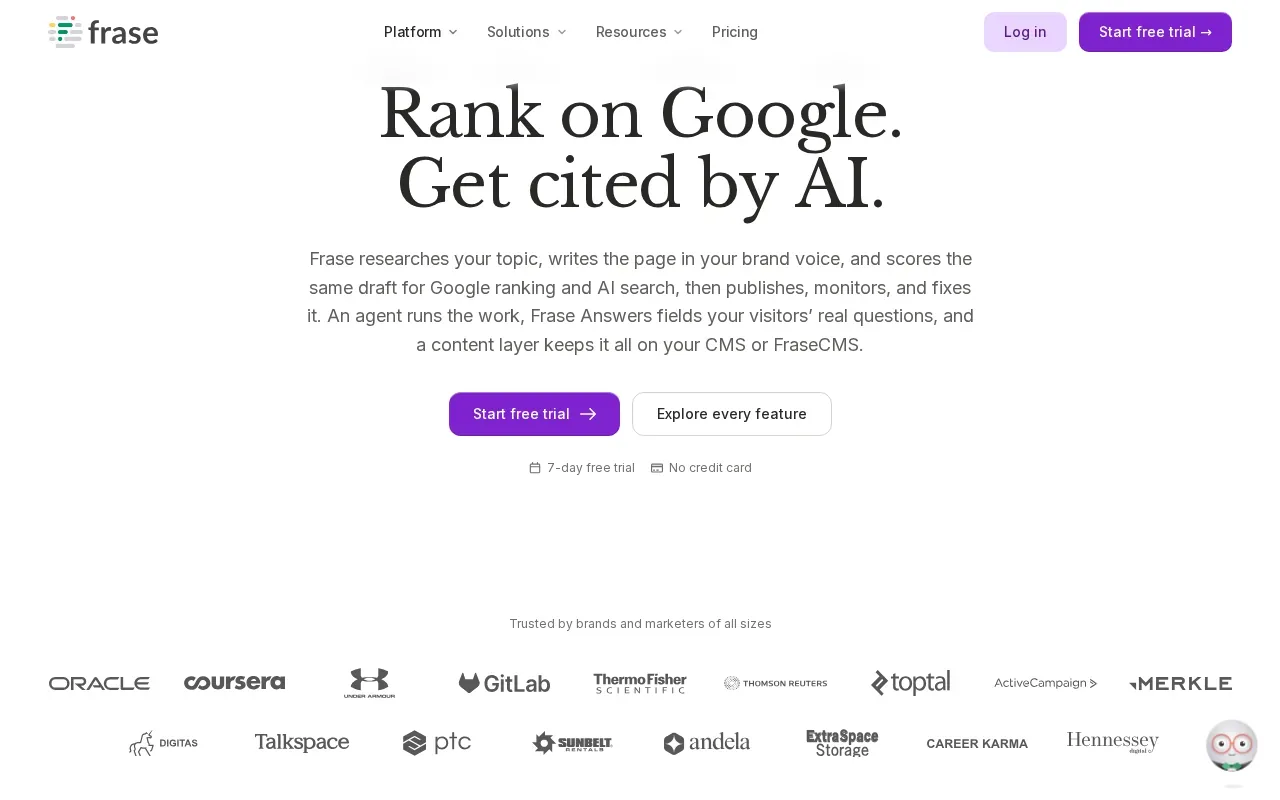
A brief can help a writer see what a search results page covers before starting an article. For example, an editor can check whether the outline addresses the reader’s likely questions and where the article needs its own angle. The goal isn’t to copy competing pages. It’s to understand the subject and plan a useful response.
Frase also covers more than brief creation. Its workflow runs from SEO research to brief, draft, publish, and decay monitoring. That can suit a team that wants a content process with a way to revisit older pages when they lose ground.
But a search-based outline is only a starting point. Search results can surface common subtopics without showing what your own readers need, what your company knows, or which claims need a source. Add first-hand detail and review the brief before handing it to a writer.
Pick Frase when research and briefing are the bottleneck. If the team already has strong briefs but struggles to publish, judge it by the rest of its workflow rather than the outline alone.
5. Gemini by Google: a natural fit for Google Workspace users
Gemini by Google is a strong fit for people who already use Google Workspace apps or pay for Google storage. Its free tier makes it an option for regular drafting and planning inside the apps you already use.

For an article workflow, use Gemini to turn your own notes into an outline or to draft a section from a clear brief. A Workspace-based team may also find it easier to keep writing work near the documents it already uses. The value depends on how closely the tool fits the team’s existing habits.
Don’t treat a confident answer as a source. Check claims against primary material, especially when an article includes dates, prices, product details, or technical guidance. Keep the source links with the draft so an editor can verify the claim without rebuilding the research trail.
Gemini is a sensible choice when the work already lives in Google’s tools and the free query allowance fits the task. If you need dedicated SEO research or automated publishing, compare the rest of the workflow before settling on a general assistant.
6. Rytr: low-cost help for short-form copy
Rytr is aimed at short-form writing on a small budget. Its free plan generates 10,000 characters a month across 40 use cases, making it best for people who need occasional marketing copy rather than a full article-production system.
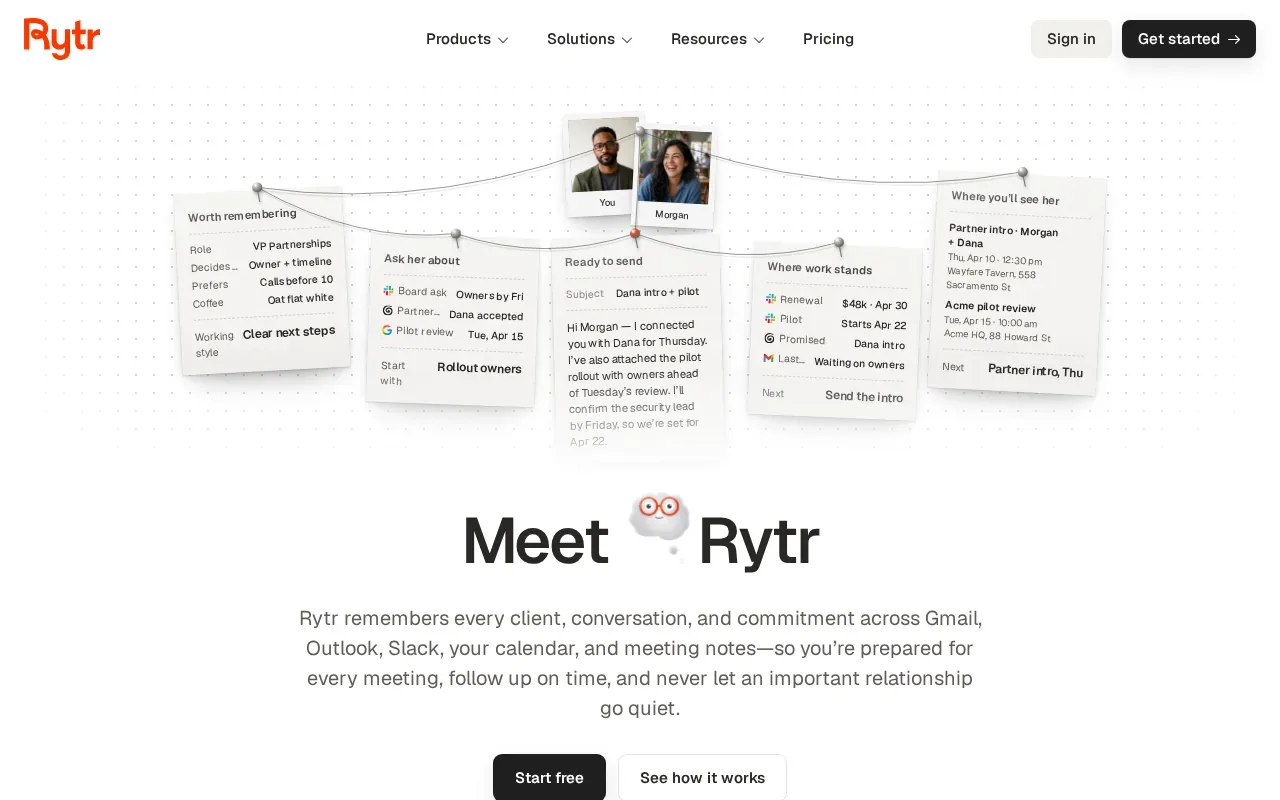
That character limit is easier to use for small jobs than for long articles. Try it on a product description, a short email, or an alternate headline. Then read the result beside the facts and tone guidance you supplied. A short draft can still need a careful edit if it describes a product or makes a promise to customers.
Rytr works best as a quick writing aid. It can help someone get past a blank page or make a first version of a short message. It shouldn’t be judged by raw output volume alone. Track whether the text you accept saves time after edits, rather than counting how many versions the tool generates.
Choose Rytr when low-cost short copy is the main job. If you need long articles supported by keyword planning and publishing, look at a tool built around more of that workflow.
7. Koala AI: researched posts for solo affiliate bloggers
Koala AI is an AI writer and SEO agent with real-time research built in. It’s best for solo affiliate bloggers publishing a few posts each week on a tight budget. Paid plans start at $25 a month (Starter), and new accounts get 5,000 free words to try it.
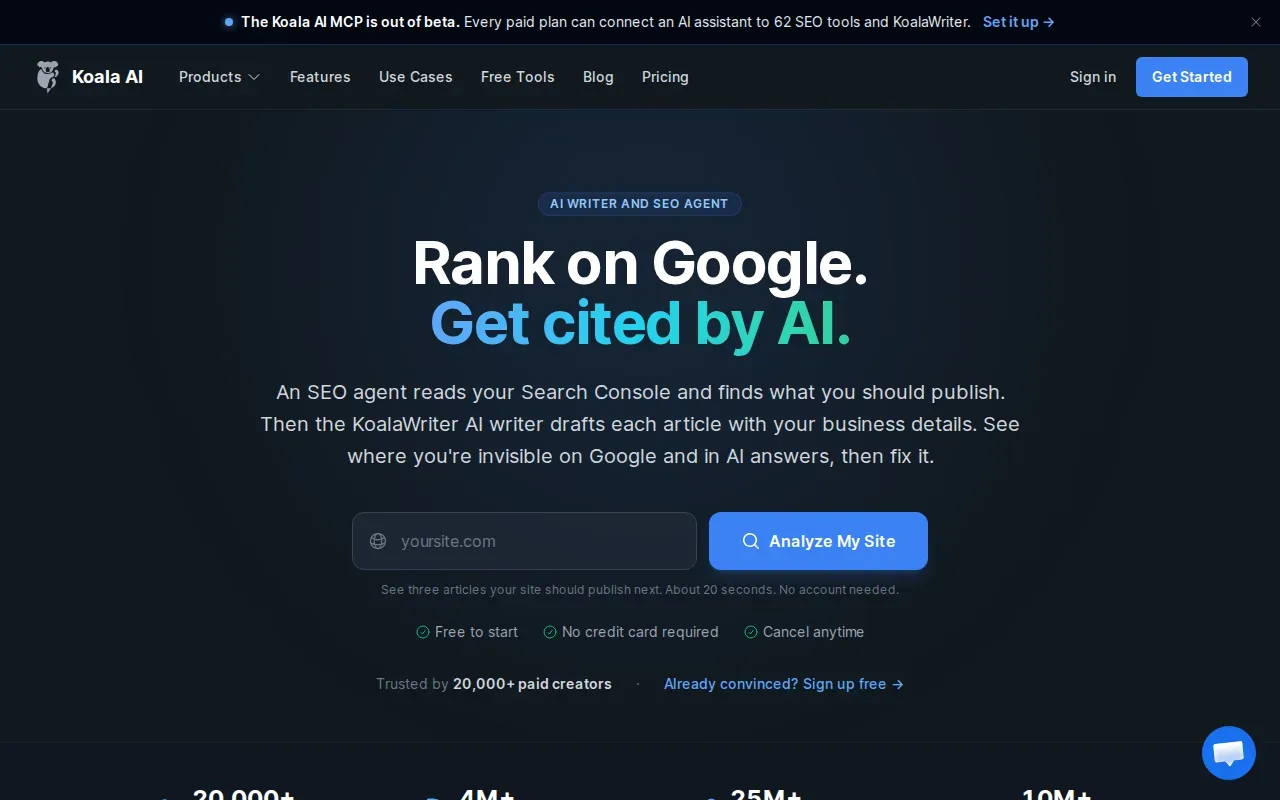
Its agent can plan from Search Console data. KoalaWriter can then write on-brand articles, and the workflow can publish to a CMS in one click. That sequence is useful for a solo publisher who wants planning and publishing connected to article production rather than split across separate tasks.
Before relying on a researched draft, inspect the sources behind factual statements. Affiliate articles often depend on precise product details and comparisons. Confirm those facts against the source material you trust, and remove claims that you can’t verify.
Koala AI fits a lean publishing routine, especially when Search Console data informs the content plan. Check whether the workflow fits your review process before using it for a high volume of pages.
8. RankPill: long articles with publishing automation
RankPill writes articles over 3,000 words in a brand voice, adds images and links, then publishes to a site. Its integrations include WordPress, Shopify, Webflow, Wix, Framer, Ghost, Notion, Zapier, webhooks, and more.
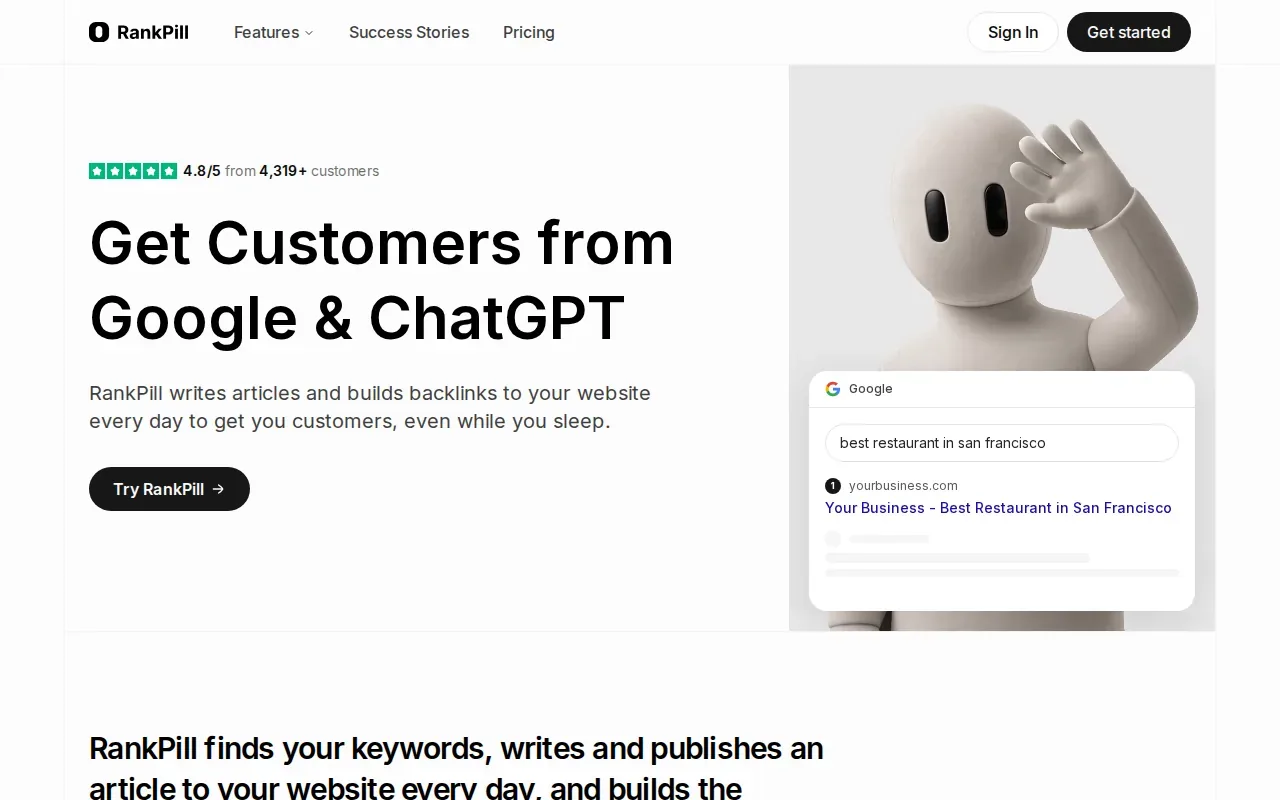
That combination suits teams that want long drafts connected to a publishing workflow. It can reduce manual transfer between a writing tool and a content management system. The integrations also give teams several ways to connect the publishing process to existing systems.
RankPill sells one plan at $99 a month, with one article a day and 30 backlink credits. Check the article allowance against the number of articles and revisions you expect to need.
RankPill is worth considering when long articles and publishing automation are the central needs. If your workload changes month to month, map the expected credit use before choosing a plan.
9. Sorank: keyword planning through article publishing
Sorank analyzes a site and its competitors, finds keywords, plans an editorial calendar, then writes and publishes articles on autopilot (20, 60 or 120 a month, depending on the plan). It’s best for small businesses, e-commerce sites, SaaS teams, and agencies that want their blog workflow to run with less manual writing and uploading.
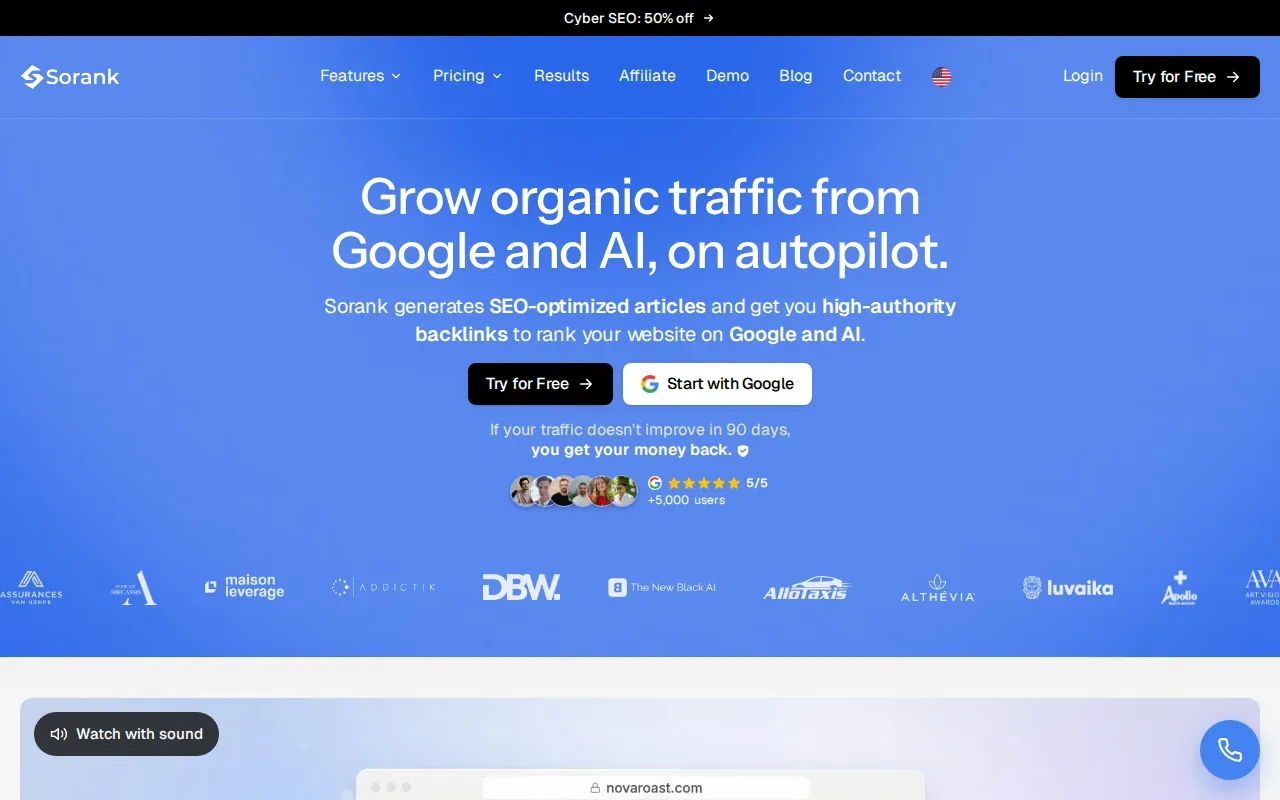
Its article workflow includes images, automatic internal linking, anti-cannibalization, fact checking, FAQs, and structured data. Those features reach beyond drafting, so the team can think about how an article fits the wider site as well as the copy itself.
Sorank has a three-day free trial. Use that time to check whether its keyword choices fit your business and whether the review process gives editors enough control. A publishing cadence is not a quality test. Each article still needs a clear purpose and a final check before it goes live.
Choose Sorank when a steady publishing schedule is the goal. If your team publishes less often but spends more time on each page, a brief-led or editor-focused tool may be a closer fit.
10. Grammarly: editing, tone, and everyday business writing
Grammarly is best for editing, tone control, and everyday business writing. Its free plan includes 100 AI prompts a month, and it works inside the applications where people already write.
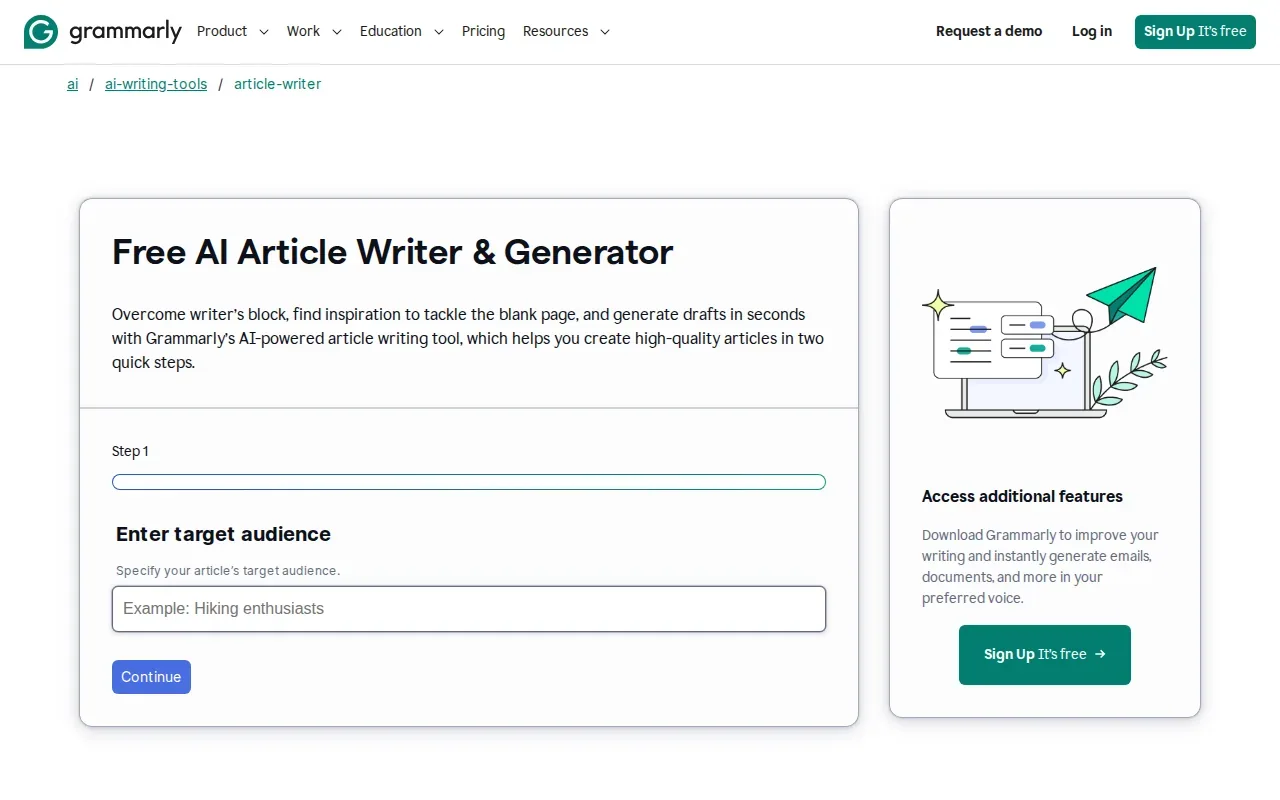
That makes it useful at the editing stage. A writer can review a draft for clarity and tone without moving the whole document into a separate writing tool. This is especially handy when several people contribute to the same article or when the final copy moves between documents, email, and a publishing system.
Grammarly is not the same kind of tool as a keyword planner or an article publisher. Use it to improve the draft in front of you, then check the facts and search intent with the appropriate sources and processes. Its Pro plan is $12 a month.
Pick Grammarly when existing drafts need a steady editing pass. It can support an article workflow, but it doesn’t replace topic research or a publishing plan.
Compare the 10 AI Article-Writing Tools
The useful comparison isn’t only about which tool can produce text. It’s about where each one fits: planning, drafting, research, editing, or getting the finished page onto a site.
| Tool | Best fit | Standout workflow | Price or free access noted |
|---|---|---|---|
| Distribb.io | SEO teams and businesses | Keyword research through publishing and backlink building | Pro $97/month; Accelerator $495/month |
| Claude by Anthropic | Long-form drafts | Structured prose from a detailed brief | Free tier |
| Writesonic | Marketing teams | Web-researched articles plus AI visibility tracking | See website |
| Frase | Content strategists and agencies | Search results into briefs and content workflow | See website |
| Gemini by Google | Google Workspace users | Drafting inside Google’s apps | Free tier |
| Rytr | Short-form copy on a budget | 40 use cases and 10,000 characters monthly on free plan | Free plan |
| Koala AI | Solo affiliate bloggers | Search Console-based planning through CMS publishing | Starter $25/month; 5,000 free words to start |
| RankPill | Long articles and publishing | 3,000+ word drafts with images, links, and CMS publishing | See website |
| Sorank | Teams seeking a steady article workflow | Keyword planning, writing, and publishing | Three-day free trial |
| Grammarly | Editing and tone | Writing support inside everyday applications | $12/month; free plan with 100 AI prompts |
Prices and free access aren’t directly comparable across these tools. Some figures describe a monthly subscription, while others describe a free usage cap or trial. Check the current plan details and the exact limits that apply to your workflow before paying.
Match an AI Writer to Your Article Workflow
Start with the part of article work that keeps slipping. If no one has time to choose topics or maintain a publishing schedule, a drafting-only tool may add another document without fixing the delay. Distribb.io fits teams that want SEO planning and publishing in one workflow.
If your bottleneck is the first draft, choose based on the kind of writing you do. Claude suits long-form prose. Writesonic brings web research and AI visibility tracking into the same platform. Rytr is aimed at brief copy, while Grammarly works best as an editing layer on documents you already have.
For a search-led editorial process, Frase can help turn ranking pages into a brief. For a solo publisher who wants planning tied to Search Console and CMS publishing, Koala AI is a closer match. Sorank focuses on a daily publishing routine, while RankPill connects long articles to site publishing.
Before committing, test one article that resembles your normal work. Give the tool a real brief and sources. Review the output for factual accuracy, coherence, readability, and whether it answers the reader’s question. Note how much editing it takes and whether the tool fits your WordPress, Google Docs, or other existing handoffs. That tells you more than a polished demo.
Keep the human review step: the tool can draft, but your team is responsible for what the final page claims.
Frequently Asked Questions
What is the best AI tool for writing articles?
The best choice depends on the work you need it to do. Distribb.io fits teams that want SEO research and publishing in one workflow. Claude is a strong fit for long-form drafts, while Frase helps with search-informed briefs. If your main need is editing, Grammarly may fit better than a drafting tool.
Can AI write a full article for me?
Yes, several tools in this list can draft full articles or support a long-form workflow. RankPill writes articles over 3,000 words, while Claude handles long, structured text. Review every draft for accuracy, original insight, and fit with your audience before publishing. A complete draft is not automatically a ready-to-publish article.
Which AI writing tool is best for SEO articles?
For a workflow that connects SEO work to publishing, consider Distribb.io. Frase is useful for turning search results into a brief, and Writesonic combines article writing with AI visibility tracking. The right fit depends on whether your main gap is keyword planning, drafting, optimization, or publishing.
Are AI-generated articles accurate?
AI-generated articles can contain errors, so check claims against reliable sources before publishing. Pay close attention to dates, prices, product details, and statistics. Keep source links in the working draft so an editor can trace each claim. Treat citations attached to a draft as leads to verify, not automatic proof.
Is there a free AI tool for writing articles?
Yes. Claude and Gemini have free tiers, and Rytr’s free plan includes 10,000 generated characters each month. Grammarly includes 100 AI prompts on its free plan. Check each tool’s limits against the work you plan to do.
Conclusion
If your team needs more than a draft, start with Distribb.io and see whether its SEO-to-publishing workflow fits your site. Review Distribb pricing and the free trial, then test the process with one article before making it part of your regular publishing plan.