
Most sites miss more than half of the backlink chances that could double their organic traffic. Distribb's backlink exchange exists for exactly that gap, connecting real businesses that have agreed to link to each other.
That gap shows up when you compare your link profile to rivals and see dozens of relevant sites you never reached. A backlink gap analysis spots those missing pieces fast. Some of those gaps close faster through agreement than through outreach, which our comparison of backlink exchange platforms covers.
If you’ve ever felt stuck watching competitors rank higher, you know the frustration of guessing which sites to chase.
In this guide you’ll learn how to audit your current links, find the exact gaps, and turn them into real referral traffic without wasting time on low value outreach.
We’ll walk through the tools, the data you need, and a simple step by step process you can start today.
Platforms like Distribb make the whole workflow smoother by pulling competitor link data, suggesting targets, and letting you track each earned link from one dashboard. Where those platforms actually differ is compared in our roundup of backlink builder software.
By the end you’ll have a clear list of high impact sites to approach, so you can close the gap and watch your rankings climb.
For digital marketing managers in small to mid sized firms, fixing the gap can mean the difference between a flat line and a steady rise in leads, all without hiring a full time link builder.
Step 1: Gather Your Competitor Backlink Profiles
First, list the sites that rank higher than you for the keywords you care about. Pull a SERP snapshot, copy the URLs, and note which ones you’d like a link from. It feels like a treasure hunt, but the map is right in front of you.
Next, grab the backlink data for each rival. You can use a tool that crawls their link profile and spits out a spreadsheet. Platforms like Distribb let you import a list of competitor domains and then automatically fetch the link sources. It saves you from opening a dozen SEO consoles. Keeping that profile current afterwards is a separate job, covered in our roundup of backlink monitoring tools.
Look for patterns. Do a lot of your foes get links from industry blogs, news sites, or niche forums? Those are the places you should target. Write them down in a simple table: competitor, linking page, domain authority, relevance score.
Tip: filter out low‑quality links. A link from a spammy site can hurt more than help. Focus on sites that have real traffic and are related to your niche.
Want a quick way to set this up? Check out automate SEO competitor analysis for a step‑by‑step walkthrough.
While you’re building your list, consider other AI tools that can boost your workflow. For example, an AI language tutor helps you polish outreach emails in dozens of languages, so you can reach global prospects without extra hassle.
Here’s a short video that walks through the data pull process:
Once you have a clean list, you’re ready for the next step: matching those gaps to your own content ideas and outreach plan.

Step 2: Map Your Own Backlink Landscape
Now that you have a raw list of competitor links, it’s time to turn that list into a map of your own backlink world. Think of a map as a visual checklist of where you already stand and where the gaps hide.
Start by pulling the list into a spreadsheet. Add columns for "Domain Authority", "Traffic Estimate", and "Topic Match". If a site links to a competitor’s blog about "remote work tools" and you also write about remote work, that’s a high-match prospect.
Next, score each row. Give a point for relevance, another for traffic, and a third for how often the page links out. A site that links out ten times a month is worth more outreach than one that rarely links.
Real-World Example
Imagine you run an e-commerce shop that sells eco-friendly kitchen gear. Your spreadsheet shows a popular lifestyle blog that has a monthly traffic of 120k and frequently links to sustainable product round-ups. That blog lands a score of 8 out of 10 - a clear target.
Another site, a niche forum with 5k visitors, also mentions similar products but only links out once a quarter. That one scores a 3 - you might save it for later.
Tip: Use filters to pull out all rows with a score of 7 or higher. Those are the "quick win" spots you should reach out to first.
When you’ve narrowed the list, add a column for "Outreach Angle". Reference a piece they’ve already linked to and explain why your new article is a better fit. Personal touches raise reply rates. If you would rather the placement ran on a system than on outreach angles, our list of automatic backlink software covers those tools.
To keep the process lean, check out How to Streamline Your Workflow with an Automate SEO Readiness Checklist. It shows how to set up rules that auto-fill those score columns.
Finally, remember you don’t have to do everything alone. If you need a language-learning boost for your global outreach team, ChickyTutor offers AI-driven language tutoring. And when you’re ready to hire a dedicated link-builder, Get Recruited can connect you with SEO talent.
Step 3: Identify Missing Opportunities with a Video Walkthrough
Grab a screen recorder and walk through the pages where you want a link. Seeing the page in motion shows the exact spot a link would fit best.
Start with the pages that scored 8 or higher in your gap sheet. Play the video while you point out the headline, the call-to-action, and any related images. This lets you spot gaps a plain list hides.
Tip: pause at every outbound link the page already has. Ask yourself if your content could replace or add to that link. If the page links to a product roundup, suggest your own guide as a fresher option.
Next, add a "Video Note" column to your spreadsheet. In each row, write a quick timestamp and a one-sentence reason why your link belongs there. This turns a vague idea into a clear ask you can copy into an outreach email.
Real-world example: a lifestyle blog about sustainable kitchen gear had a video tutorial on compostable wraps. By recording a short walkthrough, you showed the editor how a link to your reusable storage jars would sit right after the tutorial step. The editor replied “nice idea” and added the link the next day.
Want a tool that automates the recording and adds timestamps for you? Check out How to Automate SEO Competitor Analysis for Smarter, Faster SEO Wins. It can pull the page, capture a video, and dump the notes straight into your gap sheet.
When you send the outreach, paste the timestamp and a screenshot from the video. It shows you did the work and makes the ask feel real.
Step 4: Prioritize Gaps Using a Comparison Table
Now that you’ve filmed the missing spots, you need a way to see which ones matter most.
Grab a fresh sheet and set up a simple table. In the first column list the page you want a link from. In the second column add the domain authority or traffic metric you pulled earlier. The third column is a “fit score” – give a point for relevance, a point for traffic, a point for how often the page links out. The last column is a priority flag (high, medium, low).
Here’s how to fill it in:
- Sort the rows by the total fit score.
- Filter out any site below a DA of 30 (or whatever threshold you set).
- Mark the top scoring rows as “high”. Those are the gaps you should chase first.
Real world example: a lifestyle blog about sustainable kitchen gear had a page with DA 38, traffic 120k and three outbound links per month. It scored 8 out of 10, so it landed in the high bucket and you sent a personalized pitch the next day.
Another case: a niche SaaS forum with DA 22 and only one link per month scored 4, so you put it in the low bucket and revisit it later.
Tip: if you use Distribb’s dashboard, you can export the raw data and let the platform auto fill the authority column, saving you a few clicks. How to Effectively Use an Automated Backlink Outreach Tool for SEO Growth shows a quick setup.
| Target Site | Domain Authority | Fit Score | Priority |
|---|---|---|---|
| Sustainable Kitchen Blog | 38 | 8 | High |
| Tech SaaS Forum | 22 | 4 | Low |
| Industry News Portal | 45 | 7 | Medium |
Research shows that a handful of high quality links often outperforms dozens of low quality ones, so focusing on the high bucket saves time.
Once you’ve marked the high rows, start outreach with a tailored email that references the exact spot you saw in the video. Keep track of replies in your spreadsheet and move the row to “in progress” as soon as you hear back.
A quick audit each quarter keeps the table fresh and catches new opportunities before competitors snap them up and helps you stay ahead.
Step 5: Execute Outreach and Track Results
Now you move from a tidy sheet to real inboxes. Ahrefs guide shows a simple template that keeps all details in one place.
First, write a short email that points to the exact spot you noted. Name the page, the line where the link fits, and why your article adds value. Keep it under 150 words. Example: “I saw your sustainable kitchen tools roundup and think my guide on zero‑waste storage jars fits right after the compostable wraps section.”
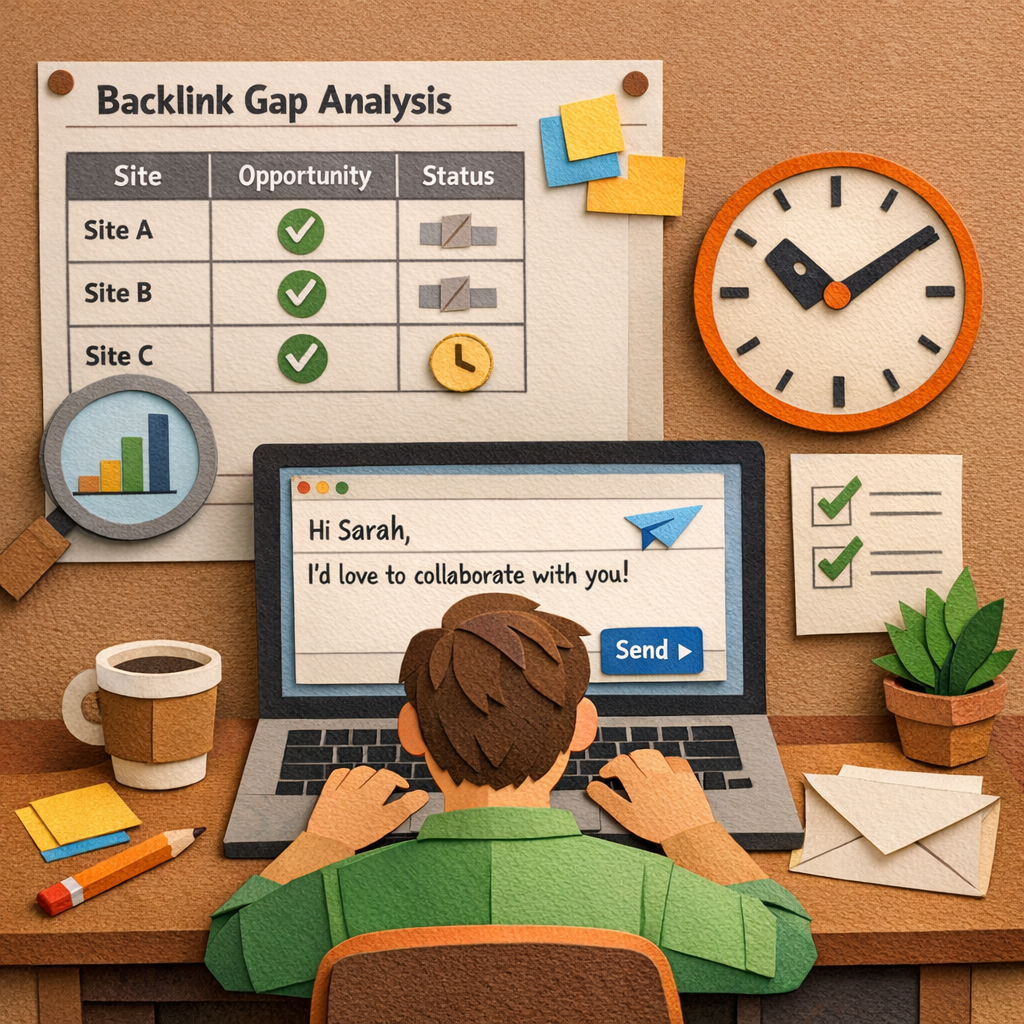
Next, log each pitch. Add columns for Sent, Replied, Link Placed and Follow‑up Date. When a reply lands, move the row to In progress. If it’s a no, set a reminder for a follow‑up in five days.
Use a cadence: first reminder after 3‑4 days, second after a week. If you still hear nothing, mark the prospect Low priority. This stops you chasing dead ends.
Finally, measure what matters. Calculate reply rate (replies ÷ emails sent) and placement rate (links placed ÷ replies). Update the sheet monthly and run a quarterly audit to find new high‑score sites and drop stale ones.
Track your progress in a simple dashboard. Mark each link as live once Google indexes it. Watch the traffic lift over the next weeks and note which outreach angle got the best response. Adjust your template based on those wins.
Serpzilla notes that targeting domains that link to multiple competitors gives the highest chance of a quick win. Keep those at the top of your list.
Conclusion
You made it. You now know how a solid backlink gap analysis can turn missing links into traffic wins.
The biggest win is keeping the list alive – add new competitors each month, drop stale sites, and tweak your outreach angle after each reply.
A quick health check every quarter keeps the effort focused. Spot the high‑score pages, fire off a fresh email, and watch the index lift in a few weeks.
Remember, the process works best when you treat each prospect like a real conversation, not a bulk blast. One tailored note beats ten generic pitches.
Ready to put the steps into motion? Grab your spreadsheet, set the cadence, and let the results speak for themselves. Your next link is just an email away.
Stick with it, and the gap will shrink while your rankings climb.
You’ll see more referral traffic and fewer blind spots in your link profile.
FAQ
What is a backlink gap analysis?
A backlink gap analysis is a quick check that compares the links pointing to your site with those pointing to your top rivals. It shows you which high‑value domains link to competitors but not to you, so you can chase those missed chances. Think of it as a map of where your link profile is thin and where the easy wins sit.
How often should I run a backlink gap analysis?
Most small‑to‑mid‑size teams find a quarterly run works best. In three months you’ll have new content, fresh competitor wins, and any lost links showing up. Running it more often can feel like busy work, while waiting a year lets gaps grow big. Set a calendar reminder, pull the data, score the gaps, and update your outreach list before each new content cycle.
What tools can I use for backlink gap analysis?
Tools like Moz’s Link Intersect, Ahrefs Site Explorer, and SEMrush Gap Report pull competitor link data and flag missing domains. They give you authority scores, anchor text, and traffic hints in a spreadsheet you can sort. If you prefer a hands‑off option, Distribb’s AI engine can pull the same data and add it to a live dashboard, so you never lose track of new chances.
How do I prioritize the gaps I find?
Start by scoring each prospect on relevance, traffic, and how often the page links out. Give a point for each factor, then sort by total. Focus first on sites with a score of seven or higher – they’re the low‑hanging fruit that already trust your rivals. Add a quick note on why your piece fits, then draft a short, personal email.
What’s the best way to outreach after I spot a gap?
Pick the exact spot on the competitor page where a link would sit, then copy that line into your email. Mention the headline, the anchor text you’d use, and why your content adds value. Keep the note under 150 words, use the prospect’s name, and include one quick reference to a piece they already link to. Personal touches lift reply rates dramatically.
How can I track the success of my backlink gap analysis?
Create a simple table with columns for Sent, Replied, Link Placed, and Index Date. After each win, mark the date Google first shows the link in search results. Pull traffic numbers from your analytics tool to see the lift on the linked page. Review the table every quarter and refresh the gap list with any new competitor links you spot.